UP
Radu Tyrsina

Radu Tyrsina

Latest articles by Radu Tyrsina

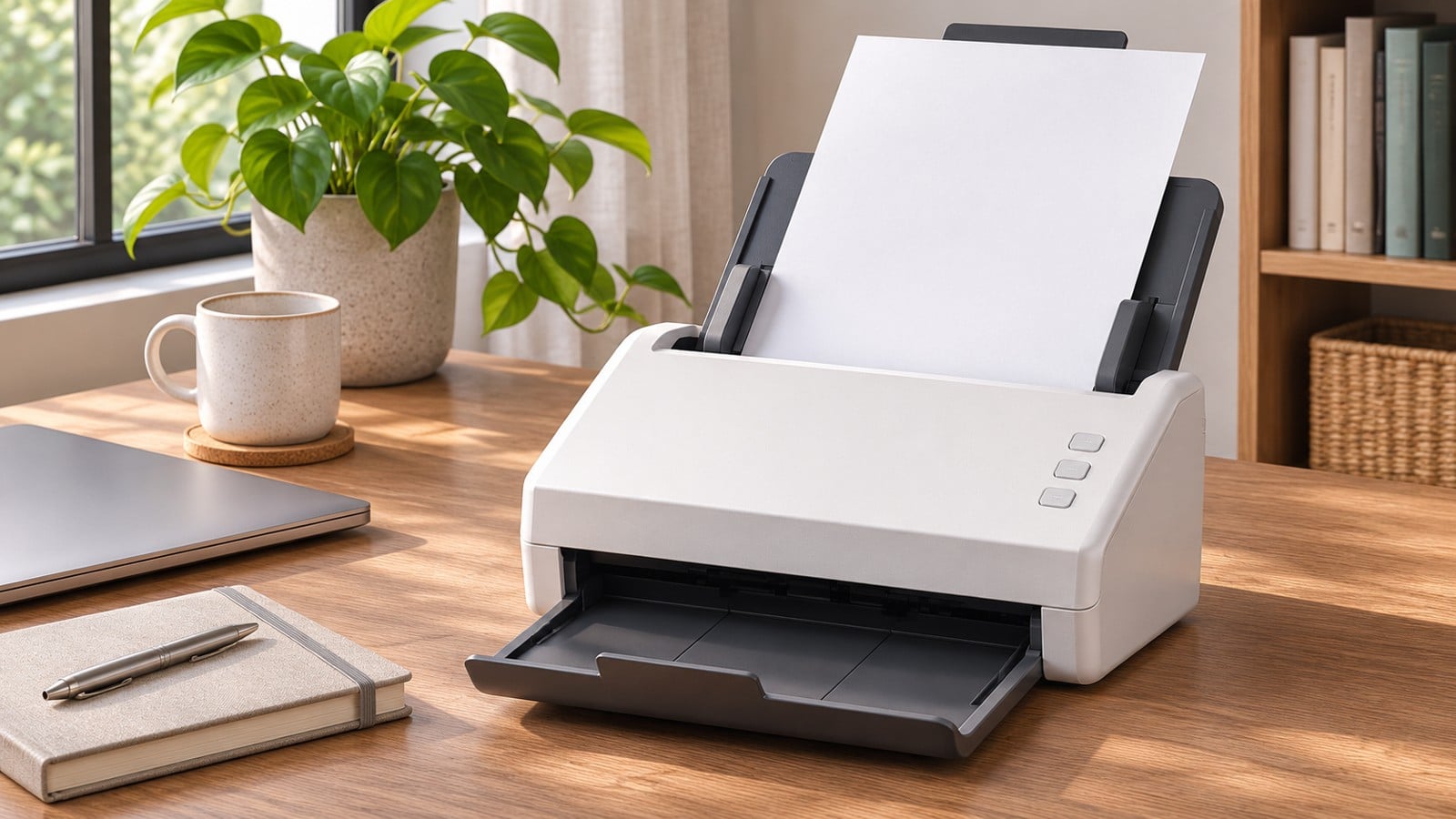
ScanSnap iX1600 will not connect on Windows? Check Wi-Fi and the selected computer

ScanSnap iX1600 will not connect on Windows? Check Wi-Fi and the selected computer

If the ScanSnap iX1600 reports that the device is not responding, first check whether it has a network address, then whether the selected scan profile points to the intended computer. A working Wi-Fi connection does not guarantee the right destination profile. Check the scanner’s network Open the ADF cover to power on the scanner.On its touchscreen, open Wi-Fi settings and check Access point connection.Confirm
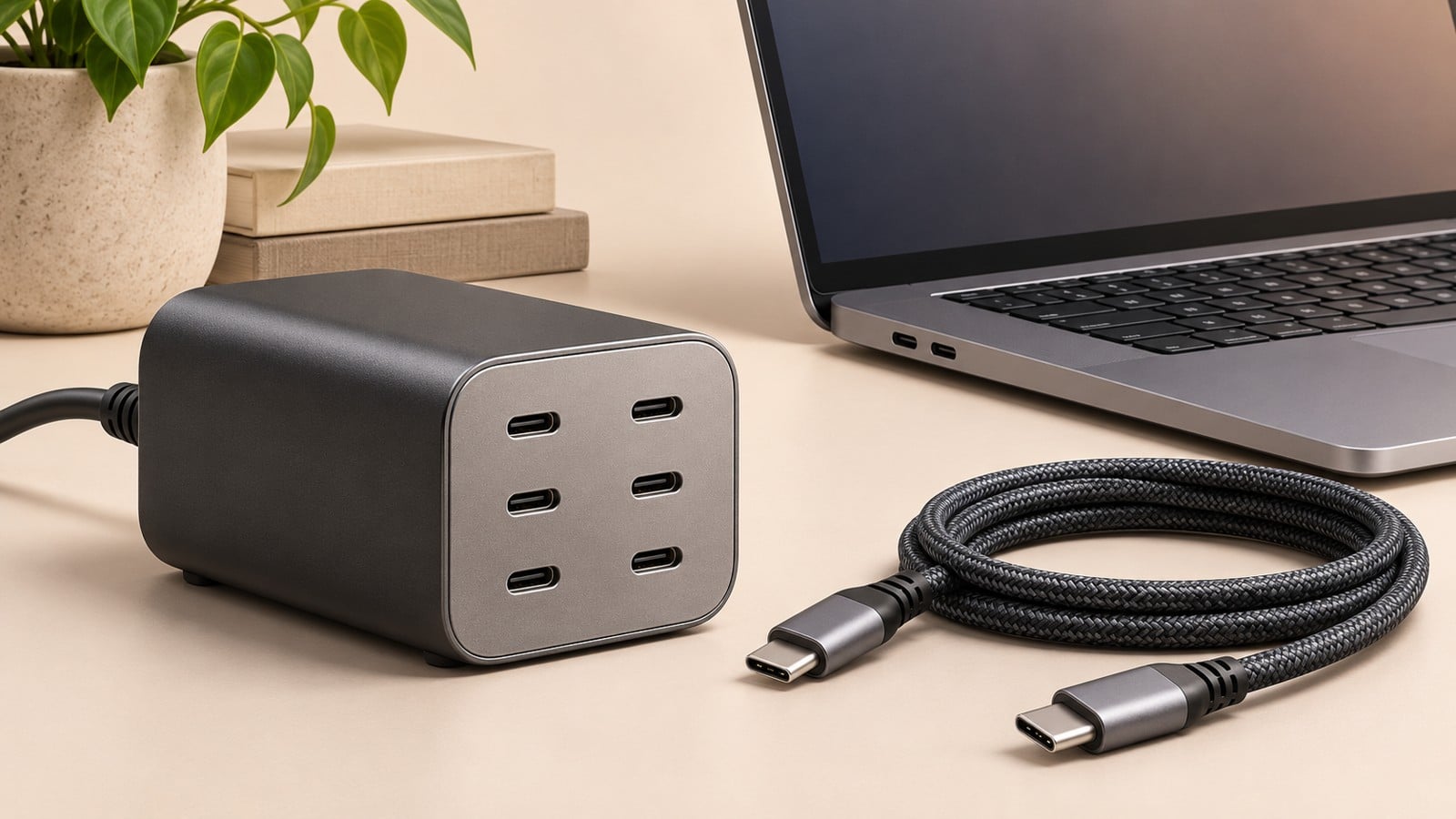
Anker Prime A2345 not reaching 140W? Use USB-C1 and the right cable

Anker Prime A2345 not reaching 140W? Use USB-C1 and the right cable

On the six-port Anker Prime A2345 desktop charger, only USB-C1 supports up to 140W. USB-C2, C3, and C4 have a 100W single-port ceiling. Check the port before interpreting a lower reading as a fault. Check the complete 140W combination Connect the device to USB-C1.Use a cable rated for 140W or more.Confirm that the device accepts the required charging mode; C1’s 140W profile is 28V/5A.Temporarily
Sony WH-1000XM5 microphone not working in Windows calls? Check the app input

Sony WH-1000XM5 microphone not working in Windows calls? Check the app input

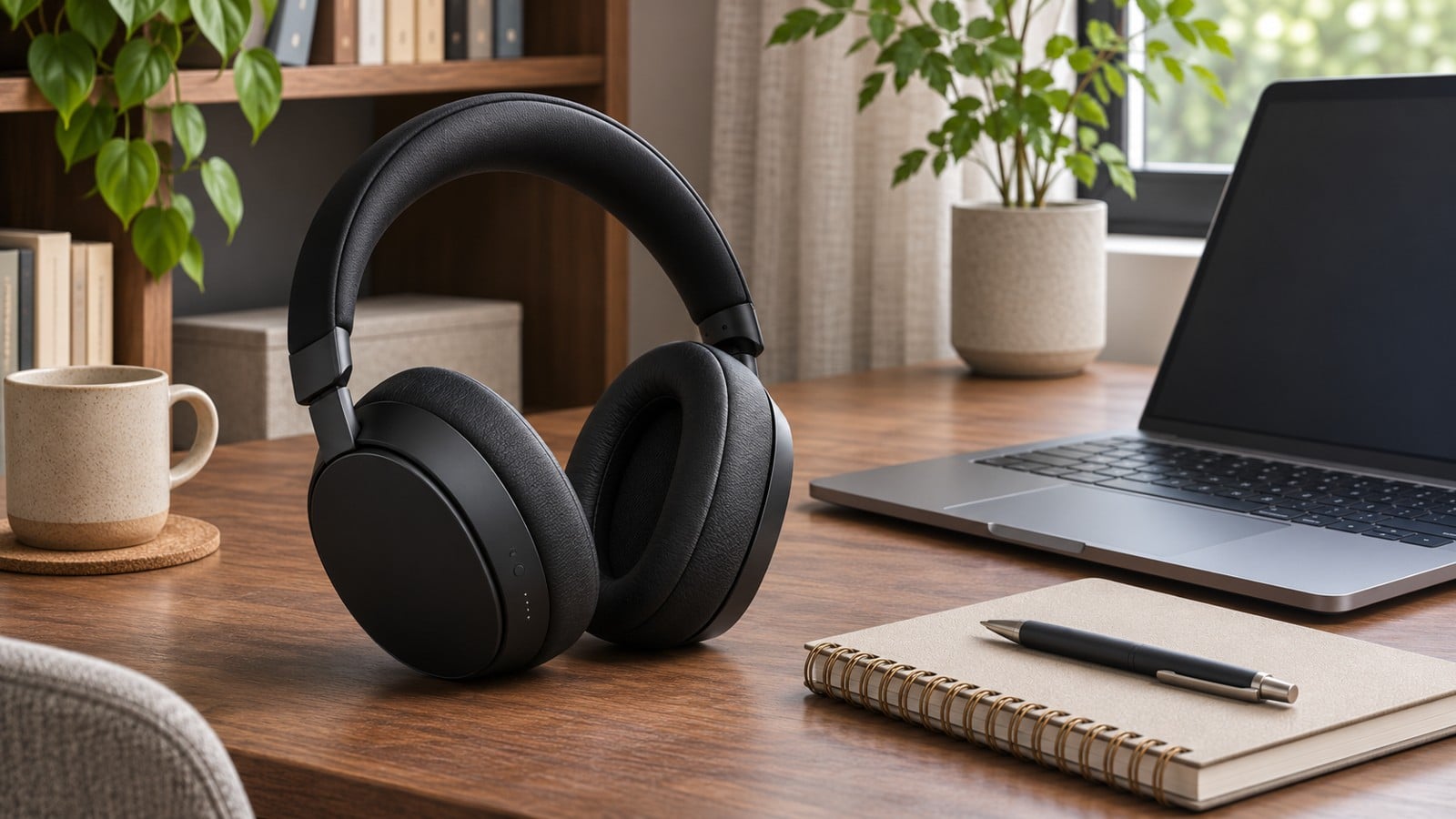
If your WH-1000XM5 plays music but its microphone does not work in a Windows call, check the calling app’s microphone selection. Playback alone can use the A2DP path, while a headset call uses HFP/HSP. A working music connection therefore does not prove the app has selected the headset microphone. Select the headset inside the calling app Pair the WH-1000XM5 with the computer over Bluetooth.Open
Deco BE85 main unit is solid red? Check the internet connection

Deco BE85 main unit is solid red? Check the internet connection

A solid-red main Deco BE85 indicates an internet connection failure. Start with the connection from the main Deco to the ISP equipment. This procedure concerns the main unit; a satellite’s connection problem needs its own diagnosis. Check the router-mode layout Identify the main Deco in the app.Check that its Ethernet cable to the modem is fully seated and undamaged.In router mode, confirm that only
NETGEAR CM3000 multigig setup: Use the 2.5Gbps port and a matching WAN port

NETGEAR CM3000 multigig setup: Use the 2.5Gbps port and a matching WAN port

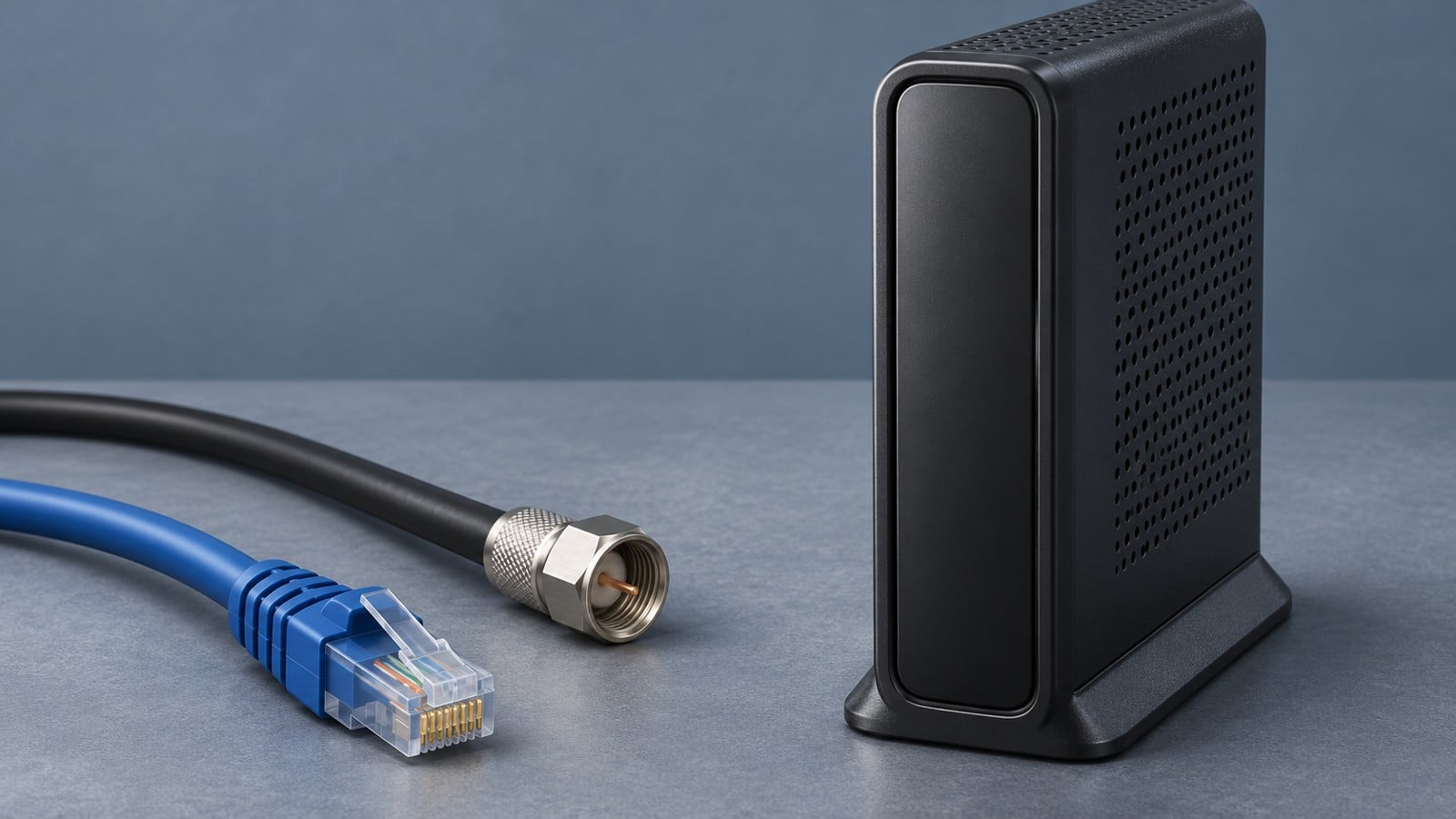
For a single multigig connection from a NETGEAR CM3000, use the modem’s 2.5Gbps Ethernet port and connect it to a compatible multigig WAN port on the router. A 1Gbps router WAN port remains a bottleneck even if the modem and internet plan support more. Check every part of the path Confirm that the ISP supports and has provisioned the CM3000 for your service.Connect the
Epson LS11000 has no signal at 4K 120Hz from a PC? Check HDMI and EDID

Epson LS11000 has no signal at 4K 120Hz from a PC? Check HDMI and EDID

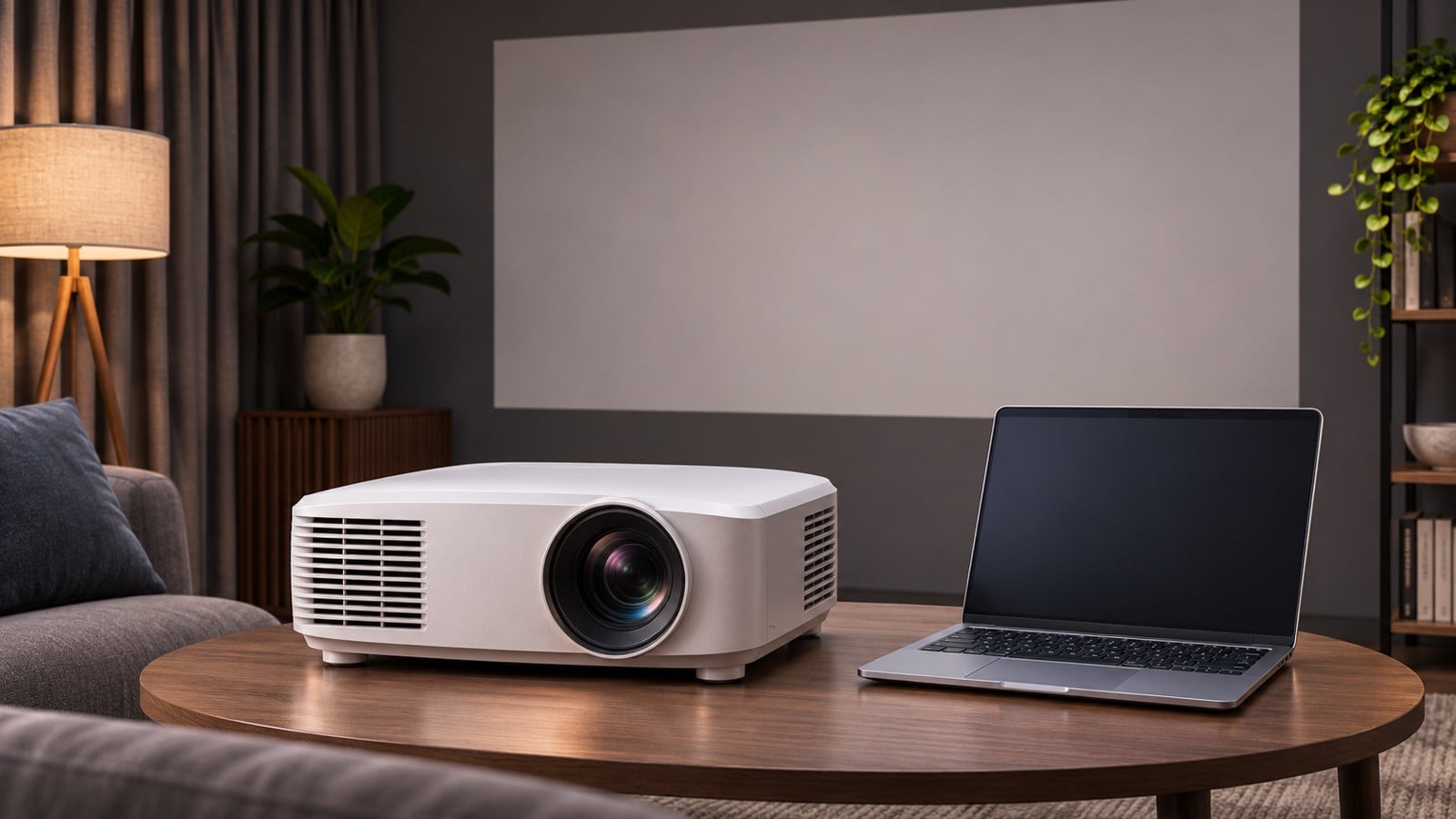
The Epson LS11000 manual lists support for a 3840×2160 signal at 100Hz or 120Hz. If your PC produces no image at 4K 120Hz, check the complete HDMI path and the projector’s input settings rather than assuming that support guarantees every cable arrangement will work. Establish a direct picture first Connect the PC’s HDMI output directly to a projector HDMI input.Select the matching source on
DJI Neo QuickTransfer will not connect? Free the aircraft’s Wi-Fi connection

DJI Neo QuickTransfer will not connect? Free the aircraft’s Wi-Fi connection

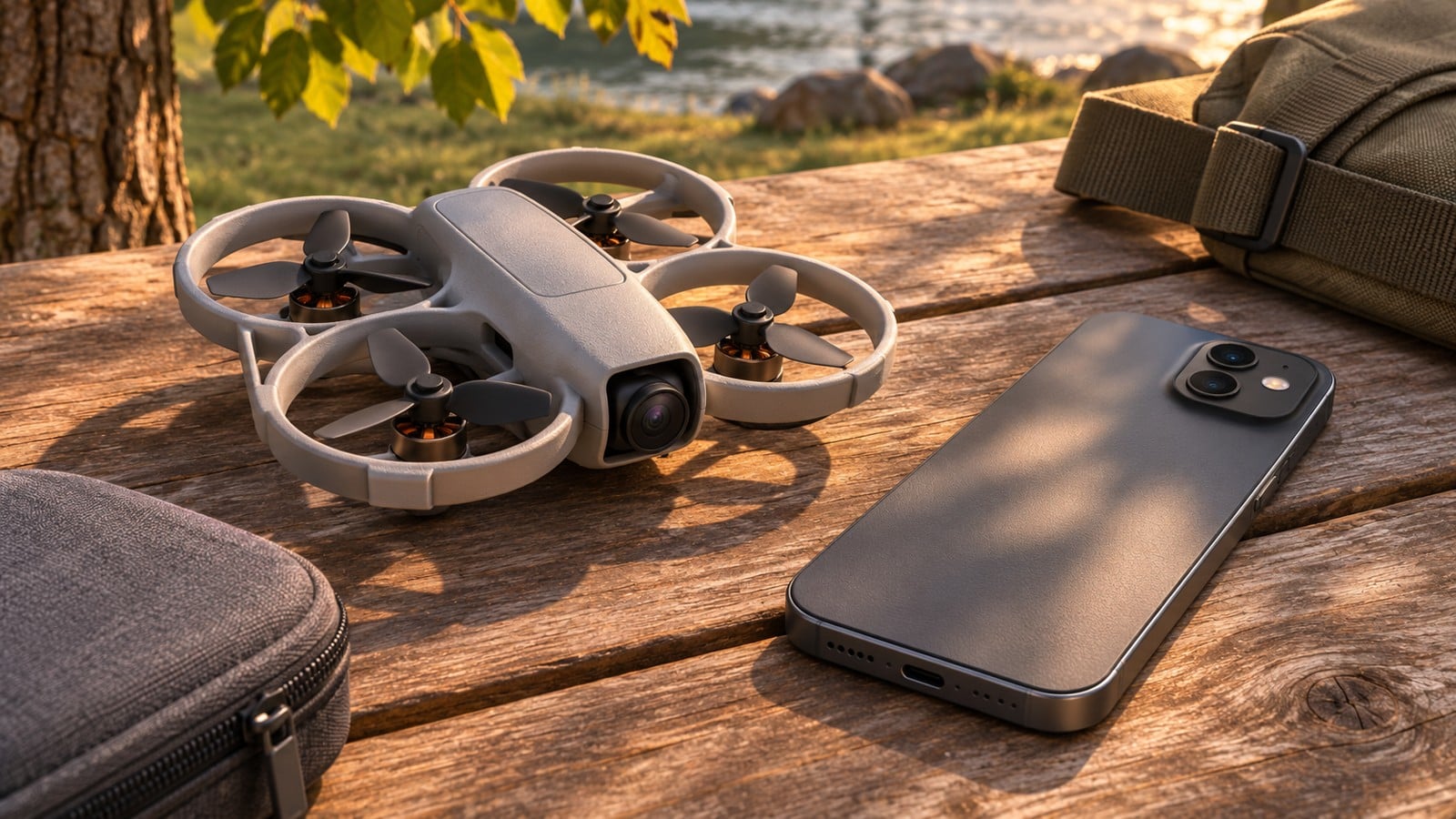
If DJI Neo will not connect to your phone for QuickTransfer, check whether another device is already occupying the connection. Power off the linked remote controller and disconnect any nearby phone already using the aircraft’s Wi-Fi before retrying. Prepare the phone and aircraft Update DJI Fly and the Neo firmware using their supported update procedures.Restart the phone and aircraft.Enable the phone’s Wi-Fi, Bluetooth, and
MX Master 4 haptics missing in Windows 11? Check firmware and feature support

MX Master 4 haptics missing in Windows 11? Check firmware and feature support

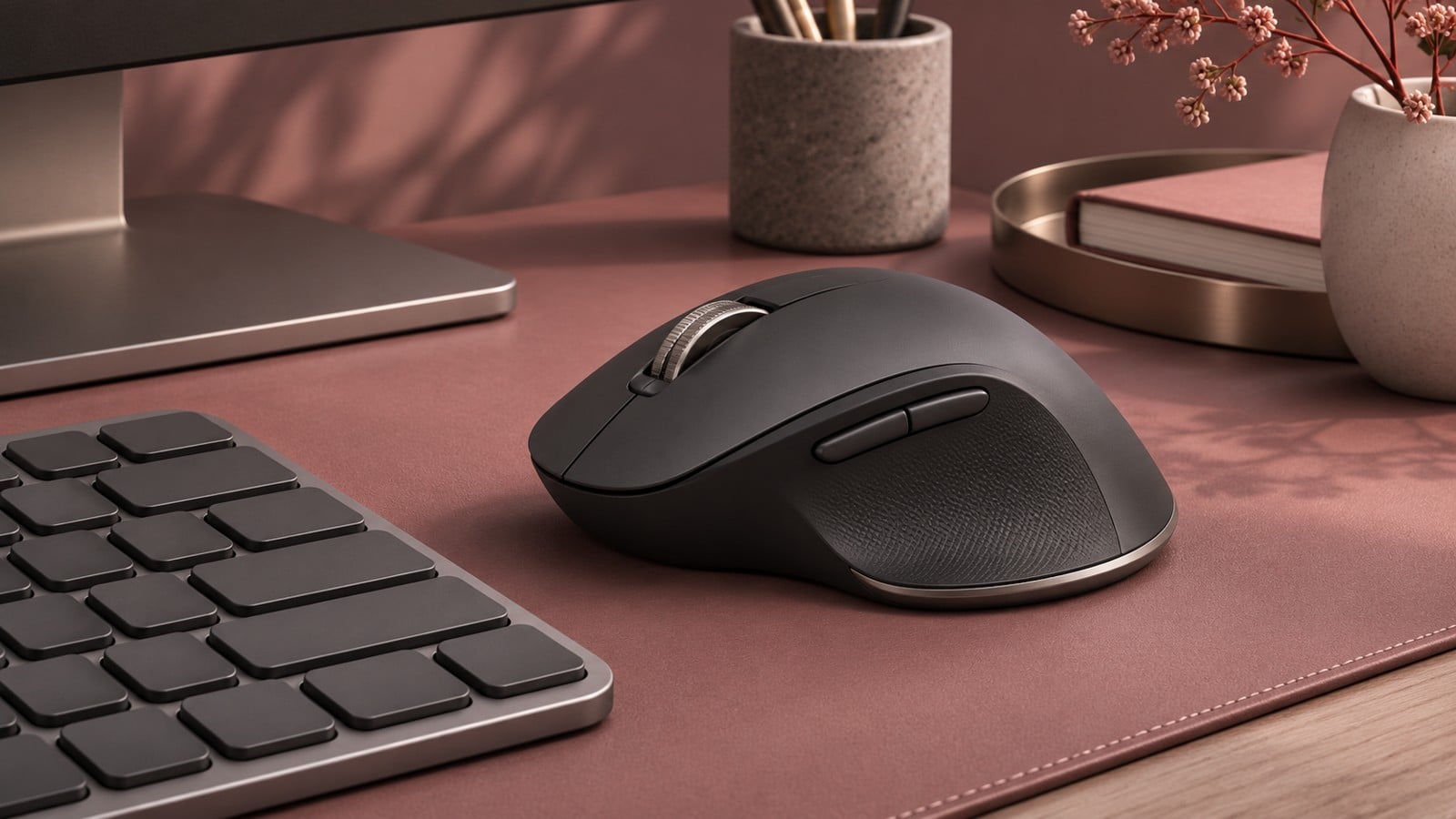
If your MX Master 4 works as a mouse but does not provide native Windows 11 haptics, check its firmware and the specific Windows feature you are testing. Logitech’s native-haptics guidance does not mean every action in every Windows app should vibrate. Update the mouse through Options+ Logitech’s native-haptics article identifies firmware 27.3.19 as the required baseline. Use Logi Options+ to check and apply
CalDigit TS4 second monitor missing on Windows? Check the host and dock ports

CalDigit TS4 second monitor missing on Windows? Check the host and dock ports

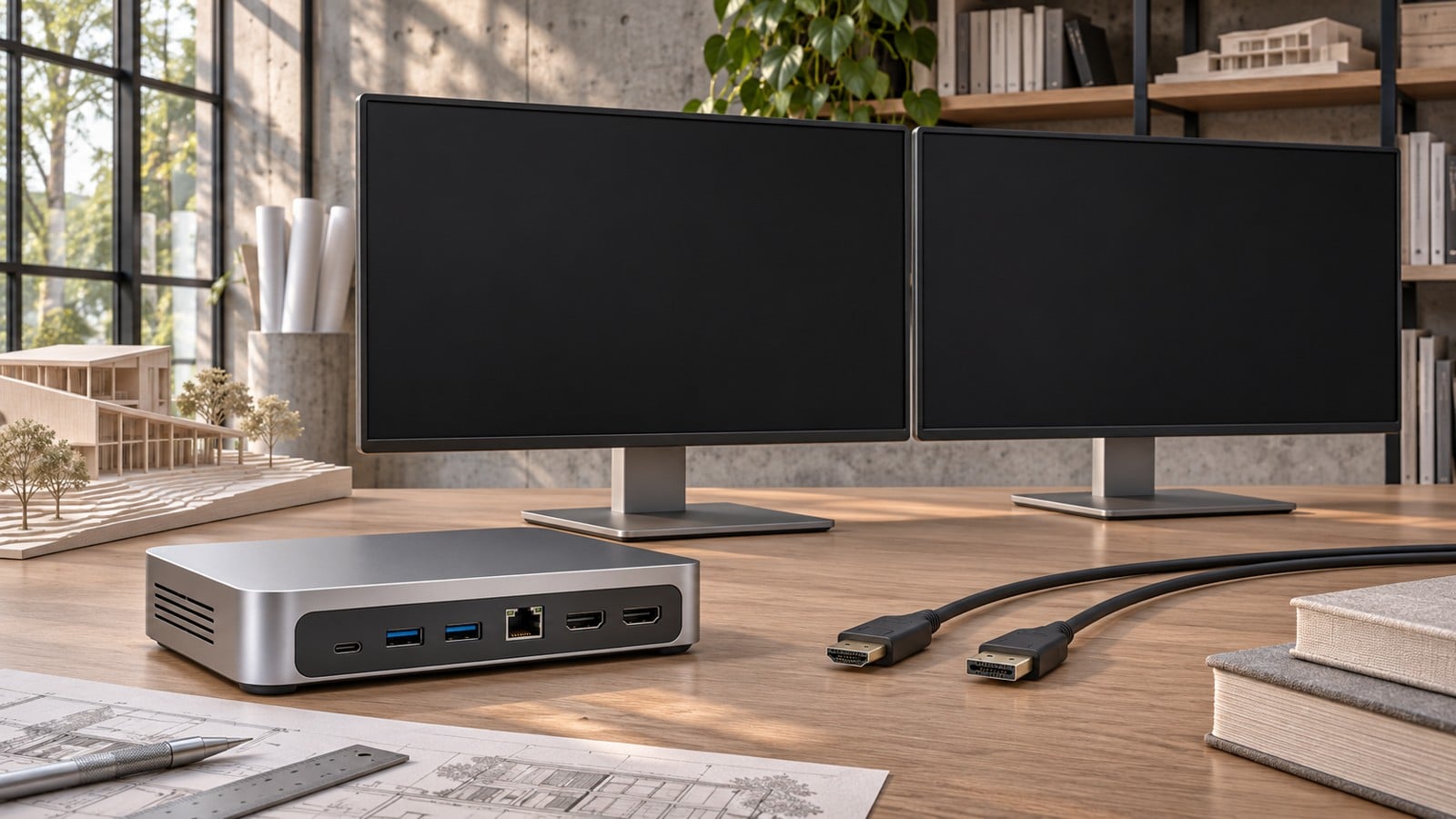
If one monitor works through your CalDigit TS4 but a second does not, check the laptop’s display capability and the dock ports used. An ordinary USB-C-only host supports one display through the TS4, and some early Thunderbolt 3 PCs also support only one. Use the video-capable outputs The TS4 manual shows two supported arrangements for compatible dual-display hosts: rear DisplayPort plus a spare Thunderbolt
Can a USB adapter add Wi-Fi 7 to your laptop? Check Windows and driver support

Can a USB adapter add Wi-Fi 7 to your laptop? Check Windows and driver support

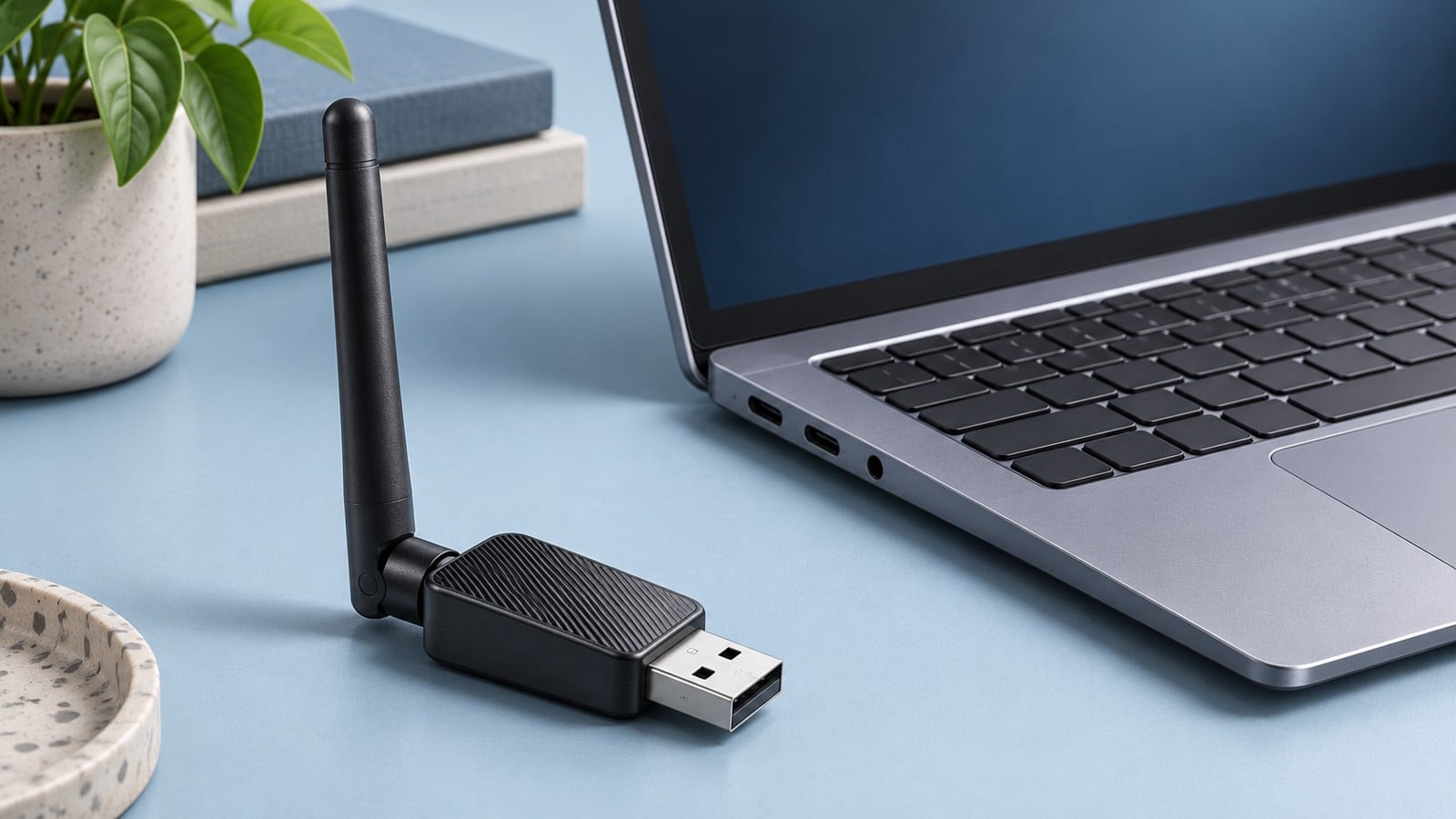
A compatible USB Wi-Fi 7 adapter can add a Wi-Fi 7 connection to a laptop without replacing its internal wireless card. It does not automatically give every laptop every Wi-Fi 7 feature. Check the operating system, processor architecture, driver, and access point together. Use an actual supported adapter as the checklist TP-Link’s Archer TBE400U is a tri-band Wi-Fi 7 USB adapter. Its official download
GL-MT6000 WireGuard server not working? Separate handshake and routing problems

GL-MT6000 WireGuard server not working? Separate handshake and routing problems

For a GL-MT6000 WireGuard server, first ask whether the client completes a handshake. No handshake points toward the endpoint, port, or upstream reachability. A connected tunnel with no useful traffic points toward routing, overlapping subnets, or DNS. Check the endpoint and UDP port Open the router’s WireGuard server configuration and note the listening port; the default is UDP 51820.Generate a separate client profile and
eero Max 7 not using wired backhaul? Check where the switch connects

eero Max 7 not using wired backhaul? Check where the switch connects

For eero Max 7 wired backhaul, the important connection order is modem or ONT → gateway eero → Ethernet switch → other eeros. Connecting peer nodes in parallel ahead of the gateway is not the supported arrangement. Trace the cables from the internet connection Identify the eero acting as the gateway.Confirm that the modem or ONT connects to that gateway first.Connect the downstream switch
AAWireless TWO disconnects or reconnects while parked? Check the app diagnostic

AAWireless TWO disconnects or reconnects while parked? Check the app diagnostic

If AAWireless TWO disconnects during use, start with its companion app’s troubleshooter. If your phone reconnects to the adapter while the car is parked, check whether the vehicle keeps its USB port powered. Those symptoms do not necessarily have the same cause. Run the diagnostic with the correct model selected Open the AAWireless app and use the troubleshooting flow in AAWireless’s support guidance. Record
Nighthawk M6 Pro is hot and not charging? Let thermal protection work

Nighthawk M6 Pro is hot and not charging? Let thermal protection work

A hot Nighthawk M6 Pro can deliberately reduce or stop charging to protect itself. NETGEAR describes staged thermal protection, so a charging pause under heat does not automatically mean the charging port has failed. Understand the sequence In the first thermal stage, the hotspot can reduce charging and the cellular carrier bands it uses. With further heating, charging can stop and 5G can be
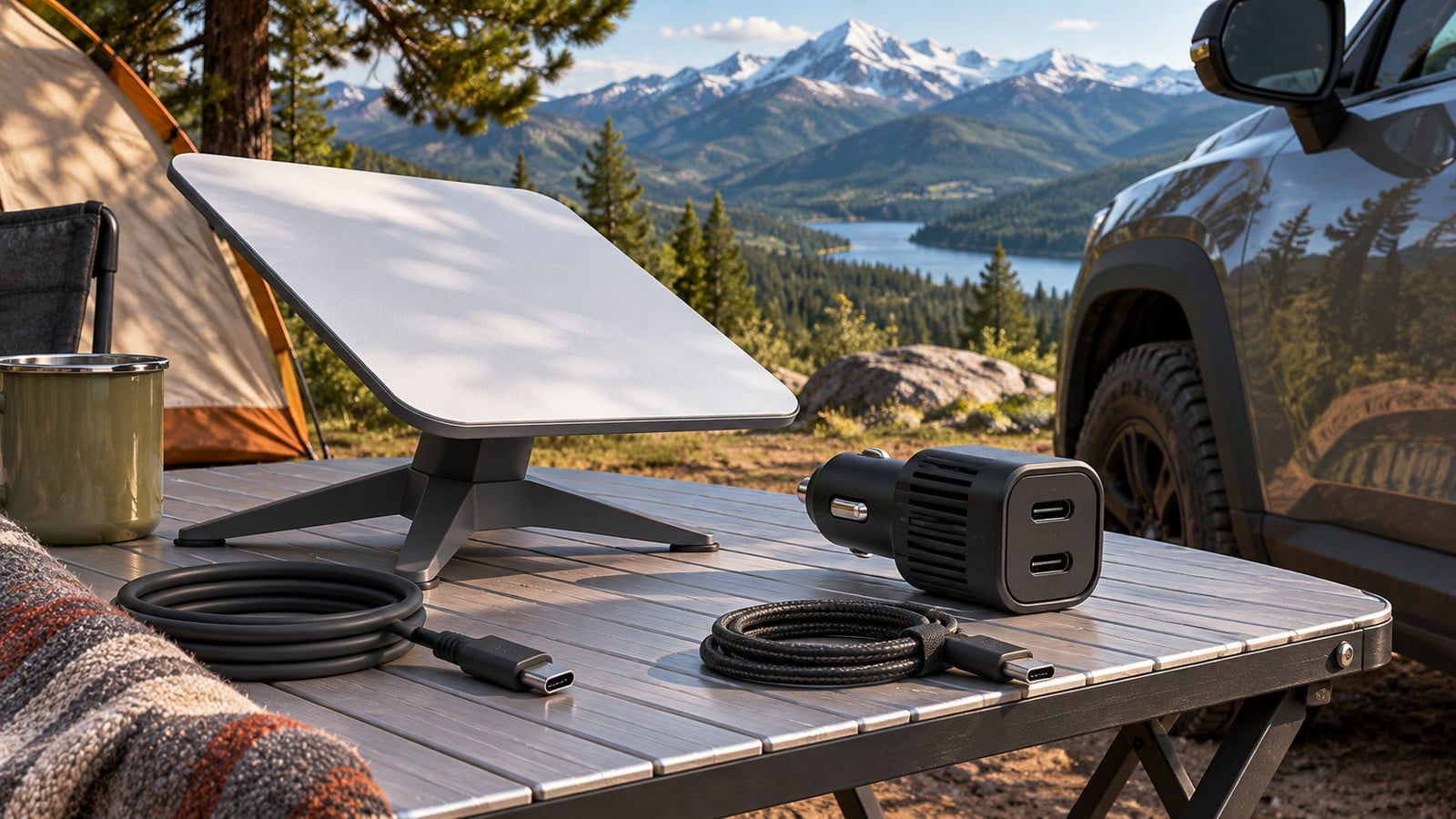
Starlink Mini will not run from USB-C in your car? Check 20V/5A

Starlink Mini will not run from USB-C in your car? Check 20V/5A

For Starlink Mini’s supported USB-C-to-barrel connection, Starlink specifies a USB Power Delivery source providing at least 100W at 20V/5A. A 65W charger, or one rated between 66W and 99W, does not meet that requirement. Read the individual port specification Check the car adapter’s output table for the actual USB-C port you intend to use. A combined total across several ports is not evidence that
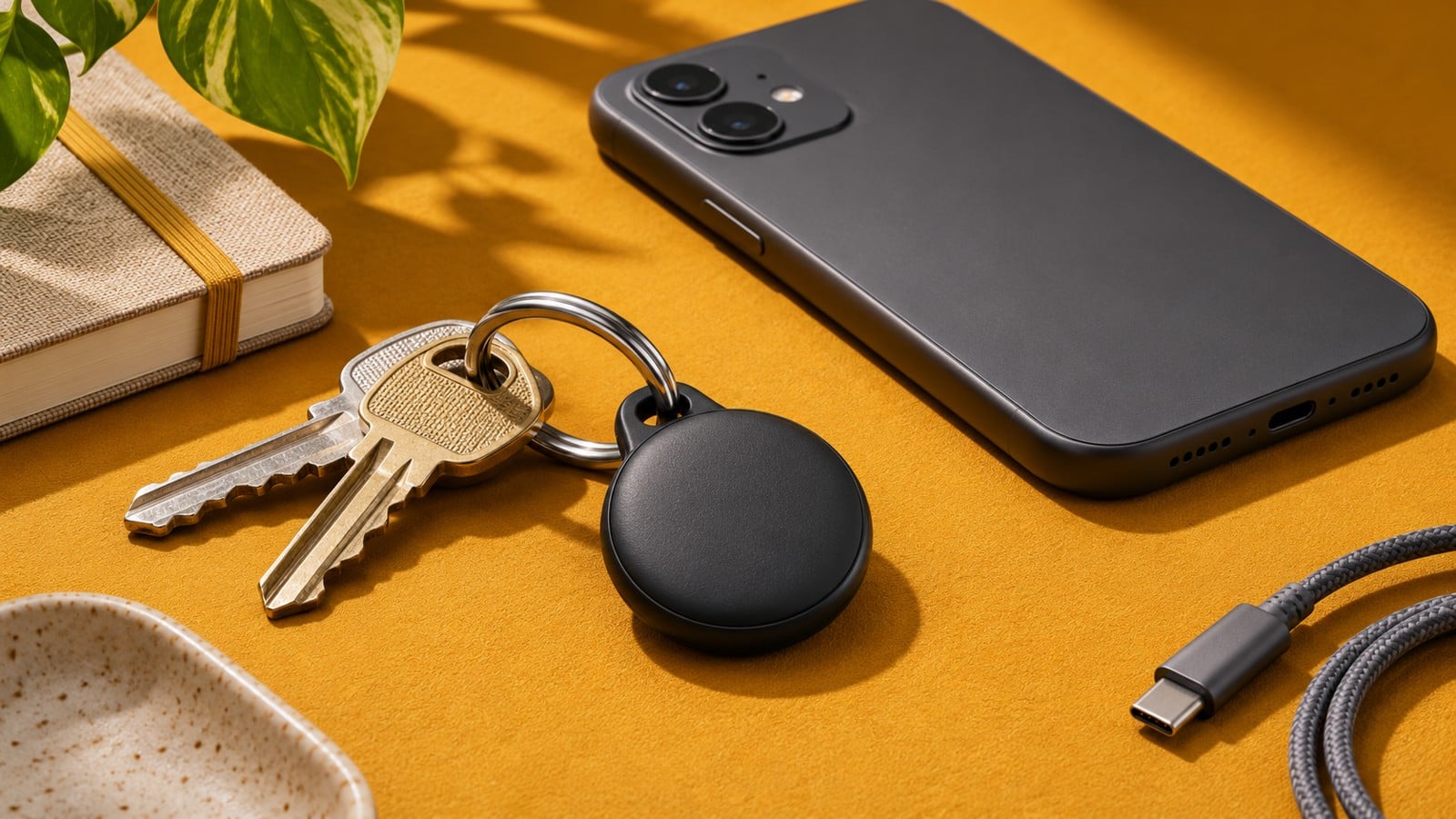
Moto tag will not connect to Find Hub? Check pairing conditions

Moto tag will not connect to Find Hub? Check pairing conditions

Moto tag pairing needs a compatible Android phone, Bluetooth, and internet access. Motorola specifies Android 9 or later and a Google account for full setup. If the pairing popup is missing, first check those conditions rather than assuming the tag has failed. Start discovery near the phone Remove the tag’s battery-isolation film and listen for its beep.Keep the phone nearby, awake, and unlocked, with
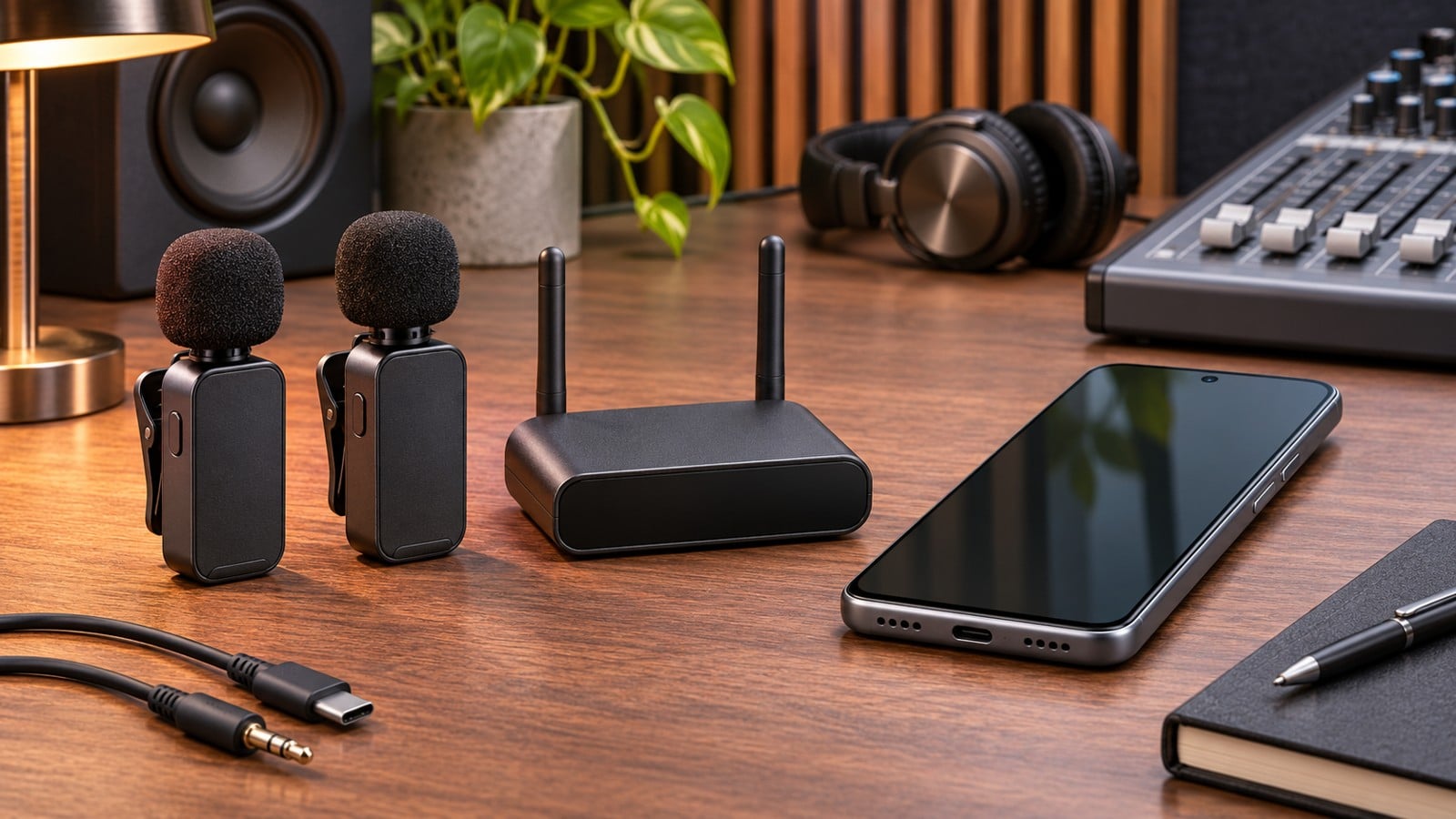
DJI Mic 2 has no audio on Android? Check how it is connected

DJI Mic 2 has no audio on Android? Check how it is connected

If a DJI Mic 2 is connected to Android but a recording uses the phone’s microphone, identify the connection type first. The receiver attached through USB-C is a different audio path from a transmitter paired directly over Bluetooth. For a USB-C receiver connection Check the phone against DJI’s current mobile-phone compatibility information.Seat the phone adapter securely and check for the receiver’s connection icon.Make a
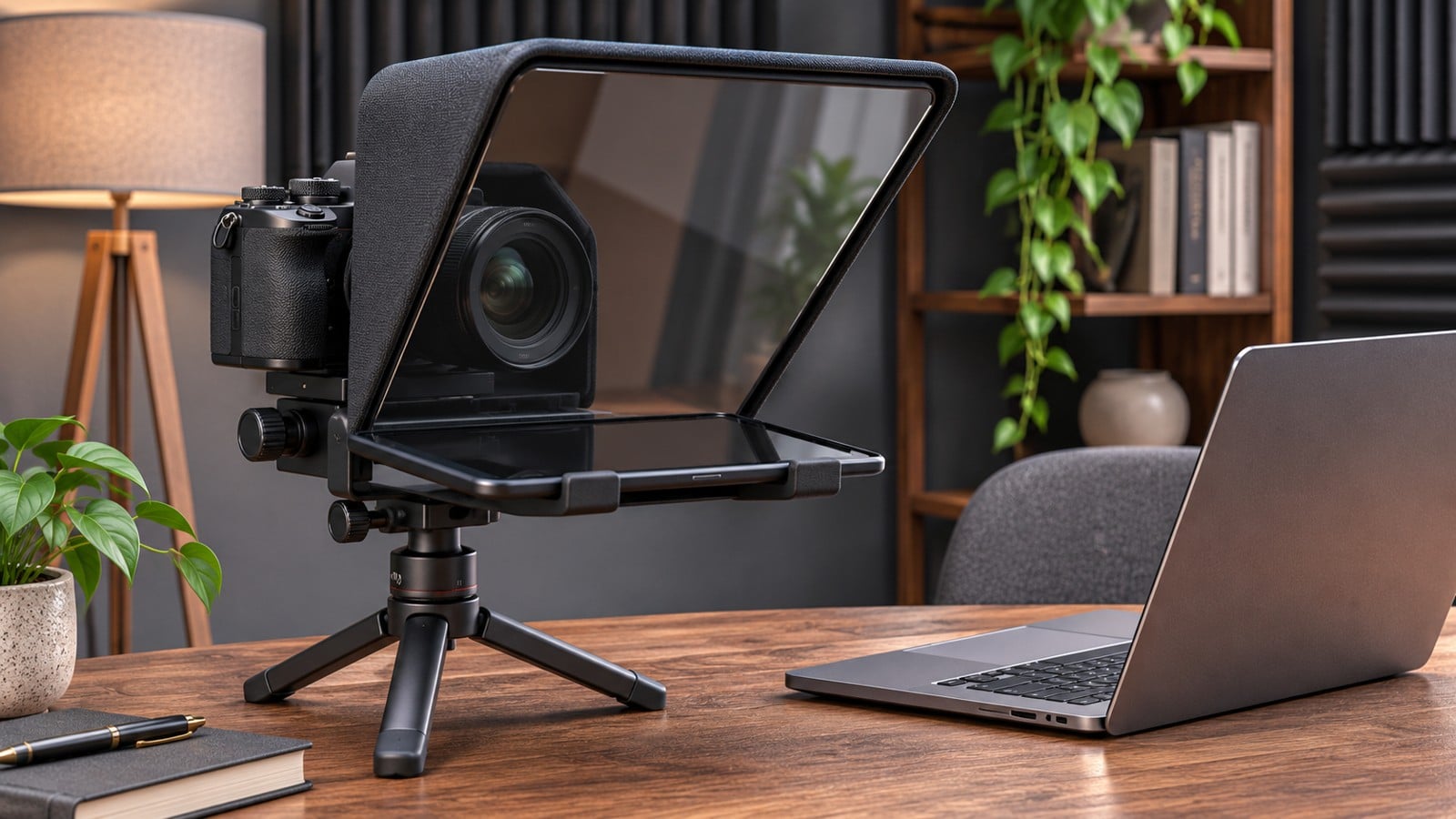
Elgato Prompter has no image on Windows? Check Camera Hub and DisplayLink

Elgato Prompter has no image on Windows? Check Camera Hub and DisplayLink

If Elgato Prompter has no image on a Windows PC, check Camera Hub and the DisplayLink driver before treating the screen as faulty. Elgato’s supported troubleshooting sequence updates those components and restarts Windows. Update Camera Hub first Find the Camera Hub icon in the Windows notification area.Right-click it and check for updates.Install an available update using the app’s instructions.If Camera Hub is already current,
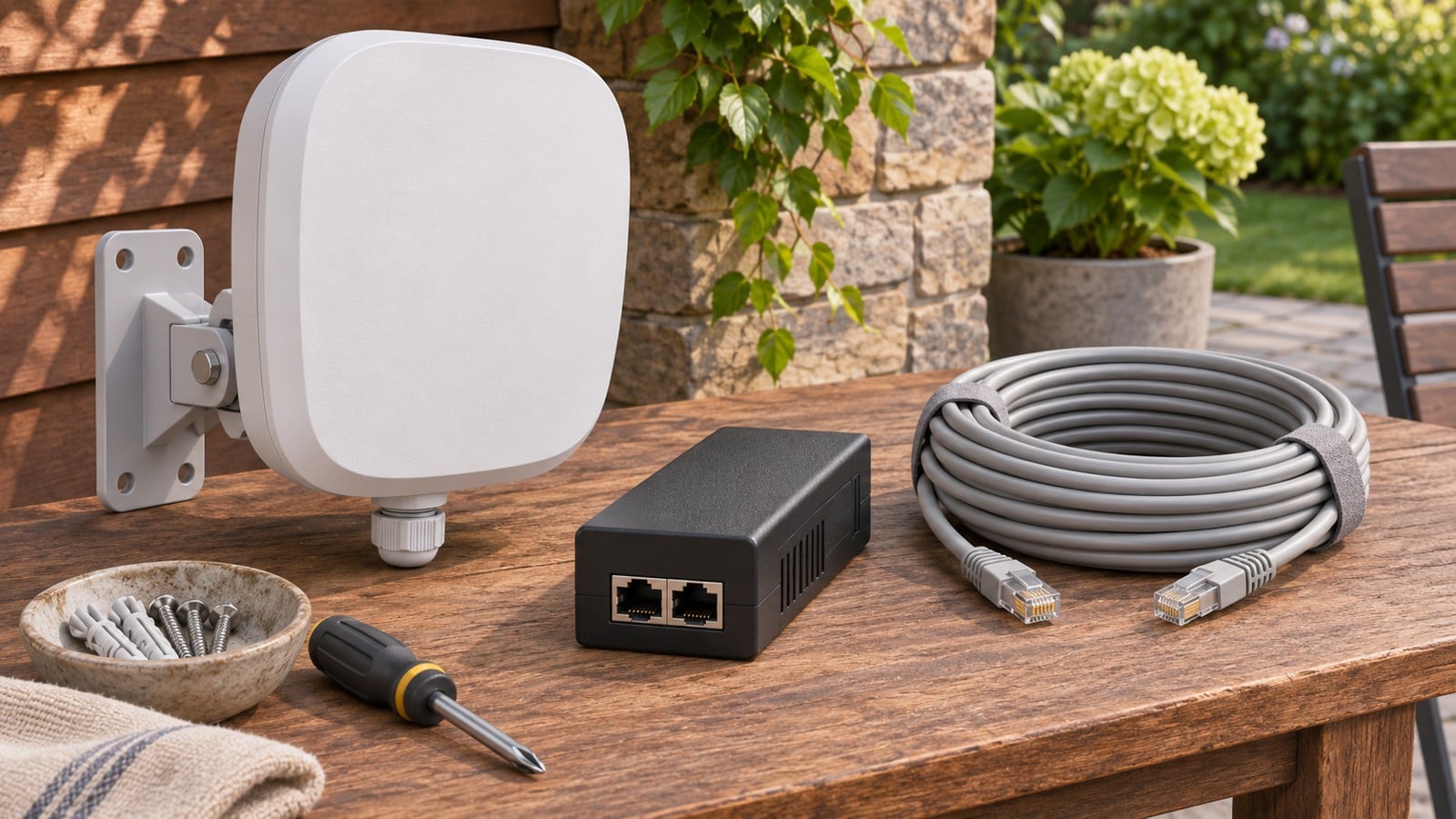
Can Deco BE25-Outdoor power a PoE camera? Check the direction of power

Can Deco BE25-Outdoor power a PoE camera? Check the direction of power

The Deco BE25-Outdoor is specified to receive IEEE 802.3at PoE input. TP-Link does not advertise its Ethernet ports as PoE outputs or passthrough power for a camera. Plan a separate suitable PoE source for the camera rather than assuming the Deco can supply it. Ethernet data and electrical power are separate capabilities The BE25-Outdoor specifications list two 2.5Gbps ports with automatic WAN/LAN detection. That
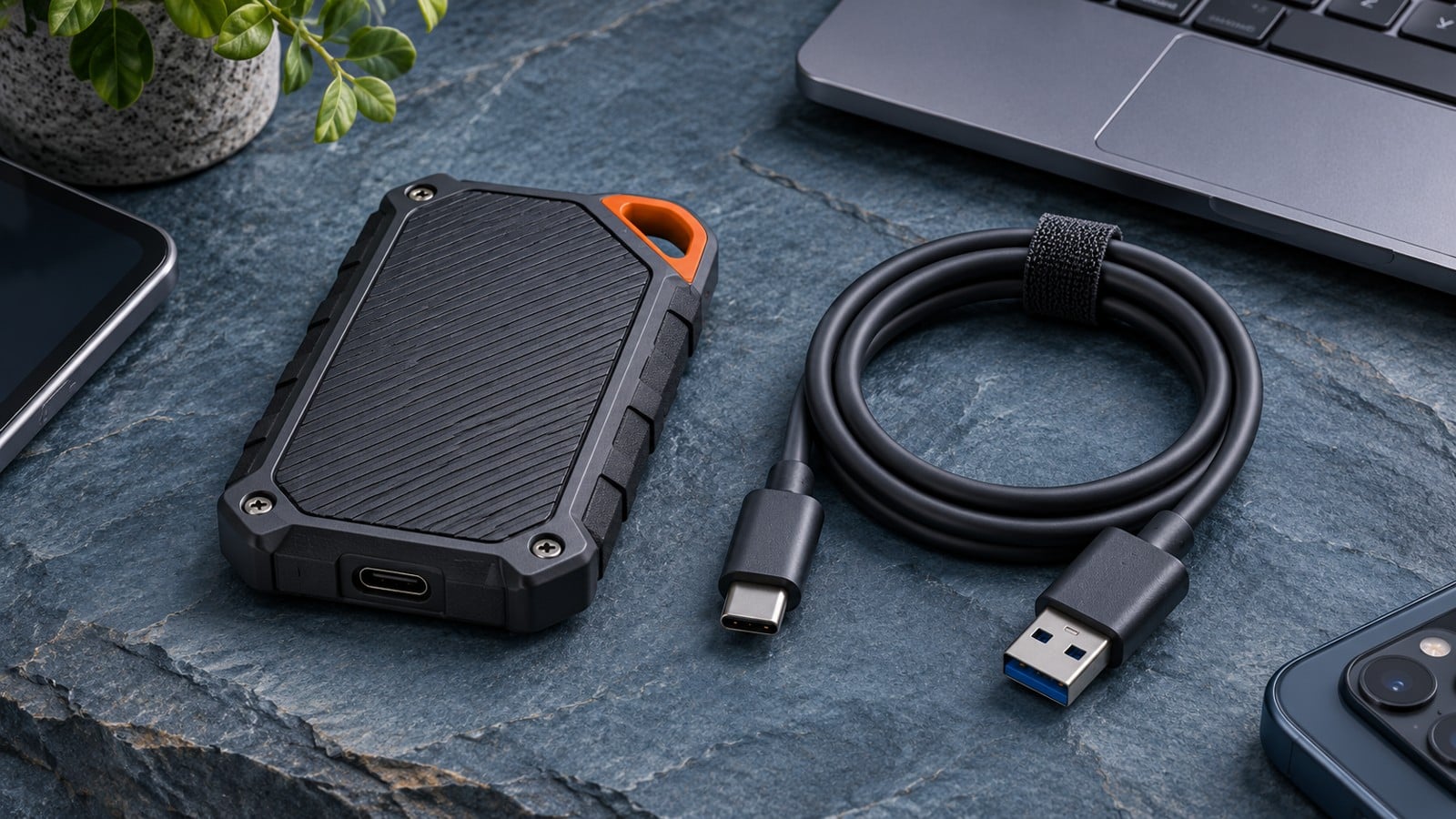
SanDisk Extreme Portable SSD transfers slowly? Check the USB path first

SanDisk Extreme Portable SSD transfers slowly? Check the USB path first

A fast SanDisk Extreme Portable SSD cannot transfer faster than its connection allows. Before formatting it or changing Windows caching settings, check the exact drive model, computer port, and cable arrangement. Extreme and Extreme PRO models do not all have the same interface ceiling. Remove avoidable connection limits Connect the drive directly to the computer rather than through a third-party hub or dock.Use its