



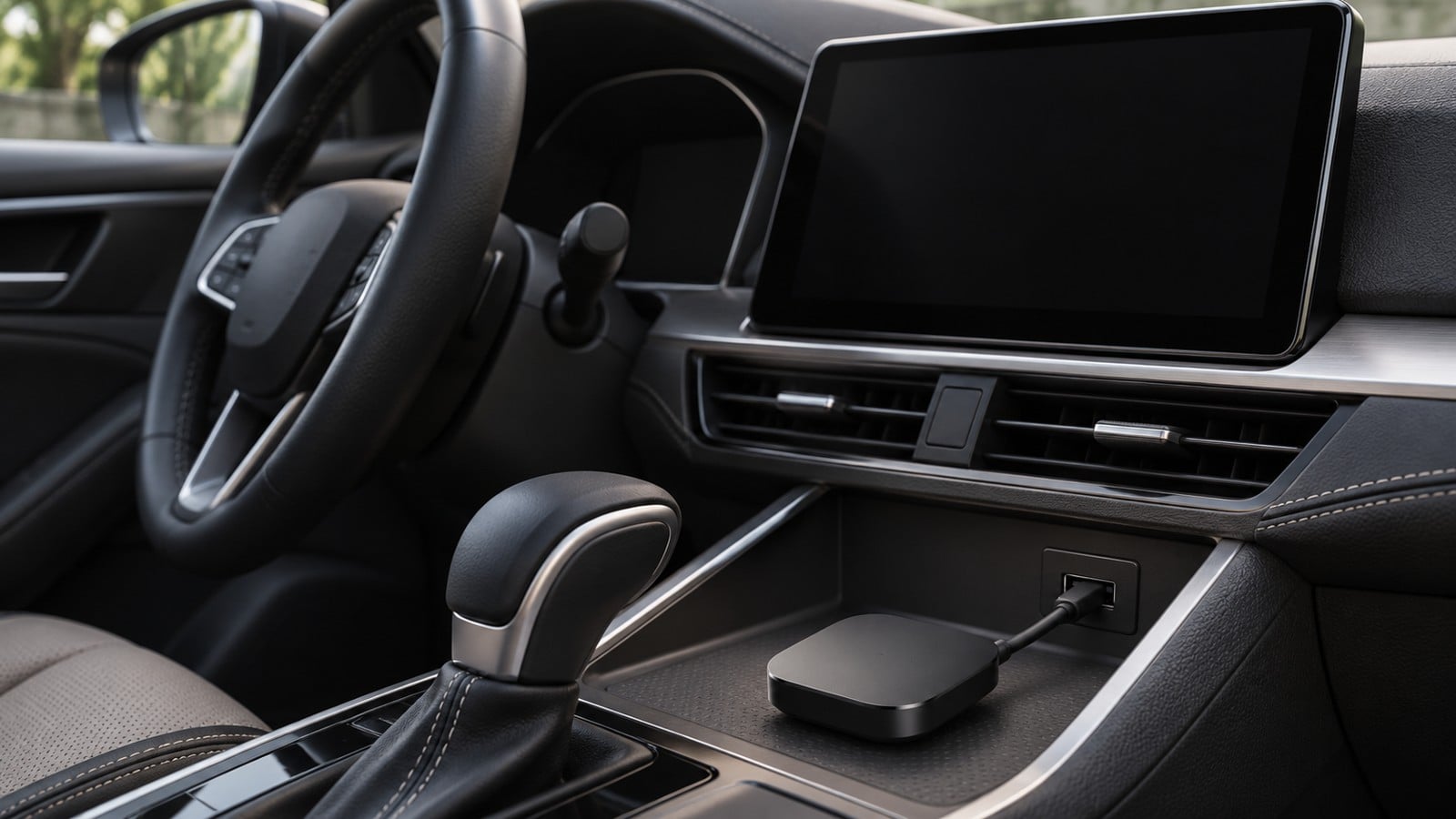
If AAWireless TWO disconnects during use, start with its companion app’s troubleshooter. If your phone reconnects to the adapter while the car is parked, check whether the vehicle keeps its USB port powered. Those symptoms do not necessarily have the same cause.
Run the diagnostic with the correct model selected
Open the AAWireless app and use the troubleshooting flow in AAWireless’s support guidance. Record whether the interruption occurs during a trip, immediately after startup, or after you leave the vehicle.
The TWO supports Auto Standby; the TWO+ does not. Do not copy standby instructions between the two products merely because their names are similar. Check the available option for your actual adapter.
Check the button’s configured behavior
The button action is configurable in the app. If a press does not do what an older guide describes, inspect that configuration before deciding the button is broken.
The documented pairing action is a two-second hold until the LED becomes solid purple. That enters pairing; it is not the same as a factory reset. Re-pair only when the connection setup needs rebuilding.
Keep reset as a deliberate later step
A factory reset uses a ten-second hold while the adapter is powered from the car’s USB connection and erases its settings. If the expected action does not occur, check the button configuration and the current model-specific instructions.
After any change, repeat the situation that caused the fault: a drive for in-use dropouts, or parking and leaving the car for unwanted reconnections. Make one change at a time. If the app cannot resolve it, give support the adapter model, vehicle, phone, and timing of the disconnect rather than assuming every interruption is a pairing failure.
Featured image: AI-generated illustration of representative equipment, not an exact product photograph or a hands-on test.
Discussion (0)
Comments are closed.