




A solid-red main Deco BE85 indicates an internet connection failure. Start with the connection from the main Deco to the ISP equipment. This procedure concerns the main unit; a satellite’s connection problem needs its own diagnosis.
Check the router-mode layout
- Identify the main Deco in the app.
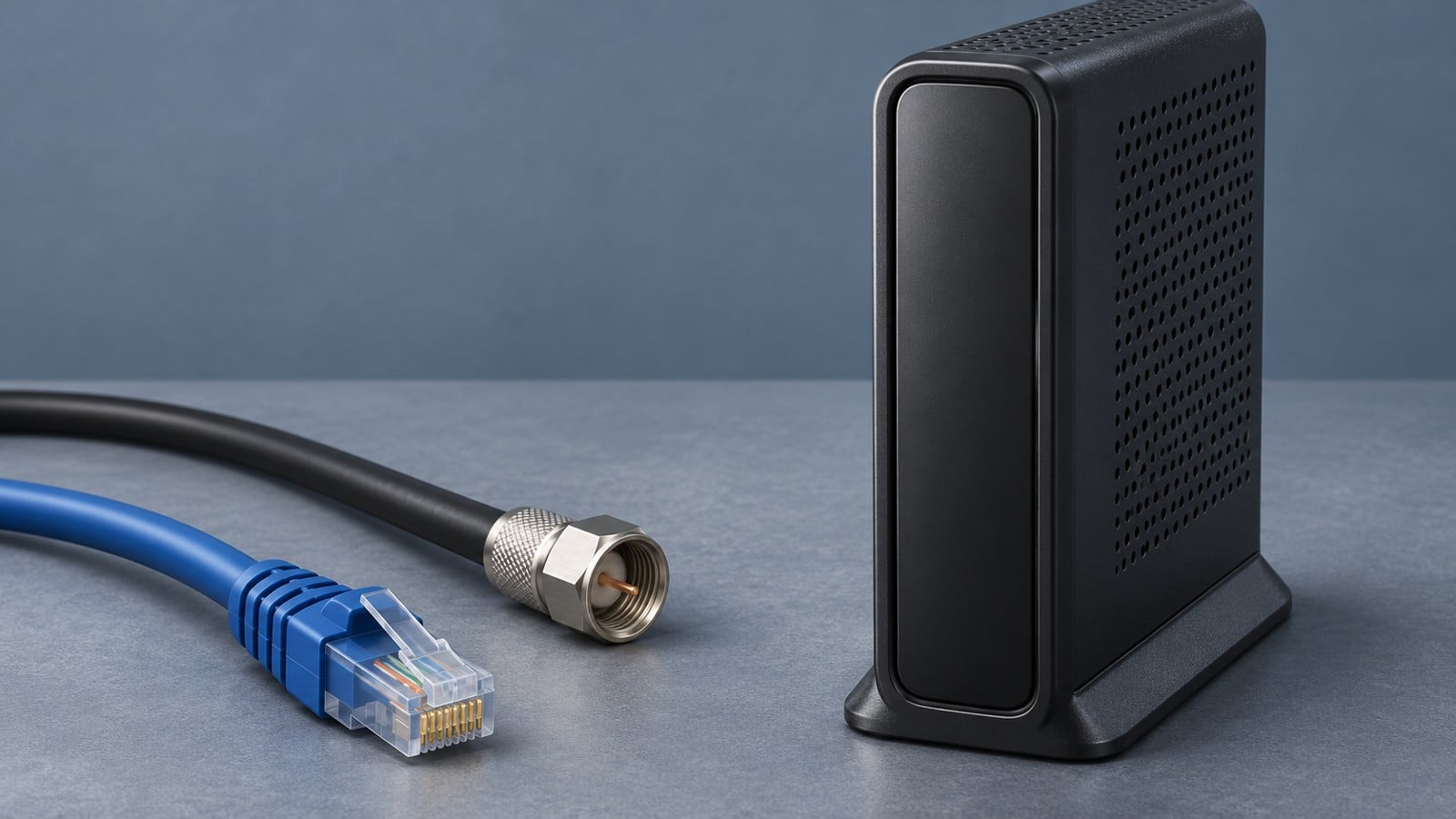
- Check that its Ethernet cable to the modem is fully seated and undamaged.
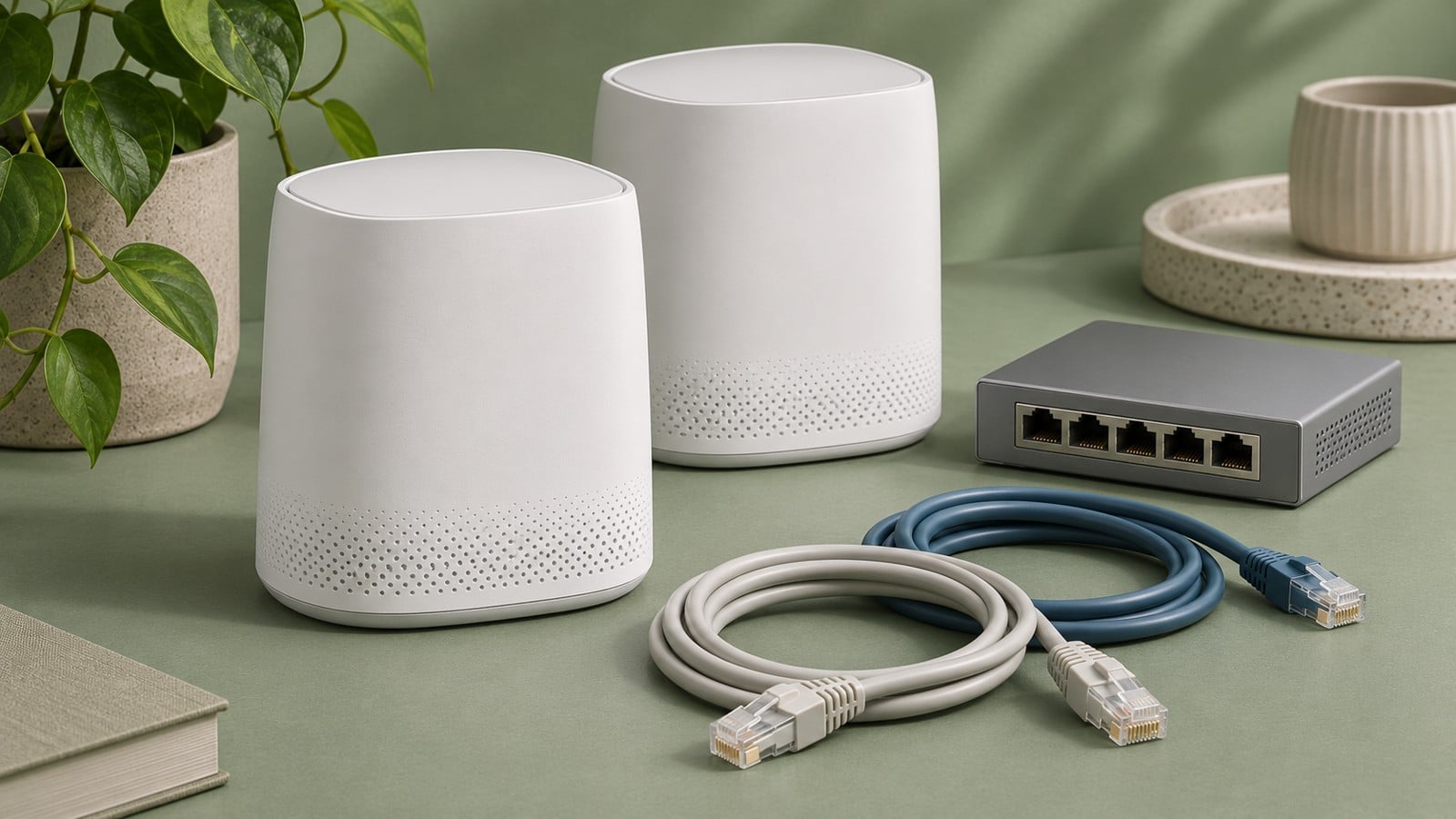
- In router mode, confirm that only the main Deco connects directly to the ISP modem; other units sit downstream in the mesh layout.
- Try a known-working Ethernet cable if the connection is uncertain.
TP-Link’s solid-red main-Deco guide applies to the BE85. A working Wi-Fi association does not establish that the main unit has internet service.
Determine whether the ISP connection works
TP-Link recommends testing the modem service with a spare router or computer. Follow the ISP’s connection procedure, including any restart or device-registration requirement. If the modem cannot provide service directly, contact the ISP before changing the Deco’s wireless settings.
If direct service works, reconnect the main Deco and record the app’s internet status. That result narrows the problem to the handoff or router configuration rather than proving every part of the network is healthy.
Apply configuration changes one at a time
For a working upstream service with continued Deco trouble, TP-Link suggests testing IPv4 DNS 8.8.8.8 and 8.8.4.4. Record the existing DNS settings so you can restore them if the test does not help.
MAC cloning is a later option where modem or ISP binding is the cause, not a universal first step. Use the provider’s instructions rather than copying a random address.
After each change, check whether the main unit regains internet access and clients can browse. Keep the cable, direct-service result, and current connection settings for support. Avoid resetting the whole mesh before isolating the failing link.
Featured image: AI-generated illustration of representative equipment, not an exact product photograph or a hands-on test.
Discussion (0)
Comments are closed.