



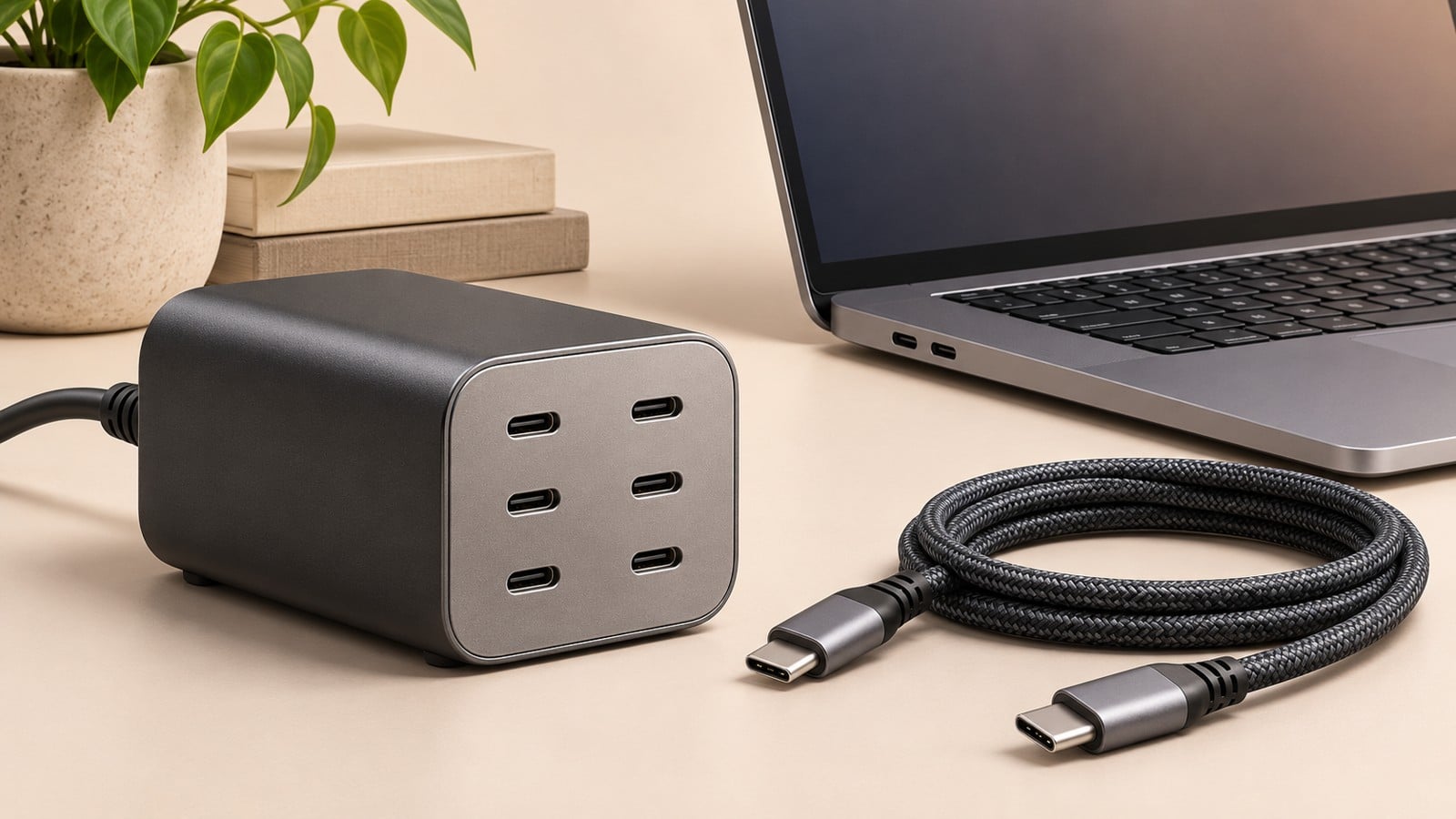
On the six-port Anker Prime A2345 desktop charger, only USB-C1 supports up to 140W. USB-C2, C3, and C4 have a 100W single-port ceiling. Check the port before interpreting a lower reading as a fault.
Check the complete 140W combination
- Connect the device to USB-C1.
- Use a cable rated for 140W or more.
- Confirm that the device accepts the required charging mode; C1’s 140W profile is 28V/5A.
- Temporarily disconnect other devices to make the first comparison simple.
The A2345 manual lists the port capabilities. The station’s 250W maximum is a combined rating, not an output promised from every socket simultaneously.
Some laptops need a specific connection
Anker’s product guidance says the M1 and M2 16-inch MacBook Pro need USB-C-to-MagSafe to achieve 140W. The M3 16-inch model may use USB-C-to-C or USB-C-to-MagSafe. Do not generalize one MacBook generation’s charging path to every laptop.
For another device, check its manufacturer’s maximum input and supported charging protocol. A charger with spare capacity cannot force a device to request more power than it supports.
A falling wattage reading can be normal
Charging power falls as the battery approaches full, and device demand changes with temperature and use. Compare at a similar battery level and workload before blaming the charger. Multiport allocation can also affect the power available to one device.
If charging remains unexpectedly low, report the exact port, cable rating, device model, battery level, and other connected devices to Anker. This guide is for the A2345 desktop charger, not an Anker power bank with a different port layout.
Featured image: AI-generated illustration of representative equipment, not an exact product photograph or a hands-on test.
Discussion (0)
Comments are closed.