
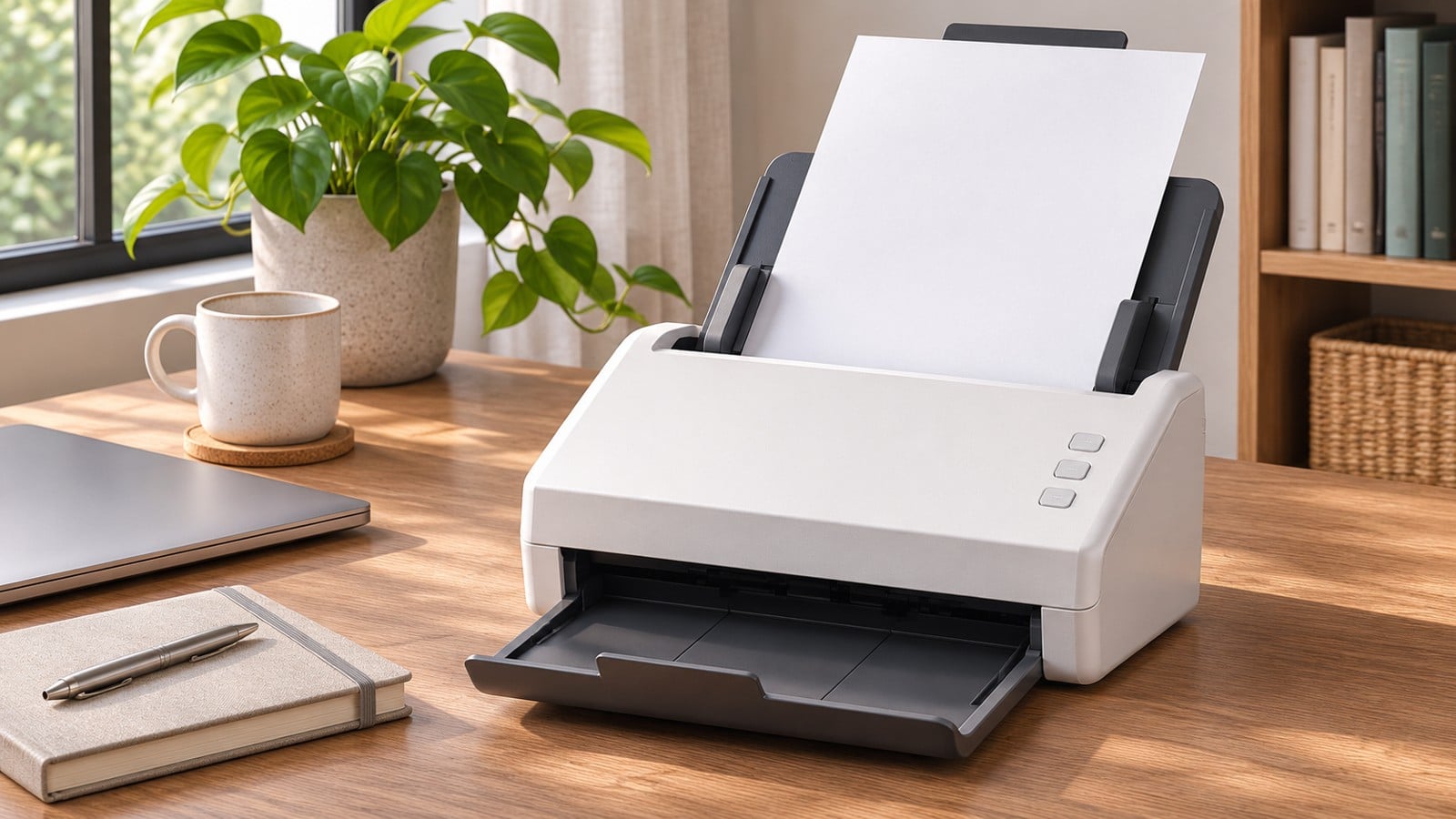
ScanSnap iX1600 will not connect on Windows? Check Wi-Fi and the selected computer


If the ScanSnap iX1600 reports that the device is not responding, first check whether it has a network address, then whether the selected scan profile points to the intended computer. A working Wi-Fi connection does not guarantee the right destination profile. Check the scanner’s network Open the ADF cover to power on the scanner.On its touchscreen, open Wi-Fi settings and check Access point connection.Confirm