



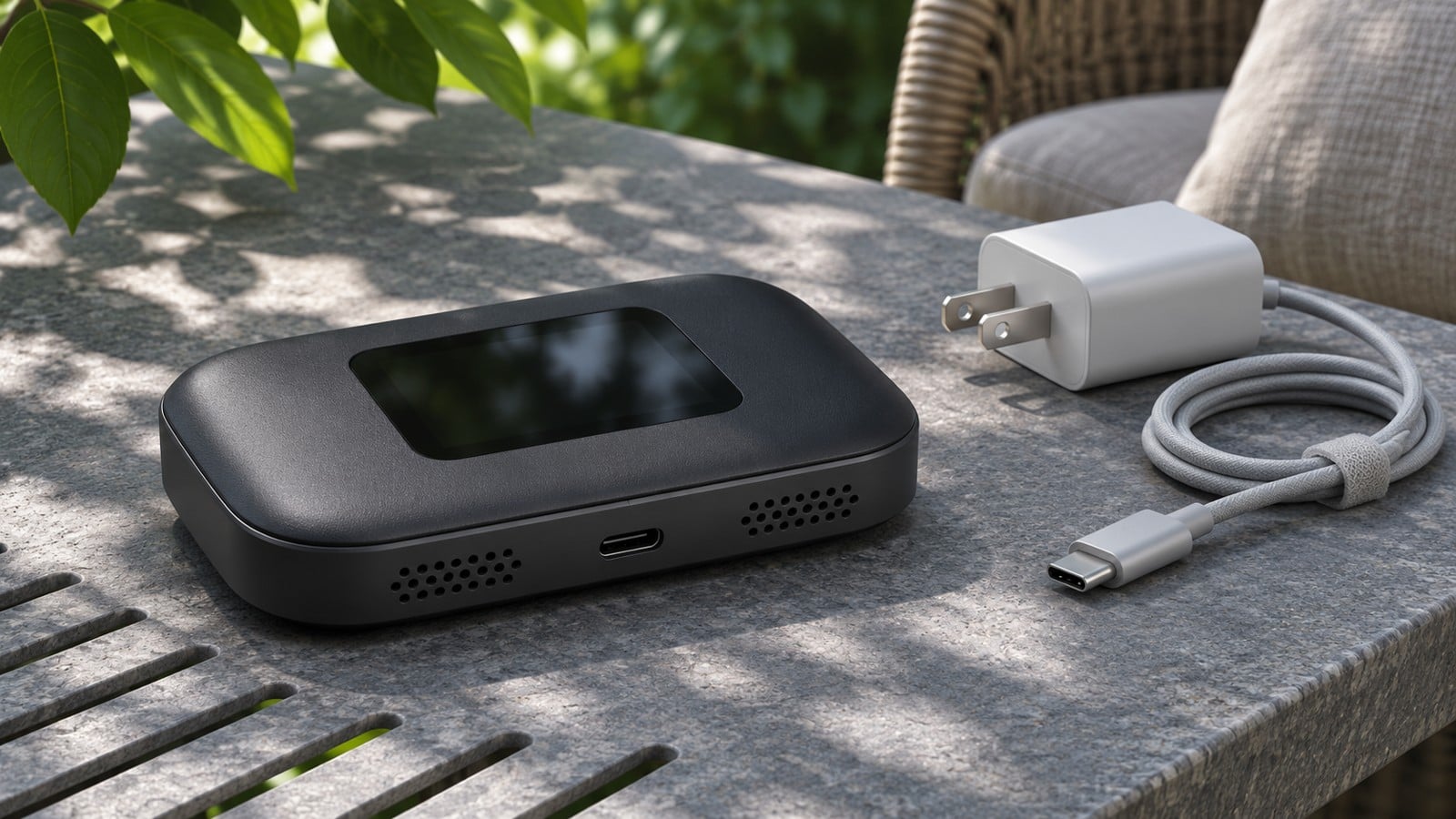
A hot Nighthawk M6 Pro can deliberately reduce or stop charging to protect itself. NETGEAR describes staged thermal protection, so a charging pause under heat does not automatically mean the charging port has failed.
Understand the sequence
In the first thermal stage, the hotspot can reduce charging and the cellular carrier bands it uses. With further heating, charging can stop and 5G can be disabled. At a critical temperature, the device shuts down.
NETGEAR’s overheating guidance recommends an ambient operating range of 0–35°C. The surrounding air temperature matters as well as whether the case feels warm.
Reduce heat without bypassing protection
- Move the hotspot out of direct sunlight and away from other hot equipment.
- Place it on a hard, ventilated surface rather than soft material that traps heat.
- Reduce heavy network use while it cools naturally.
- Keep its firmware current using the supported update process.
- Recheck charging and connectivity after the device returns to suitable conditions.
Do not wrap the device, obstruct its ventilation, or attempt to defeat the thermal controls to maintain peak speed. A car interior or sunny windowsill can exceed the recommended environment even when the room or outside weather seems moderate.
For long periods of stationary use
NETGEAR describes a supported Plugged-In Mode arrangement for applicable M6 models with the battery and cover removed. Consult the exact model’s power-adapter and operating instructions before using that configuration; this is not permission to improvise a batteryless setup with any charger.
If charging still fails after cooling under normal conditions, record the charger used, ambient conditions, firmware, and whether the hotspot reports thermal warnings. That helps distinguish persistent charging trouble from an intentional heat-protection pause.
Featured image: AI-generated illustration of representative equipment, not an exact product photograph or a hands-on test.

Discussion (0)
Comments are closed.