



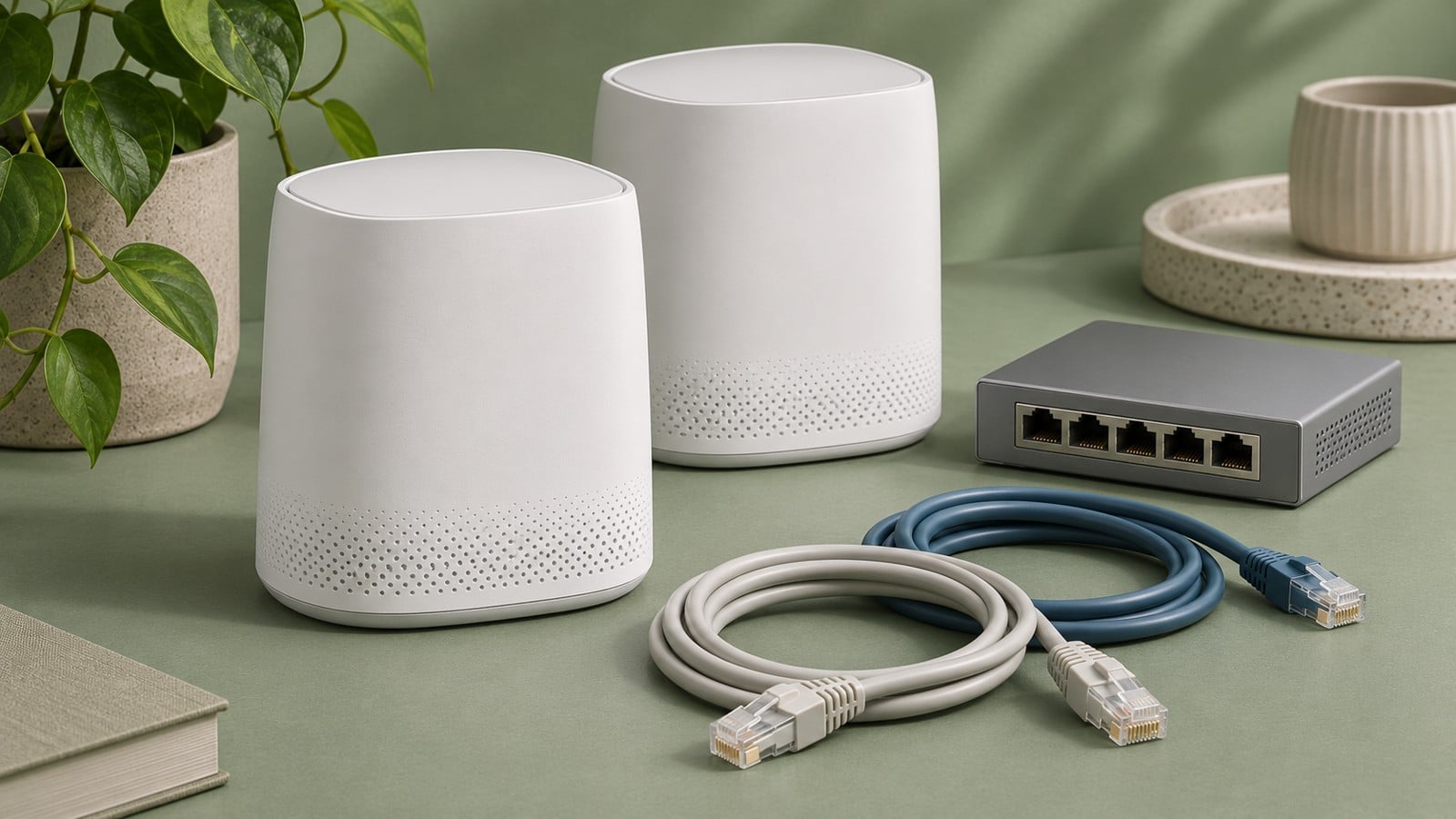
For eero Max 7 wired backhaul, the important connection order is modem or ONT → gateway eero → Ethernet switch → other eeros. Connecting peer nodes in parallel ahead of the gateway is not the supported arrangement.
Trace the cables from the internet connection
- Identify the eero acting as the gateway.
- Confirm that the modem or ONT connects to that gateway first.
- Connect the downstream switch to the gateway’s LAN side.
- Connect the other eeros to that downstream switch, or connect an eero directly to another eero with Ethernet.
eero’s Ethernet-backhaul guidance supports direct and switched connections using Cat5e, Cat6, or Cat6a. Wired and wireless eeros can coexist, so an unwired node elsewhere does not require abandoning Ethernet on the others.
Isolate a failing cable segment
If a node does not behave as expected, temporarily test it with a known-working direct Ethernet cable downstream of the gateway. If that works, add the switch and permanent cabling back one segment at a time. This is a diagnostic comparison: it helps identify which part changes the result.
Check both ends of wall cabling, the patch leads, and the switch port. A cable being physically inserted does not establish that its entire path is connected correctly.
Keep model capabilities separate
Max 7 has Ethernet ports, but products such as eero Beacon and eero 6 Extender do not. You cannot give those portless devices wired backhaul with an app setting.
After reconnecting the final layout, check the network’s device status and test a client near the affected node. If problems persist, give eero support the actual cable order and the result of the direct-cable comparison. That is more useful than repeatedly resetting a node while leaving the same topology in place.
Featured image: AI-generated illustration of representative equipment, not an exact product photograph or a hands-on test.
Discussion (0)
Comments are closed.