



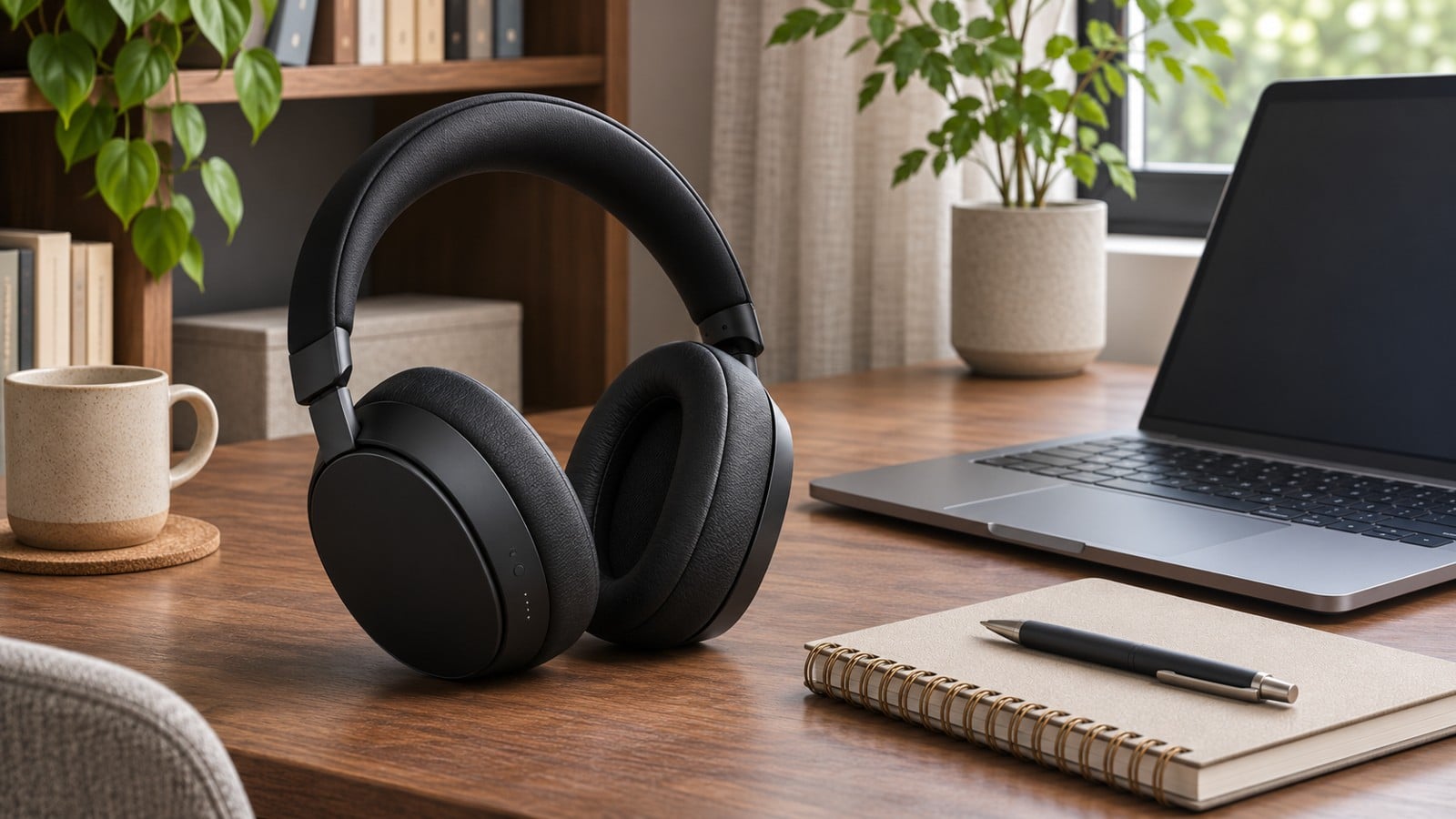
If your WH-1000XM5 plays music but its microphone does not work in a Windows call, check the calling app’s microphone selection. Playback alone can use the A2DP path, while a headset call uses HFP/HSP. A working music connection therefore does not prove the app has selected the headset microphone.
Select the headset inside the calling app
- Pair the WH-1000XM5 with the computer over Bluetooth.
- Open the calling app’s audio or device settings.
- Select the headset for both speaker output and microphone input.
- Use the app’s microphone test or make a short test call.
Sony’s computer-call guide notes that older interfaces may show separate Headset Hands-Free and Headphones Stereo choices. Other apps show only the model name. Use the available headset choice rather than searching indefinitely for an old label that your Windows version no longer displays.
If Speak-to-Chat interrupts the call
Sony explains that an incorrect microphone selection can interact with Speak-to-Chat. First correct the app’s microphone setting. If the app does not let you choose a microphone, Sony’s guide describes deactivating Speak-to-Chat by holding two fingers on the touch panel until you hear the guidance.
This addresses a specific behavior; it does not replace selecting the correct input where that control exists. Change one setting and repeat the app’s audio test so you can tell whether it helped.
If the connection still behaves incorrectly
Restart the computer and reconnect the headset, as Sony recommends. Test another calling app to separate an app-specific selection from the Bluetooth connection itself.
Record the Windows version, app, and input name if you need support. This procedure concerns Bluetooth calls; do not assume that plugging in an audio cable provides the same microphone behavior.
Featured image: AI-generated illustration of representative equipment, not an exact product photograph or a hands-on test.
Discussion (0)
Comments are closed.