



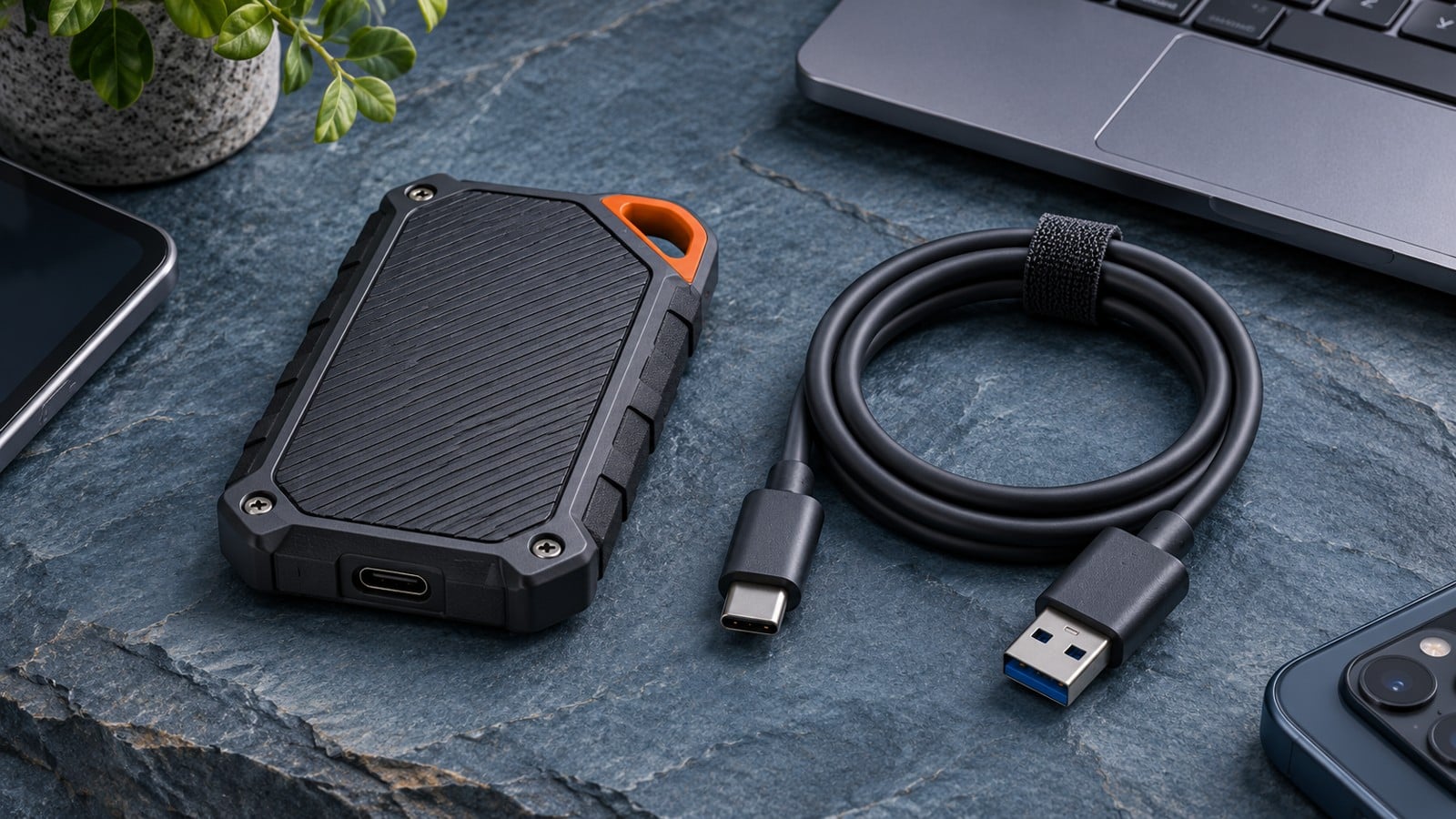
A fast SanDisk Extreme Portable SSD cannot transfer faster than its connection allows. Before formatting it or changing Windows caching settings, check the exact drive model, computer port, and cable arrangement. Extreme and Extreme PRO models do not all have the same interface ceiling.
Remove avoidable connection limits
- Connect the drive directly to the computer rather than through a third-party hub or dock.
- Use its supplied cable or a known-compatible replacement rated for the required data speed.
- If using the supplied USB-C-to-A adapter, align its arrow with the cable’s arrow as SanDisk’s adapter instructions direct.
- Where possible, compare a direct USB-C connection without that adapter.
SanDisk’s performance guidance explains why host capability and connection accessories matter. A USB-C connector does not identify the port’s data rate by itself.
Make the comparison meaningful
Copying thousands of small files is different from copying one large file. Compare the same workload and source when testing ports. The source disk also has to supply data quickly enough; an SSD destination cannot make a slow source read faster.
SanDisk also identifies little free space, heat, indexing, and delays after waking from sleep as factors. Let the drive finish other work and compare under similar conditions. Record whether the slowdown happens immediately or only after an extended transfer.
Do not erase the drive to chase an advertised maximum
Advertised interface and sequential-transfer ceilings are not guaranteed rates for every file copy. Keep an existing-data drive intact while isolating the connection. If speed remains unexpectedly low across suitable ports and cables, provide SanDisk the exact model, host specification, file type and size, and observed rate.
A useful result is a repeatable improvement with a known connection change. It is more informative than a single peak number obtained with a different workload.
Featured image: AI-generated illustration of representative equipment, not an exact product photograph or a hands-on test.
Discussion (0)
Comments are closed.