



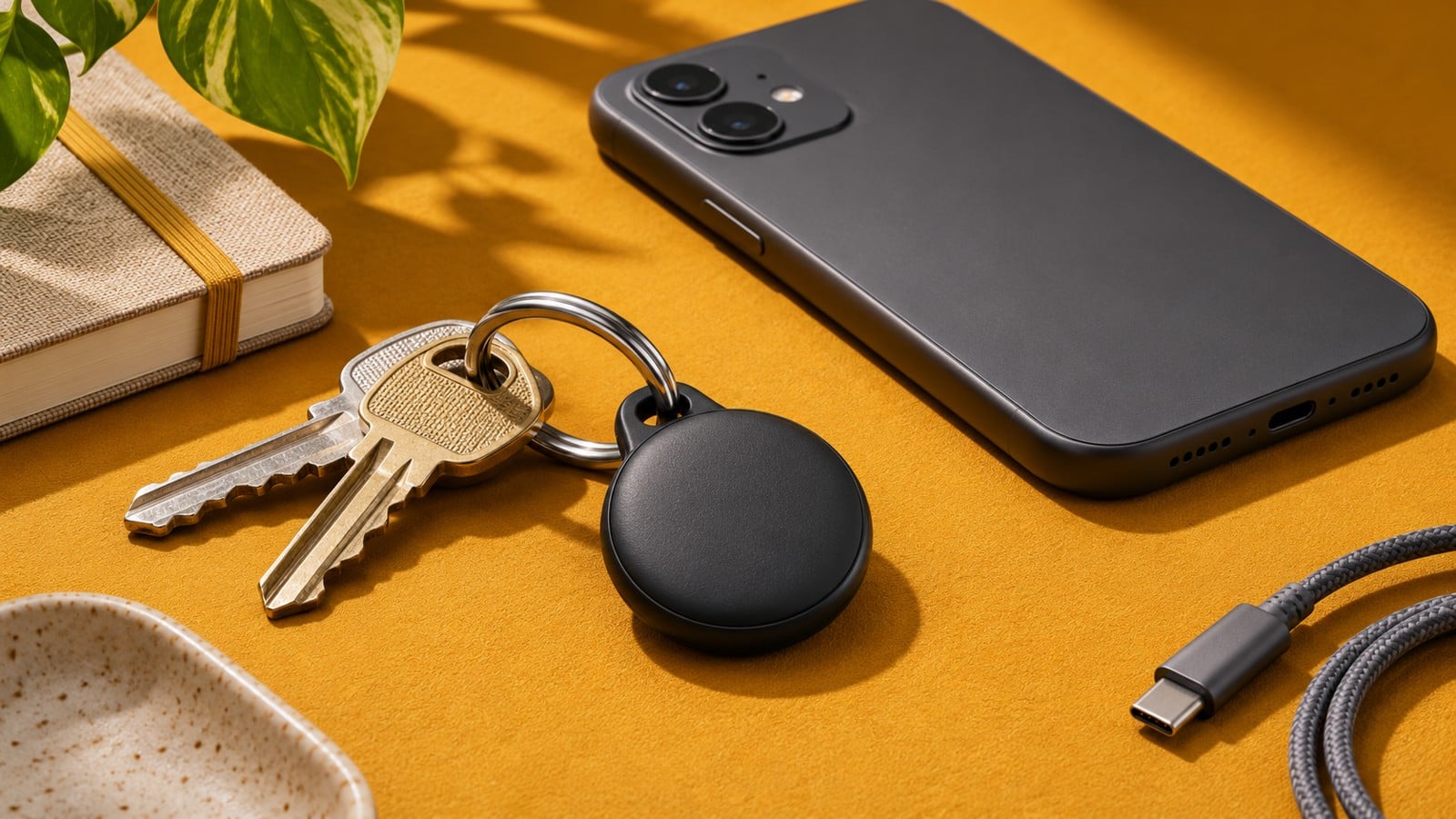
Moto tag pairing needs a compatible Android phone, Bluetooth, and internet access. Motorola specifies Android 9 or later and a Google account for full setup. If the pairing popup is missing, first check those conditions rather than assuming the tag has failed.
Start discovery near the phone
- Remove the tag’s battery-isolation film and listen for its beep.
- Keep the phone nearby, awake, and unlocked, with Bluetooth enabled.
- Follow the pairing popup when it appears.
- If no popup appears, check Connected devices or Google > Devices & sharing > Devices, depending on the phone interface.
Motorola’s pairing instructions describe the supported setup. If the phone displays Unable to connect, check its internet connection as well as Bluetooth; proximity alone does not complete the account setup.
Request the popup again
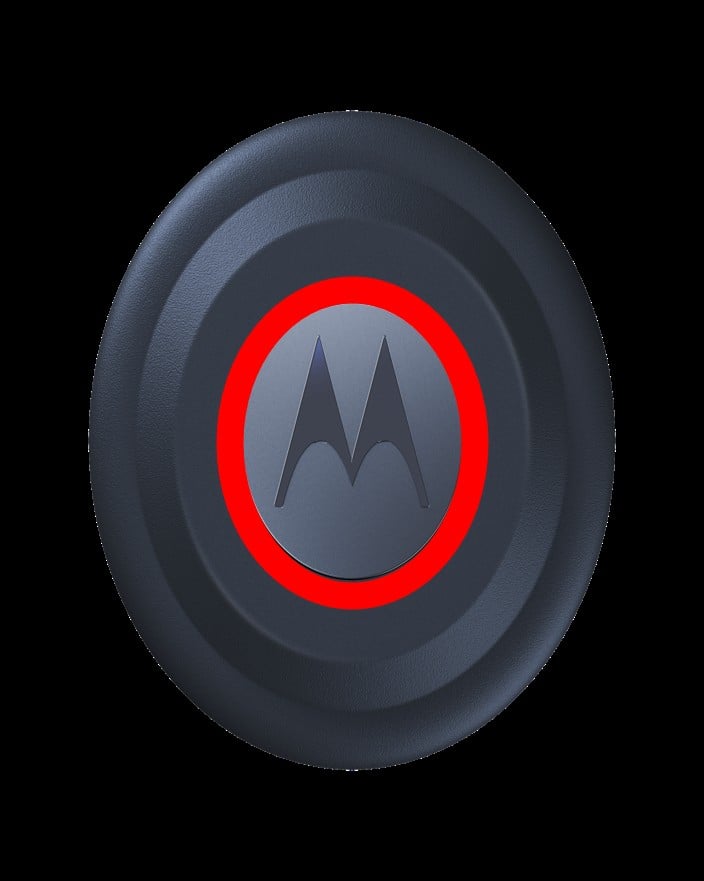
Motorola’s connection troubleshooting says to press the tag’s button if the pairing popup has not returned after one to two minutes, then check the phone again. Keep other troubleshooting changes separate so you can tell which step restored discovery.
Reset only when re-pairing is intended
Motorola’s pairing guide gives the reset sequence: press the button once, then press and hold it for five seconds. A reset is a later step and requires pairing again.
Do not treat that sequence as a way to bypass another owner’s Google account association. For a used tag, resolve ownership through the supported account process.
After setup, confirm that the tag appears in the intended account and test its nearby finding function. If setup still fails, record the Android version, whether the initial beep occurred, whether a popup appeared, and the exact error.
Featured image: AI-generated illustration of representative equipment, not an exact product photograph or a hands-on test.
Discussion (0)
Comments are closed.