



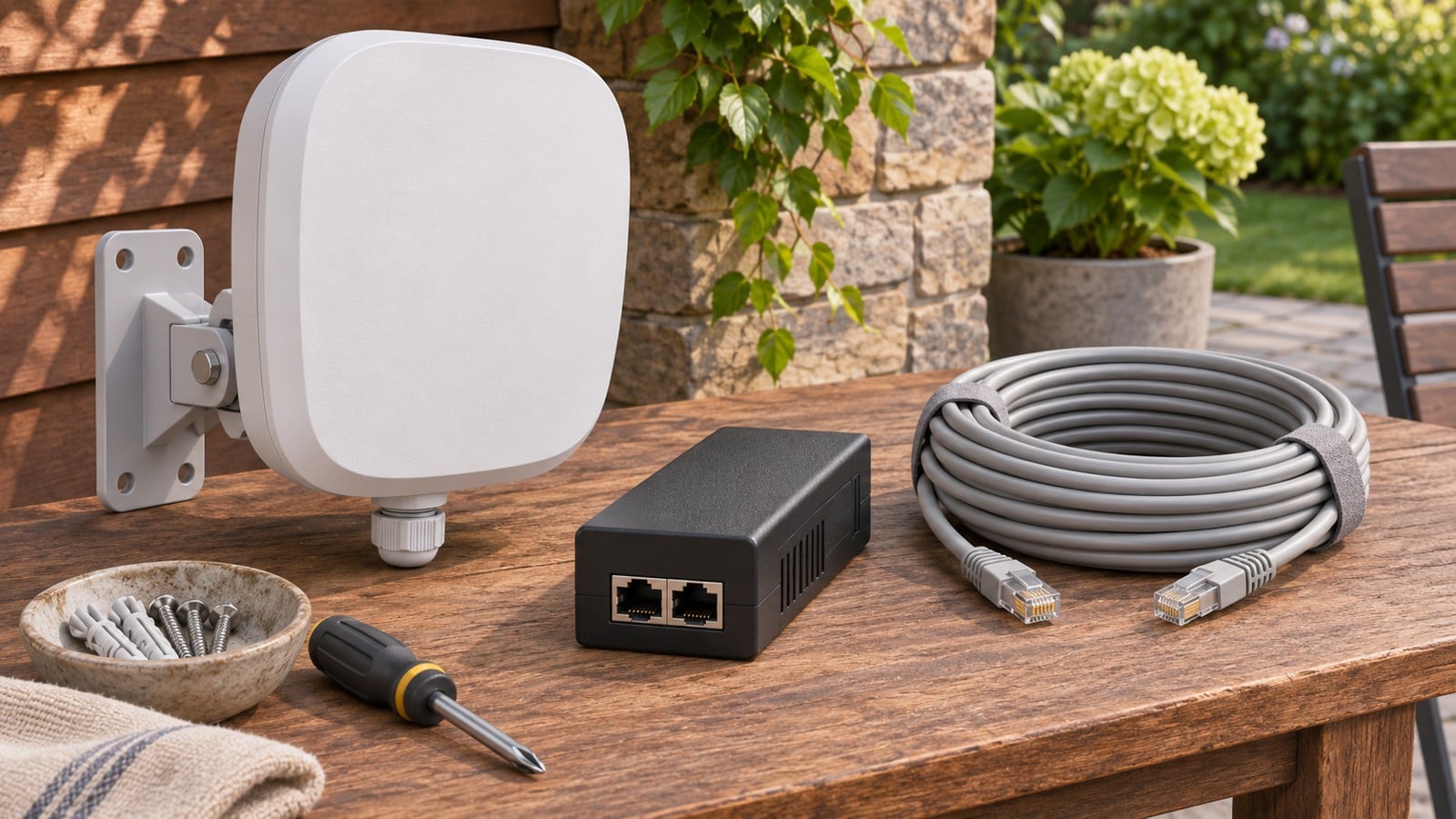
The Deco BE25-Outdoor is specified to receive IEEE 802.3at PoE input. TP-Link does not advertise its Ethernet ports as PoE outputs or passthrough power for a camera. Plan a separate suitable PoE source for the camera rather than assuming the Deco can supply it.
Ethernet data and electrical power are separate capabilities
The BE25-Outdoor specifications list two 2.5Gbps ports with automatic WAN/LAN detection. That describes their network role. It does not turn a port that receives PoE into a power source.
The Deco can alternatively take 100–240V AC power. Supplying it from AC does not establish an undocumented PoE-output capability either. For a camera, match the camera’s required PoE standard and power budget to a dedicated switch or injector.
Check the whole outdoor installation
- Identify how the Deco itself will receive power: supported PoE input or AC.
- Identify the camera’s separate power requirement and compatible source.
- Plan the Ethernet data connections through the network without assuming that every link carries power.
- Follow each product’s sealing and installation instructions for exposed connectors.
The Deco enclosure is rated IP65, with a stated operating range of −30 to 60°C. That rating does not automatically weatherproof an unrelated injector, connector, or camera cable junction.
Check the wireless specification separately
This model uses 2.4GHz and 5GHz, not 6GHz. Wi-Fi 7 branding therefore does not imply a third radio band, just as a PoE-input label does not imply PoE output.
Before buying accessories, check the regional package contents and both devices’ specifications. If a camera has data connectivity but no power, investigate its designated PoE source rather than looking for an undocumented power-output switch in the Deco app.
Featured image: AI-generated illustration of representative equipment, not an exact product photograph or a hands-on test.
Discussion (0)
Comments are closed.