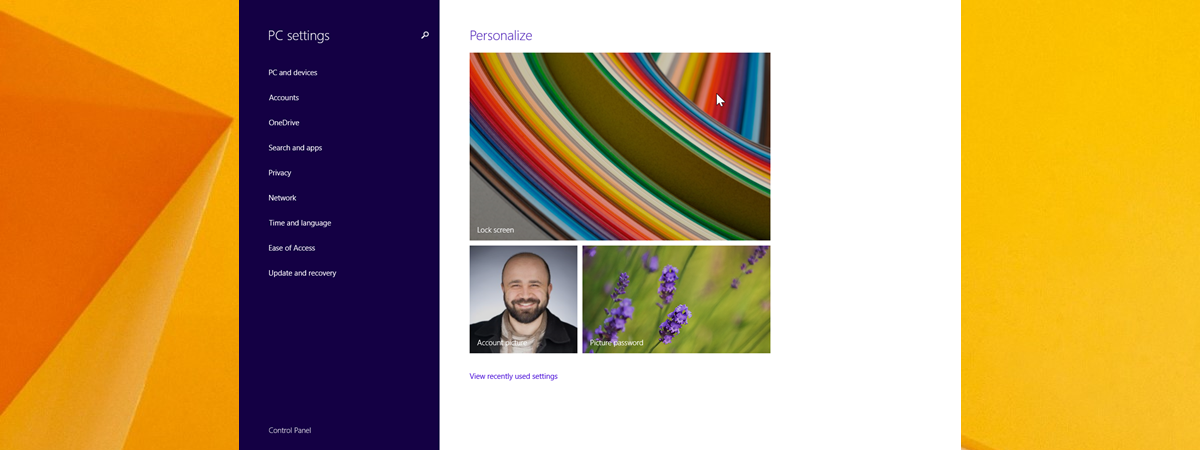
Set Windows 8.1 Apps that May Use the Webcam, Microphone & other devices Another useful new feature in Windows 8.1 is that you can set in detail which apps can use devices like the webcam,… Radu Tyrsina · Oct 2, 2025
Introducing Windows 8.1: How to Improve Your Privacy When Using Apps Windows 8.1 brings many welcome changes, some of which have not been communicated very well by Microsoft. One of the lesser known… Radu Tyrsina · Oct 10, 2025
Introducing Windows 8.1: What are Quiet Hours & How to Configure Them? Windows 8.1 introduces a neat little feature, named Quiet Hours. As the name implies, quiet hours are an interval within the day… Radu Tyrsina · Oct 9, 2025
Introducing Windows 8.1: How to Synchronize & Back Up Your Settings A great feature, first introduced in Windows 8 and further improved in Windows 8.1, is the ability to synchronize your important Windows… Radu Tyrsina · Oct 8, 2025
How to Create a Recovery Drive on a USB Memory Stick in Windows 8 & 8.1 Both Windows 8 and Windows 8.1 offer a new tool for creating recovery drives on all kinds of devices, from USB flash… Radu Tyrsina · Oct 2, 2025
How to Create, Configure and Use a VPN Connection in Windows 8 & 8.1 Virtual Private Networks (VPN) provide an easy way to extend a private network across the Internet and gain access to them when… Radu Tyrsina · Oct 12, 2025
Reviewing the Microsoft Wedge Mobile Keyboard Nowadays, tablets are becoming more and more popular, and rightly so. They're versatile, and most are a lot more easily portable than… Radu Tyrsina · Oct 4, 2025
How to Boot to the Desktop in Windows 8 & Windows 8.1 Microsoft did not provide any support for setting Windows 8 to boot straight to the Desktop and skip the new Start screen.… Radu Tyrsina · Oct 1, 2025
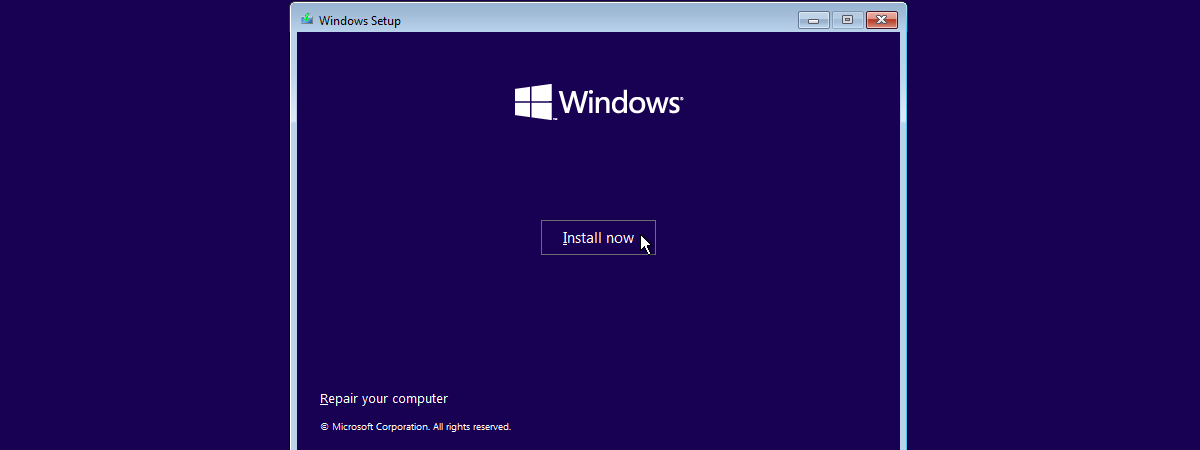
How to Install Windows 8.1 RTM On Your Computer If you have gotten your hands on Windows 8.1, the final version (build 9600) or on any of the leaked builds, you… Radu Tyrsina · Oct 7, 2025
Where the Desktop & Lock Screen Wallpapers are Stored in Windows 8 Where can you find the images used by Windows 8 as wallpapers for its default Desktop themes and for the Lock screen?… Radu Tyrsina · Sep 29, 2025
Where are the Start Screen Patterns Located & How to Extract Them? I like some of the patterns used by Microsoft on Windows 8's Start screen and I thought I could be using them… Radu Tyrsina · Sep 29, 2025
How to Change the Display of Dates, Times, Currency and Measurements Both Windows 7 and Windows 8 give you the ability to set, in detail, the format used for displaying dates, times, your… Radu Tyrsina · Oct 2, 2025
How to Configure the Windows 8 Apps Inside Which You Perform Searches Performing searches in Windows 8 is fast and easy. One important difference versus Windows 7 is that you can perform searches inside… Radu Tyrsina · Sep 29, 2025
How to Add or Remove Buttons on the Windows Explorer Toolbar If you are using Windows 7, you have a small selection of buttons available on the Windows Explorer toolbar and this may… Radu Tyrsina · Oct 7, 2025
How to Add or Remove the Take Ownership Entry in the Right Click Menu Do you need an easy way to add the Take Ownership entry to the right-click menu in Windows 7 or Windows 8?… Radu Tyrsina · Sep 29, 2025
Introducing Windows 8.1: Transform the Start Screen into a Start Menu One of the changes made by Microsoft in Windows 8.1 is that, due to user feedback, anyone can change the Start screen… Radu Tyrsina · Sep 29, 2025
Book Review - Microsoft Office Professional 2013 Step By Step Years ago, when I bought Microsoft Word for DOS 5.0, it came with three manuals in the box: One to explain the… Radu Tyrsina · Oct 3, 2025
Dream It, Do It, Live It - Ciprian's First Personal Development Book Not many people know that, besides technology, there are quite a few other subjects I write about. As a result, today I… Radu Tyrsina · Oct 11, 2025
5 Reasons Why the Windows Firewall is One of the Best Firewalls Since we launched 7 Tutorials, we have tested lots of security products. Over the years, we learned a lot about what it… Radu Tyrsina · Oct 1, 2025
What's New in Windows 8.1 Public Preview (codename "Blue")? Windows 8.1 Public Preview is now available for download and it brings many changes to Windows 8. There's lots of new stuff… Radu Tyrsina · Oct 7, 2025