How to enable and use fingerprint authentication in Windows 10 Biometric authentication is available in Windows 10 if you have a laptop or desktop computer with a fingerprint reader or a webcam… Radu Tyrsina · Oct 5, 2025
Pin Google Weather to your Android (including Samsung Galaxy) My father asked me the other day: “Does Google have its own Weather app? I want it on my Android phone!” At… Radu Tyrsina · Oct 6, 2025
How to shut down a Windows 10 laptop, tablet or desktop PC When you finish working on your Windows 10 computer, you will probably want to turn it off. Windows 10 gives you a… Radu Tyrsina · Oct 8, 2025
ASUS RT-AX57 Go review: A versatile travel router! ASUS started the year 2024 by launching a versatile travel router with an interesting list of features, some of which are surprisingly… Ciprian Adrian Rusen · Aug 13, 2025
How to turn on and how to turn off an iPhone It can be challenging to figure out how to turn off an iPhone, especially if you have a new device. While it’s… Radu Tyrsina · Oct 11, 2025
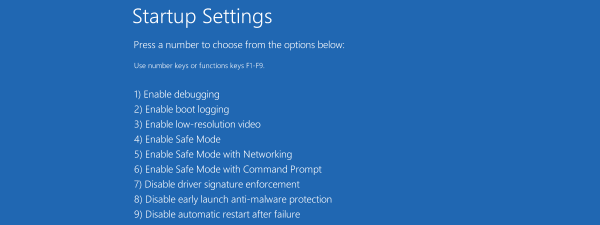
How to boot Windows 10 in Safe Mode One of the best ways to troubleshoot Windows 10 issues is to use Safe Mode, a minimal environment that allows you to… Radu Tyrsina · Oct 6, 2025
How to use Apple Maps offline on an iPhone If you know you’re going to travel in an area where mobile internet is unreliable or where data usage is costly, you… Radu Tyrsina · Oct 10, 2025
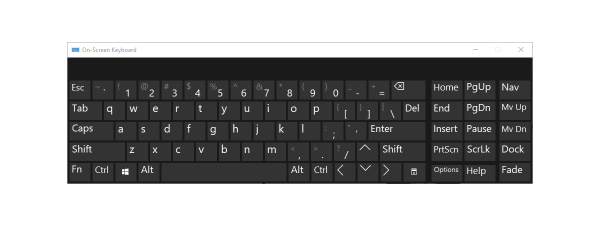
How to use the On-Screen Keyboard in Windows If you need to type without a keyboard, the On-Screen Keyboard in Windows might be helpful. It allows you to type by… Radu Tyrsina · Oct 8, 2025
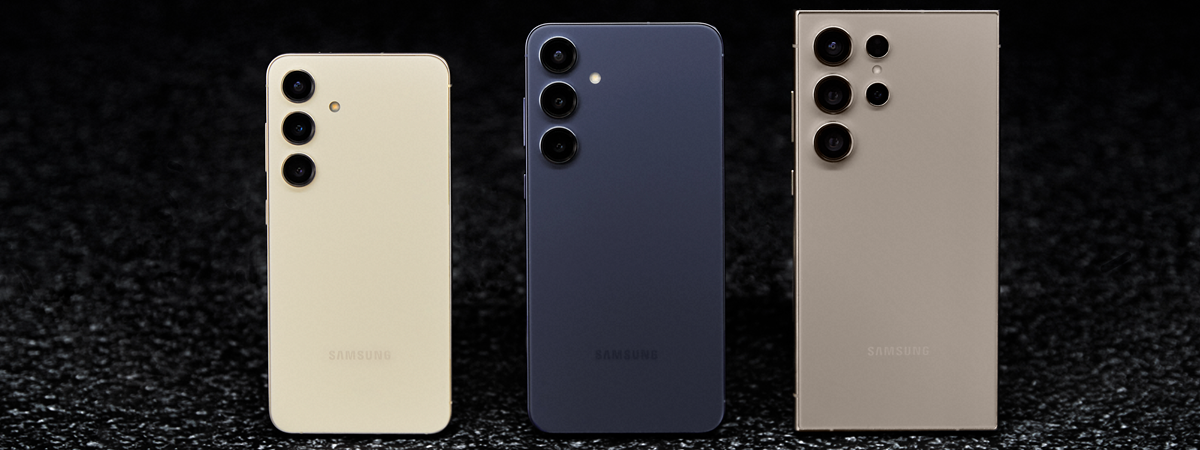
Brief hands-on with Samsung Galaxy S24, S24+ and S24 Ultra While you’re watching the Samsung Galaxy Unpacked event of 2024, I have some interesting facts about the new Galaxy S24, Galaxy S24+,… Radu Tyrsina · Oct 12, 2025
How to disable the touchpad in Windows 10 Are you wondering how to turn your touchpad off? If you’re using a Windows 10 laptop with a touchpad, you may sometimes… Radu Tyrsina · Oct 11, 2025
How to enable and use fingerprint authentication in Windows 11 Some of our readers have asked us if Windows 11 supports biometrics. Yes, it does, but in order for biometric authentication to… Radu Tyrsina · Oct 12, 2025
How to use Internet Explorer mode in Microsoft Edge Do you need to access old websites or legacy web apps that were designed to work well in Internet Explorer but aren’t… Radu Tyrsina · Oct 5, 2025
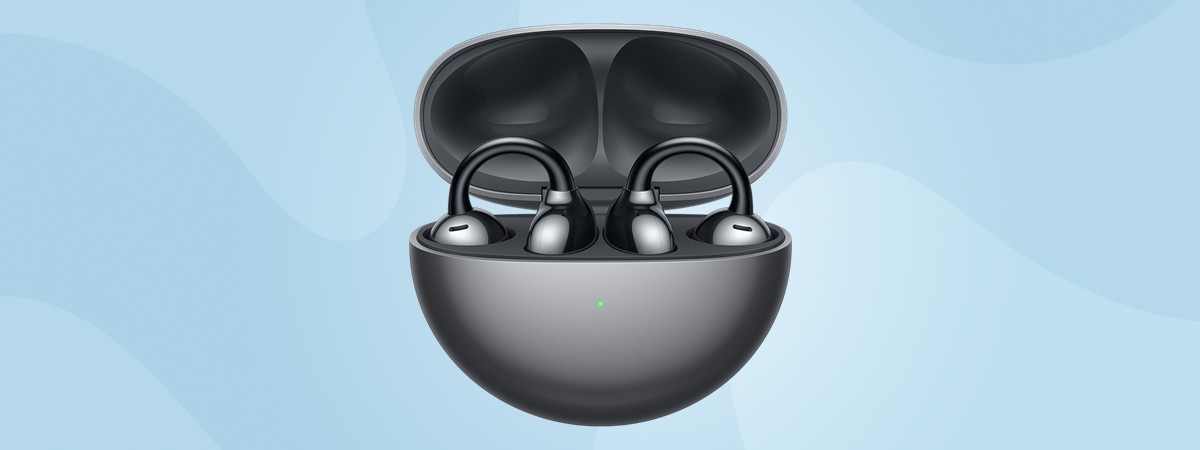
HUAWEI FreeClip review: The most comfortable wireless earbuds? Most people like using wireless earbuds, but many have this issue: one of the buds has a harder time remaining in one… Radu Tyrsina · Oct 11, 2025
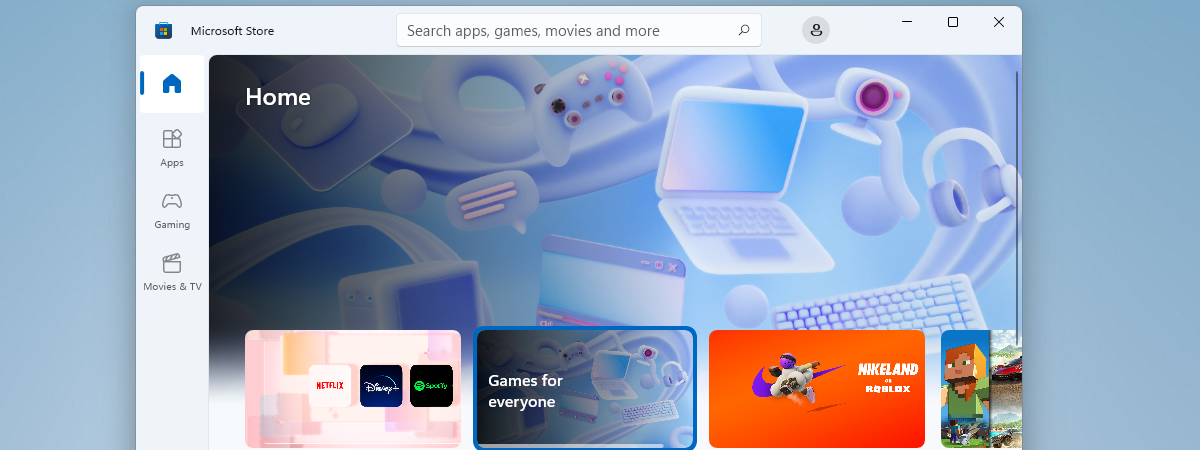
How to change the Microsoft Store region in Windows The region or country setting in Windows can have an effect on the apps and games you get access to in the… Radu Tyrsina · Oct 9, 2025
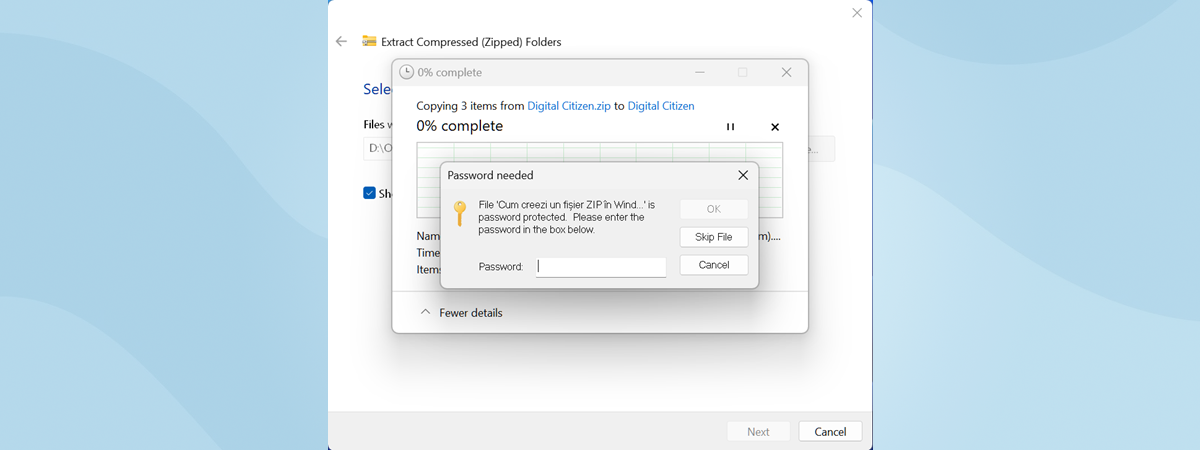
4 tools to lock and password-protect folders in Windows It would be great to see Microsoft release a Windows version that allows users to password-protect specific folders that contain sensitive data.… Radu Tyrsina · Oct 11, 2025
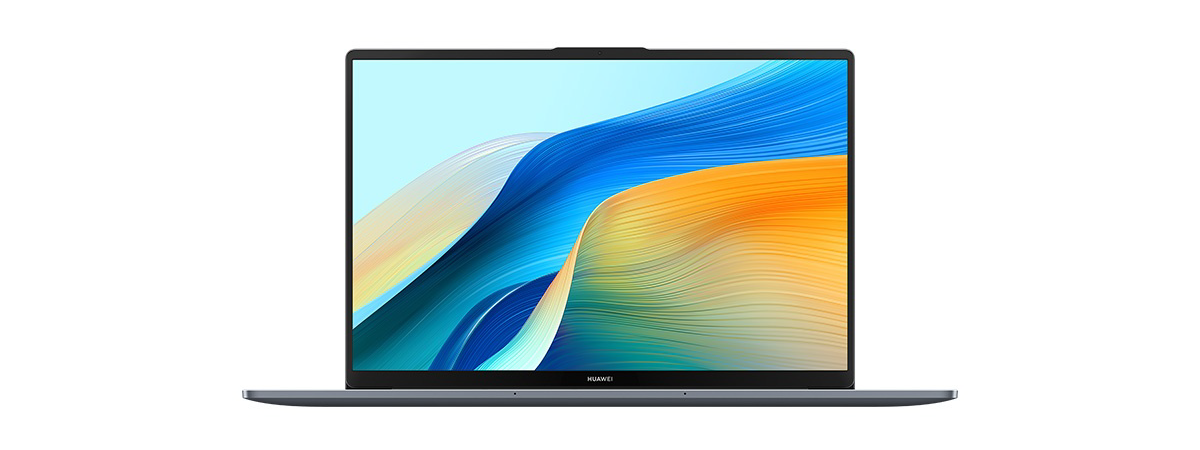
HUAWEI MateBook D 16 2024 review: A capable mid-range laptop! While we all love high-end laptops with amazing displays and incredible performance, most people cannot afford them. Therefore, when buying a laptop,… Radu Tyrsina · Oct 8, 2025
How to change the language on Windows’ lock screen Did you install an English version of Windows on your computer, only to change the default display language to another language afterward?… Radu Tyrsina · Oct 9, 2025
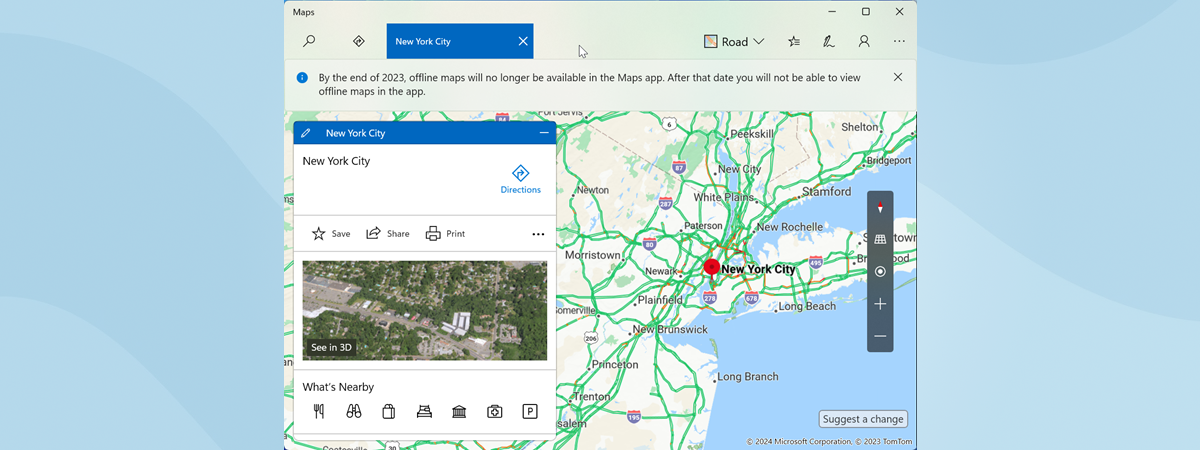
What is and what you can do with Windows’ Maps app If you are planning a trip to some exotic location or just to another city in your country, you may need map… Radu Tyrsina · Oct 5, 2025
How to show the battery percentage on your iPhone Wondering how to view the battery percentage on your new iPhone? Or maybe you bought a used iPhone and can’t find the… Radu Tyrsina · Oct 11, 2025
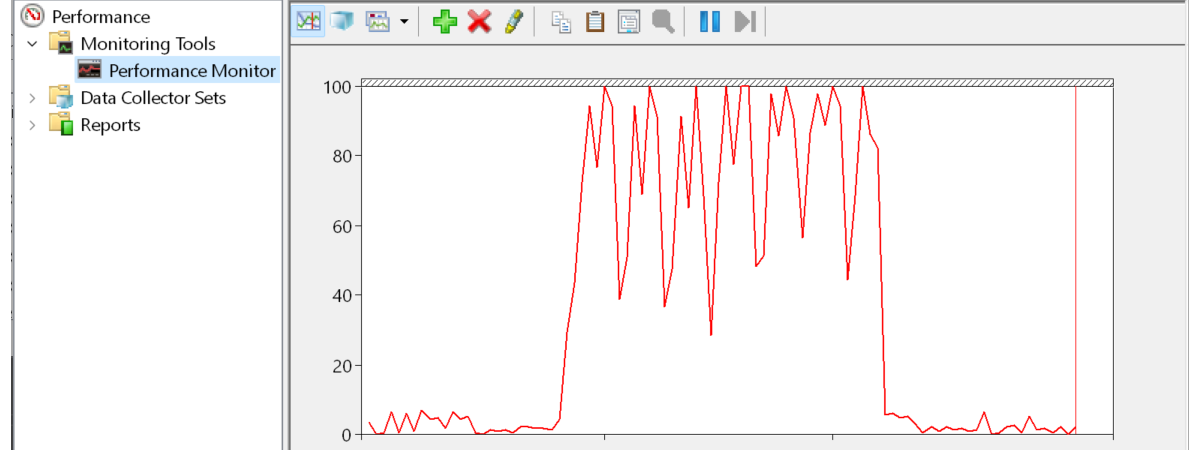
How to open Performance Monitor in Windows If you’re having trouble with the performance of your Windows computer or laptop, one tool that can help you identify what’s wrong… Radu Tyrsina · Oct 5, 2025