



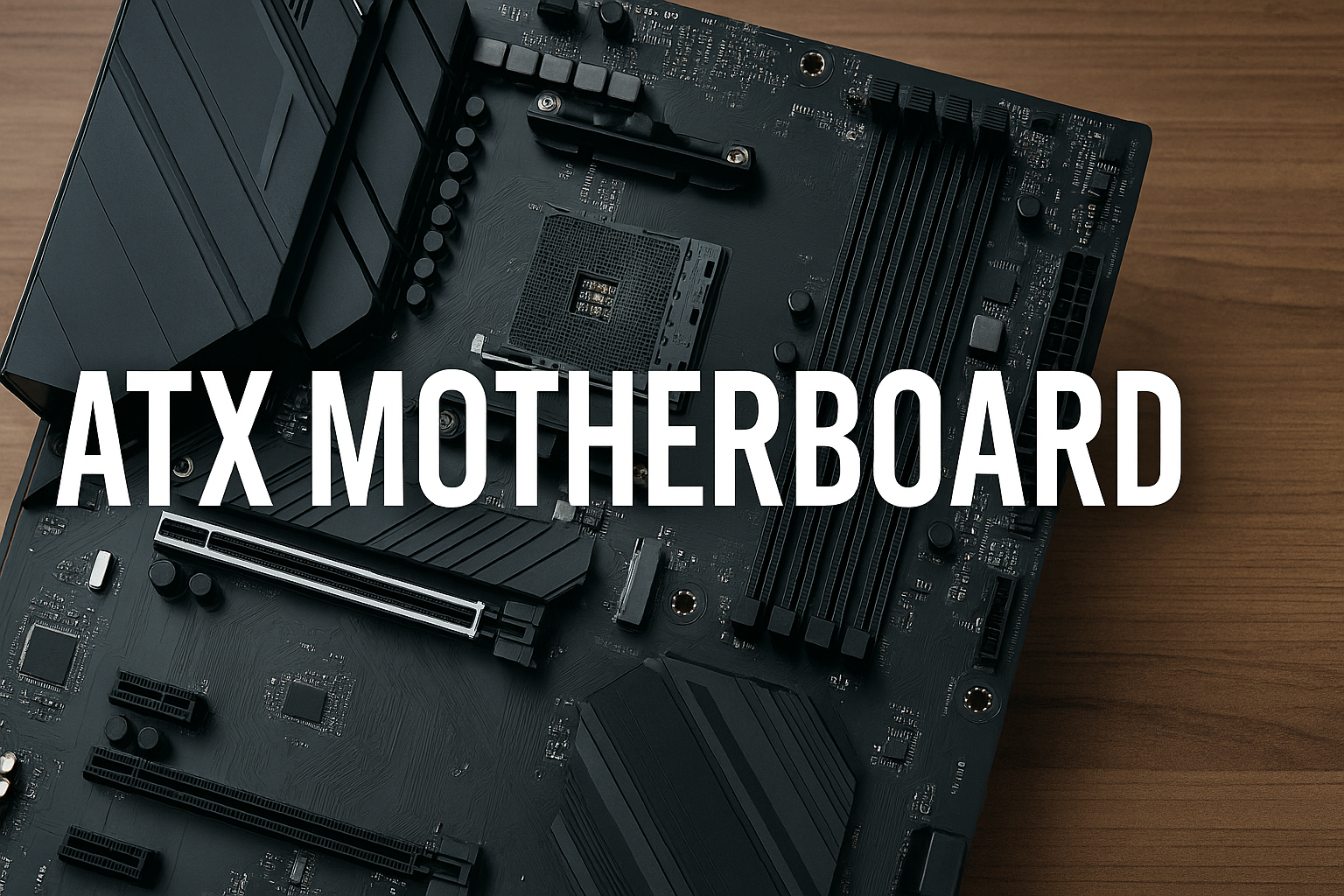
An ATX motherboard defines the standard layout and size most desktop PCs still use today. Understanding this form factor helps you choose compatible parts, avoid fitting mistakes, and plan future upgrades confidently. This guide covers everything you need to know about the motherboard and answers your likely questions.
1) Understanding the ATX standard
ATX stands for Advanced Technology eXtended, a specification Intel introduced in 1995 to replace the older AT format. It sets the rules for size, screw placements, power connectors, and component layout so that cases, power supplies, and motherboards all fit together seamlessly.
ATX dimensions and layout
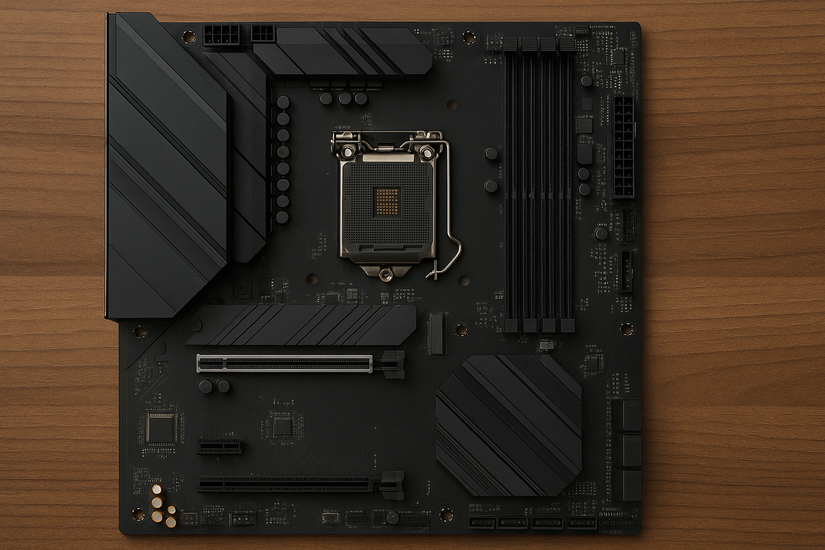
A standard ATX motherboard measures 305 × 244 millimeters (12 × 9.6 inches). The layout includes multiple PCIe slots for graphics cards or expansion cards, up to four RAM slots, and plenty of headers for fans and storage. Its size gives builders more space for better airflow and cable management.
Key features of ATX motherboards
Full-size ATX boards support advanced power delivery systems, multiple M.2 slots, and strong VRMs for high-end CPUs. They often include rich connectivity options like USB-C, onboard Wi-Fi, and reinforced GPU slots. This makes them ideal for gaming, video editing, and productivity builds that demand expansion flexibility.
2) ATX vs other form factors
Motherboards come in different form factors such as ATX, Micro-ATX, and Mini-ITX. The differences mainly affect the board’s size, expansion potential, and compatibility with various PC cases.
ATX vs MICRO-ATX
Micro-ATX boards are smaller and often cheaper, but they usually include fewer PCIe slots and fewer RAM options. They’re great for compact or budget builds where expansion isn’t a top priority. ATX boards, however, give you more flexibility if you plan to add GPUs or capture cards later.
ATX vs MINI-ITX
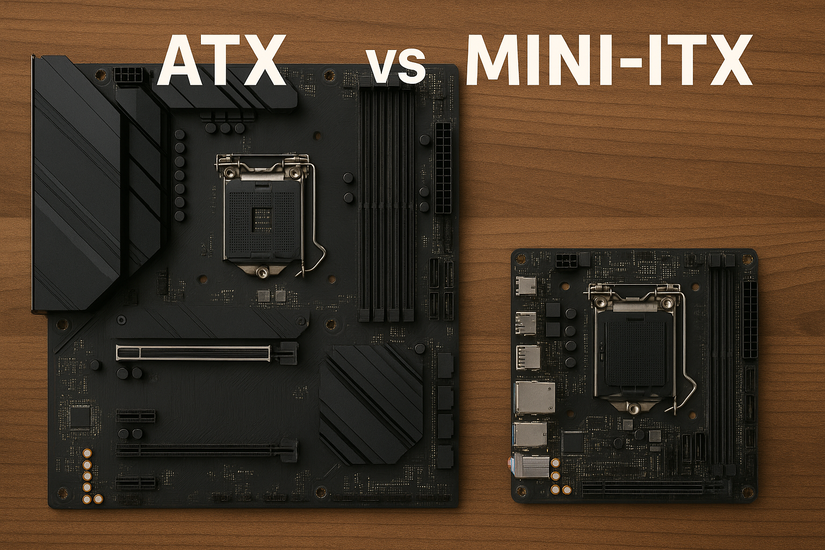
Mini-ITX boards measure only 170 × 170 mm and fit inside small form-factor cases. They’re perfect for portable or minimalist builds but offer just one PCIe slot and limited cooling options. Builders who need more storage or multiple GPUs typically stick with ATX.
3) How the ATX standard has evolved
ATX has gone through several revisions to meet rising power demands and efficiency requirements. The main milestones include ATX12V, ATX 2.x, and the modern ATX 3.0 and ATX12VO standards used in current desktop builds.
What's new in ATX 3.0
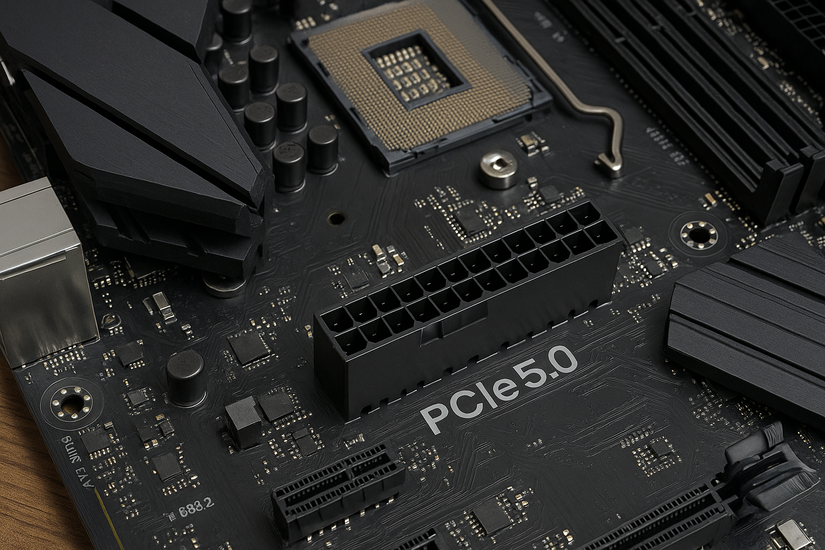
ATX 3.0 brings updated 16-pin PCIe 5.0 connectors that support the latest graphics cards. It also introduces improved power efficiency and stricter load regulations. Builders upgrading in 2025 should check that both the motherboard and power supply support ATX 3.0 for long-term compatibility.
4) Choosing an ATX motherboard in 2025
Before buying, confirm that the motherboard matches your CPU socket and chipset. Check RAM support, available PCIe slots, and rear I/O ports. You should also ensure your case supports full-size ATX boards and your power supply offers the right connectors for modern GPUs.
Build-ready checklist
- Confirm CPU socket and chipset compatibility.
- Verify your case supports full-size ATX mounting points.
- Ensure PSU has ATX 3.0 or ATX12V connectors.
- Check for at least four RAM slots and multiple M.2 ports.
- Inspect VRM quality if you plan to overclock.
- Review BIOS and firmware support for your CPU generation.
Common mistakes to avoid
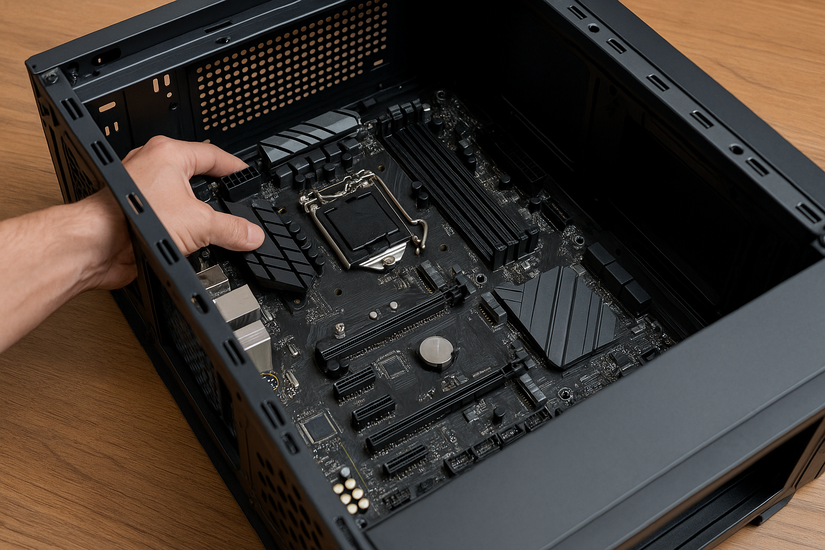
New builders sometimes pair ATX boards with cases made for Micro-ATX, leading to fit issues. Others buy PSUs that lack modern connectors or skip BIOS updates that ensure CPU support. Always cross-check your hardware list before assembling the system.
5) Advantages and limitations of ATX motherboards
ATX boards offer excellent expandability, superior cooling potential, and reliable power delivery. Their main drawback is physical size—requiring mid- or full-tower cases—and higher prices compared to compact models. Still, for most gaming and creative setups, ATX remains the most balanced choice.
FAQs about ATX motherboards
What does ATX stand for? It means Advanced Technology eXtended, Intel’s long-standing motherboard standard introduced in 1995.
Can ATX motherboards fit in any case? Only in cases that support the ATX form factor. Always check the case specifications before purchase.
Are ATX boards better for gaming? Yes. They typically include better power delivery and more expansion slots for GPUs and NVMe drives.
Is ATX still relevant in 2025? Absolutely. Despite the rise of compact systems, ATX remains the dominant standard for performance desktop builds.
Summary
- ATX defines the physical and electrical standard for full-size desktop motherboards.
- Its 305 × 244 mm layout supports multiple GPUs, RAM slots, and high airflow.
- ATX remains the most flexible choice for performance and expandability.
- Modern ATX 3.0 boards offer improved power efficiency and GPU compatibility.
- Check your case, PSU, and socket compatibility before building.
Conclusion
The ATX motherboard continues to define how desktop PCs are built in 2025. Its balanced design, generous expansion options, and strong power delivery make it the preferred choice for gamers, creators, and professionals who need performance without compromise.
As technology evolves, modern ATX boards now support PCIe 5.0, DDR5 memory, and improved efficiency standards like ATX 3.0. Choosing one with reliable components ensures your system stays compatible with future CPUs and GPUs.

Discussion (0)
Be the first to comment.