



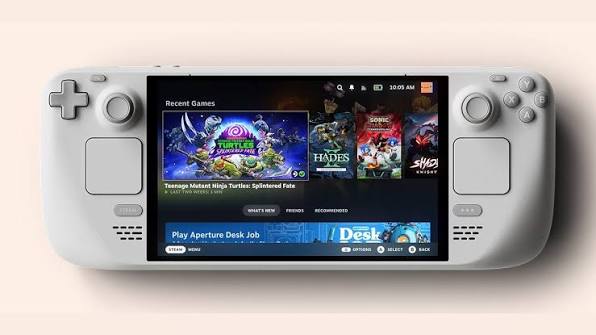
Proton 11 has officially moved from beta to stable, giving Steam Deck and Linux players access to a large set of game compatibility fixes, newly playable titles, and updated core components. After five beta builds, the release is now ready for wider use, which means many of the improvements that were previously limited to testing are now available to everyone.
The biggest news is expanded game support. Several titles that previously needed Proton Experimental, or had issues running at all, should now work through Proton 11. The list includes Resident Evil from 1996, Resident Evil 2 from 1998, Dino Crisis, Dino Crisis 2, Warhammer: Vermintide 2, SHOGUN: Total War, Breath of Fire IV, Gothic 1 Classic, X-Plane 12, and Deadly Premonition.
For Steam Deck owners, this release is especially useful because Proton is one of the main reasons the handheld can run so many Windows games through SteamOS. A stable Proton update means fewer players need to manually switch to Experimental for specific games, and more older PC titles become easier to install and play without extra work.
Proton 11 improves classic games, VR support, launchers, and controller behavior
The changelog covers a wide range of fixes across games, launchers, input handling, video playback, and VR. Far Cry 4 should no longer randomly hang during launch, Age of Empires II: Definitive Edition no longer has keyboard registration issues after refocusing the game, and Chrono Trigger has a fix for flickering in windowed mode with certain resolutions when using Gamescope.
| Area | Proton 11 improvement |
|---|---|
| Newly playable classics | Resident Evil, Resident Evil 2, Dino Crisis, Dino Crisis 2, SHOGUN: Total War |
| Newly playable games | Gothic 1 Classic, X-Plane 12, Breath of Fire IV, Deadly Premonition |
| Steam Deck input | Fixes Hollow Knight reading the Steam button as a left trigger |
| VR | No Man’s Sky VR mode is playable again |
| Launchers | Improved Rockstar Launcher popups and REDLauncher exit behavior |
| EA games | Fixes for EA Desktop related problems and Steam Overlay issues |
| Components | Wine 11.0, DXVK, vkd3d, Wine Mono, FEX, and Xalia updates |
Launcher support also gets attention. Proton 11 improves Rockstar Launcher popups, fixes many EA games that became unplayable after a recent EA Desktop update, and resolves Steam Overlay issues with many EA titles. REDLauncher, used by games such as Cyberpunk 2077 and The Witcher 3, should no longer take a long time to exit.
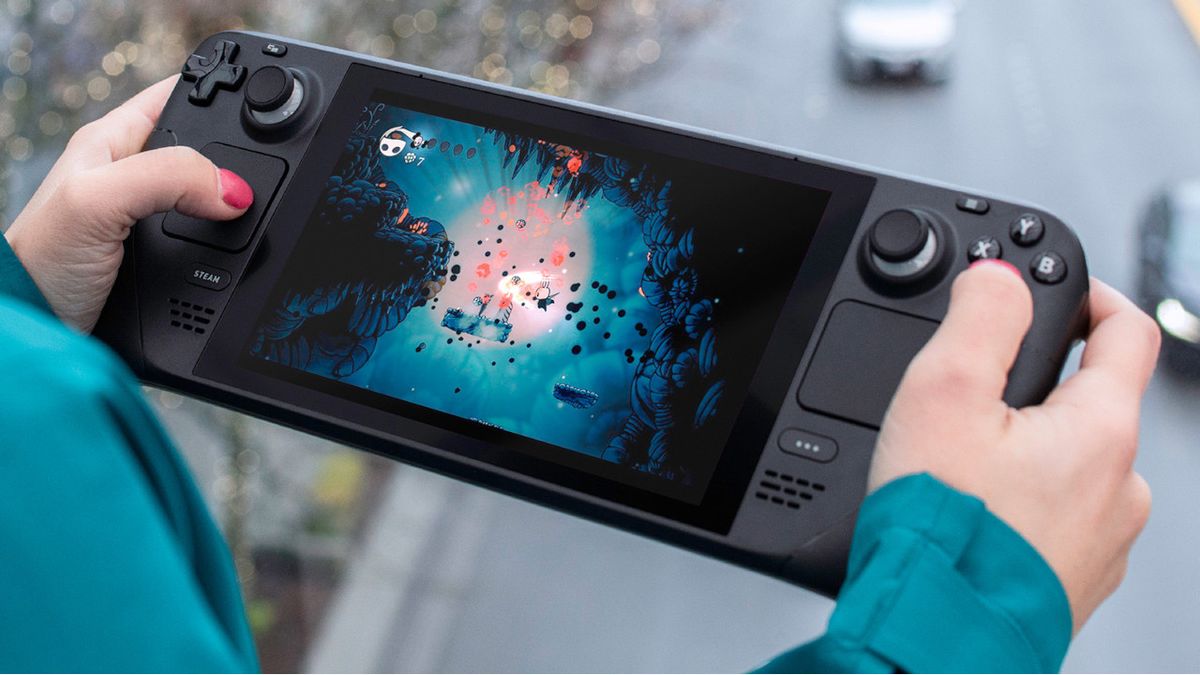
There are also important Steam Deck specific fixes. Hollow Knight should no longer wrongly register the Steam Deck’s Steam button as a left trigger after a game update. Controller hotplug behavior has been fixed for the 8BitDo Ultimate 2C and other controllers that expose multiple HID devices.
VR players also get useful improvements. Microsoft Flight Simulator now has fixed VR controller tracking, while No Man’s Sky VR mode is playable again. Rec Room also receives a fix after a recent game update made it unplayable.
Proton 11 also updates several underlying technologies. It is rebased on Wine 11.0 and includes FEX 2605 for ARM64EC builds, vkd3d updates, DXVK updates from the Proton 11 support branch, DXVK NVAPI 0.9.1, Wine Mono 11.0.0, and a newer vkd3d proton build.
Xalia has also been updated to version 0.4.9, improving controller support in launchers and installers. The update adds controller support for launchers in games such as Red Faction: Armageddon, Final Fantasy X/X 2 HD Remaster, Metal Slug XX, Zero Escape: The Nonary Games, Batman: Arkham Asylum GOTY, Resident Evil, Resident Evil 2, Resident Evil 3 Nemesis, Dino Crisis, and Dino Crisis 2.
The update should automatically enter the download queue for anyone who already has the Proton 11 beta installed. Players who do not have it yet can manually install it by searching for Proton 11 on Steam from the Steam Deck.
Overall, Proton 11 is a strong stable release for Steam Deck and Linux gaming. It adds support for more classic and modern games, fixes several frustrating launcher and input problems, improves VR compatibility, and updates the technology stack that powers Windows game support on SteamOS.



Discussion (0)
Be the first to comment.