



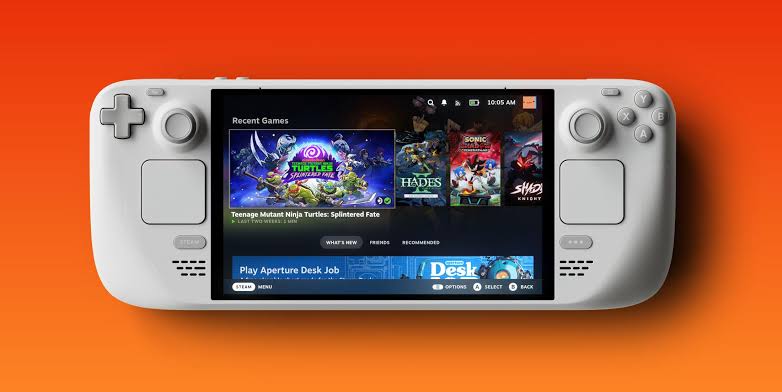
Valve has released a new Steam Deck Beta Client update with several practical fixes for Remote Play, Steam Input, Desktop Mode, and Steam Controller firmware. The update is not a large feature release, but it includes useful improvements for players who stream games, use external controllers, or switch between Steam Deck’s handheld interface and Big Picture Mode.
The most notable addition is a new 59.94 FPS framerate limit for Remote Play. That may sound like a small technical change, but it can help with smoother streaming on displays and capture environments that follow the common 59.94Hz video timing standard. For players who use Remote Play regularly, having a more precise frame cap can reduce judder and improve consistency.
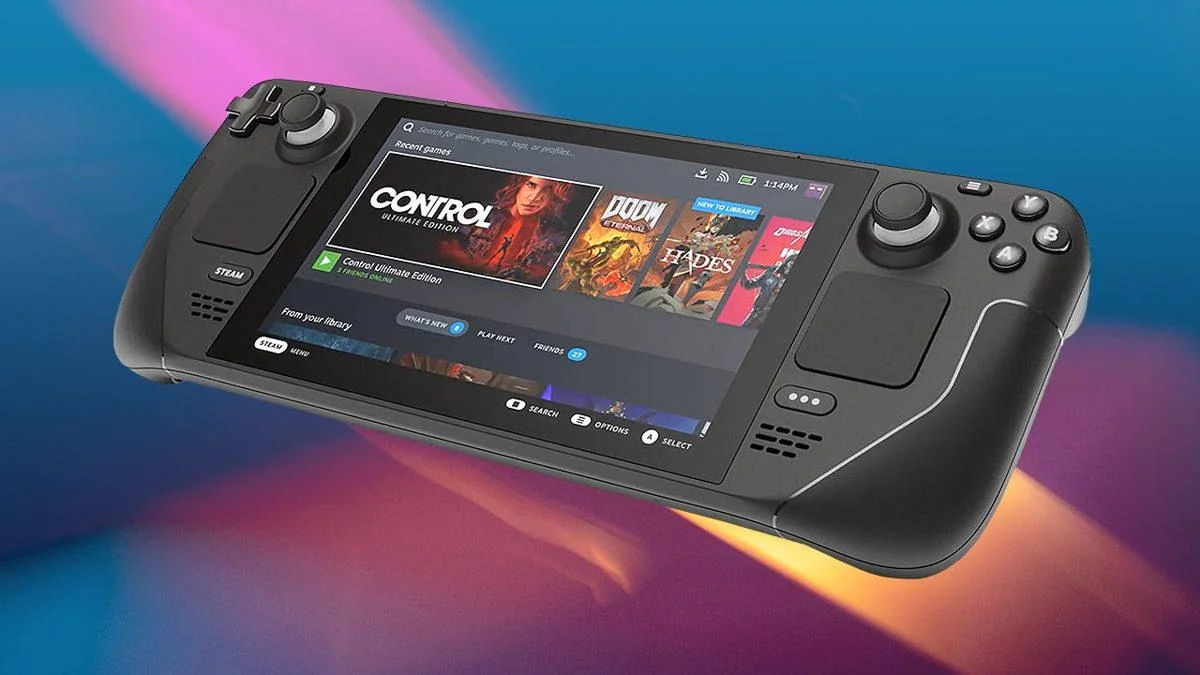
Valve has also reduced frame drops when the Remote Play framerate limit is set to automatic. Another Remote Play fix addresses an issue where the client video decoder could be overloaded when unlimited bandwidth was enabled. Together, these changes should make Steam Deck streaming more stable, especially for people who use the device as a handheld client for games running on a more powerful PC.
The update improves Remote Play, Steam Input, and Big Picture Mode behavior
The update also expands controller support. Steam Input now supports both wired and wireless versions of the PDP Afterglow Wave Controller for Nintendo Switch. Valve has also added support for Turtle Beach controllers for Nintendo Switch 2. These additions make the Steam Deck more flexible as a docked gaming device, especially for players who already own controllers from other platforms.
| Update area | Change |
|---|---|
| Remote Play | Added 59.94 FPS as a framerate limit |
| Remote Play | Reduced frame drops when automatic framerate limit is used |
| Remote Play | Fixed decoder overload when unlimited bandwidth is enabled |
| Steam Input | Added wired and wireless PDP Afterglow Wave Controller support |
| Steam Input | Added Turtle Beach controller support for Nintendo Switch 2 |
| Desktop Mode | Fixed incorrect UI scale in Big Picture Mode |
| General | Fixed incorrect Patch Notes preview channel display |
| Steam Controller firmware | Fixed occasional repeated B button presses |
The Big Picture Mode fix should also be helpful for players who use Steam Deck in Desktop Mode while connected to a monitor or TV. Valve says it fixed an issue where the wrong UI scale could be applied in Big Picture Mode. Incorrect scaling can make menus too large, too small, or awkward to navigate, so this should improve the docked experience.
There is also a general fix for the Patch Notes preview box in Settings and System. In some cases, it could show notes for the wrong update channel, such as displaying Beta Channel notes even when the client was set to the Stable Channel. This is a minor issue, but fixing it helps avoid confusion when players are checking what changed in their current update path.
Steam Controller firmware gets a targeted fix as well. Valve has resolved an issue that could cause occasional repeated presses on the B button. That kind of bug can be especially annoying in menus or games where one extra input can cancel an action, back out of a screen, or trigger the wrong move.
Steam Deck owners can install the update through System Settings. To receive the beta version, the update channel needs to be set to Beta or Preview. Players who stay on the Stable channel should only receive the stable client update when Valve pushes it broadly.
As always with beta updates, cautious players may want to wait for the stable release if their Steam Deck is working well. Beta builds can introduce new issues, even when they fix existing ones. But for people who rely on Remote Play, use external controllers, or like testing the latest Steam client changes, this update is worth trying.
The update continues Valve’s steady pattern of small but meaningful Steam Deck improvements. Better Remote Play behavior, broader controller compatibility, corrected UI scaling, and Steam Controller firmware fixes all help polish the overall experience. None of these changes transform the device on their own, but together they make Steam Deck a more reliable handheld and docked SteamOS system.



Discussion (0)
Be the first to comment.