



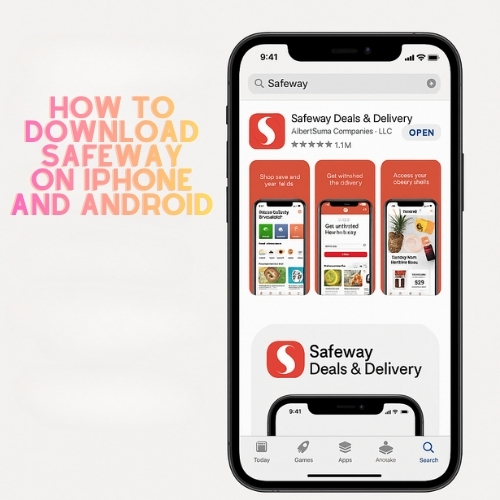
Want an easier grocery run? This guide shows how to download Safeway app, sign in, and start saving with Safeway for U rewards. You can order for delivery or schedule free pickup where available, and clip digital coupons in one place.
WHAT THE SAFEWAY APP DOES
The Safeway Deals & Delivery app lets you shop fresh groceries, manage prescriptions at participating stores, and track weekly deals. You can clip digital coupons, earn rewards automatically, and use contactless payment with a single barcode at checkout.
DOWNLOAD ON IPHONE (APP STORE)
- Open the App Store on your iPhone.
- Tap the search tab and type Safeway Deals & Delivery.
- Select the official app from Albertsons Companies, LLC.
- Tap Get and authenticate with Face ID/Touch ID or your Apple ID password.
- When the install finishes, tap Open to launch.
These steps work on recent iOS versions. If storage is low, remove unused apps or offload media before installing.
DOWNLOAD ON ANDROID (GOOGLE PLAY)
- Open Google Play on your phone.
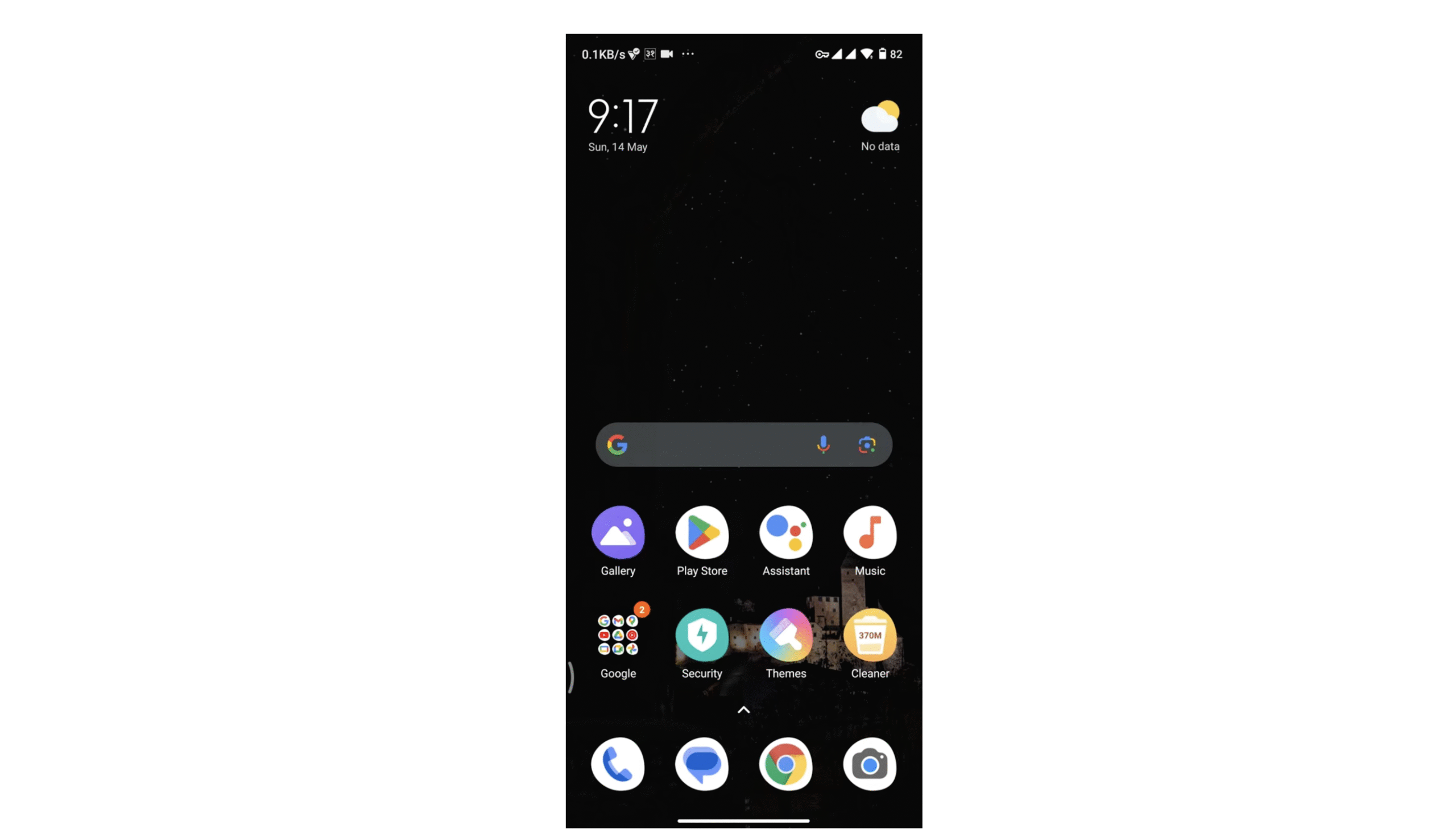
- Search for Safeway Deals & Delivery.
- Choose the app by Albertsons Companies, LLC.
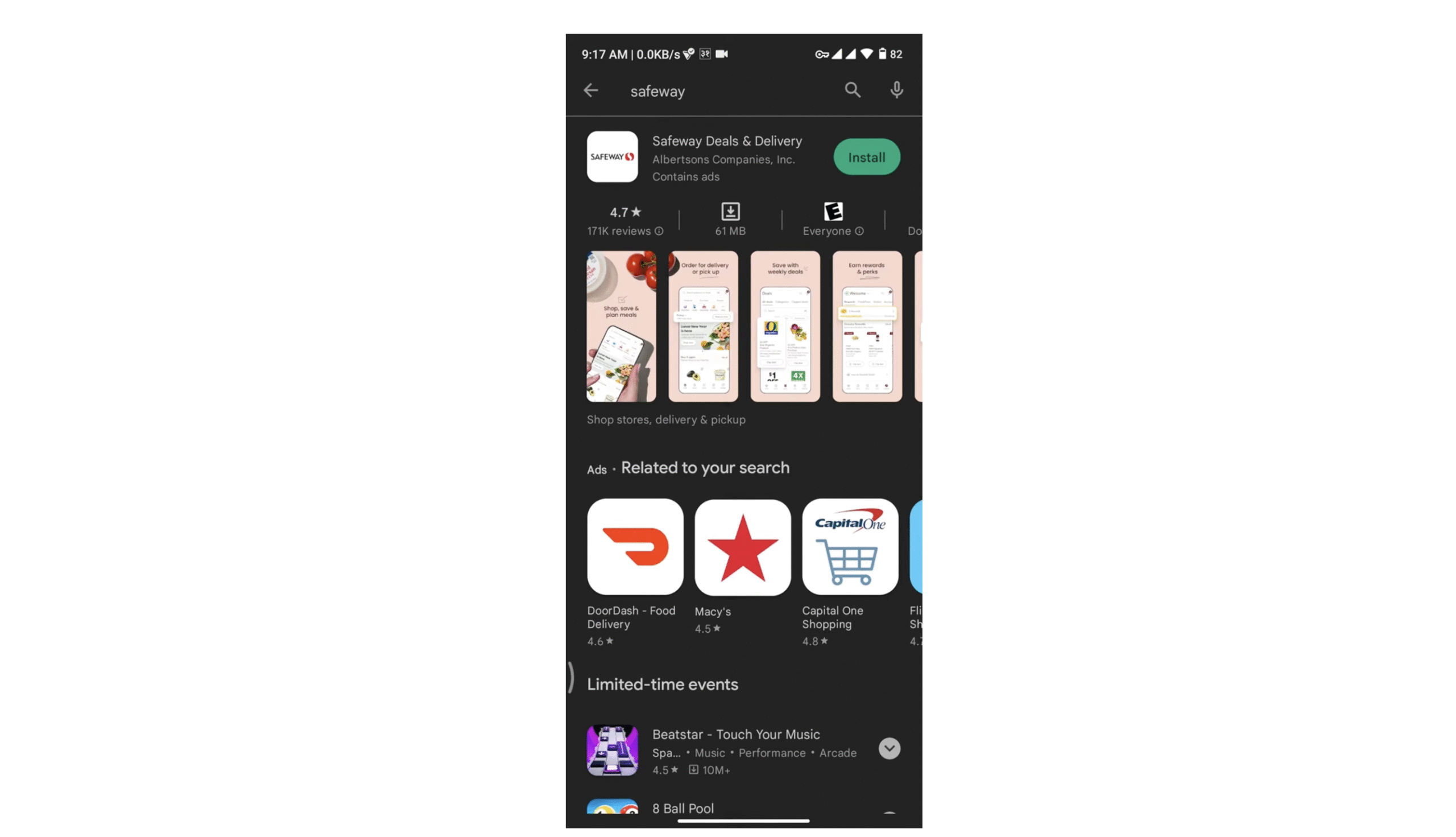
- Tap Install and wait for the download to complete.
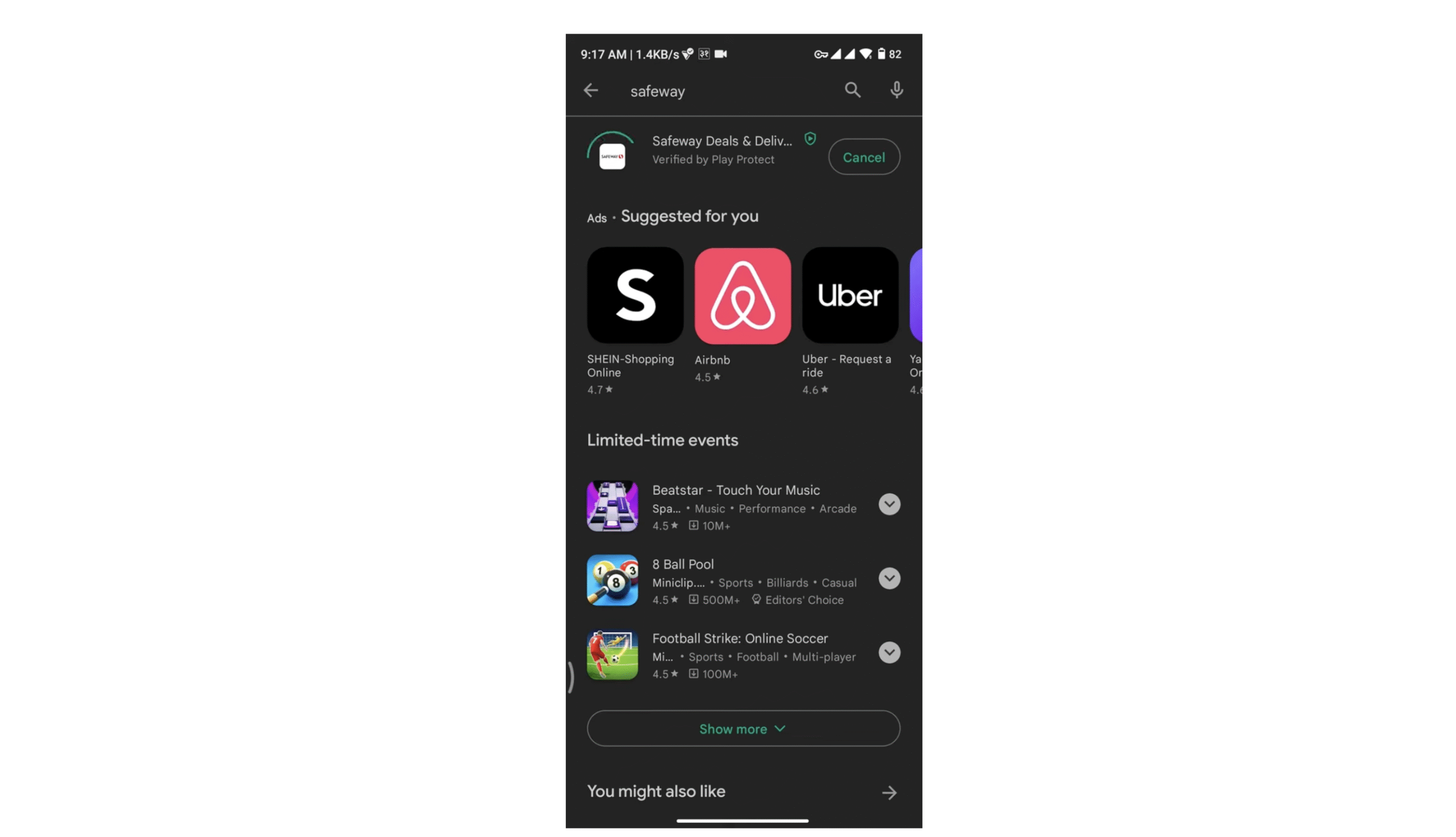
- Tap Open to start using it.
If Google Play shows an error, clear Play Store cache, check available storage, or update Android to the latest version supported by your device.
CREATE OR SIGN IN TO YOUR ACCOUNT
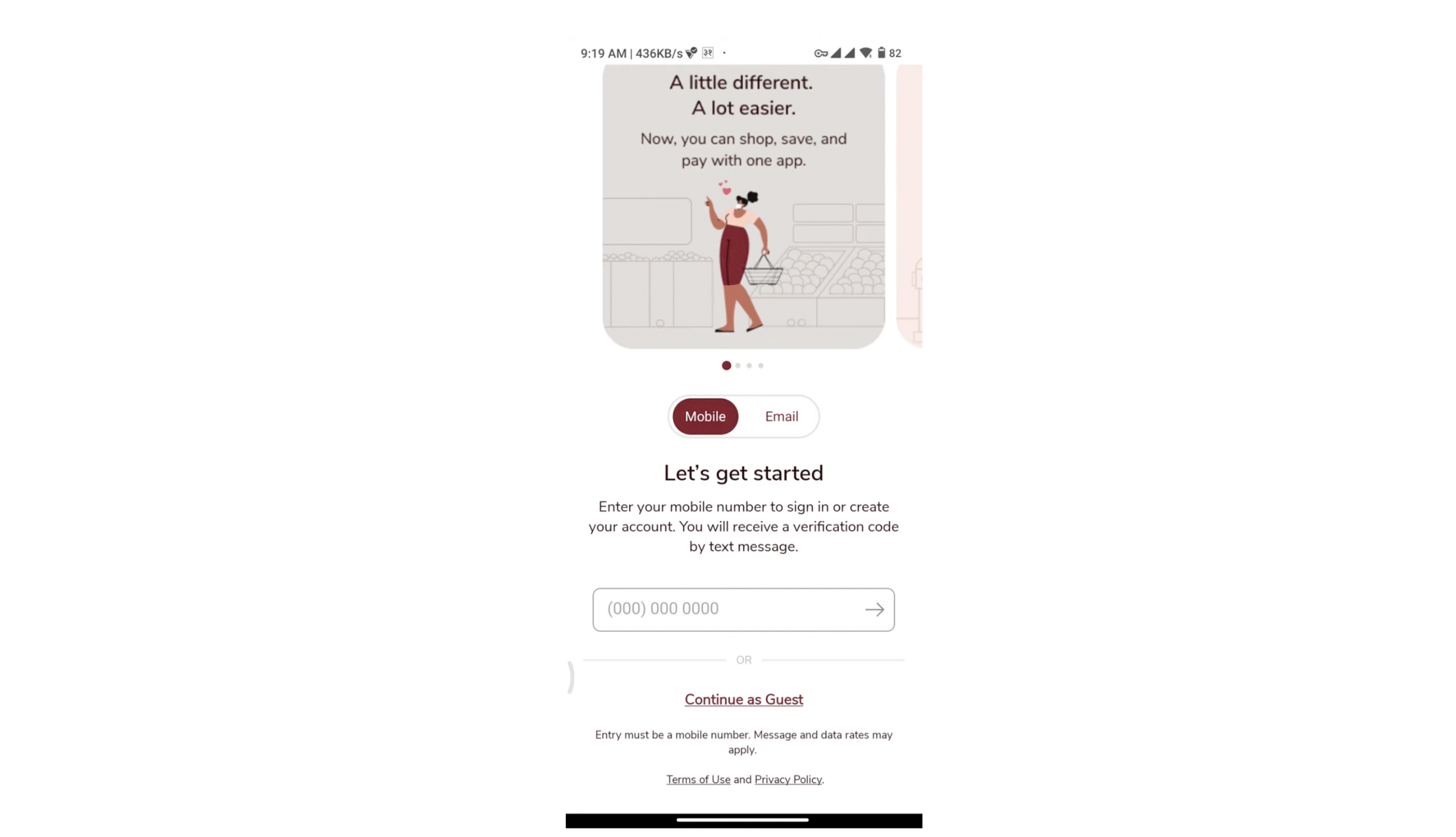
- Open the app and choose Sign In or Create Account.
- Enter your email, a secure password, and your preferred store location.
- Verify your phone number if prompted to enable digital receipts and account recovery.
- Agree to the terms, then complete setup.
Already shop in-store? Use the same email tied to your club card to sync past purchases and rewards.
TURN ON SAFEWAY FOR U REWARDS & DIGITAL COUPONS
- Go to Rewards or For U in the bottom menu.
- Tap Enable or Join if not active.
- Browse Digital Coupons and tap Clip to add offers to your account.
- At checkout, scan your in-app barcode or enter your phone number to apply savings.
Using Safeway digital coupons inside the app ensures discounts apply automatically to qualifying items during pickup, delivery, or in-store checkout.
ORDER FOR PICKUP OR DELIVERY
- Tap Shop and add items to your cart.
- Select Pickup or Delivery based on availability in your area.
- Choose a time window, review substitutions, and place the order.
- Track your order status from the Orders tab.
For contactless payment, use the in-app wallet where supported, then show your barcode at curbside pickup.
TIPS TO FIX DOWNLOAD OR LOGIN ISSUES
- App not installing: Free up storage and retry over Wi-Fi.
- Can’t find the app: Search the exact name Safeway Deals & Delivery.
- Login problems: Use Forgot Password and verify the email tied to your club account.
- Coupons not applying: Confirm offers are clipped in the app and items match the coupon terms.
- Missing rewards: Check your preferred store and account region settings.
FAQ
Is the Safeway app free?
Yes. The app is free to download on iPhone and Android.
Which app should I install?
Install Safeway Deals & Delivery by Albertsons Companies, LLC. It supports pickup, delivery, and Safeway for U savings.
Can I use the app without a loyalty card?
Yes. Create an account in the app and your digital card will sync automatically.
Does it work outside the U.S.?
You can download the app in supported regions. Shopping, pickup, and delivery depend on local store availability.
SUMMARY
- Search and install Safeway Deals & Delivery on iPhone or Android.
- Sign in or create an account and set your store.
- Enable Safeway for U and clip digital coupons.
- Shop for pickup or delivery and track your order.
- Use your in-app barcode for easy savings and payment where available.
CONCLUSION
Now you know how to download Safeway app and put it to work for weekly deals, rewards, and quick grocery orders. Install it, activate Safeway for U, and start saving on every trip.

Discussion (0)
Be the first to comment.