




Roku offers several official ways to get help, depending on your issue: device setup, billing, or streaming problems. Choosing the right channel saves time and prevents confusion with third-party or fake support sites. In this guide, we have provided official and safe ways to contact Roku from the comfort of your home.
1) Contact Roku support online
The Roku Support portal is the fastest and most reliable way to reach customer service. It guides you through issue categories so you get the right help without waiting on hold.
Use the Roku Support portal
Go to the Roku Support website and sign in with your account. Choose the category that matches your issue, such as device setup, account access, or billing. Depending on your selection, Roku displays troubleshooting steps or live chat options with an agent.

Start a live chat session
Roku’s live chat connects you with a real support agent. To start, select your topic and click Chat with us. Chat is available for most account or payment issues during normal business hours. Wait times are short, and transcripts are emailed for reference.
Submit a support request
If your problem is complex, fill out Roku’s Contact us form. Describe the issue, attach screenshots if needed, and include your device model. A support agent will respond via email within 24 to 48 hours.
2) Call Roku customer service
Phone support is available for account or billing concerns, mainly in the U.S. and Canada. Keep your Roku account email and payment information ready before calling.
U.S. and Canada numbers
You can reach Roku at 816-272-8106 during regular business hours (Monday–Friday). Confirm you’re speaking with an official Roku representative - never share payment details if you’re unsure about the source of the call.
International support options
Roku’s regional websites include localized contact forms for users outside North America. For Roku TVs, you may need to reach the manufacturer’s service department directly, since Roku handles only software-related issues.
3) Contact Roku through your account dashboard
Roku makes it simple to reach help from your account page. Logged-in users get faster access to chat and callback requests.
Go to your Roku account dashboard and open Support. From there, select Manage subscriptions or Billing support if you’re dealing with a payment issue. This route ensures you connect directly with the right department.
Some logged-in users will see an option for Request a callback. Enter your phone number, and Roku will return your call during open hours. This option is faster than submitting a form if you need live help.
4) Reach Roku via community forums and social channels
If you prefer peer help or fast updates, Roku’s official community and social media channels can help you find answers or escalate problems.
Roku Community

Visit the Roku Community to ask questions, share feedback, or browse previous threads. Moderators often respond or direct users to the right support forms.
Social media support
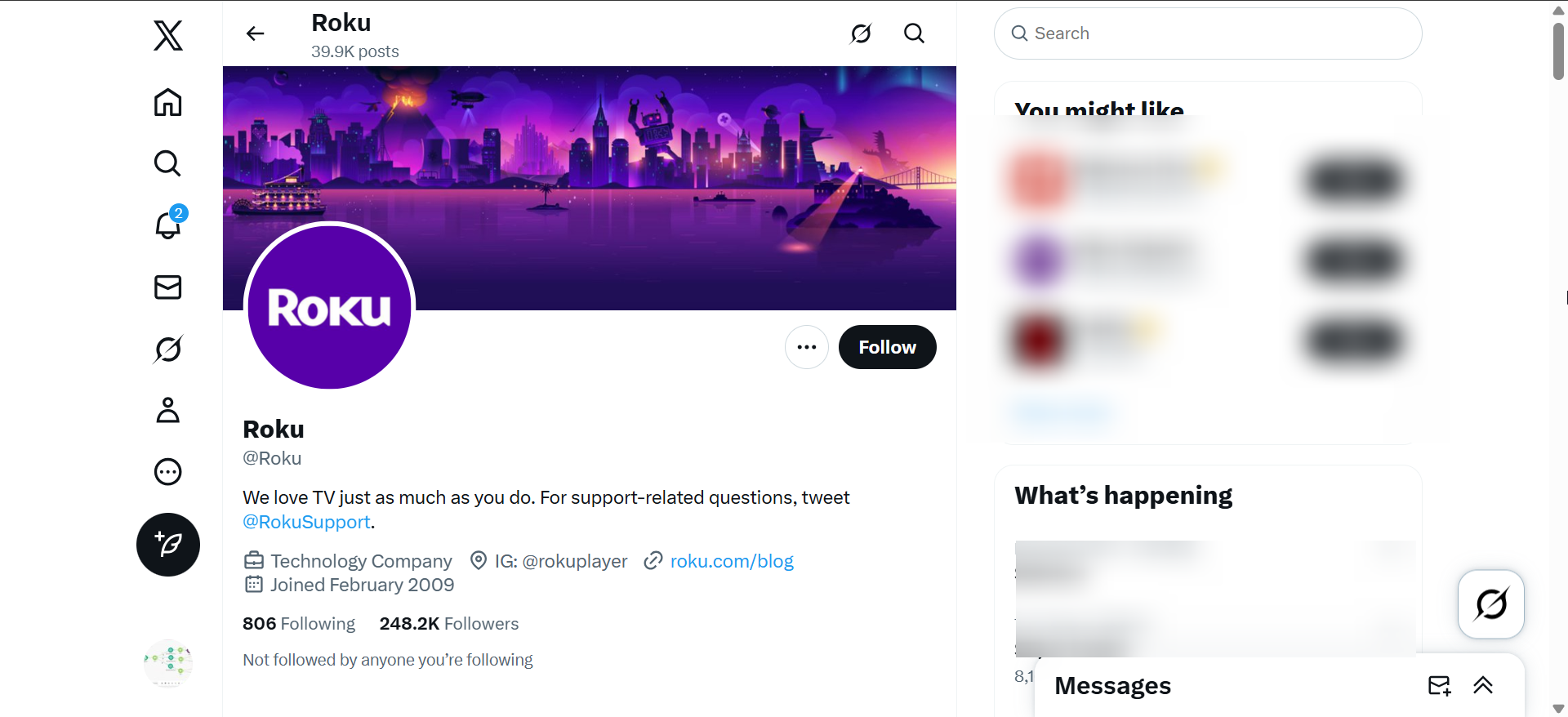
Roku maintains verified accounts on X (formerly Twitter) and Facebook. Only contact pages with the blue verification badge or those linked directly from the Roku website to avoid impostors or scams.
5) Check Roku corporate and legal contacts
For press, legal, or business-related inquiries, use Roku’s corporate contact page. It lists departments such as investor relations, media, and accessibility support. Note that the contacts on these pages are strictly for the specified purpose.
They can't help with any other issue. So, only use them when it truly matters.
6) Avoid fake Roku support sites
Beware of websites claiming to offer premium Roku support for a fee. Roku’s help is always free. Before sharing personal data, confirm the address ends with roku.com and uses HTTPS encryption. Also, note that Roku will never ask to access your PC remotely or request access to personal accounts like Amazon.
Users have been complaining about this type of scam. So, whenever anybody asks you for this, know that they are not from Roku support.
Tips before you contact Roku
- Have your Roku serial number and account email ready.
- Note any on-screen error codes or messages.
- Gather proof of purchase or warranty information if needed.
- Check your internet connection before calling—it solves many common problems.
FAQs
Does Roku offer 24/7 support? No, live chat and phone support operate during standard business hours. You can submit online forms anytime.
Can I email Roku directly? Roku no longer publishes a public support email. Use the online form through your account for verified communication.
How long does Roku take to respond? Responses usually arrive within 24 hours, though complex billing cases may take longer.
Summary
- Use the official Roku Support portal for the fastest response.
- Start a live chat to speak directly with a Roku representative.
- Call 816-272-8106 for U.S. and Canada billing or account issues.
- Log in to your Roku account for callback or chat priority.
- Contact your TV manufacturer for Roku TV hardware problems.
- Avoid third-party “Roku support” websites that charge fees.
Conclusion
The fastest way to contact Roku is through the online Support portal, followed by live chat for account issues. Phone support handles billing questions, while Roku TV owners should contact their TV’s manufacturer. Always use the official Roku website to avoid scams and keep your account secure.



Discussion (0)
Be the first to comment.