UP
Venkat

Venkat

Venkat is a tech writer with over 15 years of experience, known for spotting new browser features and tech changes before they go public. Based in India, he breaks down under-the-radar browser updates to help readers stay ahead.

Latest articles by Venkat

news Chrome for Android Gets Desktop-Style Google Lens Overlay

Chrome for Android Gets Desktop-Style Google Lens Overlay

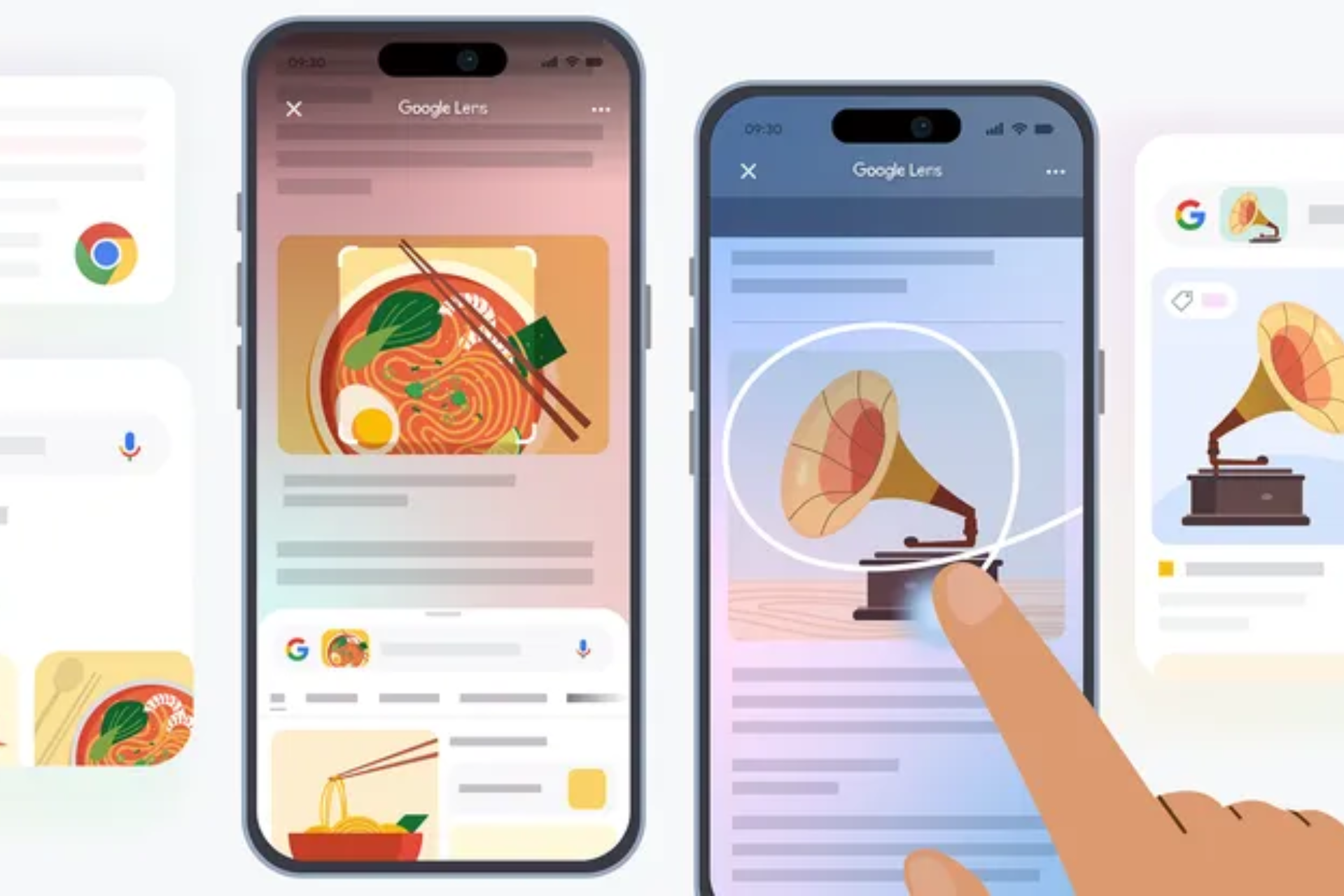
Chrome on Android is starting to bring Google Lens directly into webpage browsing. Recent Canary builds add a “Search with Google Lens” option to the three-dot menu. Tap it, and visual search launches from the current page. Google Lens is already closely integrated into desktop Chrome through side panels, right-click actions, and page-level search tools. On mobile, Chrome on Android and iPhone still keep
news Chrome for Android tests Contextual Tasks for AI Mode

Chrome for Android tests Contextual Tasks for AI Mode

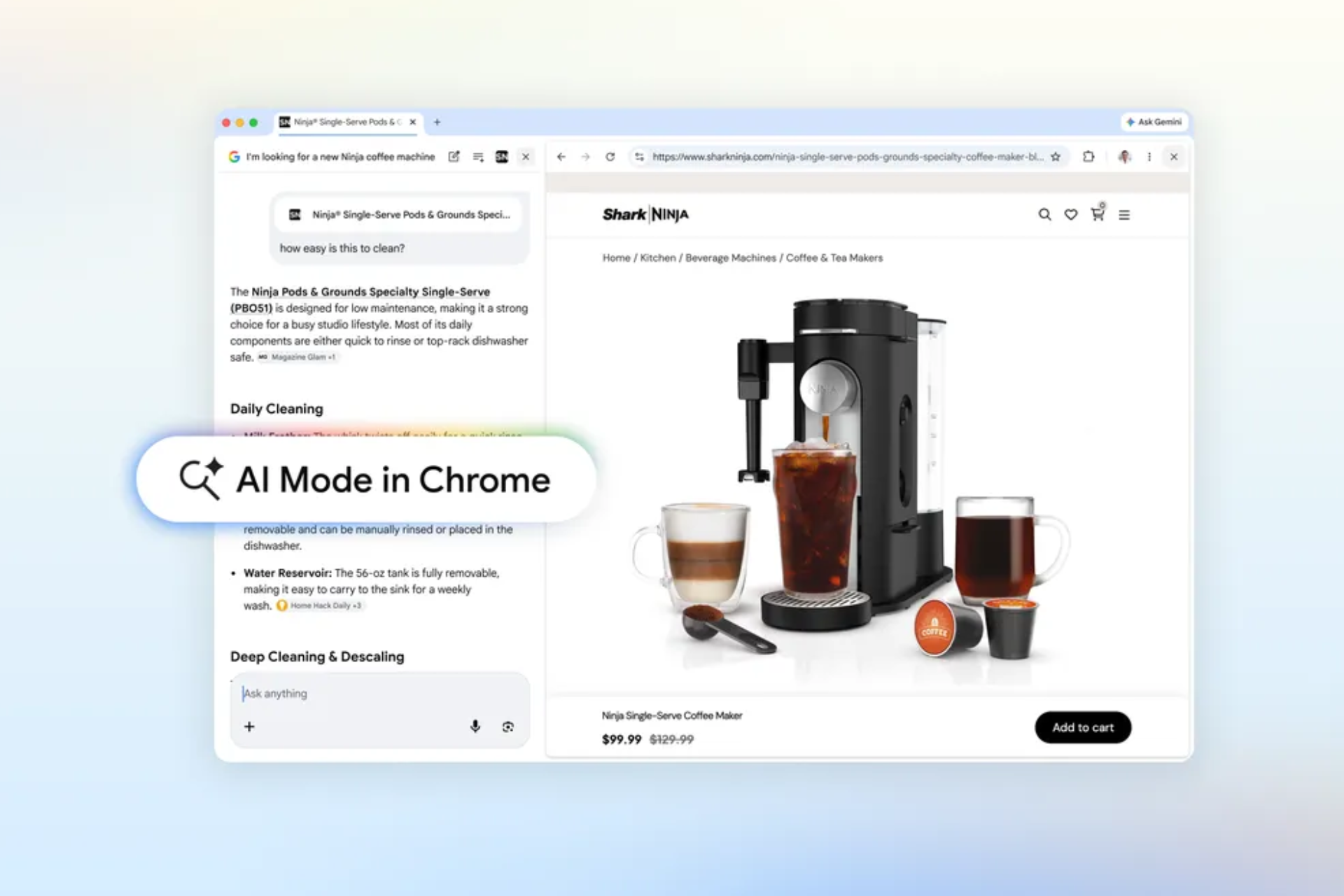
Google is testing deeper AI Mode integration in Chrome for Android through its new “Contextual Tasks” feature, which now opens AI Mode directly inside the browser. The change brings Google’s contextual task work from desktop Chrome to mobile and connects it more closely with AI Mode on Android. AI Mode is Google Search’s conversational AI interface that supports follow-up questions and contextual responses. Google
news Microsoft Edge tests new 'Copilot menu' with quick access to chat and page actions

Microsoft Edge tests new 'Copilot menu' with quick access to chat and page actions

Microsoft Edge Canary is testing a new Copilot menu in the browser toolbar that groups several actions in one dropdown. It gives quick access to chat and page-based actions from a single entry point. The change is confirmed by a tooltip labeled “Copilot menu” on the toolbar button. Opening it shows three options: 'Summarize page', 'Chat', and 'Talk to Copilot + Share tab'. All
news Chrome AI Mode can now use open tabs for answers and suggestions

Chrome AI Mode can now use open tabs for answers and suggestions

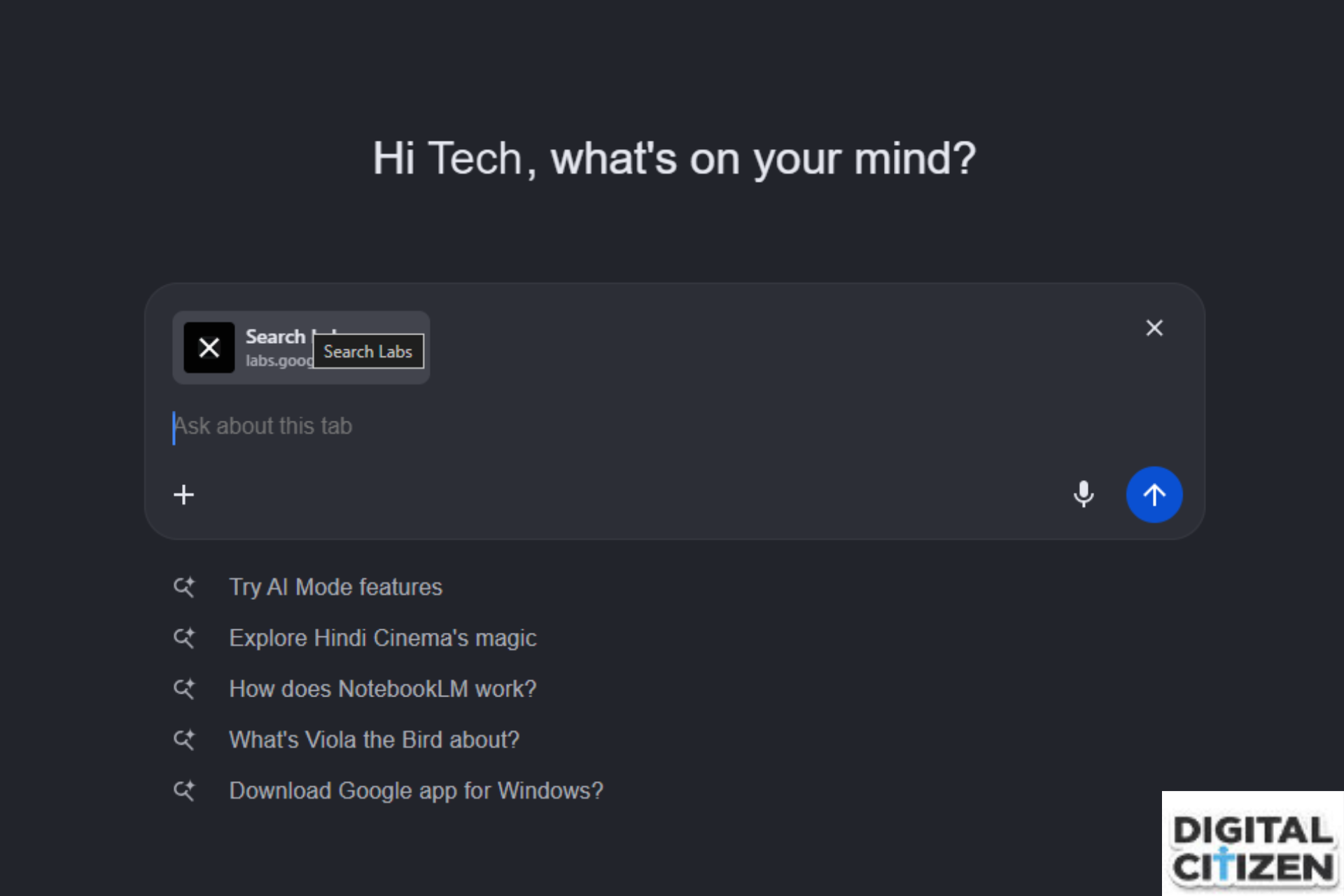
Chrome is testing an update to AI Mode that uses open tabs as context for both suggestions and answers. The feature is still being tested, where selected tabs can be used directly when asking questions. Shared tabs let AI Mode work across multiple pages In our testing, AI Mode starts with general suggestions under the input box. Once you ask about a page, those
news Chrome AI Mode tests support for more file types, not just PDFs

Chrome AI Mode tests support for more file types, not just PDFs

Chrome’s AI Mode is starting to accept more than just PDFs. In testing, the file picker now shows an “All files (*.*)” option instead of limiting uploads to PDF files in Chrome Canary on desktop. Until now, the upload dialog has only allowed PDFs. That restriction is no longer visible in the picker, so other file types can be selected directly. AI Mode supports
news Chrome will let you save clean video frames from Global Media Controls

Chrome will let you save clean video frames from Global Media Controls

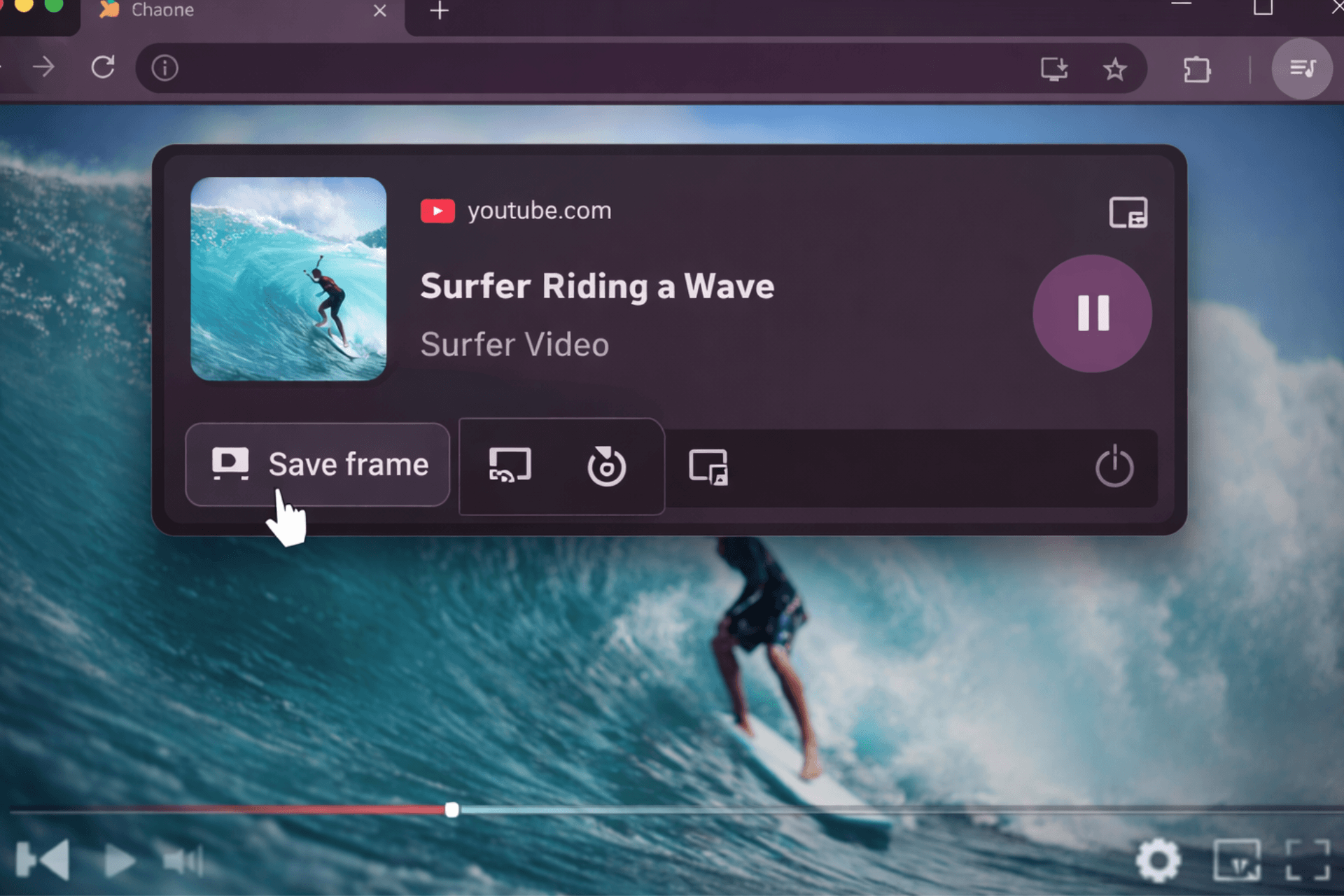
Chrome is working on a new “Save Video Frame” feature inside its Global Media Controls (GMC). It adds a button to the media panel that lets you capture the current video frame as an image. Chrome already supports this in a limited way. On some unprotected videos, such as YouTube, you can right-click and choose “Save video frame as.” The new option brings that
news Chrome may finally hide the bookmarks bar on the New Tab page

Chrome may finally hide the bookmarks bar on the New Tab page

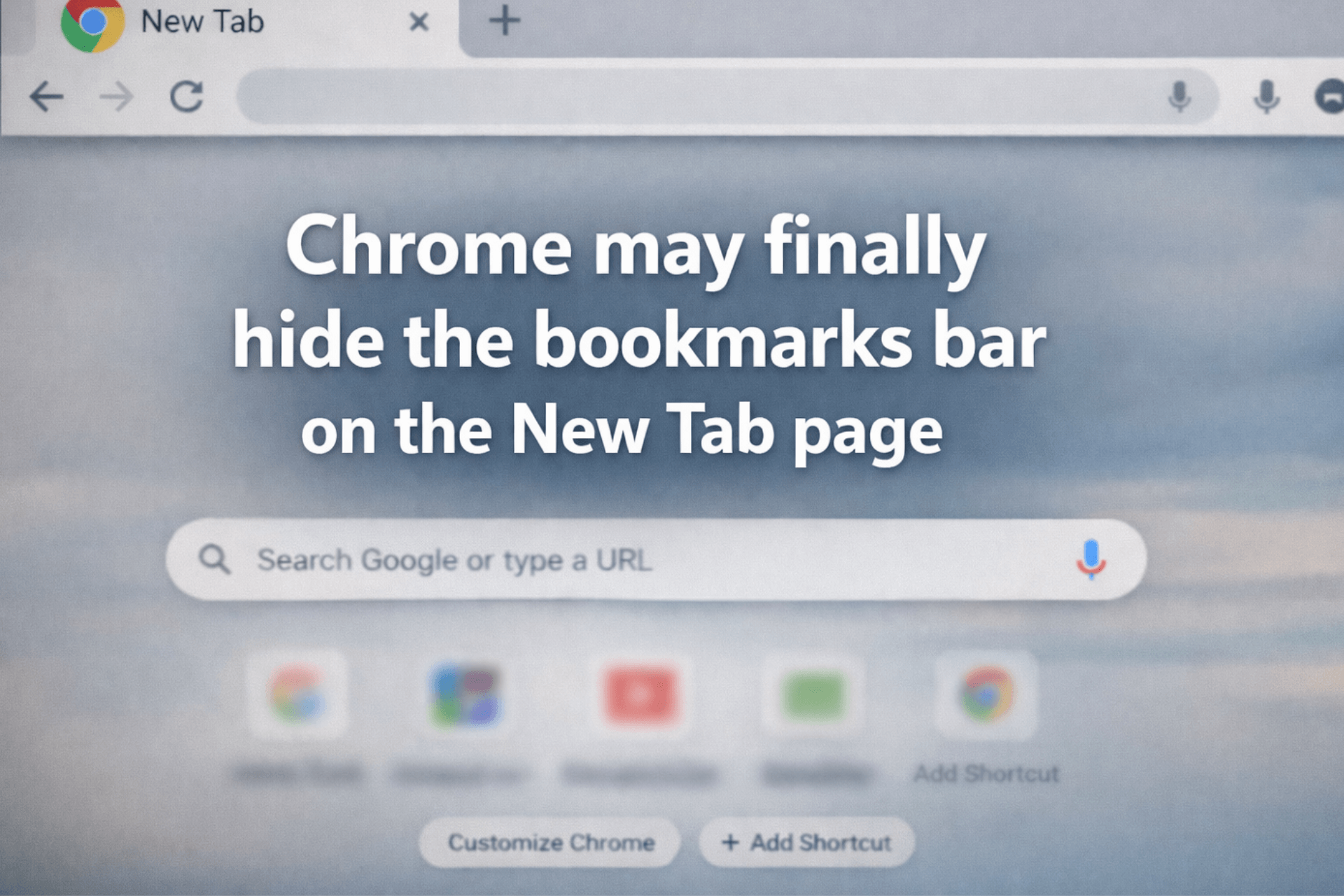
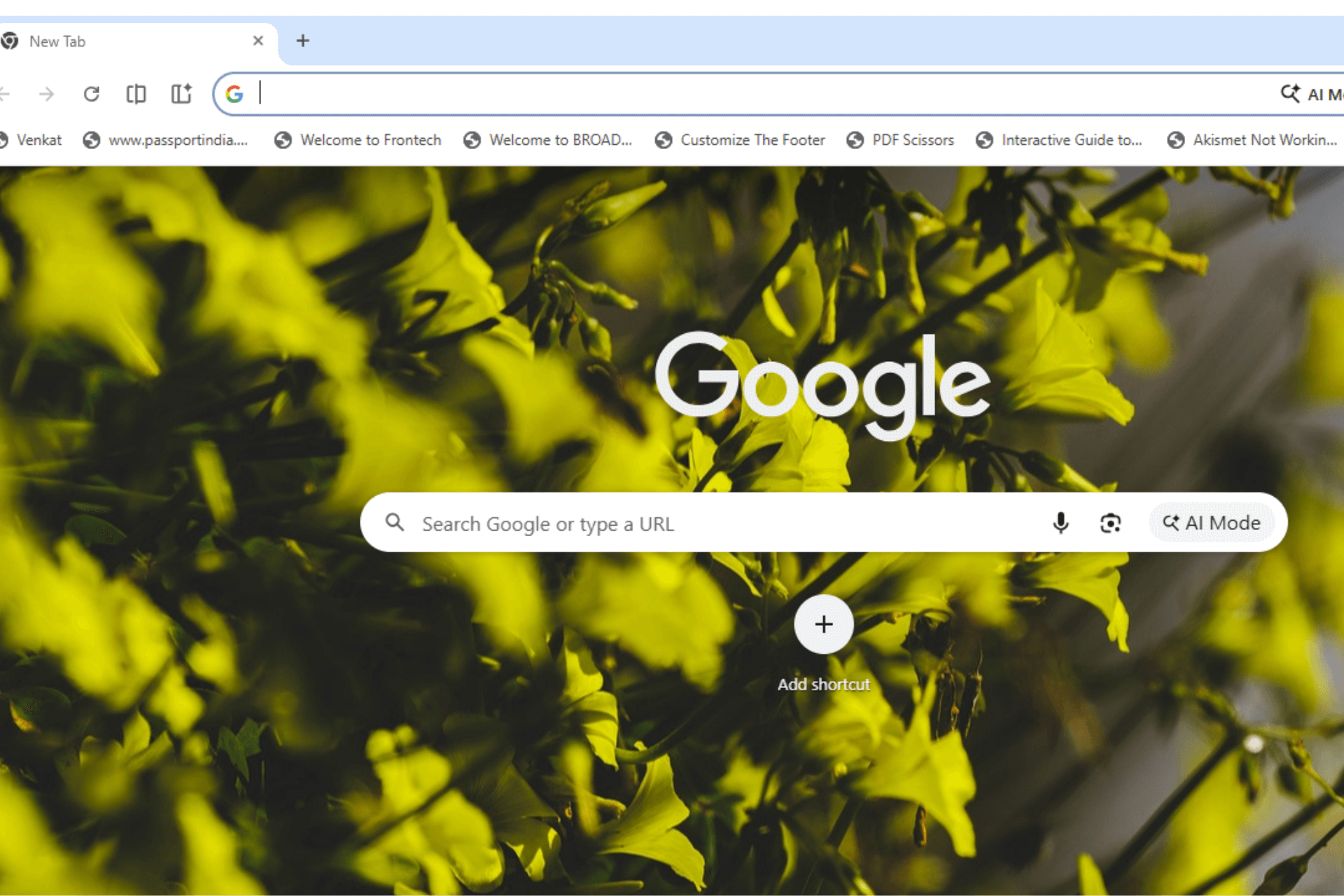
Google is testing a change in Chrome Canary that removes the bookmarks bar from the New Tab page. Currently, Chrome treats the New Tab page differently. Even when the bookmarks bar is turned off, it can still appear at the top of a new tab. The setting does not apply consistently. The change shows up as a new Chrome Canary flag called ‘NTP Simplification
news Chrome on Android now asks you to pin Gemini to the toolbar

Chrome on Android now asks you to pin Gemini to the toolbar

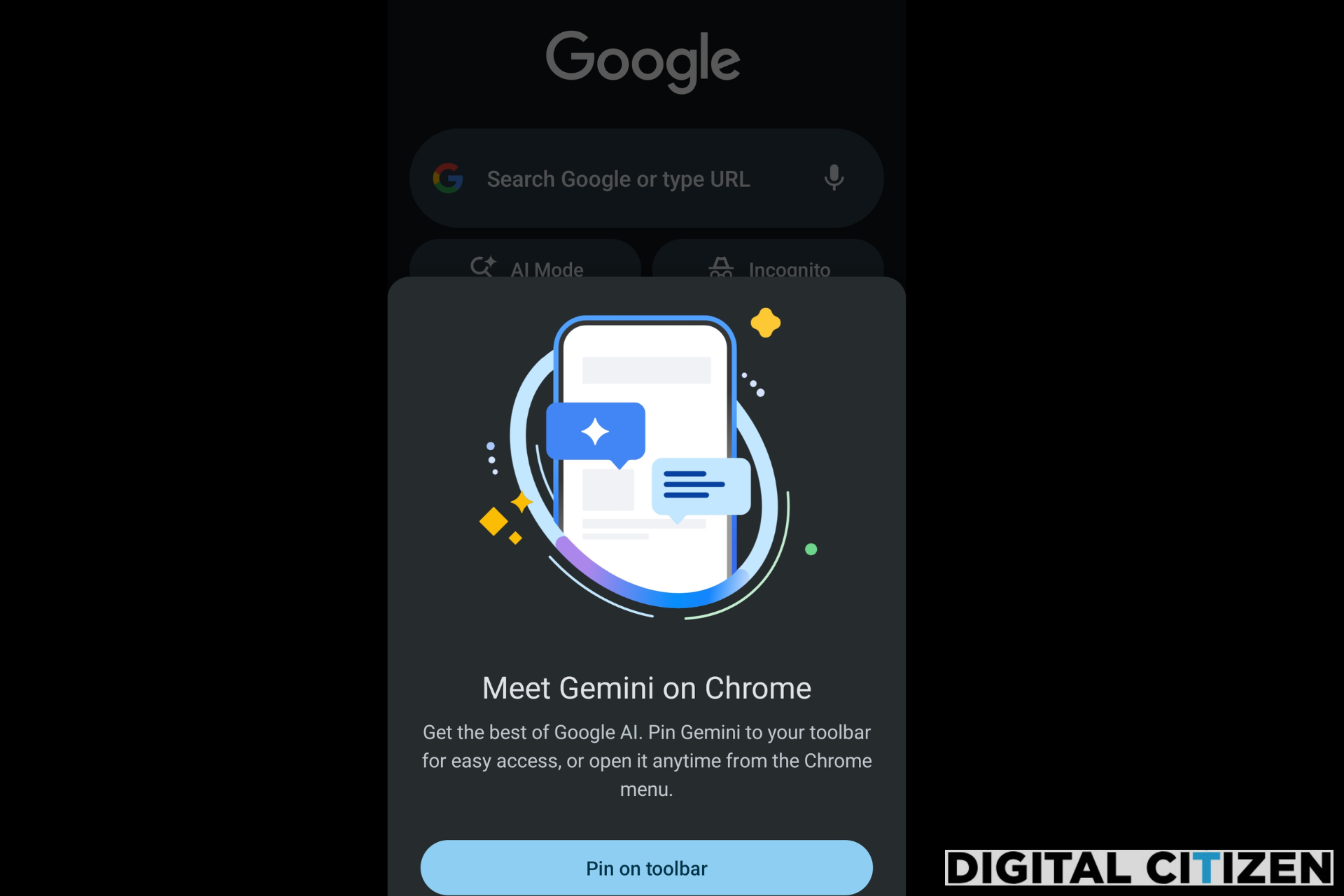
We recently reported that Google is nudging users to try Gemini in Chrome on Android. Now, Chrome Canary on Android shows a prompt that introduces Gemini and asks users to pin it to the toolbar. The browser also includes a toolbar shortcut and a dedicated settings page that controls how Gemini works inside Chrome. Gemini in Chrome shows up on Android in Canary Gemini
news Chrome tests bookmark encryption that makes your Bookmarks file disappear

Chrome tests bookmark encryption that makes your Bookmarks file disappear

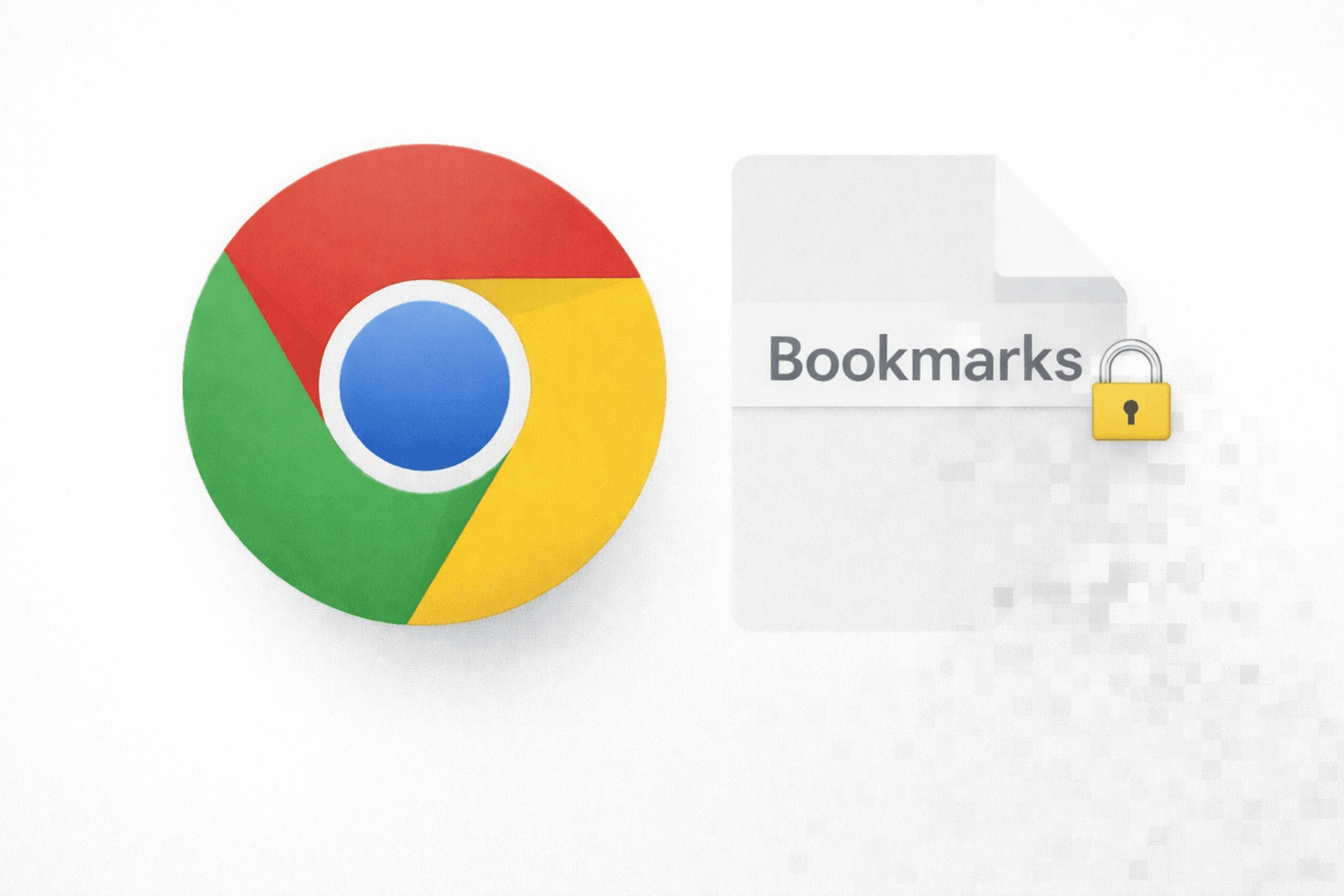
Chrome’s latest experiment doesn’t change how your bookmarks look, but it quietly changes who can see them. A new “Bookmarks Encryption” flag in Canary moves your saved sites into an encrypted store, so the old readable Bookmarks file simply vanishes once the strongest setting is turned on. The behavior described here has been verified on desktop builds in Chrome Canary. Chrome already protects sensitive
news Chrome for Android gains a Setup List for new users

Chrome for Android gains a Setup List for new users

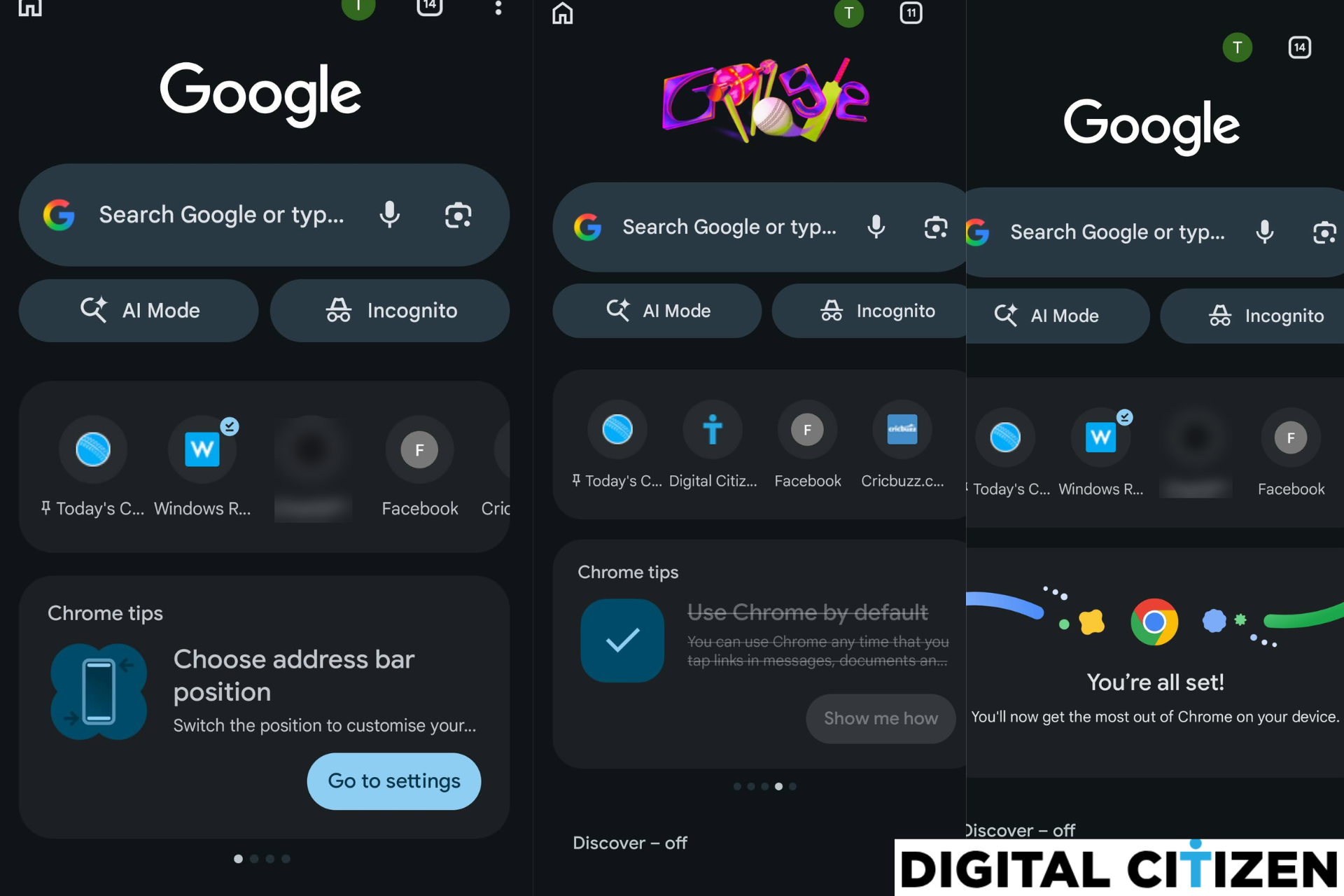
Chrome for Android may soon guide new users through key browser settings with a "setup list" on the New Tab page. Google is testing a feature called "Android SetupList" behind a flag in Chrome Canary. When enabled, it turns the Chrome tips carousel on the New Tab page into a short setup checklist that prompts users to finish important browser setup steps. Instead of
news Chrome Is Preparing a Back-Button Fix for Ad Redirect Abuse

Chrome Is Preparing a Back-Button Fix for Ad Redirect Abuse

Press the Back button on certain websites in Chrome, and you may not return to the page you expected. Instead, you could land on a page you never chose to open. Sometimes, that page is an ad. Google is preparing a change in Chrome, known internally as the “Back-To-Ad intervention,” to address this behavior. The aim is to skip history entries inserted by ad
news Chrome Begins Live Testing of Its On-Device AI Engine

Chrome Begins Live Testing of Its On-Device AI Engine

Google is testing LiteRT-LM for On-Device AI across Windows, Mac, and Linux via the OnDeviceModelLitertLmBackend experiment. The runtime switch is now live in a field trial for Chrome’s on-device model service. LiteRT-LM was announced in 2025 as a production-ready engine designed to run large language models directly on devices, including Chrome. It powers certain local AI tasks in the browser, such as page summaries
news Edge Workspaces May Soon Open in a Single Window Instead of Many

Edge Workspaces May Soon Open in a Single Window Instead of Many

Microsoft is testing “inline window switching for Workspaces” in Edge Canary. The feature lets users switch between different Workspaces inside the same browser window instead of opening a separate window for each one. Microsoft Edge Workspaces let users create dedicated browsing spaces for different projects. Each Workspace keeps its own set of tabs and can be shared with others. It is designed for project-based
news Chrome for Android May Soon Nudge You to

Chrome for Android May Soon Nudge You to "Try Gemini"

Google is preparing to promote Gemini inside Chrome for Android with a new message aimed at users who have not tried it yet. The prompt introduces Gemini directly from Chrome’s three-dot app menu on Android. Gemini is Google’s AI assistant built into Chrome. It lets users get answers without leaving the browser. You can ask questions, get quick explanations, summarize long articles, and pull
news Chrome's

Chrome's "Glow Up" Visual Update Brings Detached Tabs, Glass Toolbar, and Cleaner Tab Strip

Chrome’s Desktop Glow Up project now includes detached tabs, tab strip decluttering, and a glass-style toolbar prototype, according to recent Chromium code changes. What started as a project name in the code now includes concrete changes to the tab strip and toolbar on desktop. Update: The glass toolbar flag is now available and produces a visible translucent effect when enabled. Recent updates in Chrome’s
news Firefox Nightly Adds Built-In PDF Page Deletion and Reordering, While Chrome and Edge Don’t

Firefox Nightly Adds Built-In PDF Page Deletion and Reordering, While Chrome and Edge Don’t

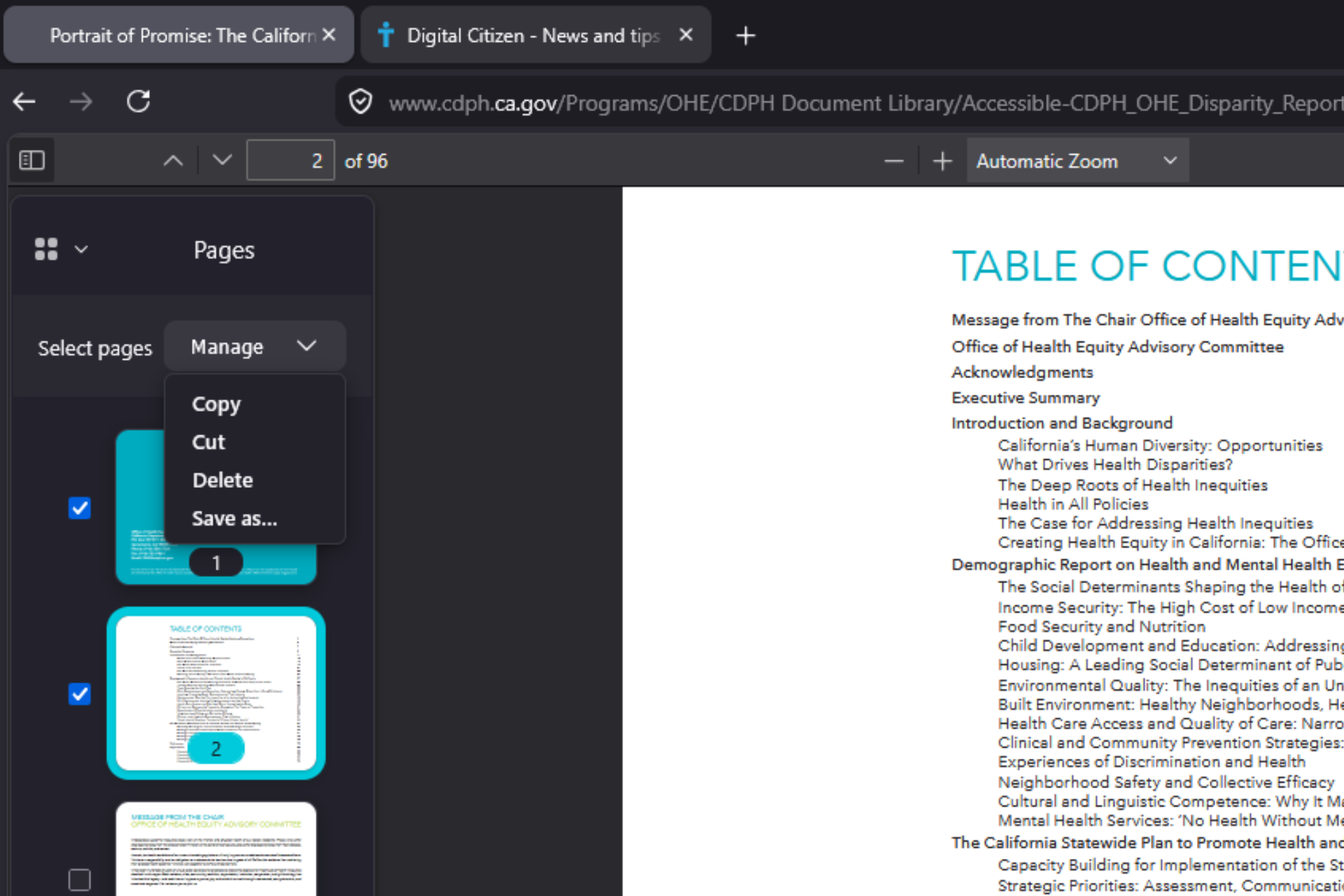
Mozilla is adding built-in PDF page organization to Mozilla Firefox. The latest Nightly builds offers a "Manage" option in the PDF thumbnail sidebar that lets users move, cut, copy, and delete pages directly inside a document. After choosing Save as, the exported file reflects the new page order and deletions. The built-in PDF viewer can now change a document’s page order and remove pages
news Chrome Brings Ask Google and Lens Into AI Mode

Chrome Brings Ask Google and Lens Into AI Mode

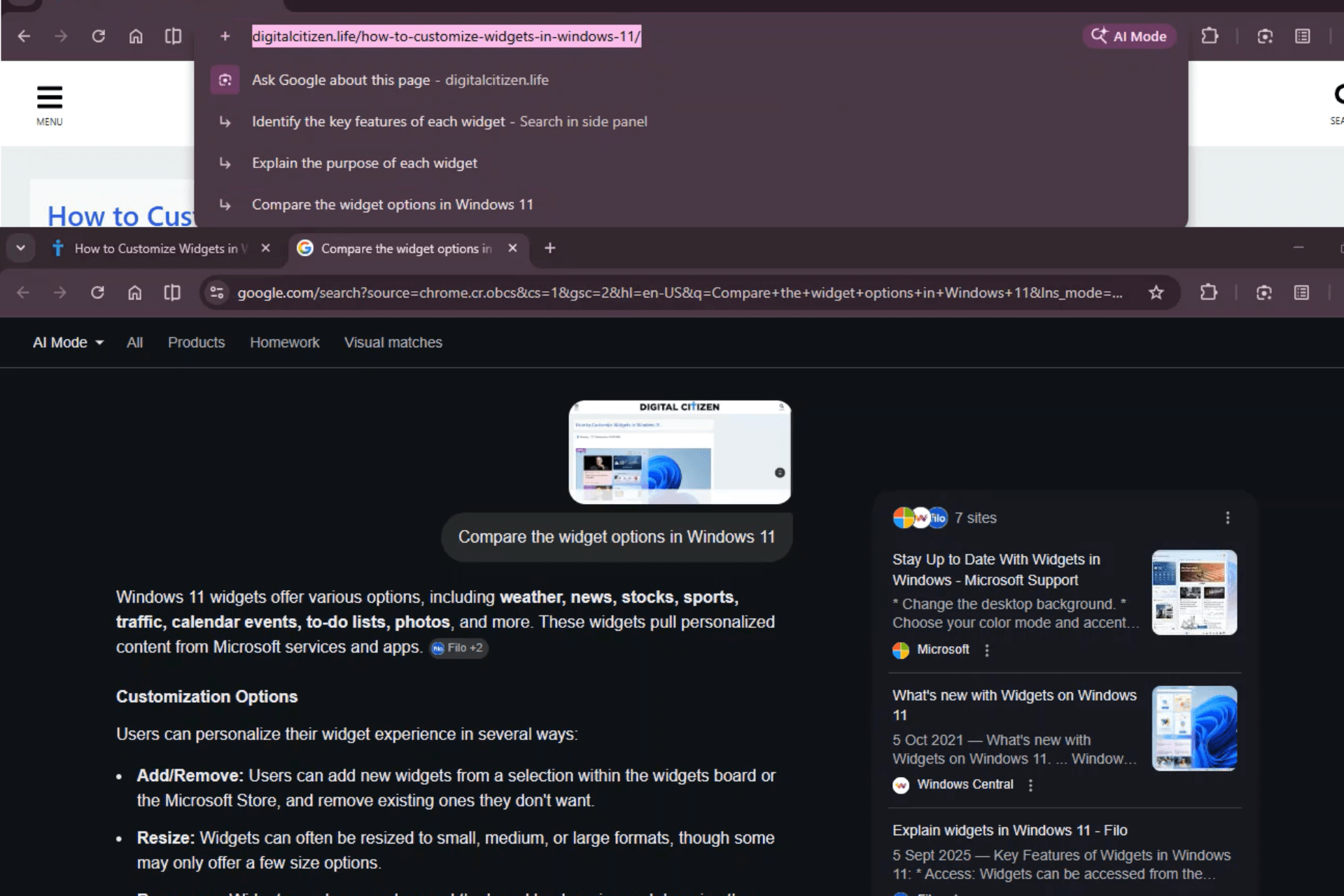
Google is moving its AI features beside the + button for AI Mode in Chrome Canary. The “Ask Google about this page” and “Search with Google Lens” options now appear next to the AI upload control in the address bar. When users click “Ask Google about this page,” Chrome does not open the side panel right away. Instead, AI-generated questions appear in the address
news Microsoft Edge Will Auto-Open Copilot When You Click Outlook Email Links

Microsoft Edge Will Auto-Open Copilot When You Click Outlook Email Links

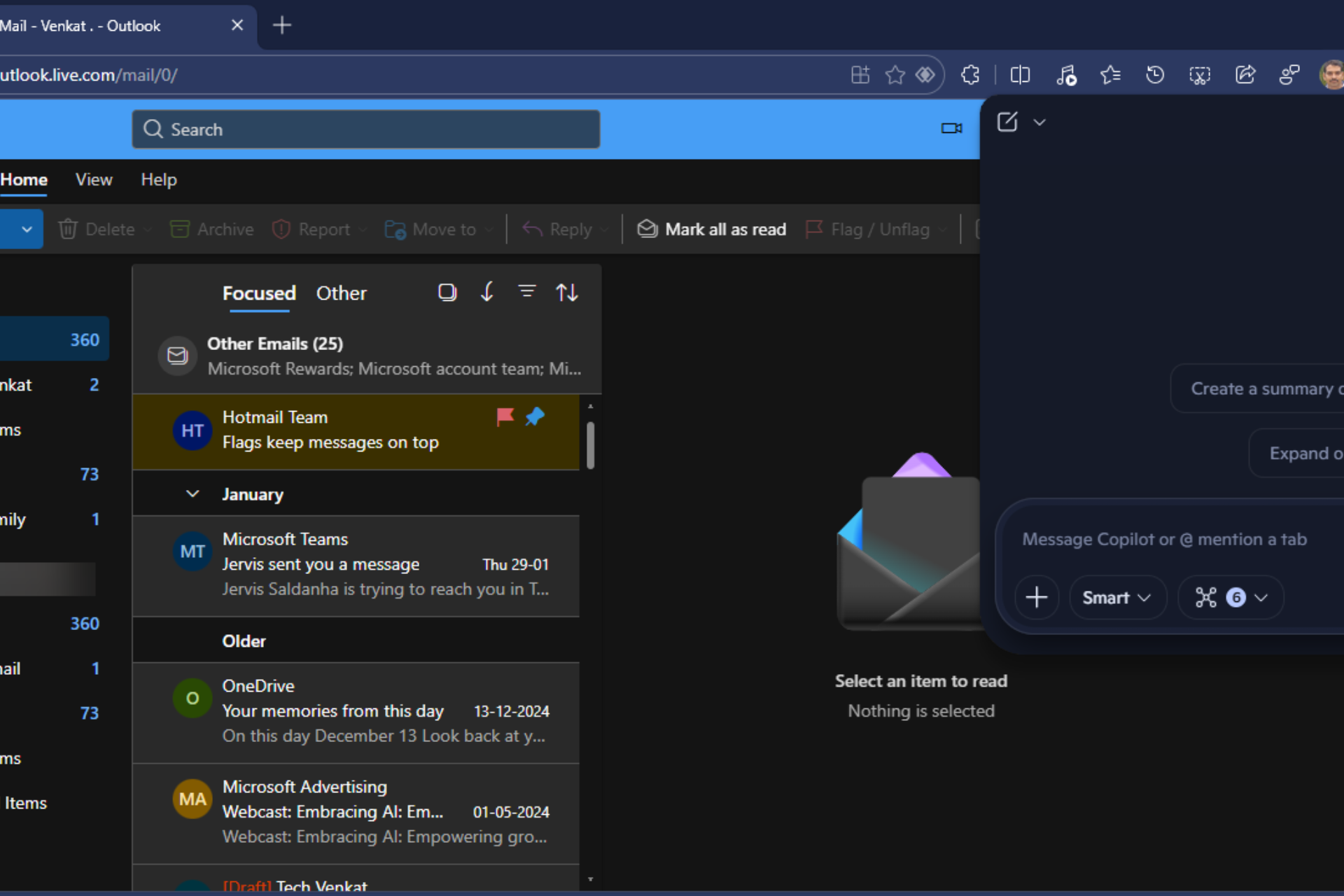
Microsoft is preparing a new Copilot integration for Edge that will automatically open the Copilot side pane when users click links from Outlook emails. Copilot can then provide AI insights and suggested actions based on the email and the webpage. According to the Microsoft 365 roadmap, the feature is currently in development and is scheduled to begin rolling out in May 2026. Copilot is
news Chrome Sends AI Prompts in the Address Bar to AI Mode in Beta

Chrome Sends AI Prompts in the Address Bar to AI Mode in Beta

Chrome now shows new page-aware prompts inside the address bar dropdown. These prompts did not exist before. When you select a page’s full URL in the omnibox, Chrome can suggest actions such as summarizing the article, explaining changes, or comparing updates. In Chrome Stable, these prompts open in the Search side panel with AI Overview. In Chrome Beta, they open in AI Mode instead.
news Chrome’s Next Desktop Design Project Has a Name:

Chrome’s Next Desktop Design Project Has a Name: "Glow Up"

Chrome dominates the browser market, but its desktop interface has changed little in recent years. Google has now introduced a new project called “Glow Up.” The name now appears in Chrome's development code as the company prepares its next desktop design update. Update: The “Desktop Glow Up” flag is now available. Enabling it does not activate any interface changes. Image Credit: Venkat | Digital