



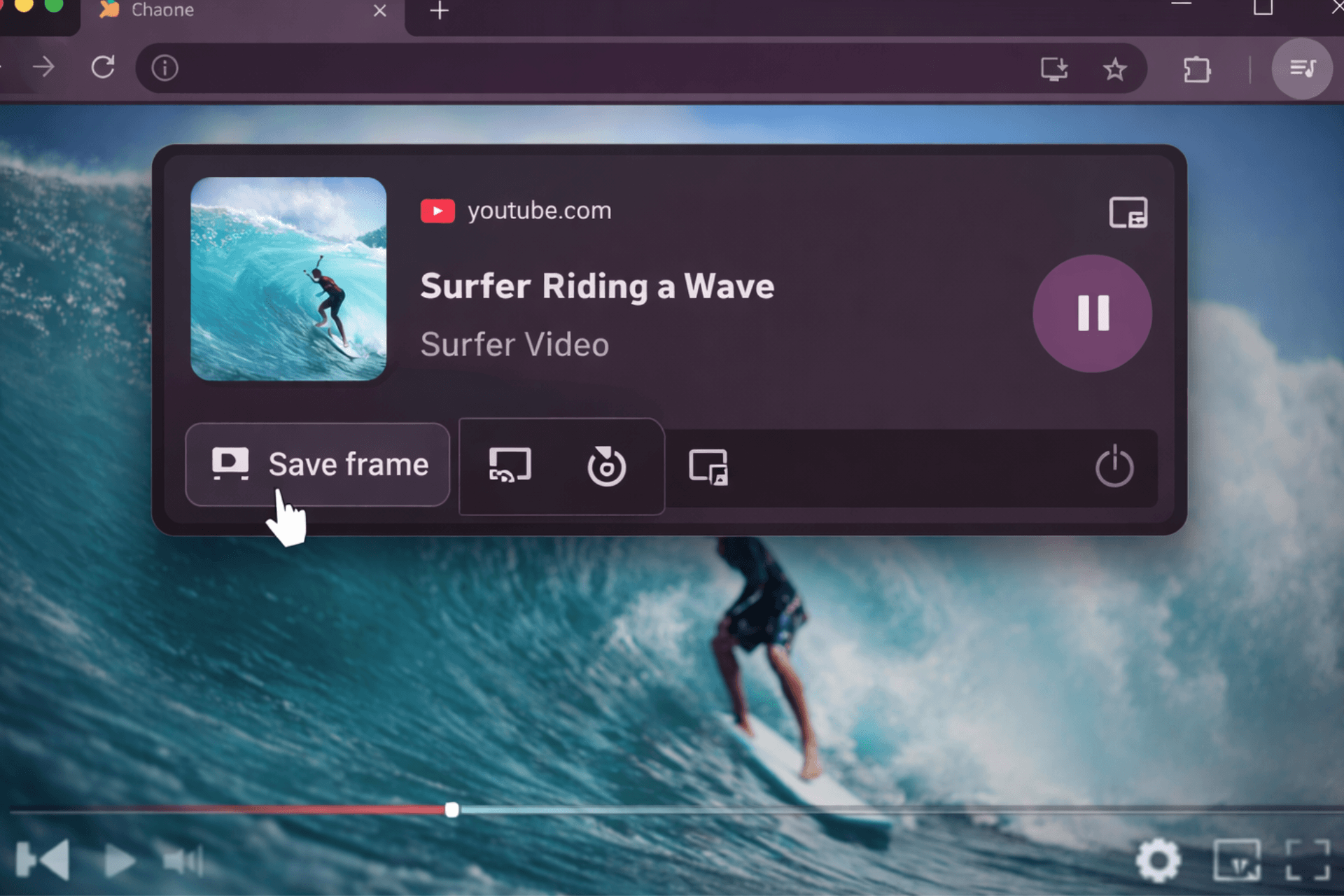
Chrome is working on a new “Save Video Frame” feature inside its Global Media Controls (GMC). It adds a button to the media panel that lets you capture the current video frame as an image.
Chrome already supports this in a limited way. On some unprotected videos, such as YouTube, you can right-click and choose “Save video frame as.” The new option brings that action into Global Media Controls, so it is easier to reach across supported videos.
The “Save Video Frame” button is expected to appear in the desktop media panel. Based on the feature commit, it should appear to the left of Cast and Picture-in-Picture, alongside existing playback controls.
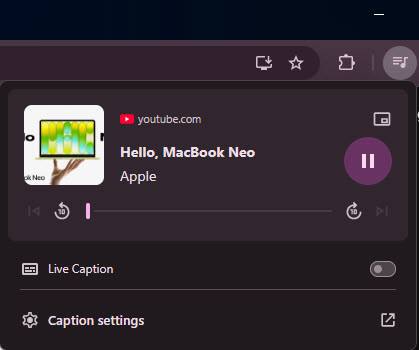
The button only shows when Chrome can capture a frame. It works with unprotected content and requires a single active video player. If those conditions are not met, the option stays hidden.
Once available, the feature saves the exact frame from the video. It pulls the image directly from the video stream instead of relying on a screenshot. As a result, player controls, subtitles, and overlays do not show up in the final image.
Why saving video frames in Global Media Controls is useful
Saving a video frame in Chrome is inconsistent right now. Some sites support a right-click option, but many do not. Most people fall back to screenshots, which often include extra UI or reduce image clarity. This adds a built-in frame capture button to Global Media Controls and gives Chrome a more consistent way to save clean frames across supported videos.
Global Media Controls already handles media playback across tabs on desktop. Adding frame capture puts it alongside playback and casting tools and makes the panel more useful.
For now, this feature is limited to desktop versions of Chrome where Global Media Controls is available. It does not work with DRM-protected streams and is still under development behind a flag. When available, it should offer a quicker way to save clean video frames without relying on screenshots.


Discussion (0)
Be the first to comment.