



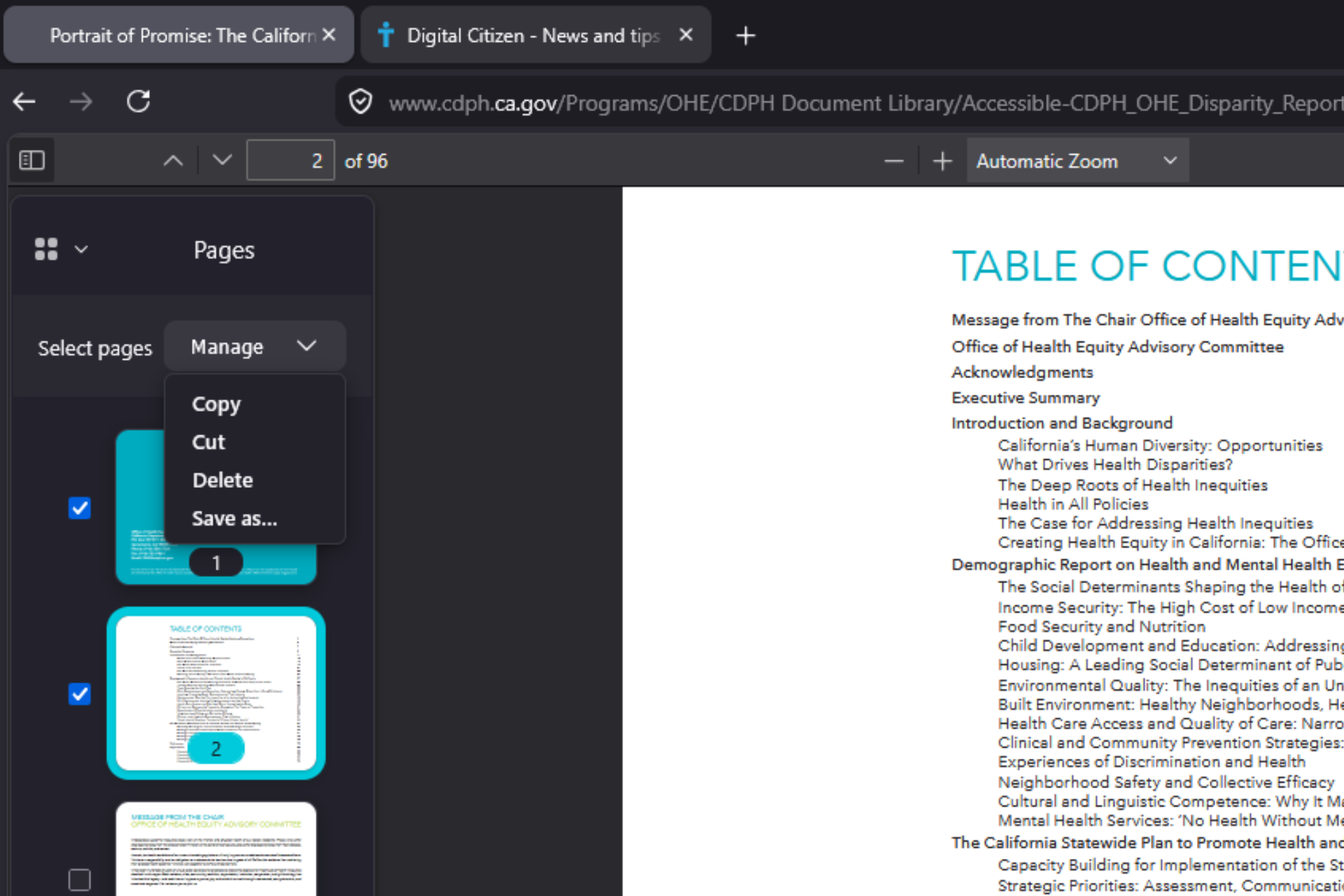
Mozilla is adding built-in PDF page organization to Mozilla Firefox. The latest Nightly builds offers a "Manage" option in the PDF thumbnail sidebar that lets users move, cut, copy, and delete pages directly inside a document. After choosing Save as, the exported file reflects the new page order and deletions.
The built-in PDF viewer can now change a document’s page order and remove pages entirely. Development is tracked under Mozilla’s [meta] Organize PDFs bug, which includes page organization, splitting, and merging.
PDF Page Deletion and Reordering Now Work in Firefox Nightly
In Firefox Nightly, users can open a PDF, switch to the "Pages" view in the sidebar, select one or more pages, and use the "Manage" dropdown to cut, copy, delete, or export changes using "Save as". Pages can also be reordered by dragging thumbnails in the sidebar, and the saved file preserves the new order.
We tested the feature using several PDF files, including a 212-page document.
In our testing, deleting a single page reduced the total page count in the saved file, and deleting multiple selected pages worked as expected. The file size became smaller after pages were removed, and the new page order remained intact after saving.
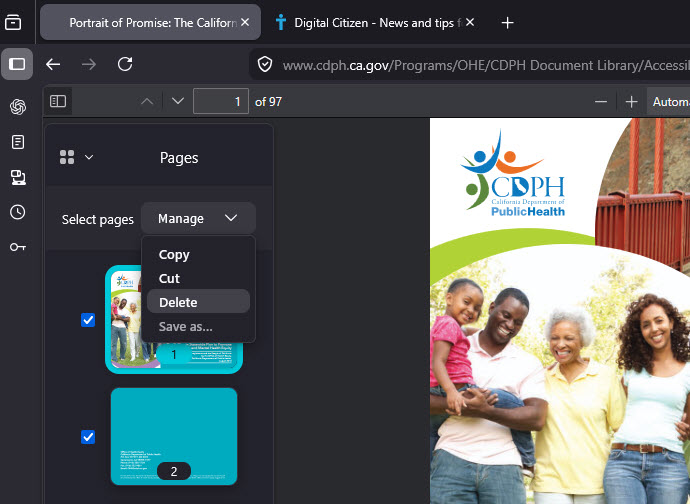
Moving the first page to the end, the last page to the beginning, and pages from the middle to other positions all worked correctly. The exported file opened normally in other PDF viewers and reflected all structural edits.
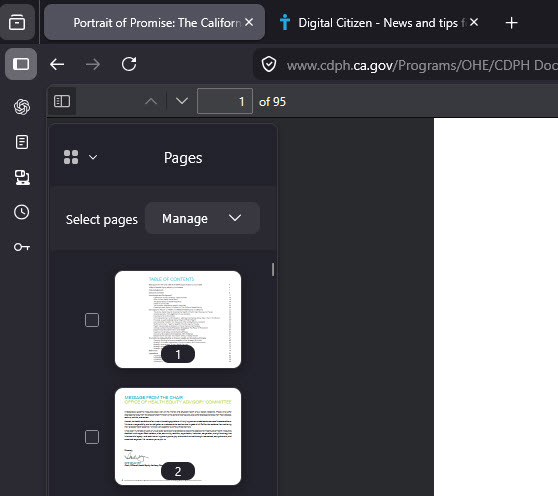
The viewer rewrites the document structure instead of simply hiding pages in the interface.
Chrome and Edge Do Not Offer This
Most built-in browser PDF viewers focus on viewing, highlighting, annotations, and form filling.
Neither Google Chrome nor Microsoft Edge provide native page deletion or reordering inside their built-in PDF viewers. Users rely on print-to-PDF workarounds or external editors instead of built-in tools.
Mozilla is targeting this feature for Firefox 151, although release timing is not final.
The feature is currently limited to Nightly builds and is not available in stable releases. In current Nightly builds, the feature requires enabling the pdfjs.enableSplitMerge preference in about:config.
We tested it directly in Nightly and confirmed that structural edits, including page deletion and reordering, persist after exporting the modified file.
Firefox is also testing AI controls to completely block AI features.



Discussion (0)
Be the first to comment.