



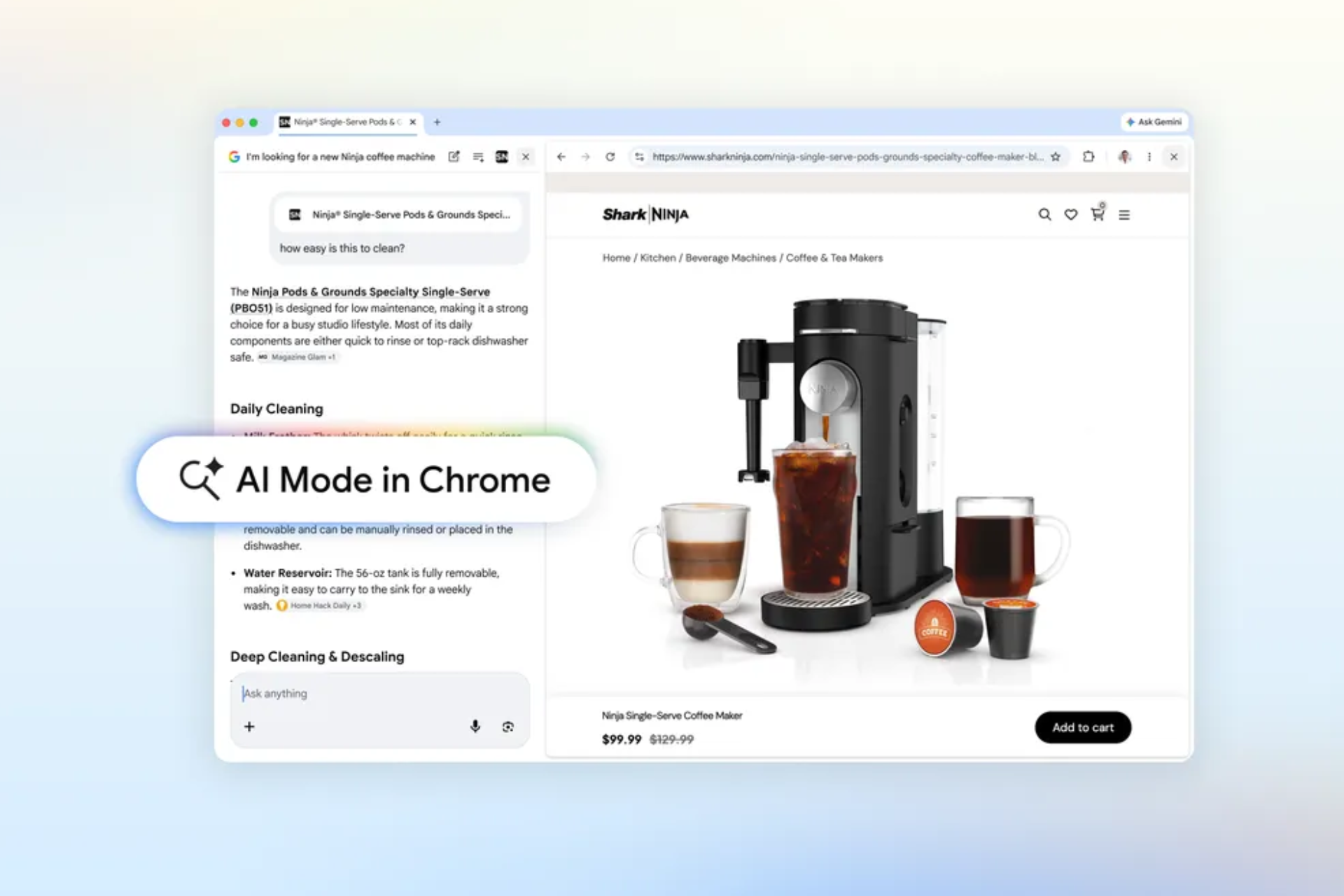
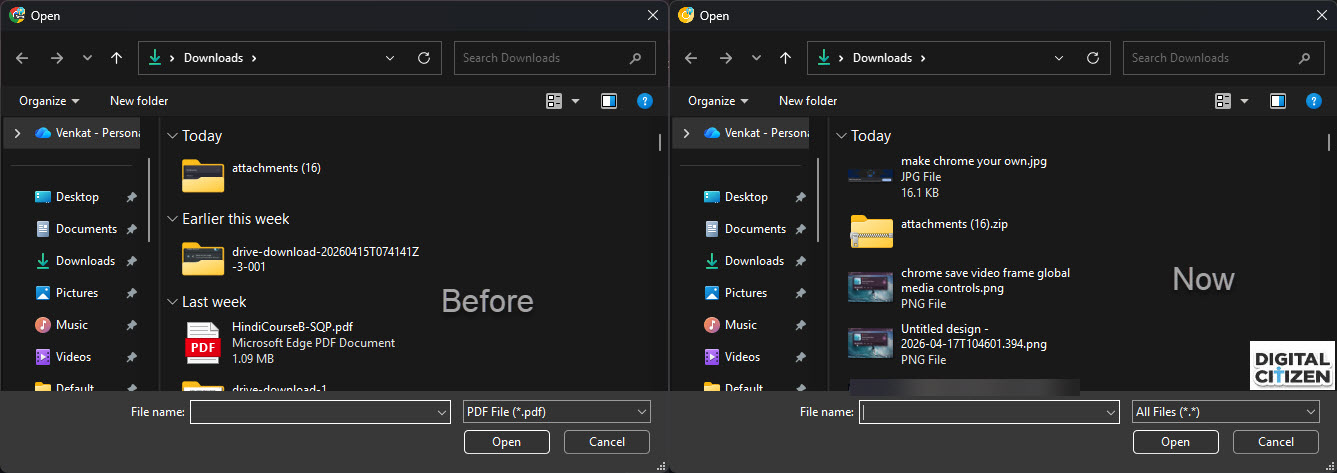
Chrome’s AI Mode is starting to accept more than just PDFs. In testing, the file picker now shows an “All files (*.*)” option instead of limiting uploads to PDF files in Chrome Canary on desktop.
Until now, the upload dialog has only allowed PDFs. That restriction is no longer visible in the picker, so other file types can be selected directly.
AI Mode supports multiple file types in one prompt
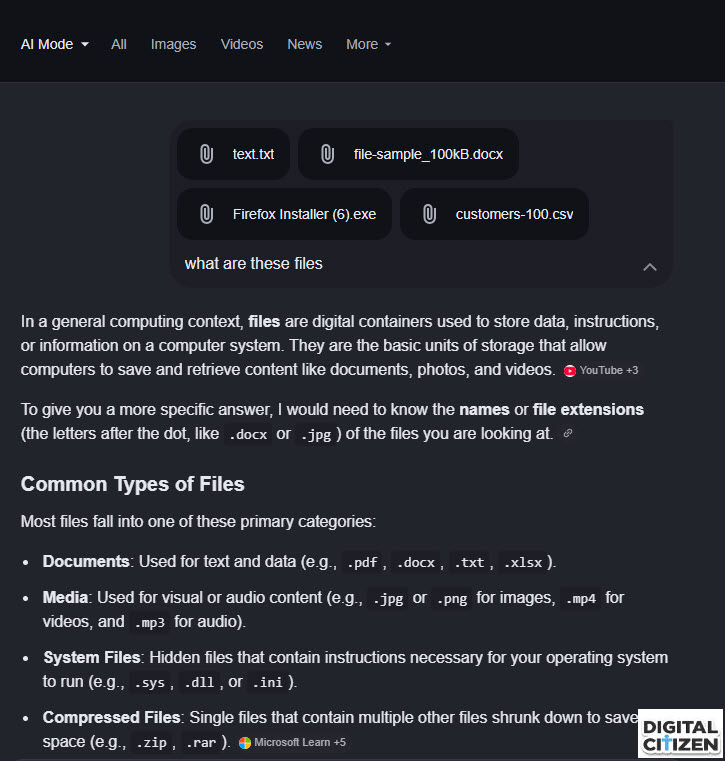
Testing shows that AI Mode accepts several formats, not just documents. This includes:
- .doc and .docx files
- .csv data files
- .txt text files
- .exe installer files
You can also attach more than one file at a time. Chrome groups them into a single prompt and responds based on all of them together.

AI Mode reads uploaded files as part of your query, but the response depends on the file type.
Text-based files like .txt and .csv return clearer answers. Documents such as .docx are handled at a basic level. .exe files are accepted, but responses stay general.
Chrome treats these files as input to read, not something to run.
Before, the limitation showed up in the file picker. It only displayed PDF files, which blocked other formats at the selection stage.
That restriction at the picker level is now gone in testing, as Chrome works to allow selecting more file types. The picker no longer filters file types, so different formats can be selected from the start.
Earlier, uploads were limited to formats like PDFs because they are easier to process and more predictable. Without that restriction, AI Mode can accept more file types, though how well each file is handled still depends on its format.
This change is experimental and not enabled by default, even in Chrome Canary.
Browsers are starting to handle more than just typed text as input. In Chrome, AI Mode can now take different file types in a single query instead of only PDFs.
Handling still varies by format, but Chrome no longer blocks uploads at the first step.



Discussion (0)
Be the first to comment.