



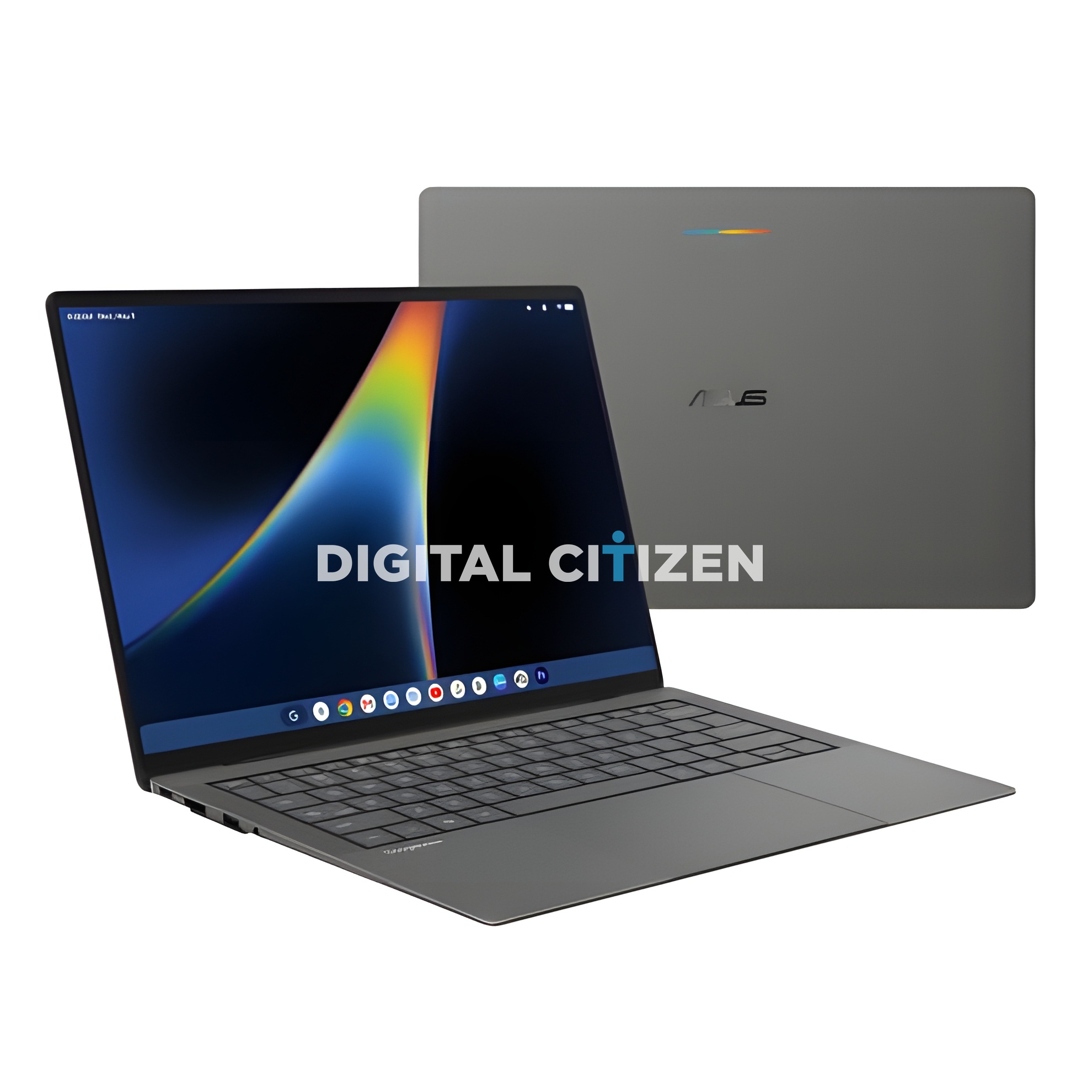
We have obtained the complete press render set for the ASUS Googlebook, and it is the sharpest look anyone has had at this machine so far. This is ASUS's entry into Google's brand new laptop category, the one that officially replaces the Chromebook, and it is a very different animal from the Lenovo models that leaked ahead of it.
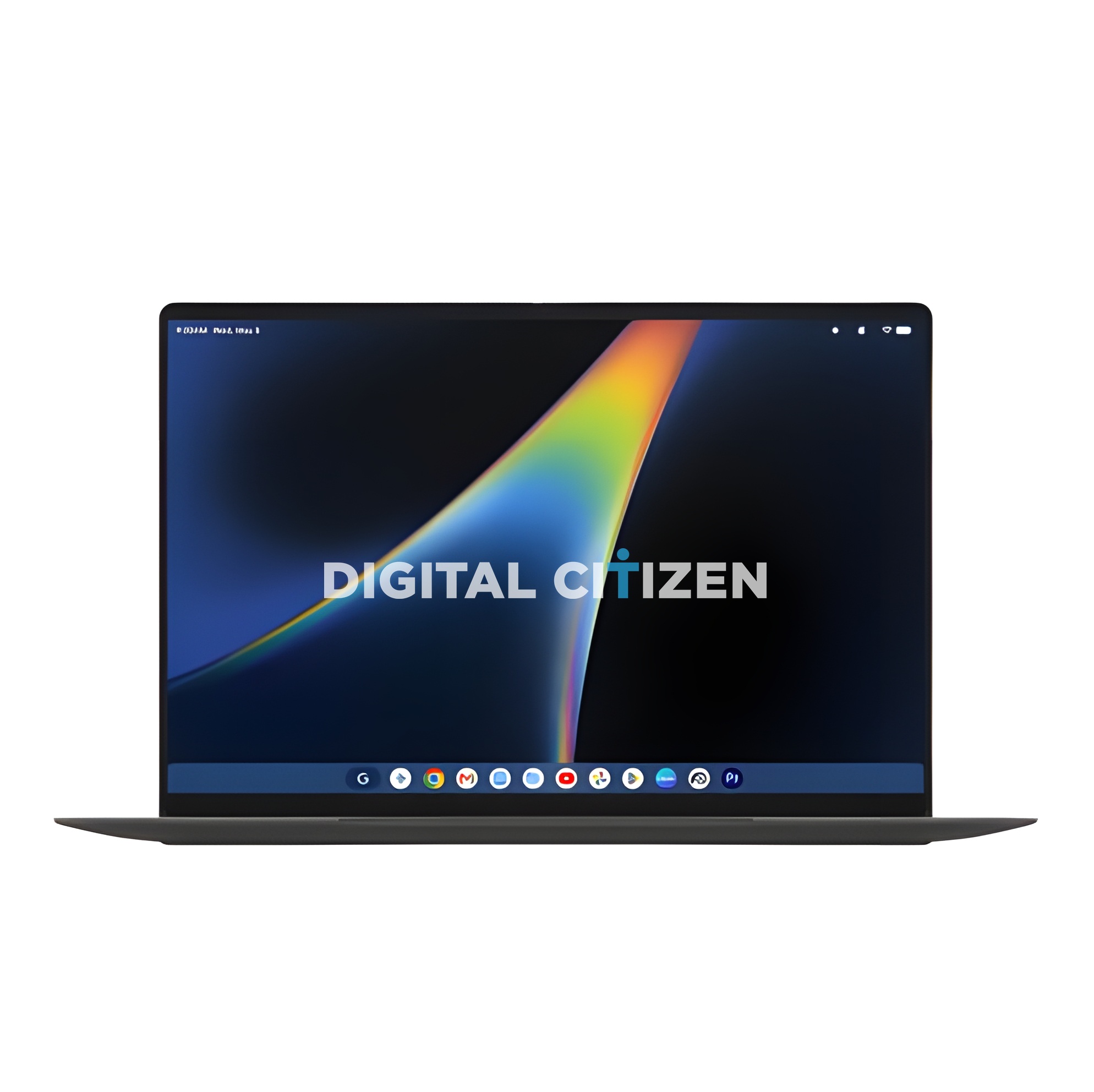
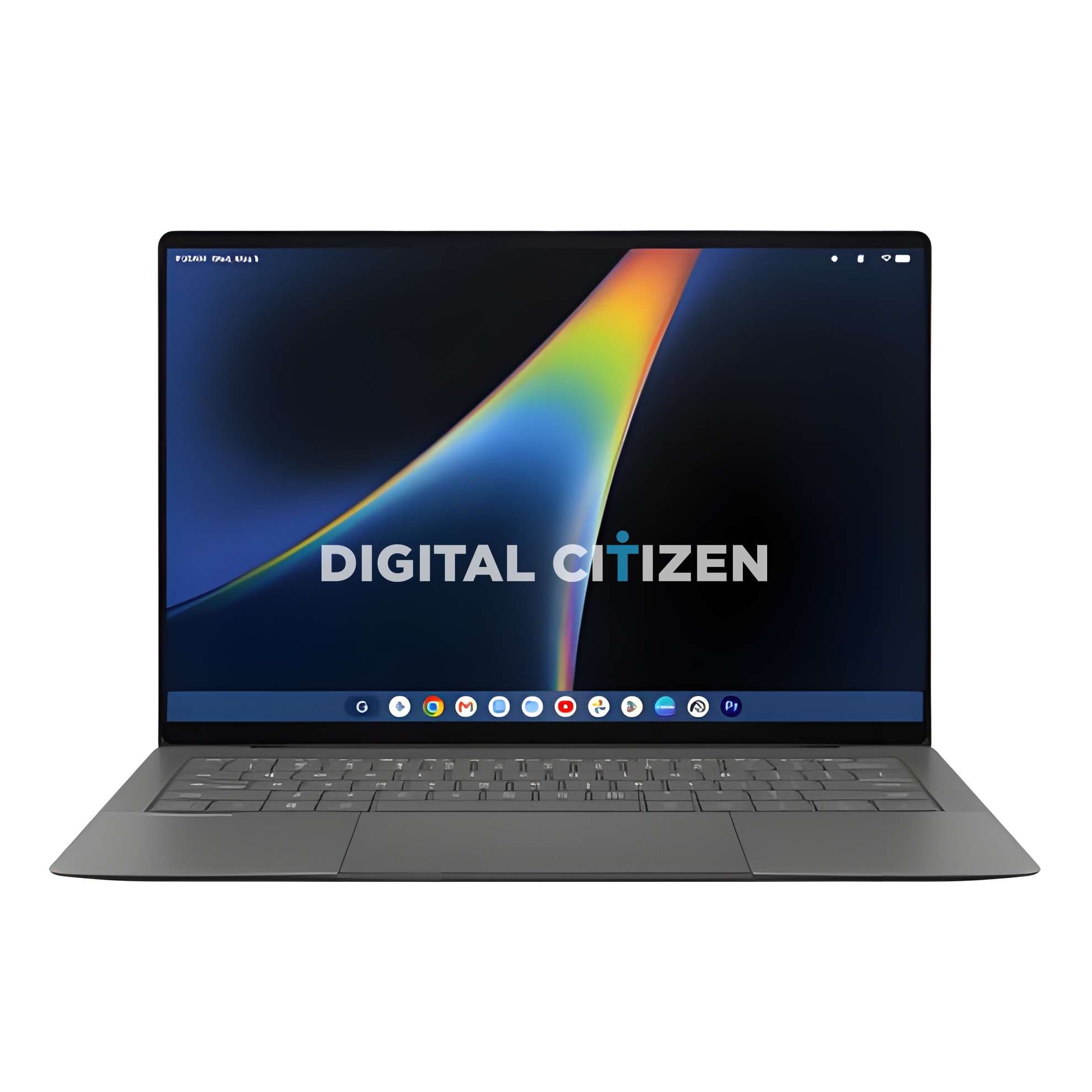
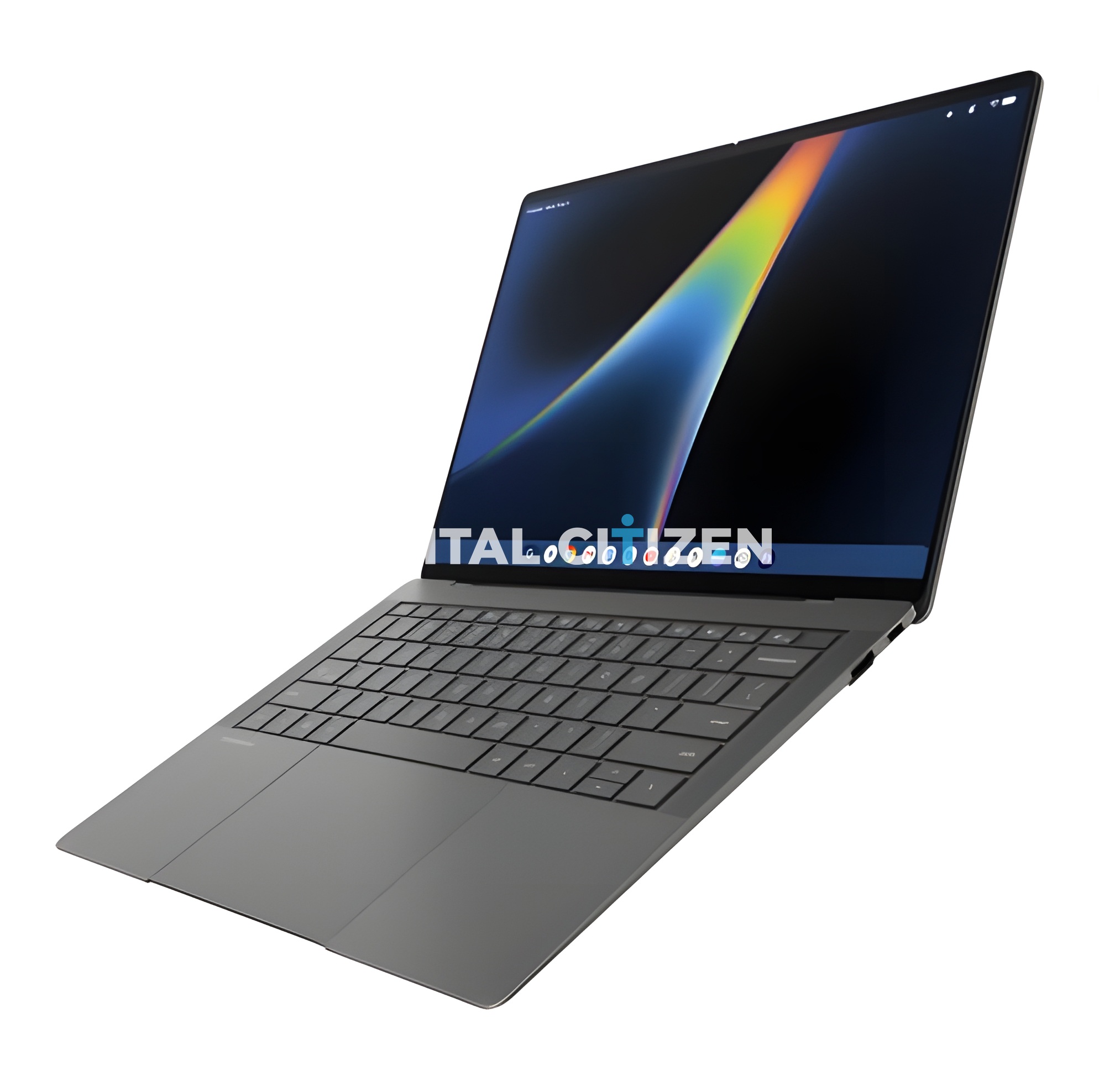
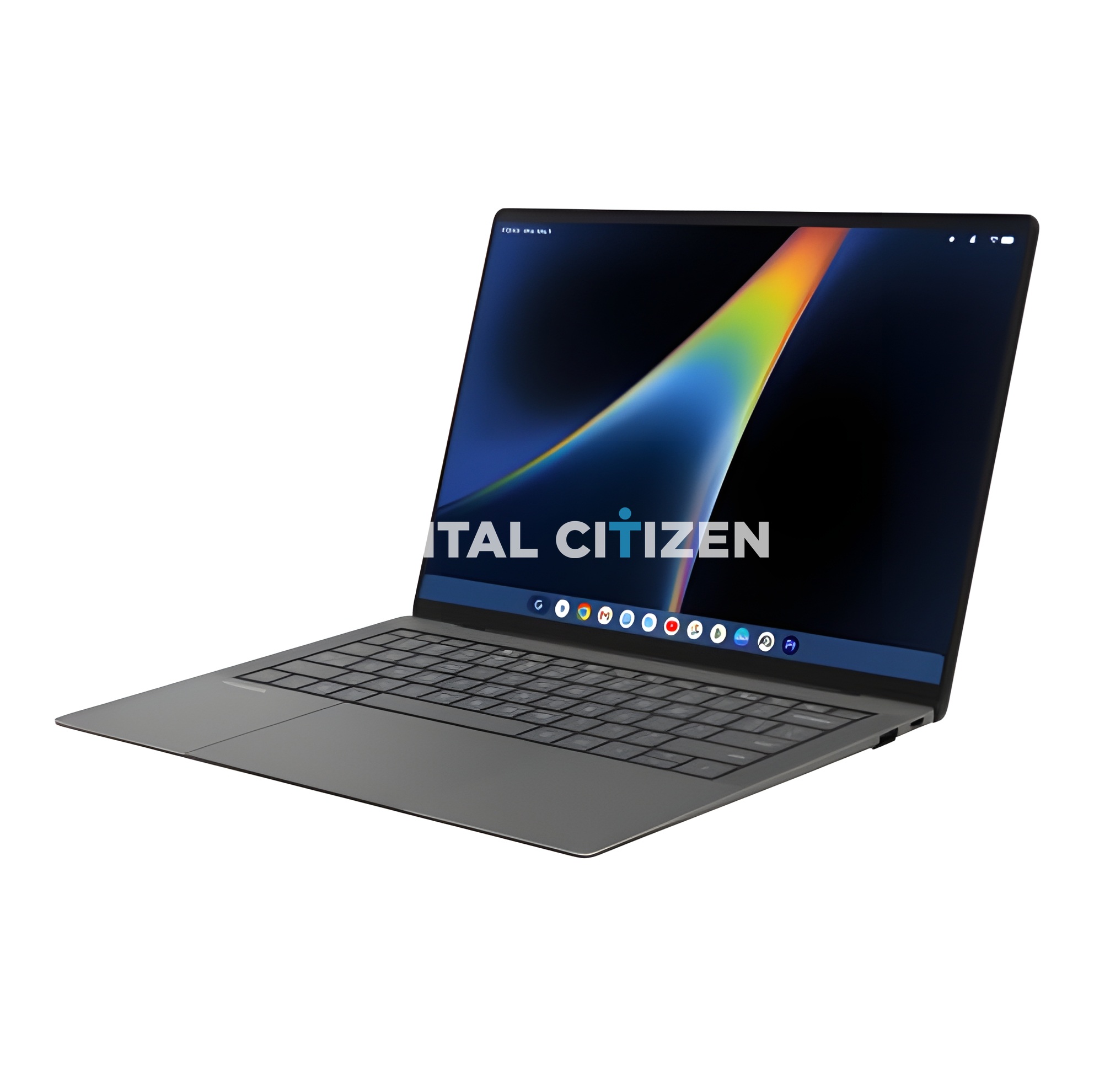
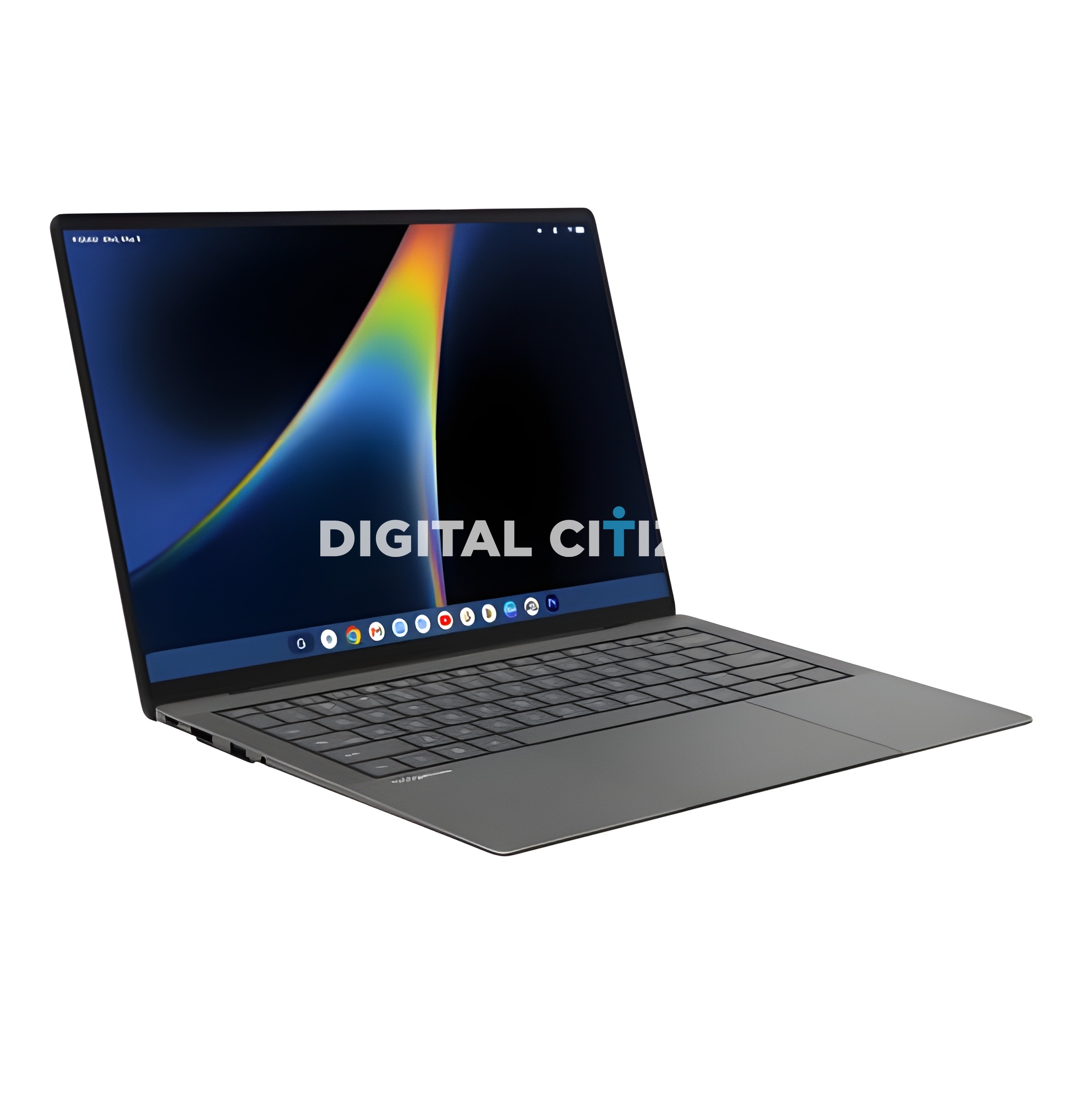
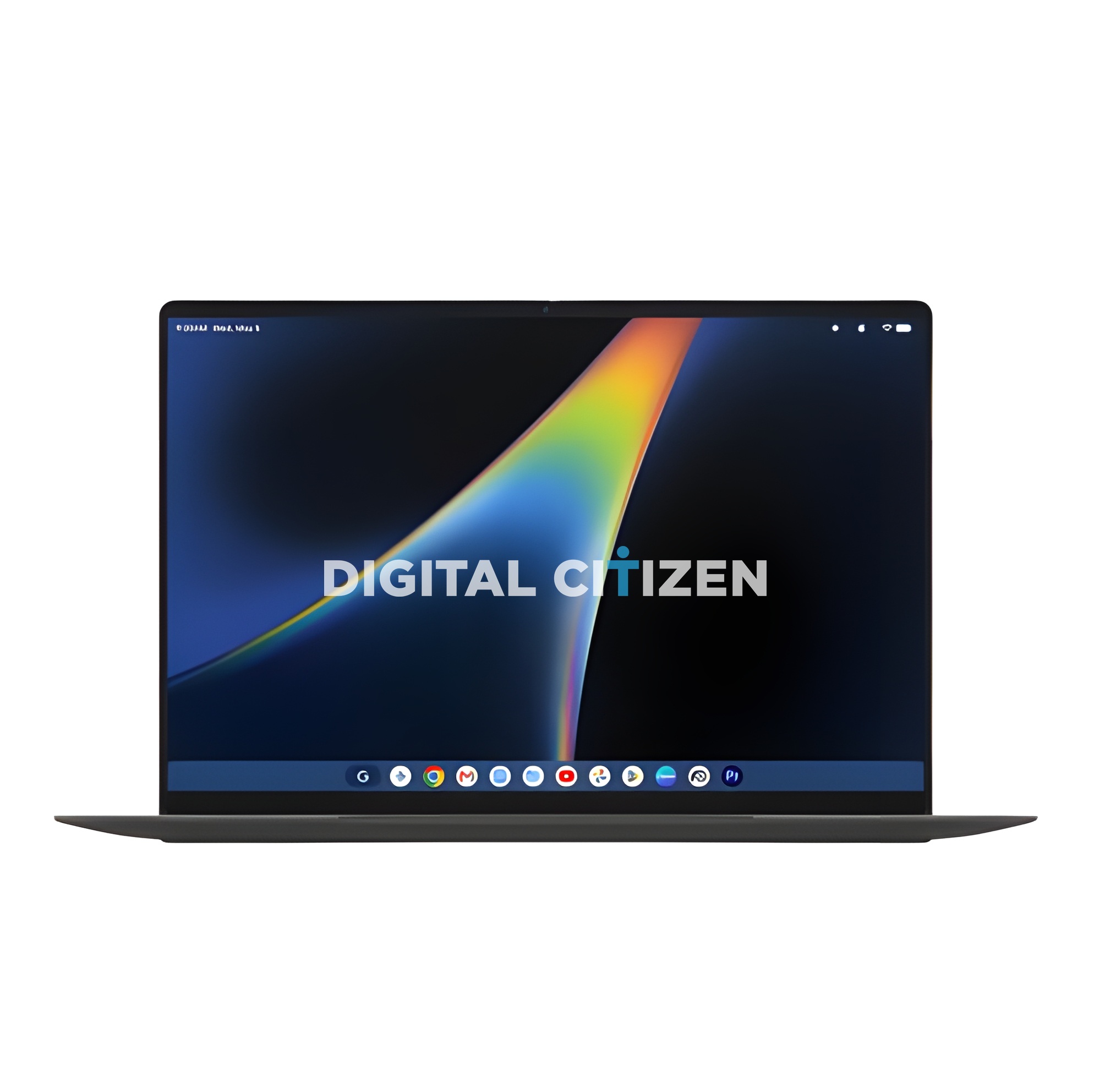
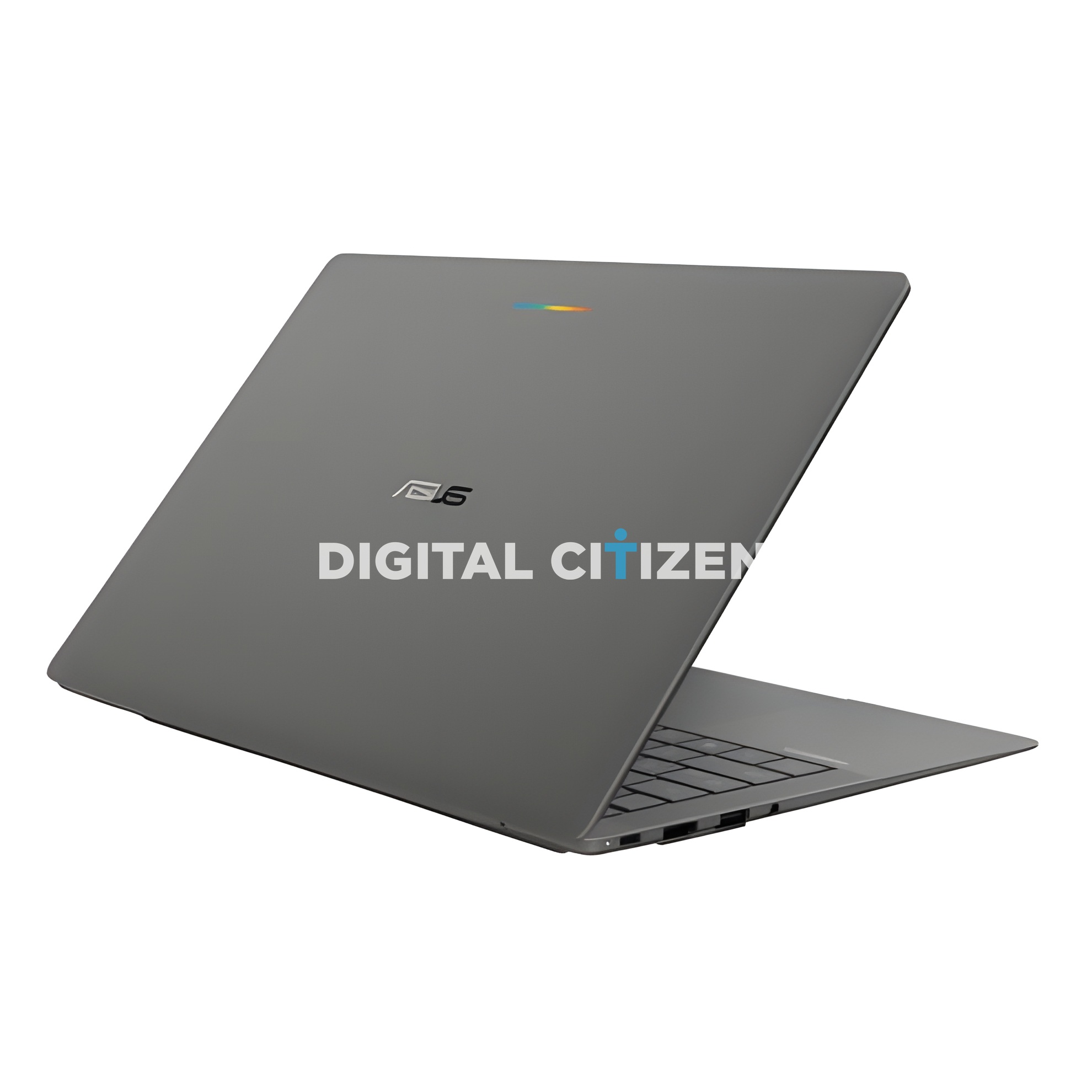
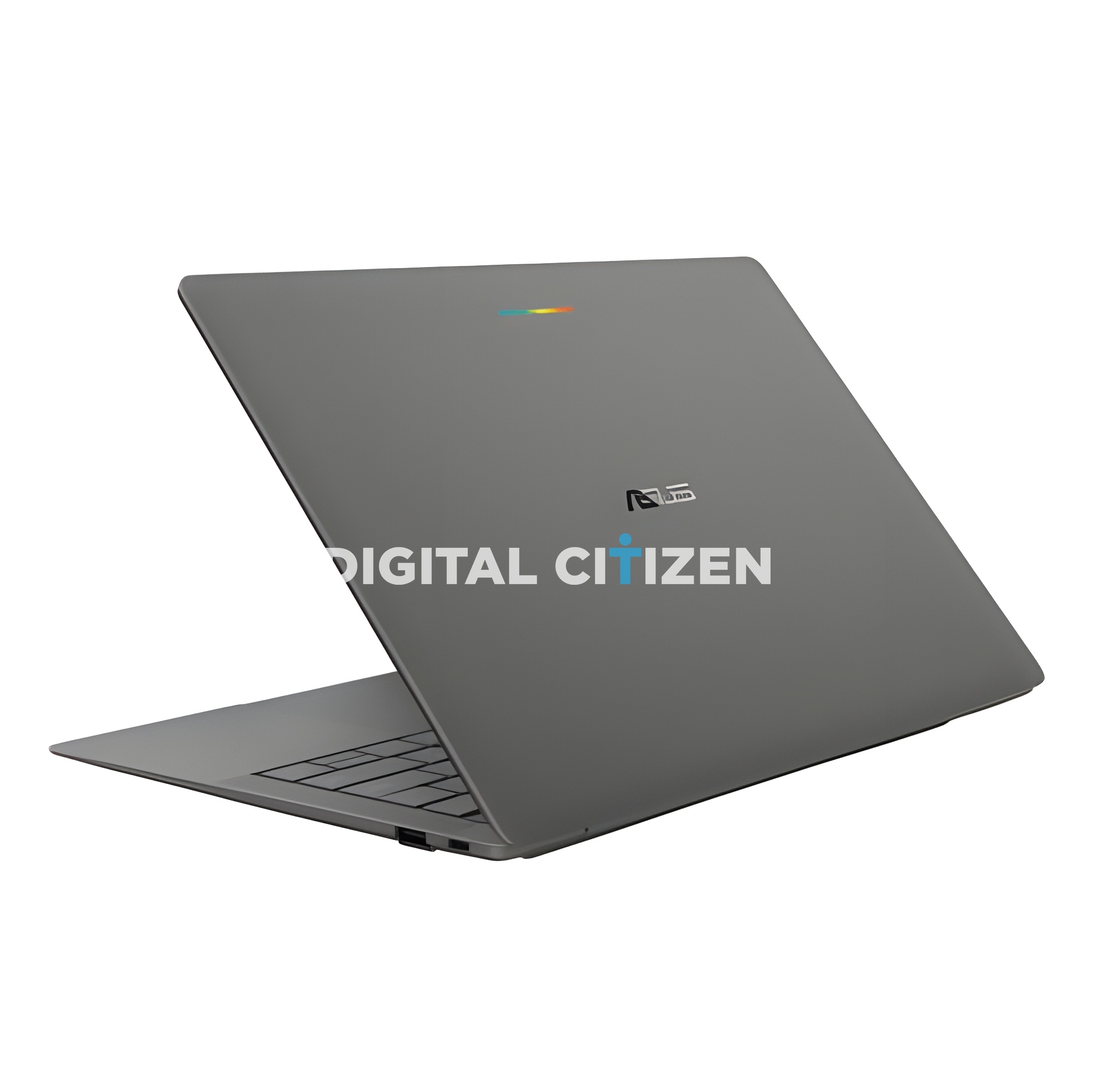
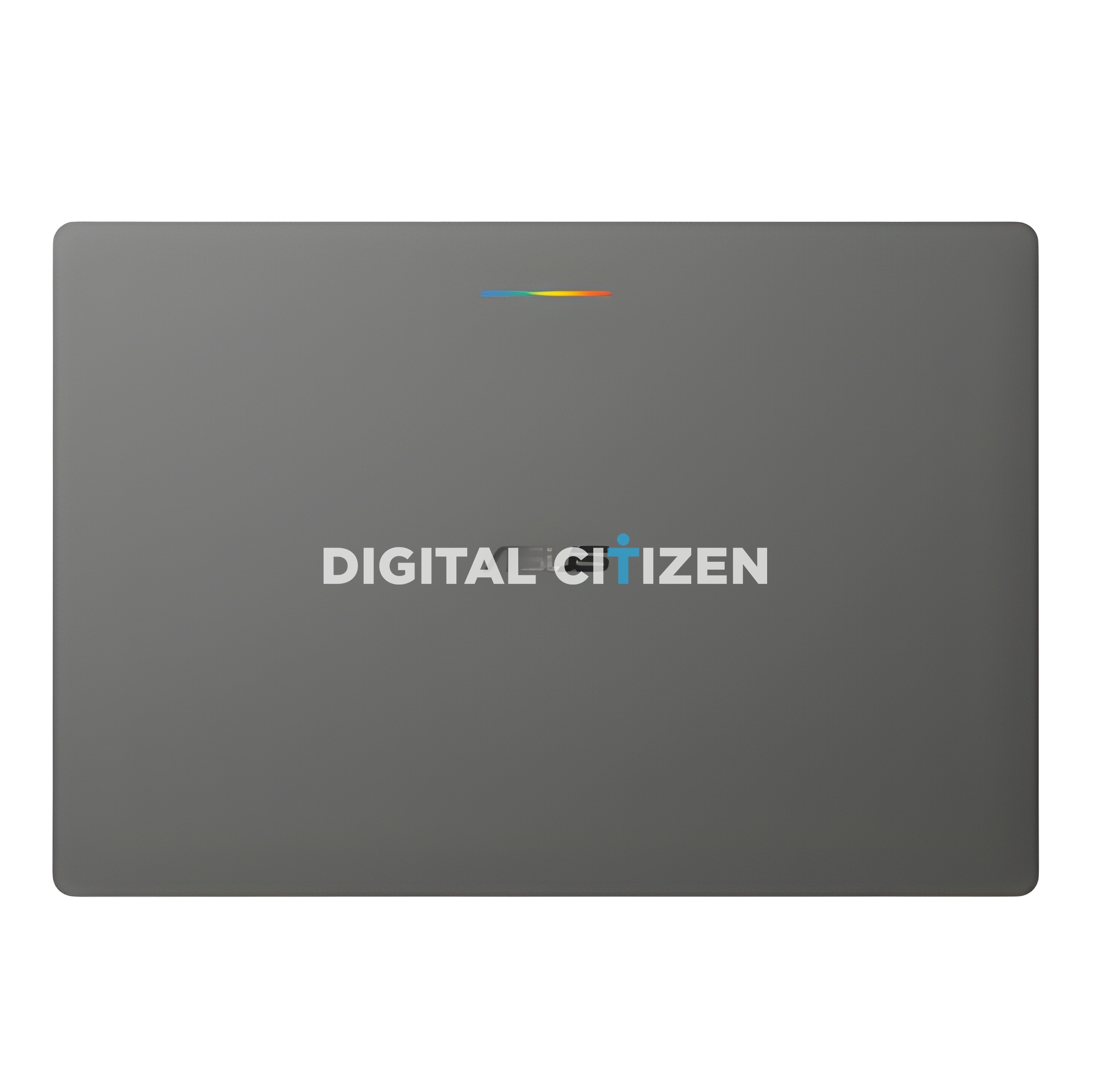

Where Lenovo went soft silver and friendly, ASUS has gone dark, thin, and serious. There is also one design feature on the lid that nobody else has, and it might be the coolest thing about the whole first wave of Googlebooks. Here is our full breakdown.
What Is a Googlebook?
Google announced the Googlebook in May 2026 and confirmed the Chromebook name is being retired. Googlebooks run a new desktop operating system that merges Android and ChromeOS on top of Android's technology stack, reported to be codenamed Aluminium OS, with Gemini built into the core of the experience rather than bolted on afterwards.
The headline software feature is Magic Pointer. You wiggle the cursor and Gemini reads whatever it is hovering over, then offers contextual actions. Point at a date in an email and you can create a meeting. Select two images, say your living room and a sofa you are considering, and you can ask it to show them together. Googlebooks also run Android phone apps natively and can reach directly into files on your phone.
Google named Acer, ASUS, Dell, HP, and Lenovo as launch partners, with the first machines arriving in fall 2026 at premium price points. ASUS is expected to reveal this one at IFA in Berlin, which opens on 4 September 2026.
The Glowbar Is the Best Idea in the First Wave
Look at the lid. Above the ASUS logo there is a thin horizontal light bar running in Google's four brand colours, blue into green into yellow into red. This is the Glowbar, and it is exclusive to the ASUS Googlebook.
The expectation is that it works much like the HiLight indicator on the Pixel 11, pulsing or glowing for specific notifications and states. Think a charging indicator, a Gemini listening cue, an incoming call, or a do not disturb signal you can read with the lid shut. On the dark grey chassis the colours pop beautifully without being garish.
It is the kind of small, confident touch that gives a machine an identity. Lenovo's Googlebooks are handsome but anonymous from the back. You will spot an ASUS Googlebook from across a coffee shop.
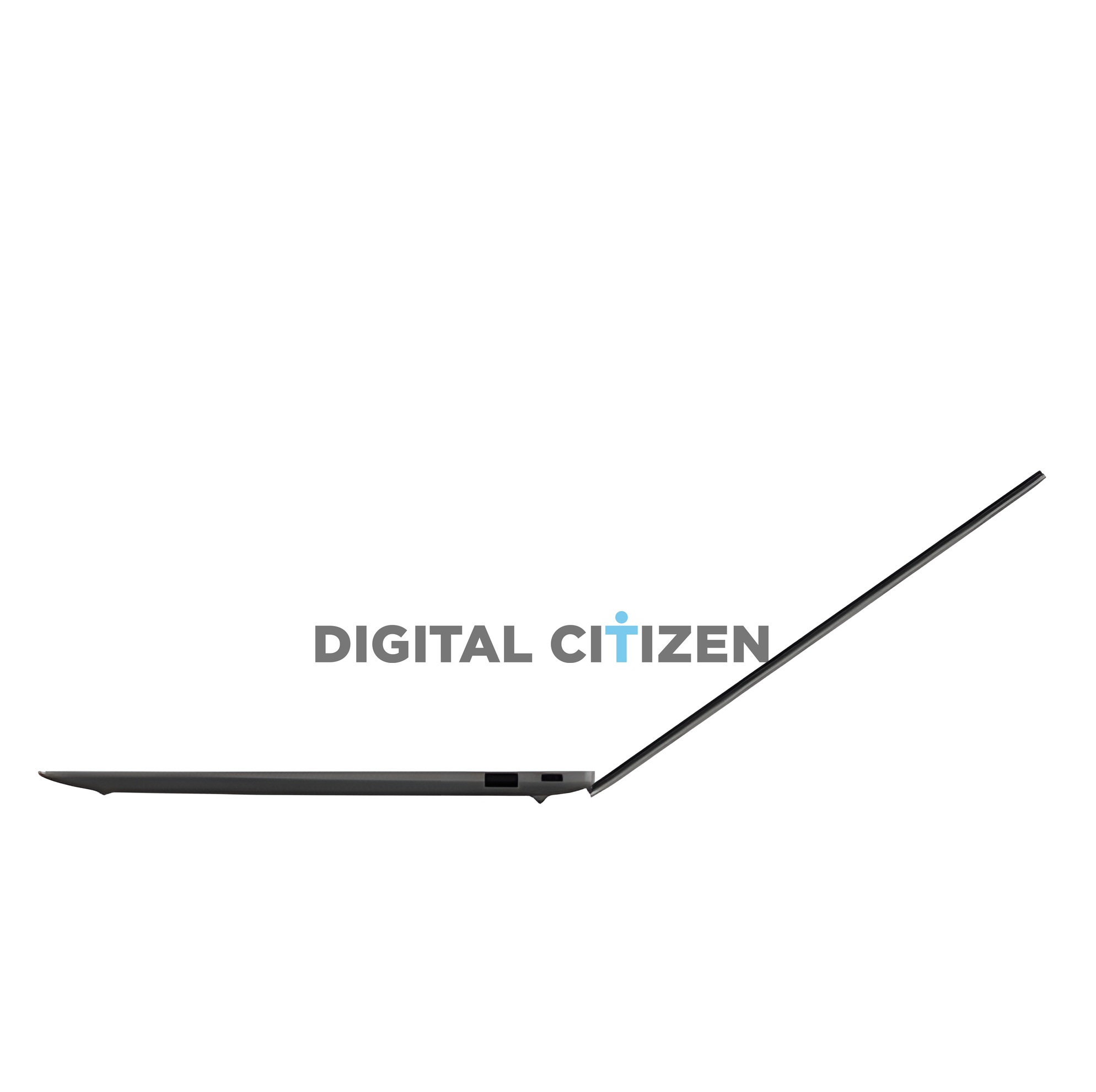
The design listing that accompanied these renders describes an Ultra-Ceramic Light Alloy chassis, which ASUS claims is 34 percent lighter and 13 percent stronger than what it replaces.
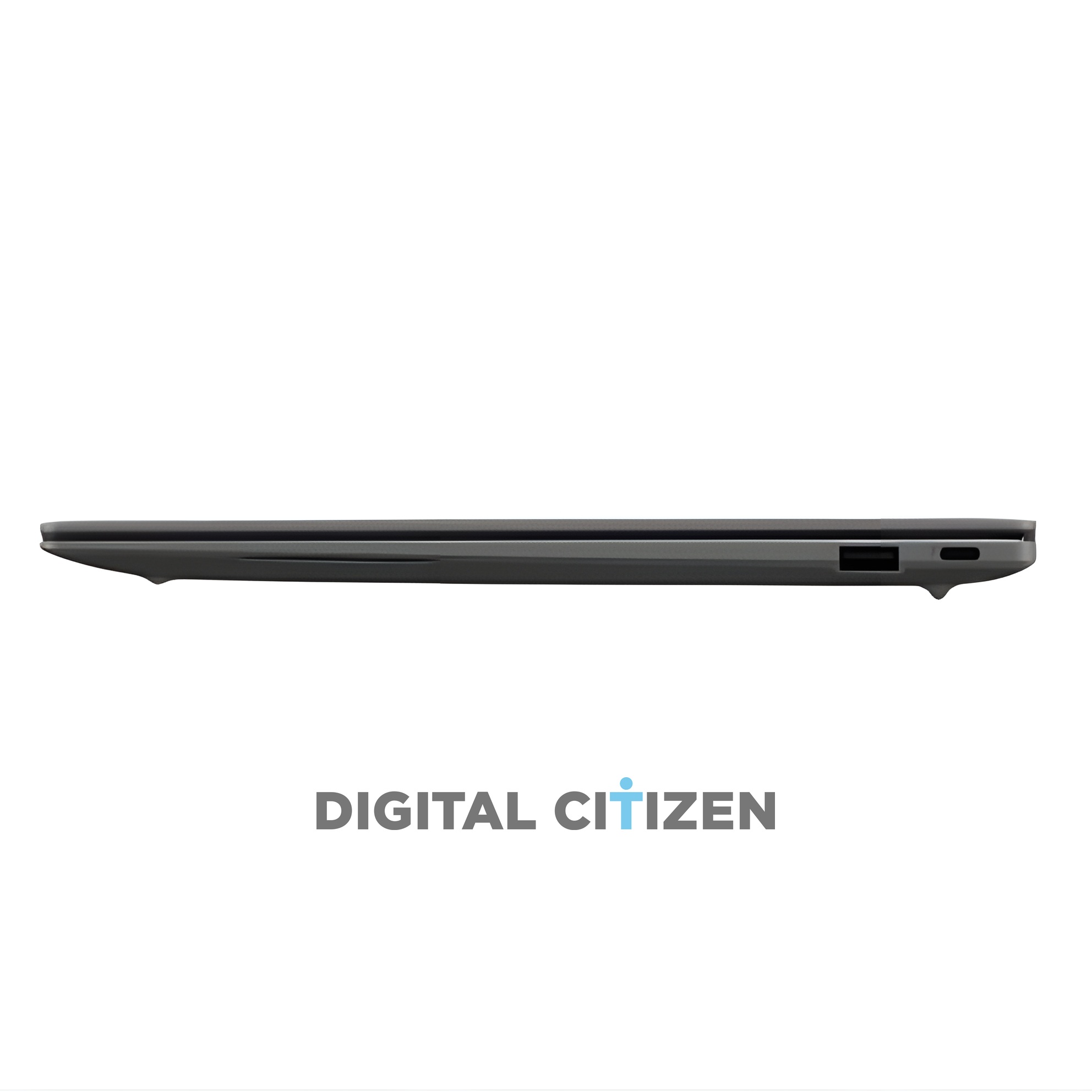
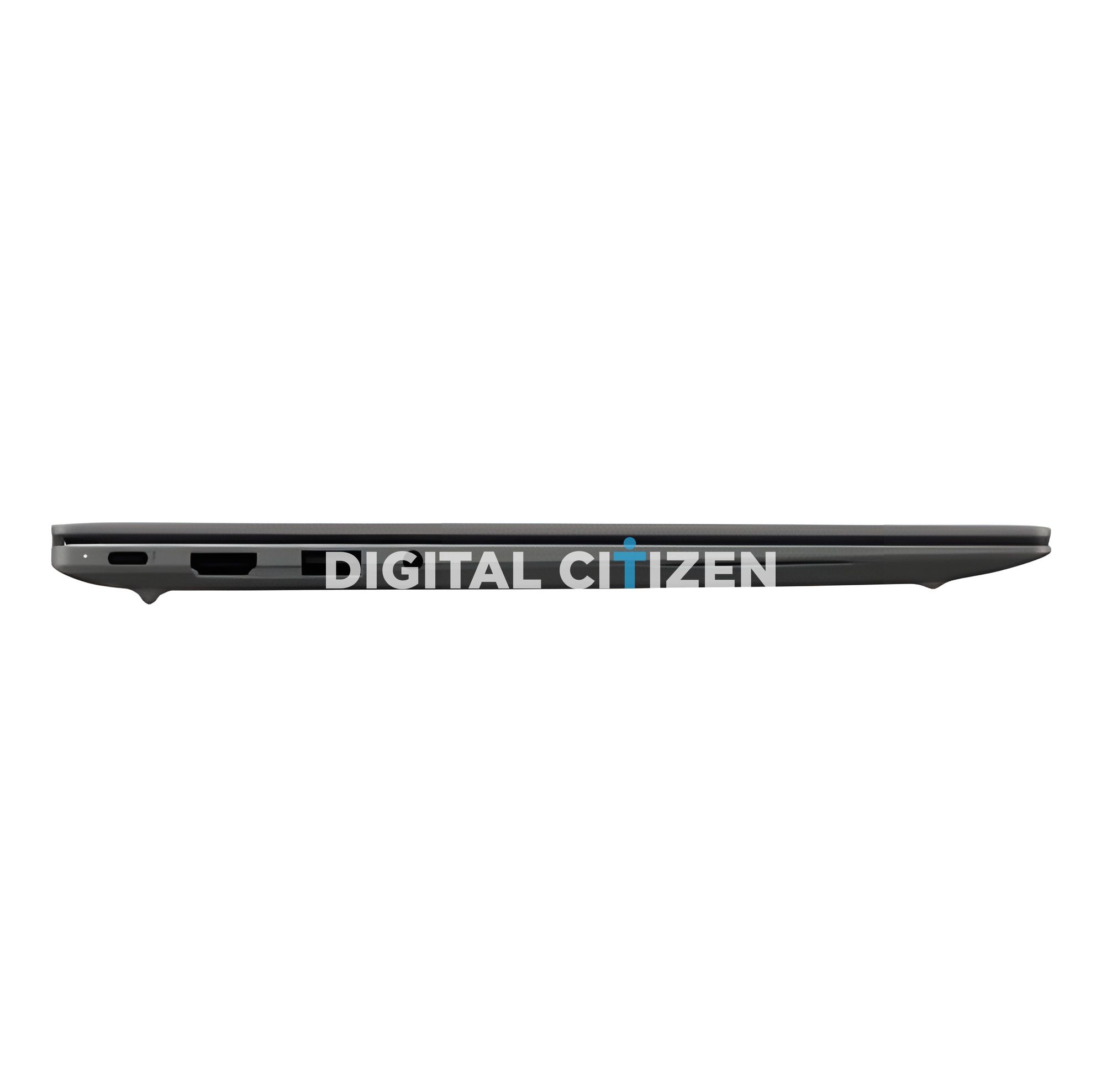
The side profile renders back this up. This machine is extraordinarily thin, with a gentle taper from the hinge down to a very fine front edge, and no visible bulk anywhere along the base. There is a small chin under each corner for the rubber feet, and that is about it.
The colour is a deep carbon grey with a matte finish, closer to graphite than black. It looks like a machine built for someone who takes it to meetings rather than someone who takes it to class, and that fits what Google has said about Googlebooks being pitched at the premium end.
Ports: Better Than It Has Any Right to Be
For a laptop this thin, ASUS has been unusually generous.
On one side you get a status LED, a USB-C port, a full size HDMI output, a full size USB-A port, and a 3.5mm headphone jack. On the other side there is a second USB-A port and a second USB-C port.
That is two USB-C, two USB-A, HDMI, and a headphone jack on a machine that weighs less than a kilogram. You can charge from either side, drive an external display without a dongle, plug in a wired mouse and a USB stick at the same time, and still use your favourite wired headphones. Most premium ultrabooks at this weight give you two USB-C ports and a shrug.
The Keyboard Confirms It Is a Googlebook
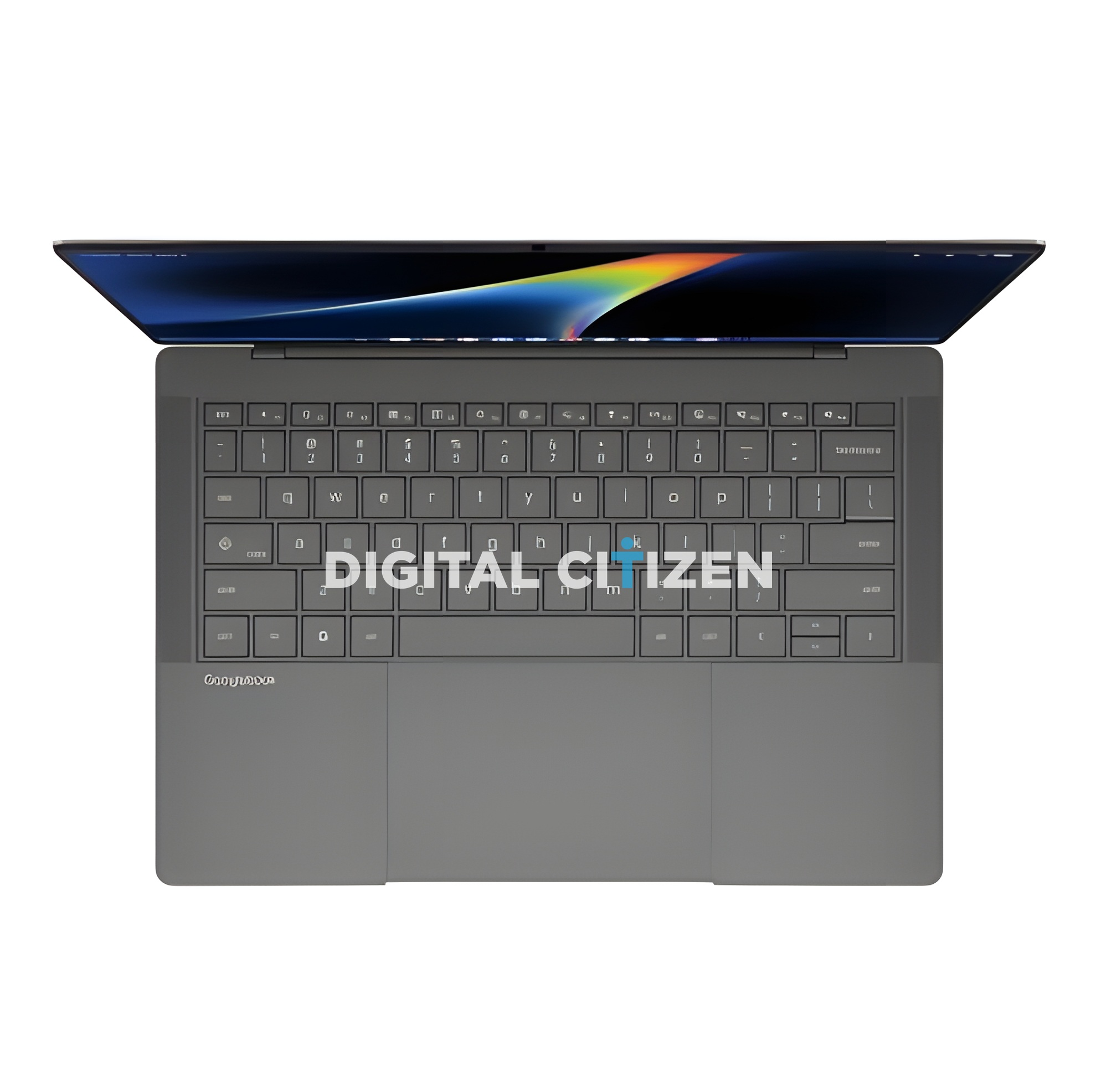
The top down render shows the same keyboard language we saw on Lenovo's model, which suggests Google is enforcing a consistent layout across the category.
In the bottom row, between fn and alt, there is a dedicated key carrying the Google G. This is the hardware Gemini key, and it is the spiritual replacement for the Windows key. In the caps lock position there is a key with a small diamond launcher glyph sitting above the caps label, exactly as on the Lenovo machine, sharing launcher duty with caps lock.
The function row runs a long line of dedicated media and system keys rather than plain F keys, and there is no number pad, which keeps the keyboard centred and leaves room for a very large trackpad. The palm rest carries Googlebook branding on the left rather than an ASUS product name, another sign of how tightly Google is controlling this platform.
The Software on Screen
The renders show the new desktop clearly enough to read. There is an Android style status bar along the top with the clock on the left and status icons on the right. Along the bottom sits a taskbar with a rounded G launcher button followed by pinned apps.
Working left to right through the dock we can make out Gemini, Chrome, Gmail, a pair of blue Workspace style apps, YouTube, Google Photos, the Play Store, a teal app, a dark circular app that looks like an Adobe title, and finally Adobe Premiere Pro on the end.
Premiere Pro sitting in the default dock of a Google laptop is not a small thing. Chromebooks were never taken seriously for creative work, and putting a professional video editor front and centre is a deliberate signal about how Google wants this category judged.
A Physical Webcam Shutter
One pair of renders in the set is labelled specifically as the webcam closed state, and comparing it against the standard shots you can see the camera aperture at the top of the display change appearance.
ASUS has fitted a physical privacy shutter to the camera. Given how deeply Gemini is woven into this operating system, a mechanical cover you can see with your own eyes is a meaningful trust feature rather than a gimmick. Unlike Lenovo's 15 inch model, ASUS has done it without resorting to a notch. The top bezel is thin, and the camera lives inside it.
What We Still Do Not Know
Earlier reports have pointed to an Intel Core Ultra 7 with up to 64GB of RAM, which would be extraordinary for a machine that was, until recently, part of the Chromebook family. Treat those figures carefully. The design listing that produced these images was clearly an unfinished draft, with garbled text in places, and it even mislabelled the machine as a Chromebook despite naming Aluminium OS as the operating system.
We also do not have confirmed display resolution or refresh rate, storage tiers, battery capacity, or price. The panel proportions in the renders suggest a 14 inch class screen in a tall aspect ratio, and the bezels are slim on all four sides, but ASUS has not put numbers to any of it yet.
Our Take
The ASUS Googlebook is the most distinctive machine in the first wave of Googlebooks. The Glowbar gives it a personality no rival has, the ceramic alloy chassis puts it in genuinely rare weight territory, and the port selection is far better than a laptop this thin usually manages. Add the physical camera shutter and you have a machine that feels designed for professionals rather than students.
Everything now depends on two things nobody can judge from renders. Is Gemini actually useful all day, and will ASUS price this sensibly? Google has already warned that Googlebooks sit above where Chromebooks did, and the ongoing memory shortage is not going to help.
We expect the official reveal at IFA in September. Until then, this is the best look you are going to get.


Discussion (0)
Be the first to comment.