



Google is testing a change in Chrome Canary that removes the bookmarks bar from the New Tab page.
Currently, Chrome treats the New Tab page differently. Even when the bookmarks bar is turned off, it can still appear at the top of a new tab. The setting does not apply consistently.
The change shows up as a new Chrome Canary flag called ‘NTP Simplification Bookmark Bar,’ described as:”
" Auto-removes the bookmark bar on the New Tab Page and updates bookmark bar visibility settings."

This suggests changes in how the bookmarks bar is handled, specifically on the New Tab page, along with adjustments to its visibility settings.
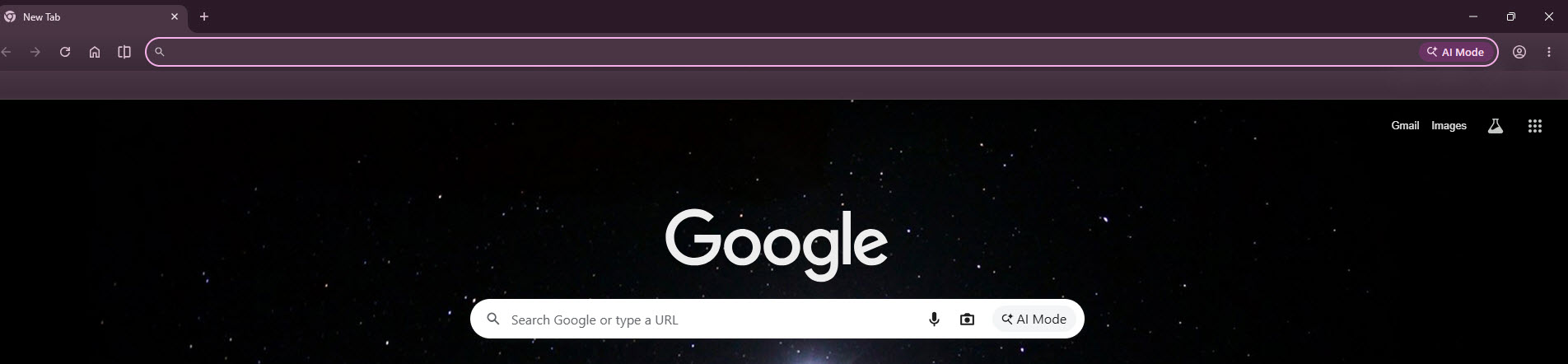
If implemented, the bookmarks bar would no longer appear on the New Tab page.
The flag is available in Chrome on desktop platforms, including Windows, Mac, Linux, and ChromeOS, but it is not functional yet.
Chrome shows the bookmarks bar on the New Tab page by default. It provides quick access to saved sites and folders with a single click. Chrome also offers shortcuts on the New Tab page, which appear as tiles below the search box and work separately from the bookmarks bar.
Other browsers handle bookmark visibility more consistently, with turning the bar off hiding it across all pages.
The feature is still under development, with no release timeline.
Discussion (0)
Be the first to comment.