



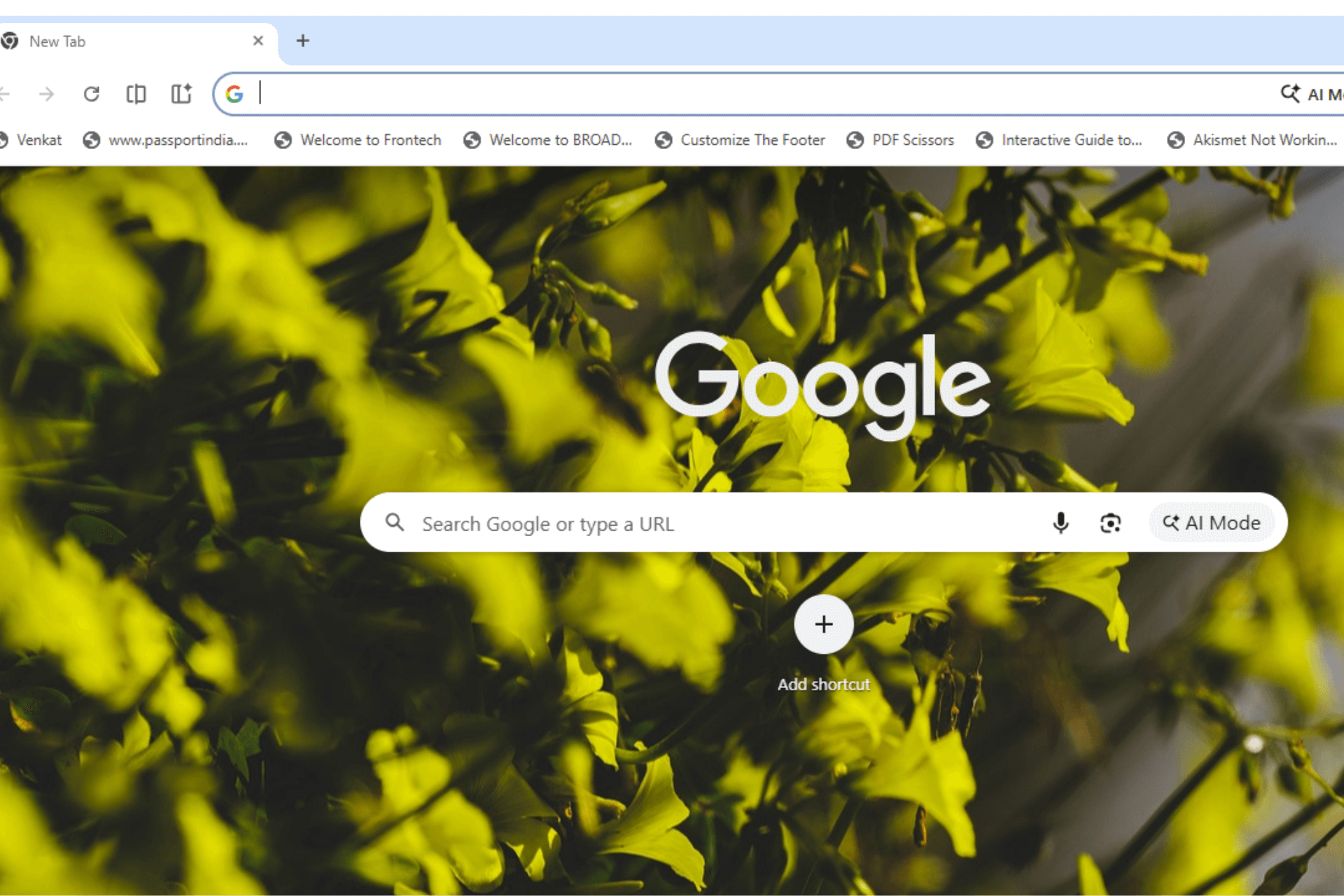
Chrome’s Desktop Glow Up project now includes detached tabs, tab strip decluttering, and a glass-style toolbar prototype, according to recent Chromium code changes. What started as a project name in the code now includes concrete changes to the tab strip and toolbar on desktop.
Update: The glass toolbar flag is now available and produces a visible translucent effect when enabled.
Recent updates in Chrome’s development code reveal that the tab strip behaves differently once six or more tabs are open. With the Desktop Glow Up flag enabled, Chrome removes the thin separators between tabs. The same six-tab threshold will also control inactive tab close buttons in a later change.
Glow Up also introduces a separate “Detached Tabs” option that separates the active tab from the rest of the strip. If the tab belongs to a group, Chrome outlines it with the group color. The flag is available in chrome://flags, but it is not functional at the moment.

Another experiment adds a glass-style toolbar. The flag description reads, “Enables a glass effect on the toolbar.” Google describes this as a short-term prototype for user testing and notes it may be removed within two weeks.

The flag is currently active and applies a translucent toolbar effect when enabled.

Glass effects are now common in modern system design. Windows 11 applies the Mica material across parts of its interface, while iOS and macOS rely on translucent layers and depth effects throughout the UI. Chrome’s glass toolbar test introduces a translucent effect on the toolbar and exists as a prototype behind a separate flag.
Three visual changes under Desktop Glow Up:
Detached Tabs: Search for “Detached Tabs” in chrome://flags to enable the experimental option that separates the active tab from the rest of the strip.
Tab Strip Decluttering: When six or more tabs are open and Desktop Glow Up is enabled, Chrome hides tab separators. The same threshold will later control inactive tab close buttons.
Glass Toolbar: A separate prototype flag adds a glass-style effect to the toolbar for testing.


Discussion (0)
Be the first to comment.