



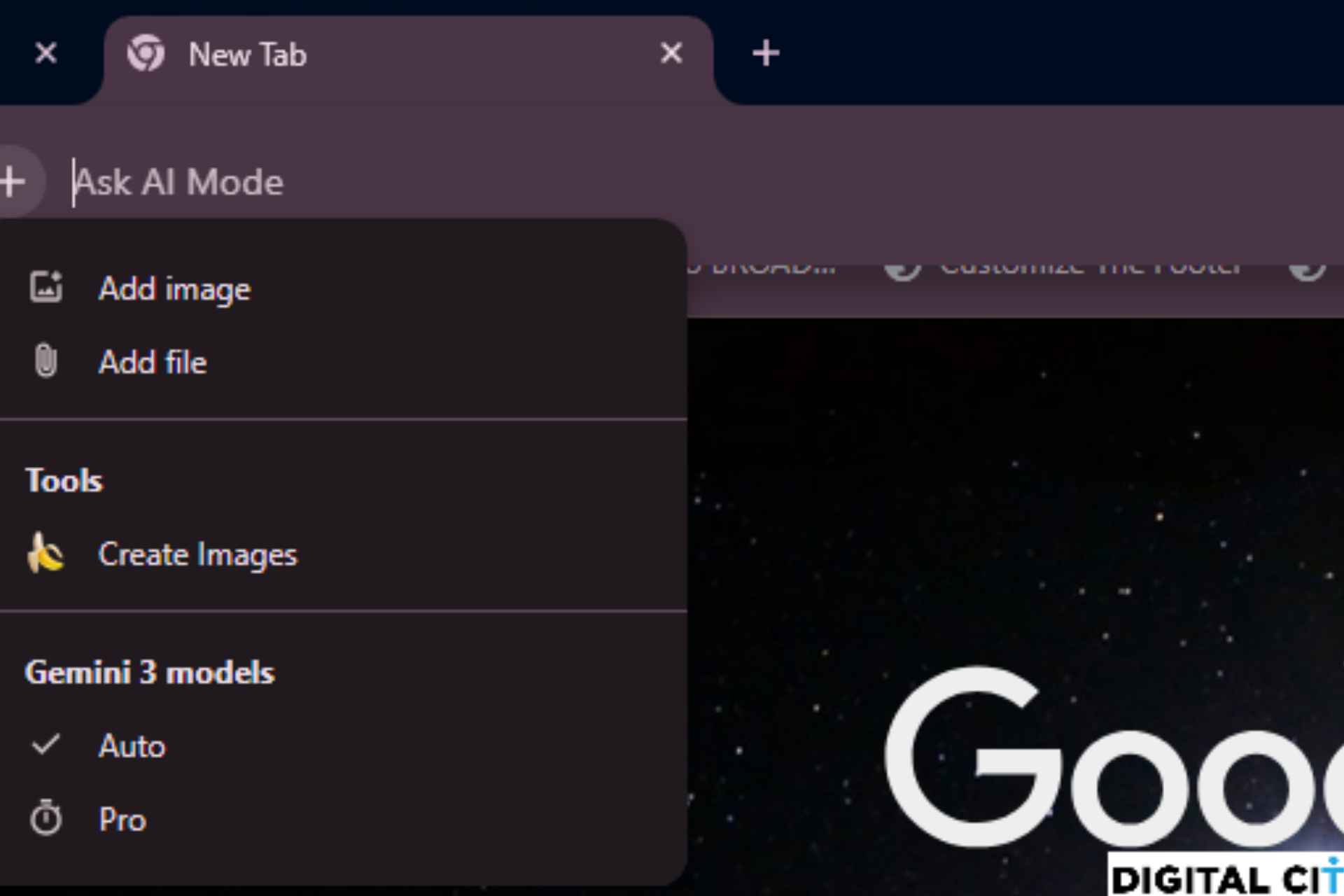
Chrome Canary introduces a redesigned menu opened by the + (Add) button in the address bar that changes how users choose a Gemini model during browsing. The latest version lets users select "Gemini Auto" or "Gemini Pro" before starting an AI task.
Gemini Auto serves general, faster responses. Gemini Pro focuses on deeper reasoning and more complex requests. This places model choice at the start of the interaction instead of inside a separate AI screen.
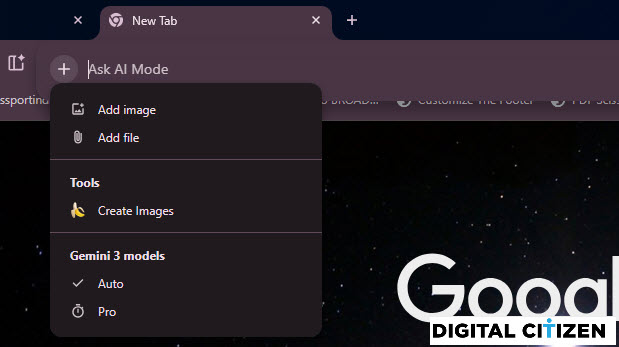
Earlier versions of the menu listed shortcuts such as Deep Search alongside upload actions. The new layout removes Deep Search from this location and groups options around file uploads, image creation, and direct model selection.
Gemini inside Chrome still includes other modes within the chat interface. The address bar menu limits the visible choices to Auto and Pro, while the full set of modes stays inside Gemini itself.
Chrome Canary also adds quicker access to AI Mode history. Clicking the AI Mode button in the address bar opens a dropdown with suggestions, including a “View your AI Mode history” option that launches AI Mode with the history sidebar already visible.
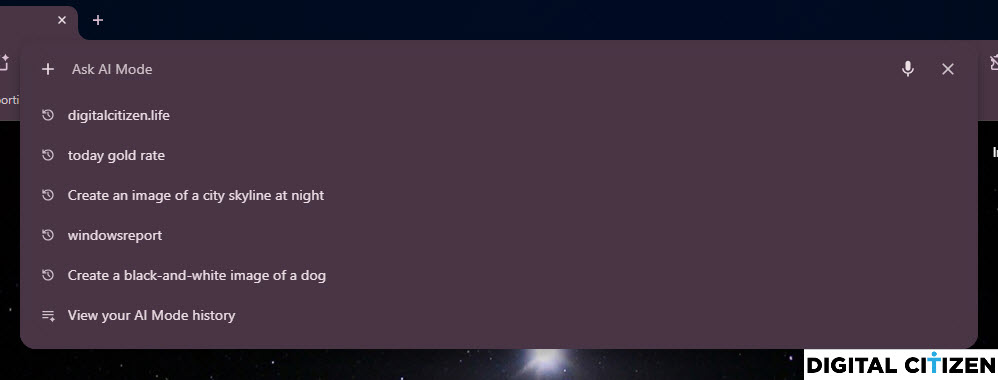
These interface changes are visible in Chrome Canary and may change before release.

Discussion (0)
Be the first to comment.