



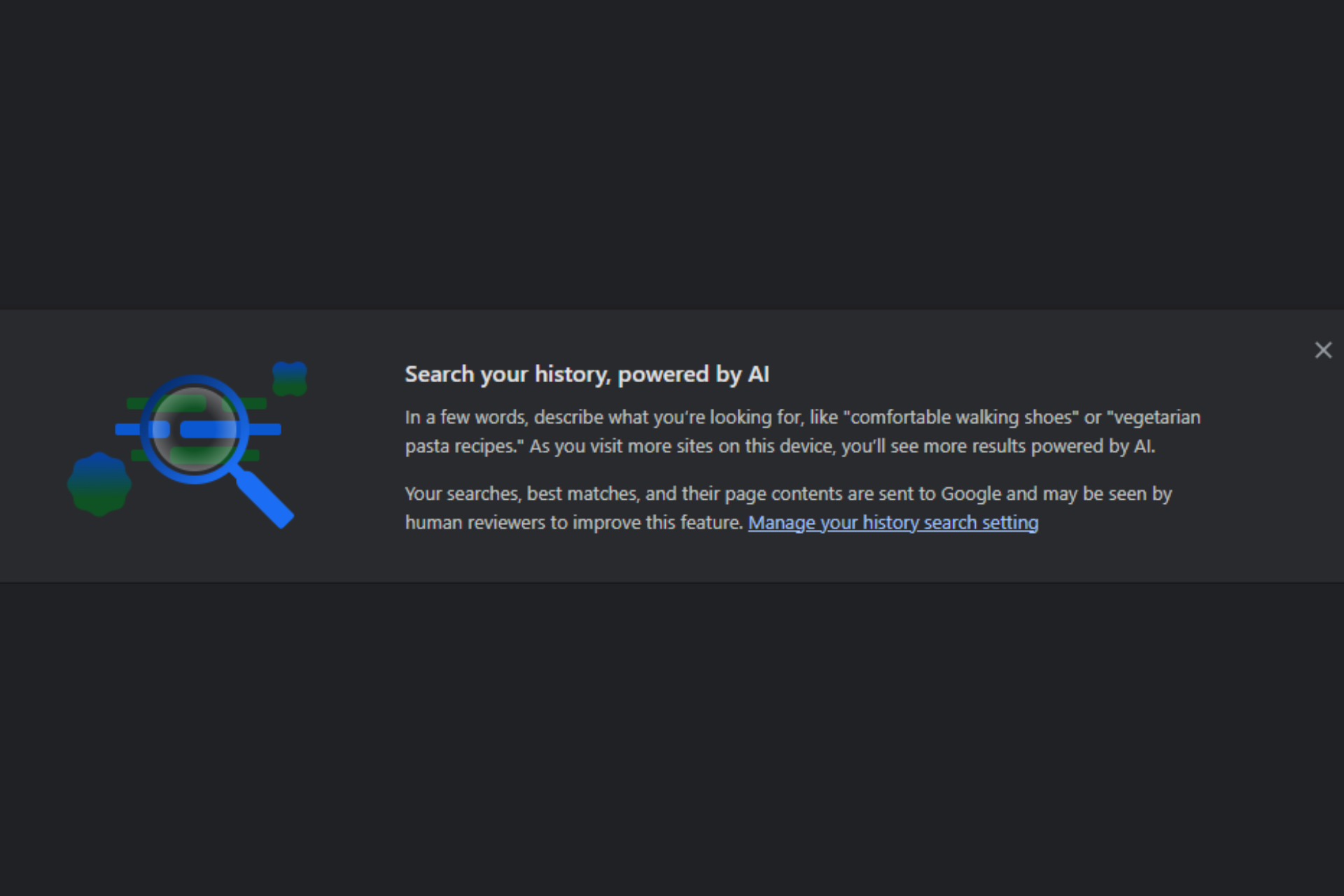
Google is improving its AI-powered history search in Chrome. Gemini now helps power how Chrome searches and filters browsing history. A new “Auto browse” section appears at the top of the page, below the disclosure, and separates pages you opened yourself from pages Gemini visited automatically in the background.
Chrome’s AI-powered history search helps users find previously visited pages using natural language instead of exact keywords. Users can describe what they remember, and Chrome returns matching entries from their history. The feature has existed for some time and now has closer ties to Gemini inside the browser.
Chrome separates history search results into two sections. “You” lists pages opened through normal browsing. “Auto browse” lists pages that Gemini accessed automatically while responding to your requests. Chrome no longer groups all history into a single list and instead keeps user activity separate from AI activity.
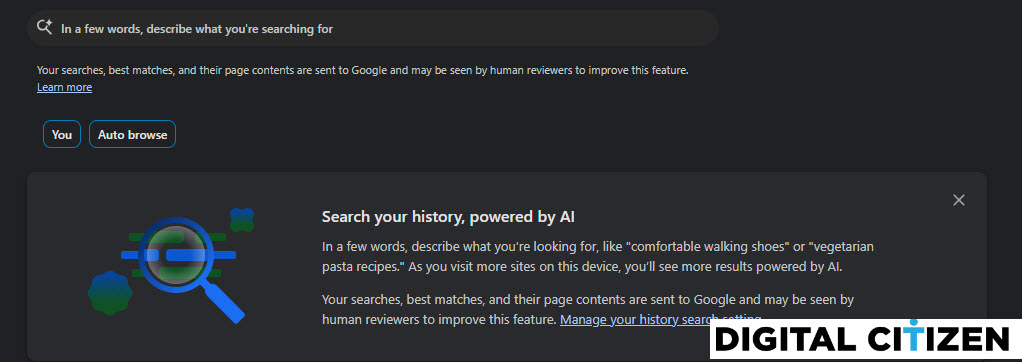
Users can now see when Gemini’s background activity contributes to history search results, rather than having those entries mixed in with regular visits.
The disclosure text remains unchanged and applies across both sections. It explains that Chrome processes searches, matched results, and page content to support AI-powered history search. Chrome labels which results come from the user and which come from Gemini’s Auto Browse activity.
Chrome is also testing user confirmation for search engine changes made by extensions and simplifying security settings. Google is also planning lazy loading for media in Chrome.


Discussion (0)
Be the first to comment.