



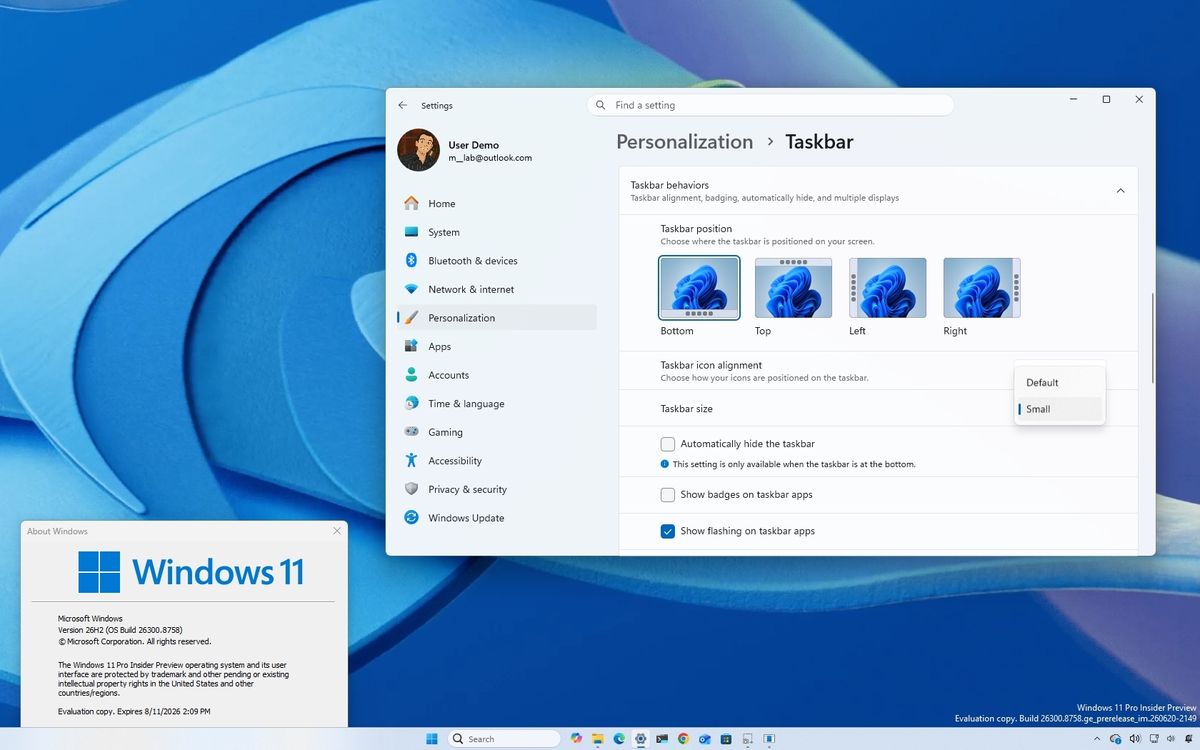
Microsoft is reportedly preparing another redesign for the Windows 11 Start menu, with new resizing options, section controls, and performance improvements expected to arrive with Windows 11 26H2 later this year.
The updated Start menu is aimed at fixing one of the biggest complaints about the current design: it takes up too much screen space. The existing menu has been gradually rolling out across Windows 11 24H2 and 25H2, but many people have criticized its large layout and limited customization options.
The next version could give you more control over how the Start menu looks and behaves, especially on smaller displays or devices where screen space is limited.
Windows 11 Could Add Large and Small Start Menu Modes
One of the biggest reported changes is a resize option with two preset layouts.
The Large mode would show more pinned apps and larger category areas, while the Small mode would create a more compact Start menu. This could be useful for laptops with lower-resolution displays, tablets, or people who prefer a cleaner desktop layout.
| Start menu option | Expected purpose |
|---|---|
| Large mode | Shows more pinned apps and larger sections |
| Small mode | Reduces the menu size for a compact view |
| Resizable layout | Gives more control over screen space |
| New presets | Makes customization easier without manual resizing |
Microsoft has experimented with different Start menu layouts before, but the reported 26H2 version may offer more flexibility than the current design.
More Sections Could Be Hidden From View
The redesigned Start menu may also include toggles for hiding certain parts of the interface.
This could let you remove the pinned apps area, the full app list, or the recommended section. You may also be able to hide your account name and profile image.
That would be a meaningful change for people who dislike the Recommended area, which often displays recently opened files, suggested apps, and other activity-based content.
| Section | Possible customization option |
|---|---|
| Pinned apps | Hide or show |
| All apps list | Hide or show |
| Recommended section | Hide or show |
| Account name | Hide or show |
| Profile picture | Hide or show |
These controls could make the Start menu feel less crowded and more personal. Someone who only wants a simple app launcher may be able to remove most of the extra content, while another person could keep the larger layout with recommendations and shortcuts visible.
Microsoft May Improve Start Menu Speed Too
The redesign is not expected to focus only on appearance. Microsoft is also reportedly working on performance improvements.
The Start menu may be rebuilt using native WinUI components, which could make animations, opening times, and navigation feel smoother. Microsoft is also said to be testing a Low Latency Profile feature that temporarily boosts CPU activity for repeated actions such as opening the Start menu.
That could help reduce the small delays some people notice when opening menus, switching between sections, or searching for apps.
| Reported performance change | Expected benefit |
|---|---|
| Native WinUI rebuild | Better responsiveness |
| Low Latency Profile | Faster menu opening |
| CPU boost for repeated tasks | Reduced delay during frequent use |
| Updated layout system | Smoother navigation |
The Changes Could Arrive With Windows 11 26H2
The new Start menu features are currently being tested in Insider builds, so Microsoft could still change or remove parts of the design before release.
However, the reported timeline points to Windows 11 26H2 launching in October 2026. If the changes make it to the final update, they could give Windows 11 one of its most useful Start menu improvements since the operating system launched.
For people who want a smaller, faster, and less cluttered Start menu, this redesign may be worth watching.



Discussion (0)
Be the first to comment.