



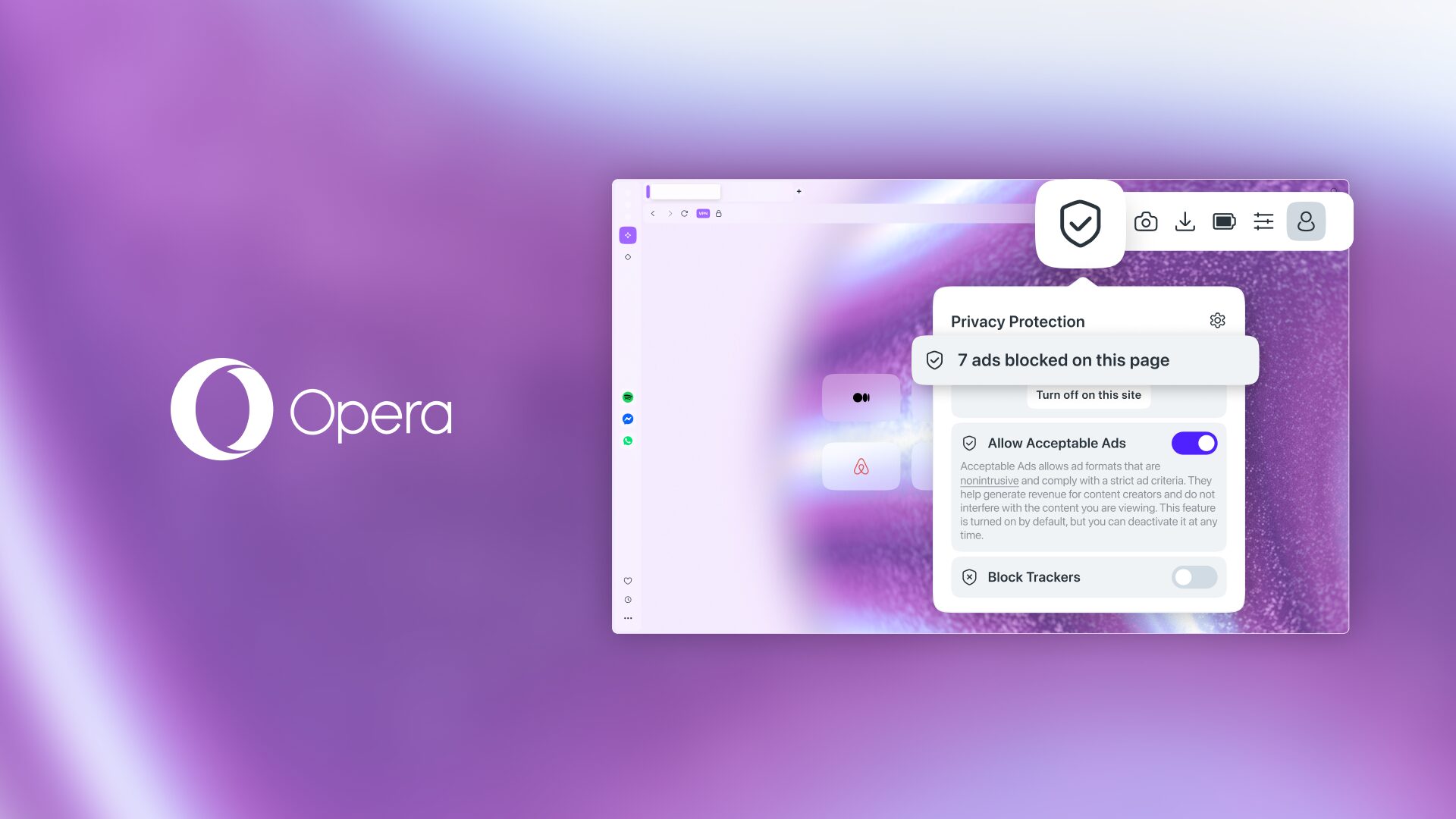
Opera has introduced a new browser security feature called Paste Protect that aims to stop ClickFix attacks and other clipboard hijacking tricks before harmful code reaches your computer. The feature is enabled by default in Opera’s desktop browser and monitors copied content in real time for suspicious commands.
Clipboard hijacking has become a growing problem because many attacks no longer rely on traditional downloads or fake login pages. Instead, criminals try to trick you into copying and pasting dangerous commands into Windows Run, Command Prompt, PowerShell, or Terminal.
ClickFix is one of the best-known examples. These attacks often use fake CAPTCHA checks, browser warnings, or error messages that claim you need to complete a quick verification step. The page may instruct you to press keyboard shortcuts, open a system prompt, and paste a command that was secretly placed on your clipboard.
Opera’s new tool is designed to interrupt that process.
Paste Protect Watches for Suspicious Clipboard Changes
Paste Protect works by monitoring clipboard activity while you browse. If a webpage attempts to replace copied content with a dangerous command, Opera can block the paste attempt and show a warning inside the browser.
When protection is triggered, Opera displays a red warning icon in the address bar. The alert explains that potentially harmful clipboard content was blocked.
| Feature | What it does |
|---|---|
| Clipboard monitoring | Watches copied content for suspicious changes |
| Real-time protection | Blocks harmful paste attempts immediately |
| ClickFix detection | Targets fake verification and error page scams |
| Browser warning | Shows a red alert in the address bar |
| Default setting | Enabled automatically on desktop Opera |
The goal is to stop an attack before you paste the command into a system tool where it could download malware, steal browser data, install remote access software, or expose saved credentials.
ClickFix Attacks Depend on Social Engineering
ClickFix attacks work because they make harmful actions look like normal troubleshooting steps. A fake webpage might claim that a browser check failed, a video cannot play, or a CAPTCHA verification needs manual completion.
The instructions usually appear harmless at first. You may be told to press Windows + R, use Ctrl + V, and press Enter. However, the pasted command can be a hidden script that connects to an attacker-controlled server or installs malware in the background.
| Common ClickFix trick | Potential result |
|---|---|
| Fake CAPTCHA page | You paste a malicious command |
| Fake browser error | Malware script runs through a system prompt |
| Fake video player warning | Attacker gains access to browser data |
| Fake software update | Downloads unwanted tools or remote access software |
| Fake security check | Sensitive data may be exposed |
The danger is that the victim often believes they are following a legitimate instruction from a trusted-looking website.
Opera Is Adding Browser-Level Protection
Most security tools focus on downloaded files, dangerous websites, phishing links, or suspicious programs. Paste Protect takes a different approach by focusing on what is being copied and pasted during a browsing session.

That could make it useful against attacks that try to avoid conventional antivirus detection by convincing people to run commands themselves.
Opera says Paste Protect is currently available in its desktop browsers. The feature is turned on by default, meaning most people should not need to change any settings before receiving protection.
Other browsers may eventually add similar safeguards, especially as clipboard hijacking becomes more common.
You Should Still Treat Browser Instructions With Caution
Paste Protect can add another layer of safety, but it should not replace basic caution online. A legitimate website should not ask you to open Command Prompt, PowerShell, Terminal, or the Windows Run dialog to prove that you are human.
Be especially careful when a webpage tells you to copy a command, disable security protections, install a browser extension, or run a script to fix an error.
Opera’s new feature is a useful step because ClickFix scams depend on a simple weakness: people trust what they are told to paste. Blocking that action directly could prevent a growing number of browser-based malware attacks before they start.



Discussion (0)
Be the first to comment.