UP

System

Articles and tutorials about dealing with system settings, fixing bugs, and adjusting how your computer or devices works. This collection of articles includes guides for all major platforms: Windows, Android, iOS, and more.

How to set the default view/tab for the Windows 10 Task Manager

Starting with the Windows 10 May 2019 Update or version 1903, the Task Manager receives a few improvements. One of them is the fact that you can now set the default tab displayed by Task Manager when you open it. Today, you either see the compact view with few details, or the Processes tab. You can now set it to any tab you wish: Performance, Startup, Details or something else.
tutorial How to disable Windows Security notifications in Windows 10

How to disable Windows Security notifications in Windows 10

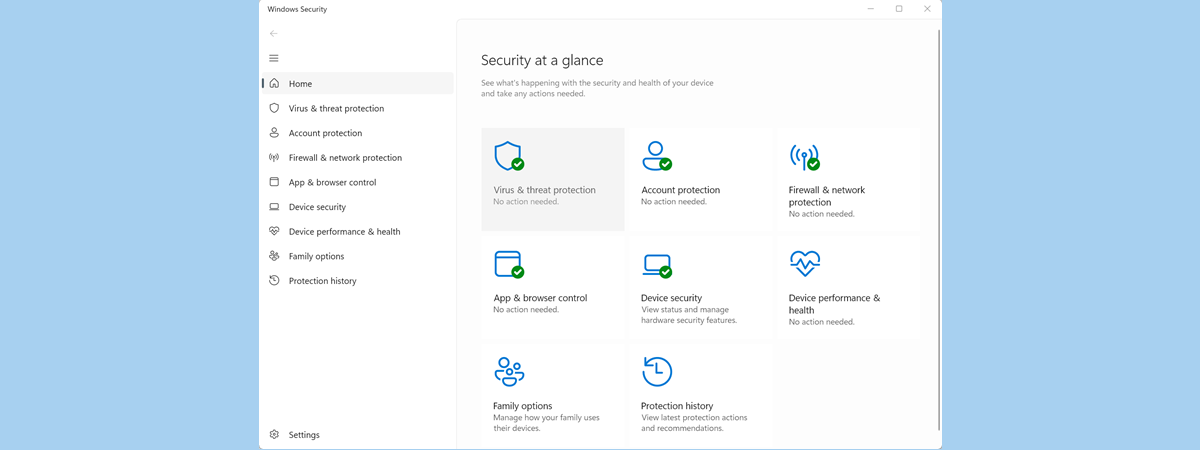
When you use Windows 10, you get notifications from Window Security about threats found, Windows Defender scan results, the Windows Defender Firewall, and more. If you want to disable some of these notifications, or all of them, you can. In this guide, we share how to personalize what notifications you get from Windows Security. Let's get started: NOTE: This guide was created using
tutorial Set the Windows 10 update schedule, and when it restarts the PC

Set the Windows 10 update schedule, and when it restarts the PC

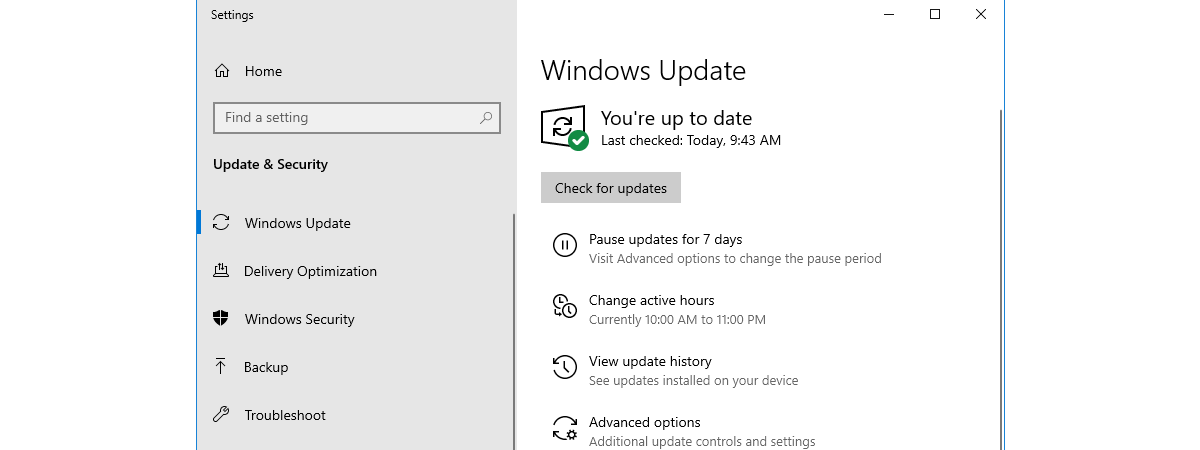
  Windows 10 Home users do not have much control over what updates are pushed to their PCs by Microsoft. However, users can choose when to reboot their computers or devices to install the pending operating system updates. In the newer versions of Windows 10, there is a small yet helpful feature named Active hours, that controls when Windows 10 reboots and updates itself
tutorial 3 ways to uninstall Windows 10 updates

3 ways to uninstall Windows 10 updates

It is usually a good idea to install all the Windows 10 updates that are available for your computers and devices. However, from time to time, some updates might cause problems or crashes. Those are the times when you probably want to uninstall those Windows 10 updates. How do you do that? How do you "delete a Windows 10 update" that was already downloaded

How do I open Terminal on Mac? (3 ways)

The Terminal app is an emulator used to type commands on your Mac. macOS has a UNIX-based core and the Terminal allows you to travel from the outer world of macOS to the inner world of UNIX. Because this app is mainly used to change settings and to solve technical problems, the average Mac user does not really have many reasons to access it. Since you are here reading this,

How to reset all settings (and content) on your iPhone or iPad

At some point, you might want to sell your iPhone or iPad, or you might want to give it to someone else. Before doing anything like that, you should reset it to its default factory settings and delete all the content on it. After all, you do not want to gift all your personal data as a present, right? If you want to know how to make a factory reset

How to reset your Windows Firewall settings (4 methods)

After using the Windows Firewall for a long time, it might stop working as it should. Especially if you have modified its more advanced settings, or you have introduced many changes. It becomes difficult to pinpoint the root problem for your network connectivity issues. One thing that works is to restore the Windows Firewall to its default settings so that it deletes all the rules that were created, and you

What is the Hosts file in Windows? How to edit etc/hosts?

The Hosts file, a.k.a etc/hosts has been around since 1984. Every operating system has one, including Windows. You may have encountered the term etc/hosts without knowing what it means, and why it is used. If you are a web developer, you surely know what this file is, and you want to find it quickly. In this guide, we explain what the Hosts file is, where it is located in Windows,

Block apps and games from accessing the internet, with Windows Defender Firewall

Most apps and games you install in Windows have, by default, unrestricted access to the internet. However, you can control their internet access through the Windows Firewall. With it, you can block access to the internet for specific apps and games, on all types of network connections, or on specific types of network connections. Here is how to use the firewall built into Windows, to block apps and games from

How to install apps and update them, with Ninite, adware-free

For how long did you wish for a way to automatically download, install and update apps on your Windows PC? How happy would you be if we told you that there is a method for doing that, that also ensures that no adware and other forms of junk get installed? The solution is called Ninite. It is an online service that lets you install or update apps automatically on your

How to use Windows 10's Timeline with Google Chrome

The Timeline is one of the most useful features added in recent versions of Windows 10. It offers an excellent way to continue your work from one device and onto another. However, one of the main flaws of the Timeline was that, up until now, it was not able to work with Google Chrome. Which meant that you could pick up your web activities from where you left off, only
tutorial Change the display language on your Mac from English to another language

Change the display language on your Mac from English to another language

Like most operating systems, macOS supports multiple display languages you can choose from. While you are prompted to choose a default system language on the initial system start, you can change this at any time and have the system display menus, app windows, and other system features in the language of your choice. In this guide, we show you how to change to a

Windows Defender Firewall with Advanced Security: What is it? How to open it?

The Windows Defender Firewall with Advanced Security is a tool which gives you detailed control over the rules that are applied by the Windows Defender Firewall. You can view all the rules that are used by the Windows Defender Firewall, change their properties, create new rules or disable existing ones. In this tutorial, we share how to open the Windows Defender Firewall with Advanced Security, how to find your way

Cybersecurity through education: Kaspersky Interactive Protection Simulation

Kaspersky Lab has developed a strategy that emphasizes education in cybersecurity. Alongside the investment in technology, education is just as crucial for the cybersecurity of a home as it is for a business. What is the point of mounting the most sophisticated lock on the door if the people using the door leave it wide open? Kaspersky Interactive Protection Simulation is a critical component of their education platform. Let's have

How to use Diagnostic Data Viewer to learn what is not working in Windows 10

Windows 10 has made the headlines with the fact that it sends all kinds of data to Microsoft. To alleviate suspicions of wrongdoing, and increase transparency, Microsoft released the Diagnostic Data Viewer app which anyone can use to see what data Windows 10 sends to its parent company. One other convenient use of Diagnostic Data Viewer is for troubleshooting. With this app, you can see what does not work on

How do I connect my iPhone to my computer with Windows 10?

There are many reasons why you might want to connect your iPhone to your Windows 10 PC. Maybe you want to move some music from one device to the other, add some videos on your iPhone to watch while commuting or even create a manual backup of everything important on your iPhone. Whatever your reasons are, here is how to connect an iPhone to a Windows 10 PC, both using
tutorial How to use the Resource Monitor in Windows

How to use the Resource Monitor in Windows

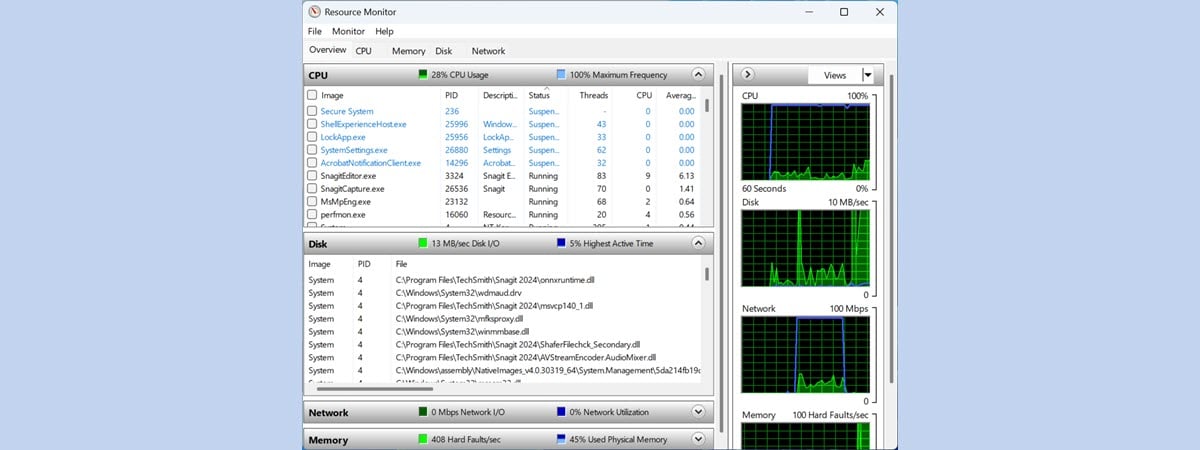
When Windows slows down or freezes, we usually turn to the Task Manager to figure out what is going on. If you need a better understanding of the way Windows and its apps use the resources of your computer, Resource Monitor (resmon.exe) is the right tool for the task. The information is concise and real-time with graphs and grouping by resources. You can monitor