UP

System

Articles and tutorials about dealing with system settings, fixing bugs, and adjusting how your computer or devices works. This collection of articles includes guides for all major platforms: Windows, Android, iOS, and more.

tutorial 3 reasons to create more than one partition on your PC

3 reasons to create more than one partition on your PC

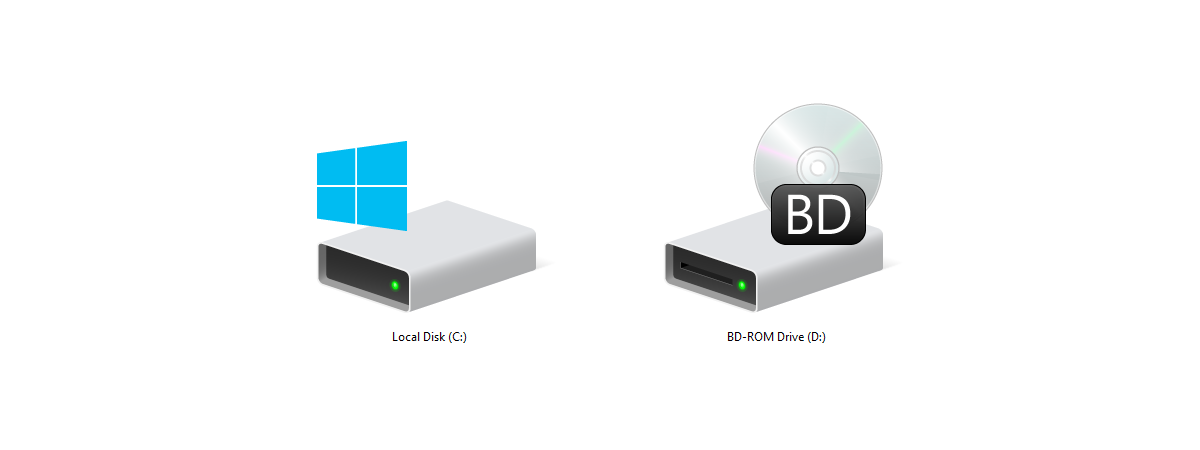
We all know that most computer users have one physical hard disk drive or solid state drive on their PCs and only one partition is labeled C. Some people also know that you can create more than one partition on a computer and there are several advantages to doing it. For example, if you have two partitions, one for the operating system and one
tutorial 5 ways to boot Windows 7 into Safe Mode

5 ways to boot Windows 7 into Safe Mode

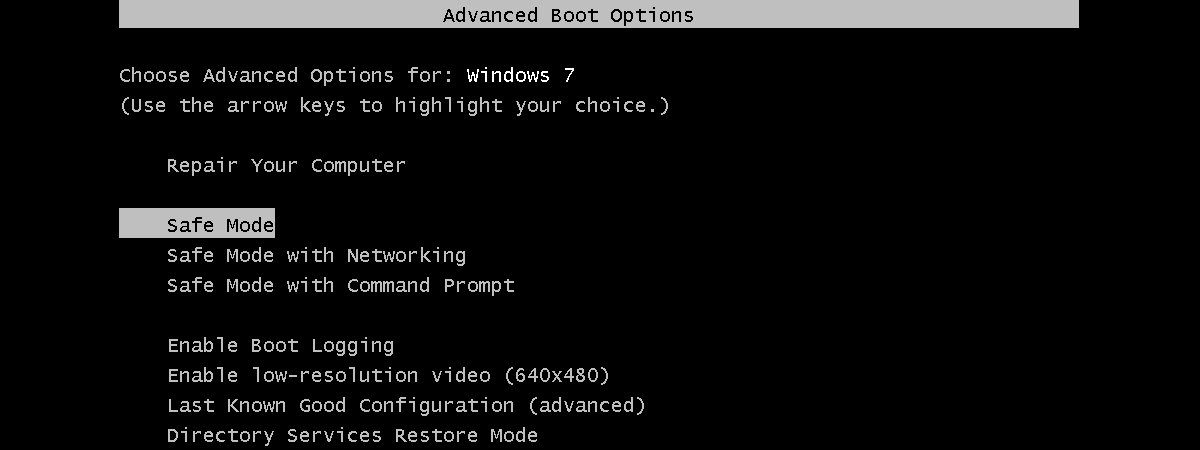
If you want to boot Windows 7 into Safe Mode, it means that there is probably something wrong with your computer. Safe Mode can help you diagnose and sometimes even repair issues. However, before doing so, you must first know how to boot your Windows 7 computer into Safe Mode. In this article, we discuss what Safe Mode is and how it works, and
article Download the shortcut for “Shut Down Windows”

Download the shortcut for “Shut Down Windows”

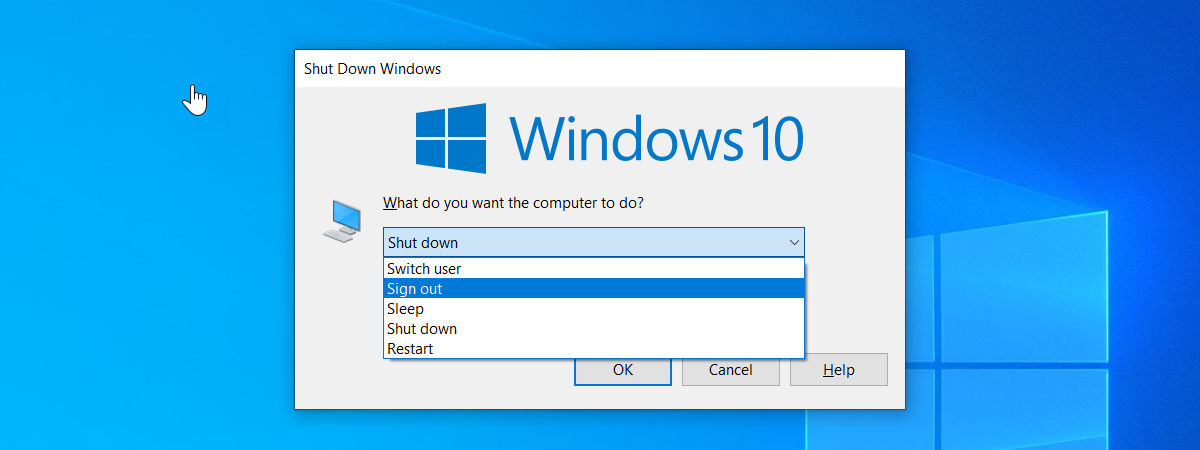
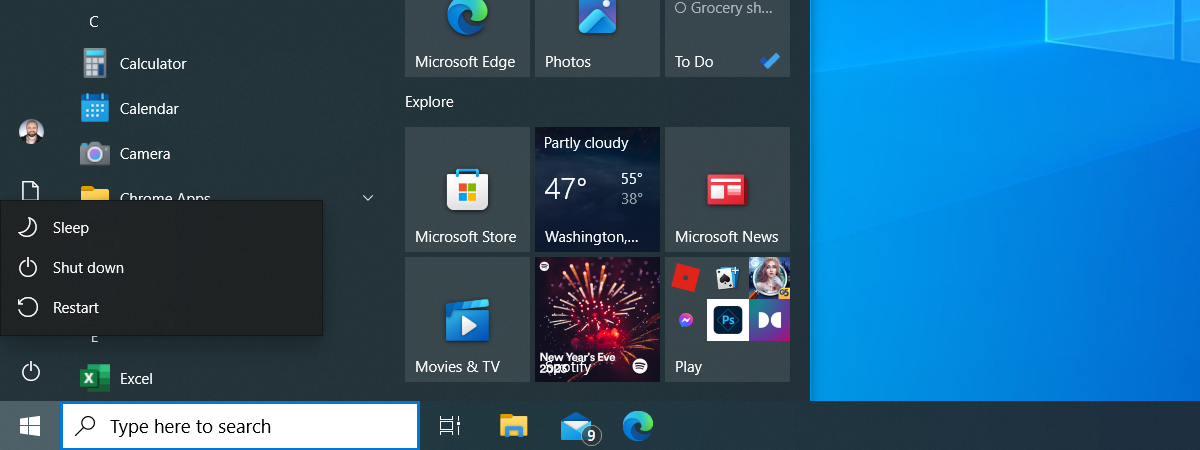
Do you want a shortcut that opens the "Shut Down Windows" menu, so that you can quickly shut down or restart your Windows computer or device? Based on requests from our readers, we have created this shortcut for you to use on any Windows computer. It works on Windows 10, Windows 8.1 and Windows 7. Here is how to use it and how to
tutorial How to create advanced tasks with the Task Scheduler

How to create advanced tasks with the Task Scheduler

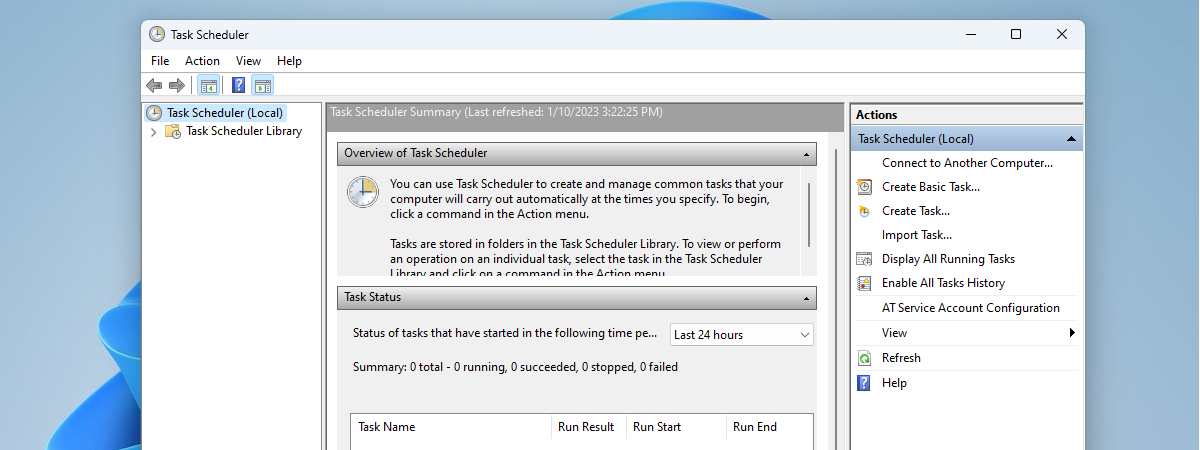
Do you want to make your PC sleep or shut down at a particular time every day? Or maybe you want your PC to start playing a motivational video each time you start it or when it is 12 o'clock? If you wished for a way to program your PC to do certain things at certain times, you should read this article, as we
tutorial 9 ways to boot Windows 8 or Windows 8.1 into Safe Mode

9 ways to boot Windows 8 or Windows 8.1 into Safe Mode

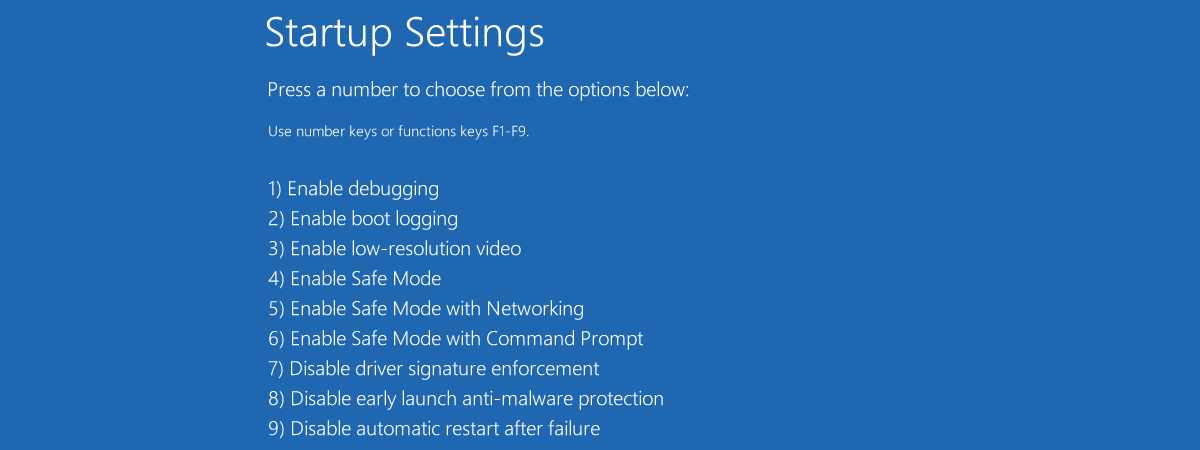
Are you struggling to boot Windows 8 or Windows 8.1 into Safe Mode? Have you tried pressing both F8 and Shift + F8 and they do not work? That is because the boot procedure in Windows 8 is different compared to older versions of Windows such as Windows 7. The boot is so fast that it literally cannot be interrupted by any of your
tutorial How to work with the Performance Monitor in Windows

How to work with the Performance Monitor in Windows

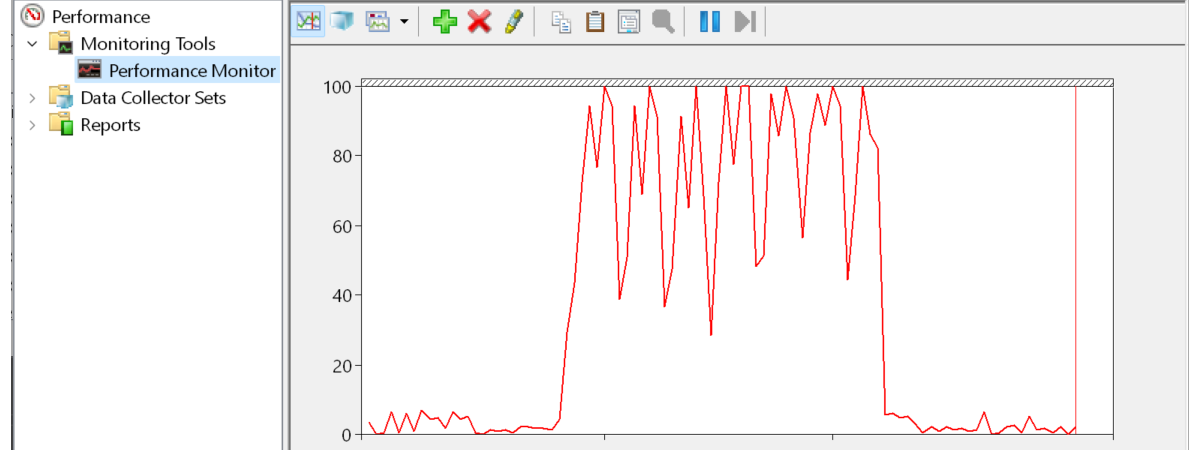
Have you heard about the Performance Monitor, also known as PerfMon.exe or PerfMon.msc? It is a sophisticated tool that can be used to monitor the performance of your Windows computer or device. Using it, you can see how your computer manages its resources. The information it gives you can help you make decisions about software and hardware choices, especially when your computer's performance is

Simple questions: What is two-factor authentication or two-step verification?

In recent years a new security concept has made the headlines - two-step verification or two-factor authentication (2FA). It all started with Google enabling it for its users, and since then, many companies followed their example, including Microsoft, Apple, and Facebook. Even gaming companies joined this trend. If you would like to understand what two-factor authentication is, how it works, why you should enable it and where read this article:
tutorial 7 things you can do with the existing tasks from Task Scheduler

7 things you can do with the existing tasks from Task Scheduler

You may know what the Task Scheduler is and what it does. Maybe you also know how to create new scheduled tasks. But what about managing the existing scheduled tasks? Do you know how to run or stop scheduled tasks manually? Do you know how to disable, delete, export or import some scheduled tasks? Read on and find out the essential seven things that

Review CyberGhost: One of the best VPNs money can buy

CyberGhost VPN is one of the most popular VPN services in the world. Also, it is one of the easiest to use and one of the most affordable. Due to the elimination of Net Neutrality rules in the USA, and other legislative changes around the world, privacy and security have become more critical than ever. Is CyberGhost's VPN service up to the task of protecting your privacy? Find out from

How to use Diagnostic Data Viewer and see what data Windows 10 sends to Microsoft

In Windows 10, starting with April 2018 Update (version 1803), Microsoft introduced a new app called the Diagnostic Data Viewer. It is a tool that you can download and install on your Windows 10 PC to see what diagnostic data you are sending to Microsoft. The information it displays is structured into categories and can be filtered as you wish. But even so, understanding it is not easy for a

How to see details about your PC's hardware and software, using System Information

Windows has always been able to tell you nearly everything you want to know about your computer: hardware, software, drivers, you name it. System Information puts all the information neatly at your fingertips. Let's take a look at this useful Windows app and what it can show you about your computer, in all modern versions of Windows: [DC-SUMMARY-BREAK] NOTE: This guide applies to Windows 10, Windows 8.1 and Windows 7.

8 reasons why Cyberghost VPN is one of the best VPNs on the market

CyberGhost has built itself an excellent reputation because it offers one of the most secure and reliable VPN services in the world. The company follows a strict a no-logs policy, the network of VPN servers that it maintains is large, and the price per value ratio is one of the best that you can find. These are just a few reasons why you should consider subscribing to CyberGhost's premium plan.

10 ways to start System Information in Windows (all versions)

System Information is a system profiler in Windows provided by Microsoft, which comes in handy when you want to understand the hardware and the drivers found on your Windows computer or device. The tool produces detailed information about all the components of your system. Read this guide to learn how to get System Information started in all versions of Windows: [DC-SUMMARY-BREAK] NOTE: This guide covers Windows 10, Windows 7, and
article 7 reasons why you should get Windows 10 October 2018 Update

7 reasons why you should get Windows 10 October 2018 Update

Windows 10 is an ever-changing operating system, and Microsoft introduces new features periodically. The latest major update for Windows 10 is called October 2018 Update, and it was launched on October 2nd. Although the new October 2018 Update does not add tons of new features to the operating system, there are a few that are exciting or at least interesting. They are reasons for

10 great things about Chrome OS, Chromebooks, and Chromeboxes

Google has offered an alternative to traditional Windows PCs and Macs, for quite a while now. It is called Chrome OS, and it is an operating system built around the Google Chrome web browser. Chrome OS is fast, simple and easy to use. To make it even better, it works well on cheap hardware. We have not used Chrome OS devices in the past, but we recently started doing so,
tutorial Use the Windows Task Scheduler to run apps without UAC prompts, with admin rights

Use the Windows Task Scheduler to run apps without UAC prompts, with admin rights

You may need to frequently run an app that requires administrator permissions, which always triggers a UAC (User Account Control) prompt. You do not want to click Yes or enter the administrator password every time, and you do not want to disable UAC either, because it protects your computer. This is especially annoying when using app updaters, command line tools or game launchers for