UP

System

Articles and tutorials about dealing with system settings, fixing bugs, and adjusting how your computer or devices works. This collection of articles includes guides for all major platforms: Windows, Android, iOS, and more.

How to activate two-step verification for your Apple ID, on an iPhone or iPad

Two-step verification or two-step authentication is a second layer of security that you can add to your online accounts, to stop hackers from breaking in, even if they know your password. Not all companies offer this security feature but, fortunately, Apple is one of them. If you have an Apple ID, you can use your iPhone, iPad or Mac to enable two-factor authentication for your Apple ID and be safer.
How to read the passwords stored by Windows, and which are easy to crack

Windows stores the passwords that you use to log in, access network shares, or shared devices. Some of these passwords are stored safely, in an encrypted format, while others are not. Here is how to see which passwords are insecurely stored by Windows, and identify those that can be easily stolen by others: [DC-SUMMARY-BREAK] Step 1. Download Network Password Recovery, for free First, you need an app that knows where

How to free up wasted space with Disk Cleanup, in Windows

When we want to tweak different aspects of Windows, we prefer to use the built-in tools provided by the operating system. All modern versions of Windows and especially Windows 10, provide some great tools you can use. One such tool is the underrated Disk Cleanup, which allows you to free up space on your partitions and safely remove system files that you no longer need. Let's see how it works
tutorial How to rename a Windows task created with Task Scheduler

How to rename a Windows task created with Task Scheduler

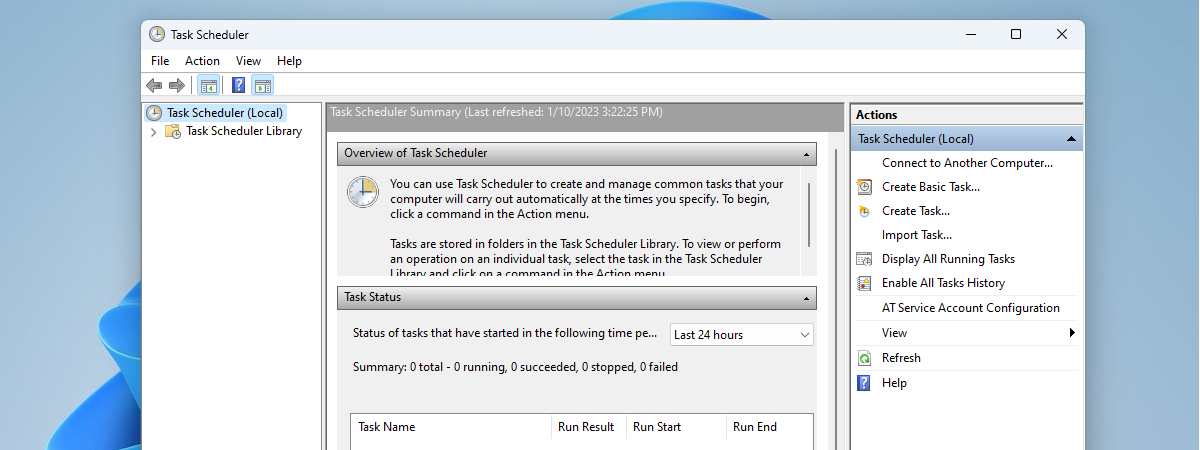
If you landed on this web page, you probably already know how to work with Task Scheduler to create scheduled tasks. Now it may be that you are asking yourself and the internet search engines about a way to rename a task that is already created and scheduled in Task Scheduler. While it may seem a trivial action to some, things are not as

11 ways to start Disk Cleanup, in Windows (all versions)

If you have limited storage space on your Windows 10 PC or device, or if you gather lots of data on it, you might stumble upon issues caused by not having enough free space. In such situations, the first thing you should do is clean the storage of unnecessary files such as temporary files, thumbnails or files that you deleted but are still found in your Recycle Bin. Fortunately, to
tutorial 7 things you can do with the Disk Management tool, in Windows

7 things you can do with the Disk Management tool, in Windows

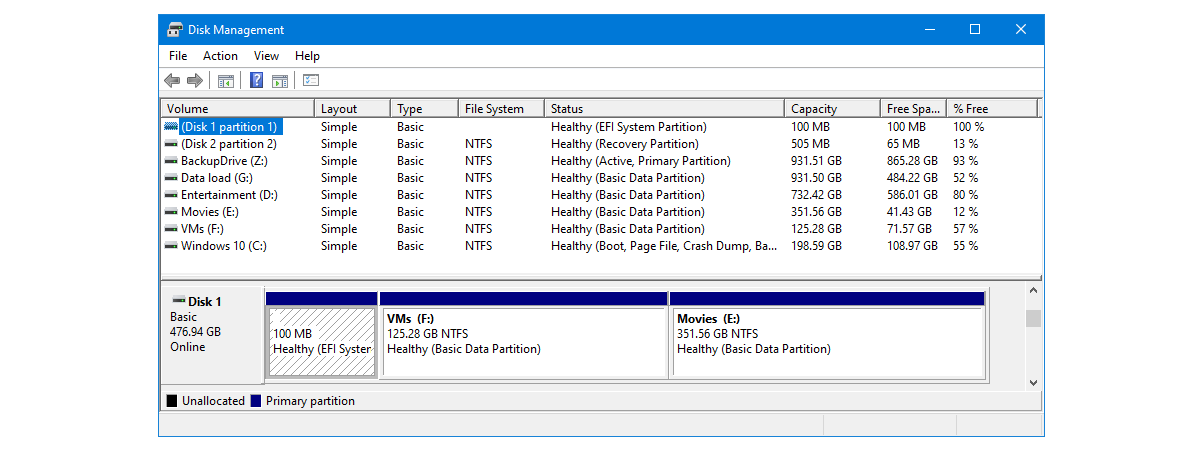
Modern versions of Windows come with a handy disk management utility that allows you to create, resize and delete drive partitions on the fly, without having to boot into a particular disk utility or purchase additional software. The Windows built-in tool we are talking about is called Disk Management, and it is quite easy to use. If you want to make some changes related

Bitdefender Box 2 review: Next generation home network security!

Smart homes include more devices than they used to include five years ago. Many homes have Smart TVs, smart plugs, smart bulbs, all kinds of smart sensors, and so on. All these devices are useful, but they tend to have little to no security built into them. Many of them rarely receive firmware updates that fix problems and security issues. As a result, your home may be smarter than it

9 things you can do with System Configuration, in Windows

Do you know how excellent the System Configuration (msconfig.exe) tool from Windows is? Although it is a small and somewhat hidden tool, it allows you to change quite a few things about the way Windows works. Among other things, the System Configuration tool lets you configure how Windows starts, change the boot procedure, select startup services, and programs, and also start a series of useful administrative programs. If you want
tutorial How to create basic tasks with Task Scheduler, in 5 steps

How to create basic tasks with Task Scheduler, in 5 steps

With the help of the Task Scheduler, you can create all kinds of automated tasks to be run by Windows. For example, you can schedule some apps to run at specific time intervals or display a message on your desktop when something happens. Unfortunately, not many people know about this tool, as Windows does not advertise it as much as it deserves. To help

8 ways to start System Configuration in Windows (all versions)

The System Configuration tool is also known by its msconfig.exe executable file. This app is useful to people who want to manage the Windows startup and the boot options, as well as troubleshoot stability and performance issues. You can do all that from this handy little tool, but before that, you first have to open it. In this article, we show you eight ways to start System Configuration (msconfig.exe) in

How to hide the top notch on Android smartphones like Huawei P20, P20 lite, or P20 Pro

Many new smartphones have the front camera integrated into the display, in the form of a notch that is displayed on the top side of the screen. While your smartphone may be beautiful, the notch is plain ugly, and it makes apps and games look bad. Fortunately, if you have a Huawei P20, Huawei P20 lite or Huawei P20 Pro smartphone, you can disable the notch, so that apps and
tutorial 8 things you can do with Computer Management in Windows

8 things you can do with Computer Management in Windows

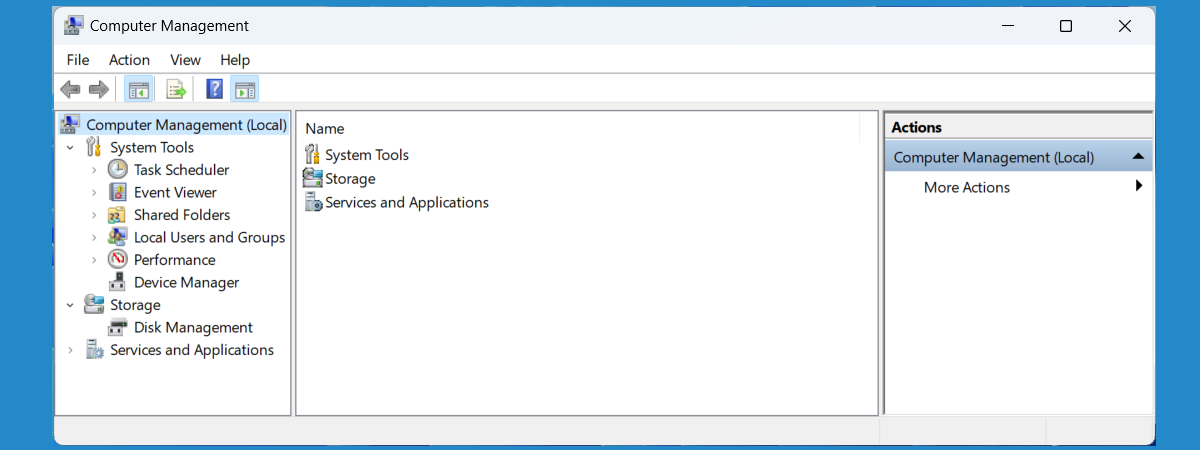
Modern versions of Windows offer many tools that you can use to manage different aspects of the operating system. One lesser known administrative tool in Windows is named Computer Management. Few people know of its existence, and even fewer use it. Over the years, we have come to love Computer Management, and we use it more often than other similar tools from Windows. In
tutorial 2 ways to create a partition, in Windows (all versions)

2 ways to create a partition, in Windows (all versions)

When you get your hands on a new hard disk or solid state drive, the first thing you have to do is partition it. That means that you must create one or more partitions so that you can then store data. Although you could use third-party tools for this task, the Windows operating system includes tools that can handle partitioning disks just as well.

Digital Citizen Awards: The most popular antivirus product of the year 2018

This year we asked our readers again to cast a vote for their favorite antivirus product. The nominees from which you could choose were the best security products we reviewed in the last couple of months. Alphabetically, your choices were: Bitdefender Total Security, BullGuard Premium Protection, ESET Smart Security Premium, F-Secure Total, G Data Total Security, and Kaspersky Total Security. The voting has ended, and it is time to reveal

Digital Citizen Awards: The best antivirus product of the year 2018

One of the most asked questions on Google regarding security is: "What is the best antivirus?". It is a legitimate question as most people are not security experts and need recommendations to identify the best antivirus product for their computers and devices. The time has come for us to name the best antivirus product of the year, based on our experience in testing the many commercial antivirus products for Windows

Digital Citizen Awards: The best free antivirus product of the year 2018

Many users look for free antivirus software. Unfortunately, this niche of products is dominated by products which do things that are not in the interest of their users. For example, some try to change your browser's homepage to a page that is monetized by your antivirus provider. Others, bundle crapware or dodgy tools that compromise your privacy. However, there are a few antivirus products that do not do that and

Comparison: Which is the best antivirus for Windows devices, in 2018?

Antivirus products and security solutions in general, come in various forms, shapes, and sizes, and most of them include more than a few distinct protection layers. The number and variety of security solutions that are sold to Windows users is quite large, and it is difficult to classify them. We checked the best security products that are found on the market for Windows users, we reviewed them one by one,
article 12+ reasons why you should get Windows 10 April 2018 Update

12+ reasons why you should get Windows 10 April 2018 Update

On April 30th, 2018, Microsoft releases the next major update to Windows 10: April 2018 Update, which has the codename Redstone 4. The upgrade brings several new features and many quality-of-life improvements to the previous Fall Creators Update. If you want to know what is new, and whether it is worth installing, for free, on your Windows 10 computers and devices, read this article:

FAT32, exFAT or NTFS? How to format SD cards, memory sticks and hard drives

How should I format my SD card, my USB memory stick, USB external hard disk or my new SSD drive? Should I use the old FAT32 file format or the newer NTFS file format? Or should I try exFAT? It is a tough question for most people, and the right answer differs depending on the type of device that you need to format, as well as how and where you

Simple questions: What is FAT32 and why is it useful?

If you ever used a Windows PC or a storage device like a USB memory stick or an SD card, it is almost impossible that you have not heard about FAT32. It is one of the most popular file systems ever used on storage devices of all kinds. If you want to learn more about its history, its purpose and uses, read on. In this article, we are talking about