UP

System

Articles and tutorials about dealing with system settings, fixing bugs, and adjusting how your computer or devices works. This collection of articles includes guides for all major platforms: Windows, Android, iOS, and more.

3 ways to access BitLocker in Windows

BitLocker is one of the most straightforward tools that you can use on Windows computers to encrypt and protect your files and folders from unauthorized access. It's available in Windows 10 (Pro and Enterprise editions), as well as Windows 7 (Enterprise and Ultimate editions), but finding it can be daunting if you've never used it before. That's why we thought it would be a good idea to show you how
How to unlock a BitLocker USB drive or external hard drive

Protecting the data on your external hard drive or USB memory stick with BitLocker To Go is a smart move to ensure that your files are not available to anyone who gets their hands on your drive. While it does take a while for BitLocker To Go to encrypt the data, after the initial setup, you should have no trouble using the encrypted drive. All you have to do is
article What is a screensaver and should you use one?

What is a screensaver and should you use one?

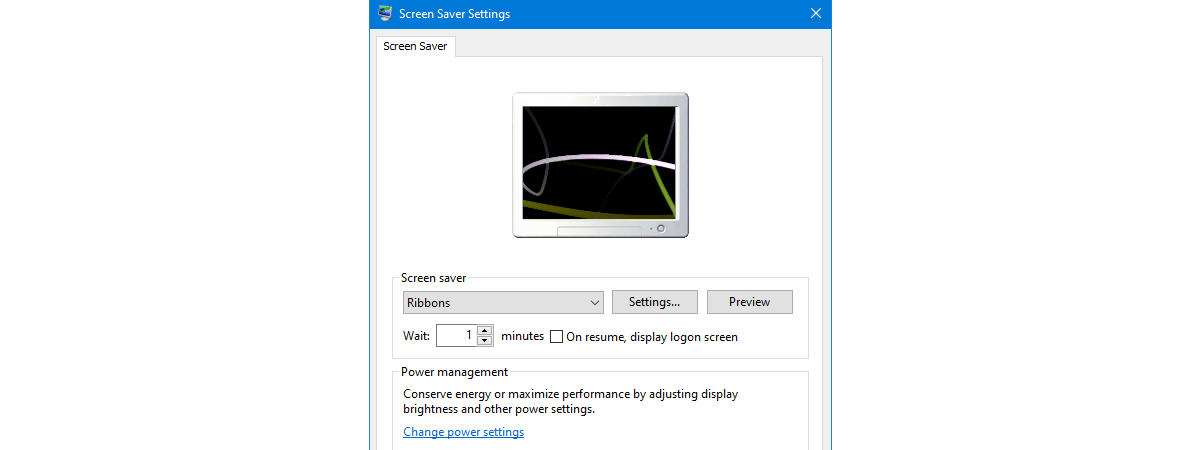
Have you heard about screensavers? Do you know what they are and what their purpose is? Why do we call them screensavers after all? Do they save our screens? We have done a bit of research and found out that, although popular more than a decade ago, due to changes in monitor technology, the term screen saver has become a misnomer in recent years.
tutorial Get ransomware protection with Windows 10's Controlled folder access

Get ransomware protection with Windows 10's Controlled folder access

Ransomware is one of the most dangerous forms of malware. It takes control of your files and folders and forces you to pay large amounts of money to get them back. And even then, you cannot be sure that you can get your data back. Microsoft noticed how dangerous these attacks are for their users, and decided to take measures: in Windows 10, the
tutorial How to check the BIOS version from Windows (8 ways)

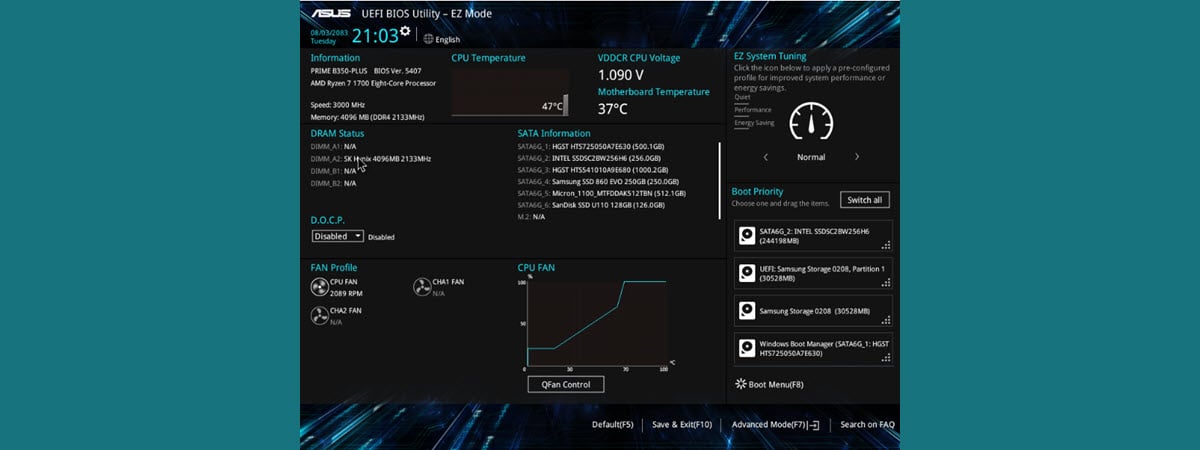
How to check the BIOS version from Windows (8 ways)

Do you need to know the exact version of the firmware (BIOS or UEFI) installed on your computer's motherboard? Traditionally, this means that you have to restart your computer, manually enter the BIOS and check the version information displayed there. It is one way of doing it, but it's not the fastest, nor the easiest. Without further ado, here's how to find your BIOS
tutorial How to uninstall drivers from Windows, in 5 steps

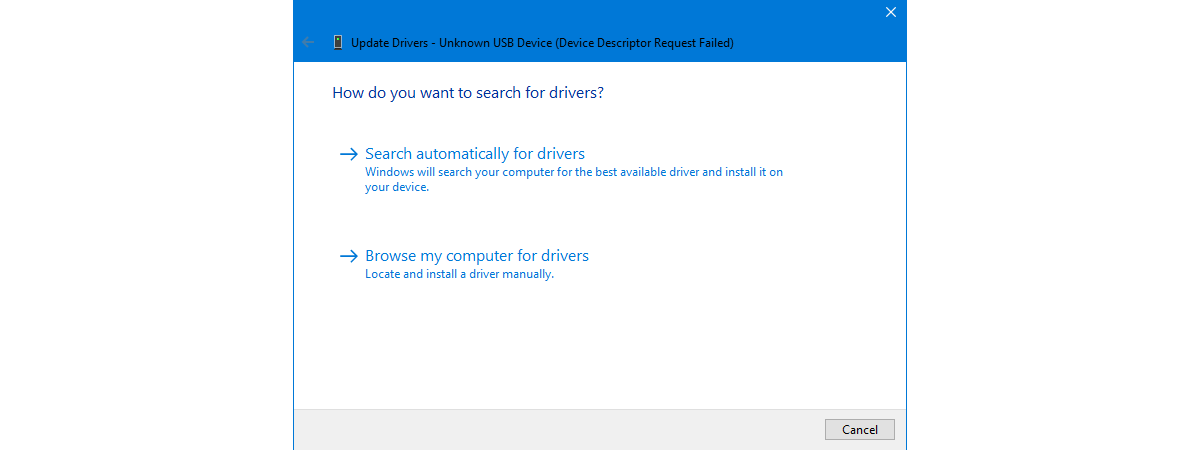
How to uninstall drivers from Windows, in 5 steps

Drivers are critical because you cannot fully use your computers and devices without them. However, some drivers can be too old and incompatible with your version of Windows or new and insufficiently tested. To get rid of errors, crashes, and Blue Screens of Death, you may need to delete the drivers that are causing problems. Here's how to uninstall drivers from Windows completely:
tutorial How to create and use a picture password in Windows 10

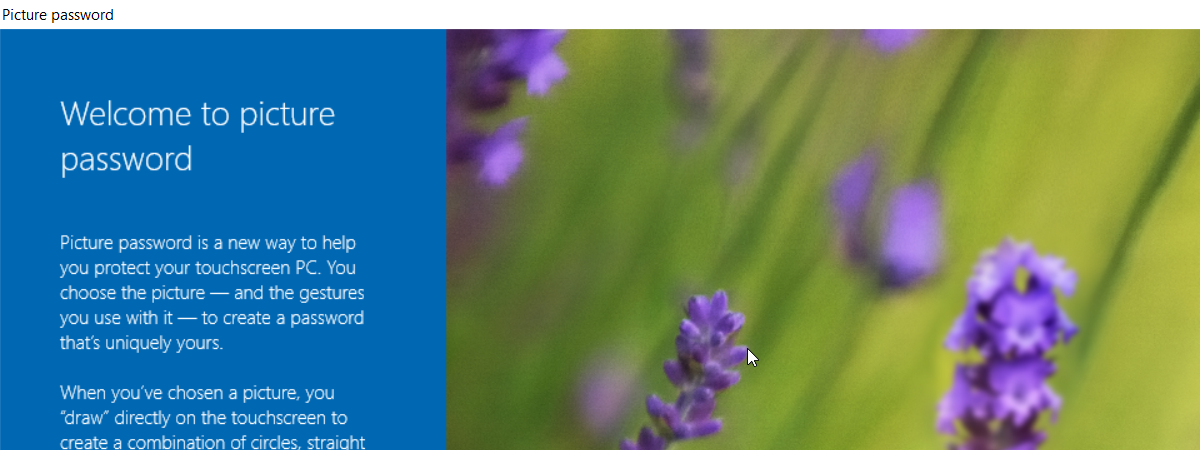
How to create and use a picture password in Windows 10

Windows 10 aims to be the most secure operating system ever created. One of the ways it does that is by letting you use a Microsoft account to authenticate to your computer or device. Unfortunately, passwords for such accounts tend to be long and hard to remember. That's why Windows 10 also offers other means of authentication, including using a PIN code, a fingerprint,
tutorial How to make a Windows Defender Offline scan

How to make a Windows Defender Offline scan

There are times when your computers and devices may be infected by malware that is difficult to remove with traditional antivirus. On other occasions, the malware blocks the installation of any antivirus, and you cannot remove it manually. In such delicate situations, you need to boot an antivirus in a safe recovery environment, to have it running before the operating system is loaded. This
tutorial Protect your PC with Windows Security alongside a third-party antivirus

Protect your PC with Windows Security alongside a third-party antivirus

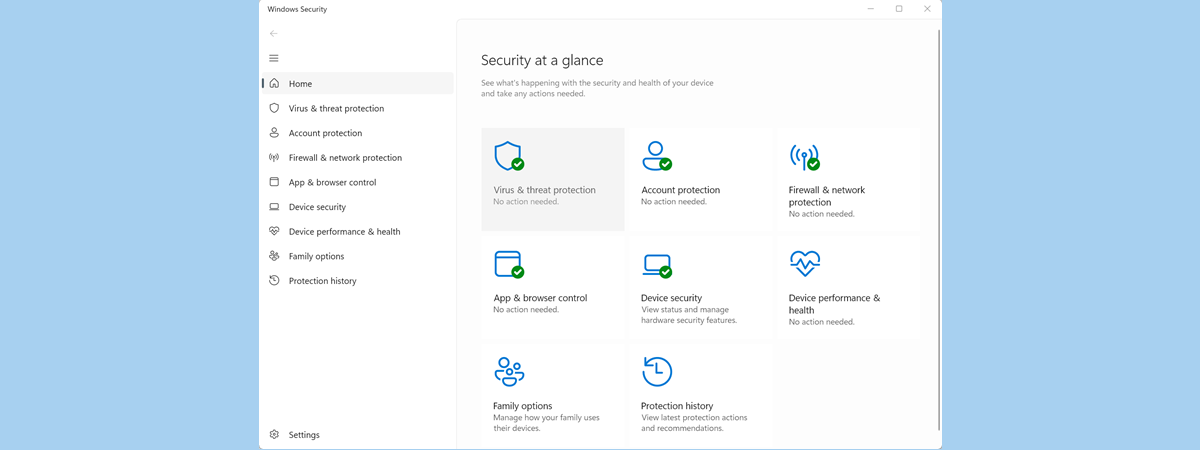
In general, we recommend installing security suites on Windows 10 PCs, from the likes of Bitdefender, ESET, or F-Secure. They usually provide more features and better antivirus protection than the built-in Microsoft Defender Antivirus found in Windows Security. The thing is that, when you install a third-party Windows antivirus, the Microsoft Defender Antivirus gets disabled. This happens because simultaneously running two antiviruses is a

The Windows 10 Timeline and how to make the most of it

The Windows 10 Timeline is meant to improve your workflow by allowing you to quickly resume tasks previously started on your Microsoft account. The days of searching for those files you edited last week are over, because the Windows Timeline remembers them for you and lets you access them with one click or tap. And you can do that on any device, as long as it's connected to your Microsoft

How to use multiple desktops in Windows 10: All you need to know

Using multiple virtual desktops in Windows 10 helps you organize your tasks better, allowing you to avoid clutter and distractions while focusing on a specific activity. You can group the apps needed for your current work project on one virtual desktop, have your mail and social media open on another, and plan your upcoming vacation on a third desktop. If you're constantly trying to find your way through too many

What is Task View in Windows 10 and how to use it

Task View brings multitasking to a whole new level in Windows 10. You can use the feature to access and manage open app windows on multiple virtual desktops, compartmentalizing different tasks for better focus. On top of that, Task View's Timeline improves workflow by allowing you to easily resume activities started on your Microsoft account. Continue reading to find out what Task View is and how you can use it

How to use the Windows USB/DVD Download Tool

Do you need to create a bootable USB memory stick or a bootable DVD with the Windows installation kit on it? Do you want to use tools that are compatible with any modern Windows version, such as Windows 10, Windows 7, or Windows 8.1? Luckily, Microsoft offers such free tools for all these Windows versions, and they are easy to use and work great. One of the best is called
tutorial How to change the User Account Control (UAC) level in Windows 10

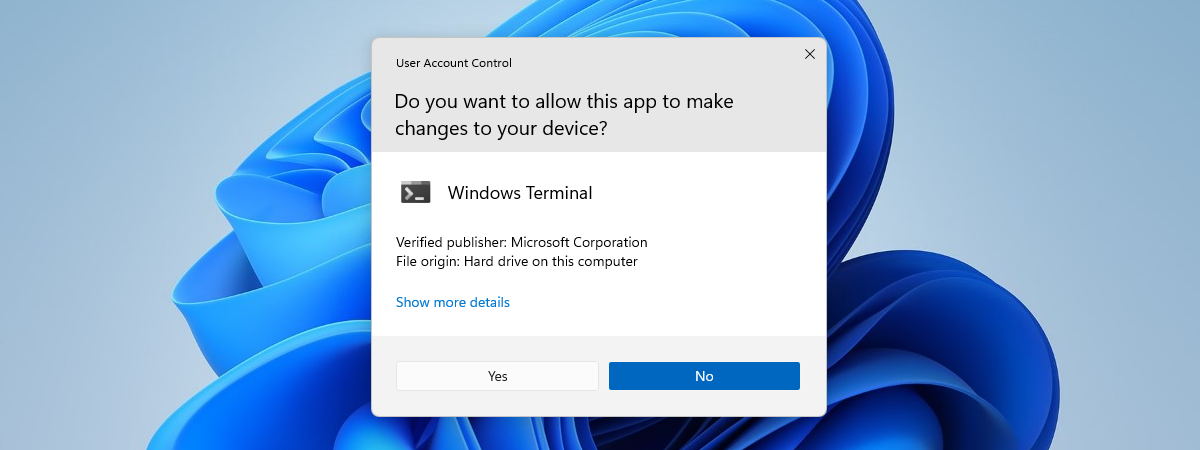
How to change the User Account Control (UAC) level in Windows 10

Did you know you can modify the User Account Control (UAC) settings to change the security level in Windows 10? Although most users are barely aware of its existence, the Windows 10 User Account Control (UAC) is a core security feature that prevents apps from making unauthorized changes to your computer or device. Read this guide to learn how to change the UAC notification

Encrypt a USB drive with BitLocker To Go in Windows 10

USB memory sticks, as well as external hard disk drives and flash drives, are convenient means of transporting data. They allow you to carry anything, including videos, documents, presentations, applications, system recovery tools, and even operating systems. Unfortunately, the fact that they're portable also makes them prone to being lost, which can put any sensitive information you have stored on them at risk. To protect your data and yourself, you
tutorial How to reset your Android to its default factory settings

How to reset your Android to its default factory settings

You might come across situations where you need to know how to factory reset your Android tablet or smartphone. If your device is malfunctioning, restoring the default factory settings could fix the issue. It is also a good idea to perform this reset before setting up any pre-owned Android device, to ensure a clean operating system and the complete removal of any data left

What is DHCP? How does it work?

Ever heard about DHCP? It is one of those technical things that keeps the internet working every day, and most people have no idea that it exists, let alone know what it does. However, you may have heard a friend or the IT guy from work mentioning terms like DHCP, DHCP servers, or DHCP clients. Were you wondering what all that gibberish was about? If you want to know what
tutorial How to update the BIOS of your motherboard

How to update the BIOS of your motherboard

One of the most important things that you should not mess up is updating the BIOS of your computer's motherboard. Yes, the process is not that complicated even though it is not easy either, but there are so many things that you must get right, it might seem overwhelming. We decided to help and share a list of best practices that should help you
tutorial How to open the Action Center in Windows 10

How to open the Action Center in Windows 10

The Action Center from Windows 10 is where the operating system centralizes all the notifications that you receive, and the available Quick Actions. To use the Action Center productively, you first need to know how to open it. Here are all the ways to open the Action Center in Windows 10, using the mouse, the keyboard, touch gestures, or Cortana: TIP: If you