UP

System

Articles and tutorials about dealing with system settings, fixing bugs, and adjusting how your computer or devices works. This collection of articles includes guides for all major platforms: Windows, Android, iOS, and more.

tutorial How to block Remote Desktop on your Windows PC

How to block Remote Desktop on your Windows PC

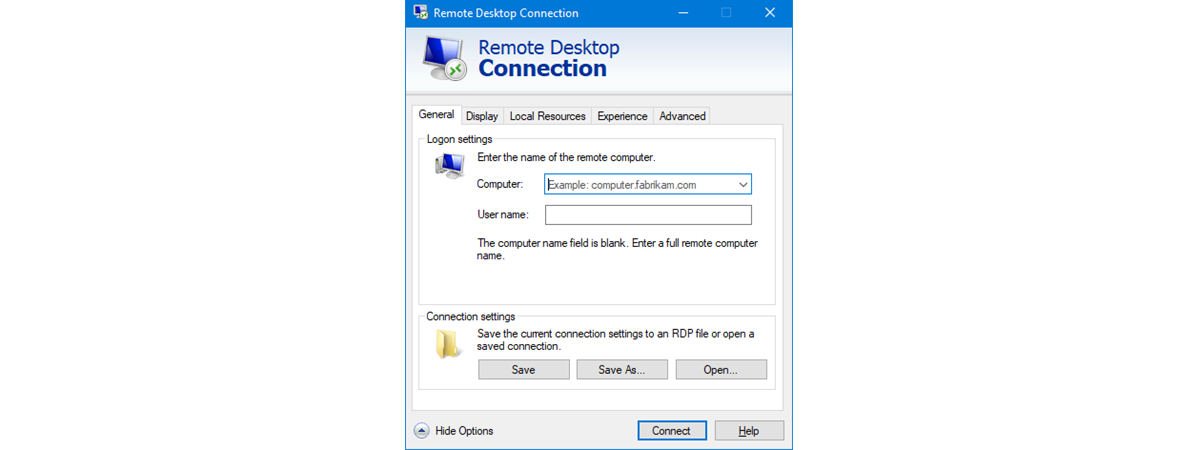
The Remote Desktop feature from Windows operating systems can be useful to many. However, it can also be a security concern, as hackers can take advantage of it in order to break into your computer. If someone with bad intentions manages that, he or she can get access to your information, personal or otherwise. Hackers can also exploit Remote Desktop to install malicious software
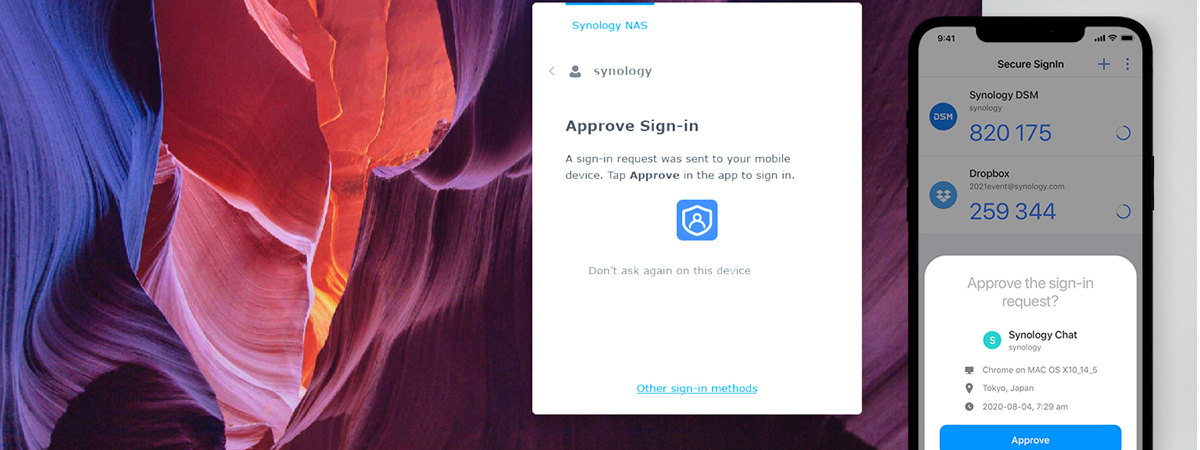
news Synology DiskStation Manager 7: Beta available, free update coming in 2021

Synology DiskStation Manager 7: Beta available, free update coming in 2021

Synology makes some of the best Network Attached Storage (NAS) solutions on the market, and they are all powered by its DiskStation Manager (DSM) software platform. In our reviews, we always appreciated the flexibility and ease of use of DSM. Synology is now working on finalizing a new version of its software - DSM 7.0, which promises to bring many upgrades and new features
tutorial How to check your macOS version: All you need to know

How to check your macOS version: All you need to know

You might ask yourself, “What macOS do I have?” or “What version of macOS am I running?”. Knowing what version of macOS you have can be useful in several situations. It can come in handy when you’re trying to figure out if you’re running the latest version of Mac OS. It might also be a useful piece of information if you want to check
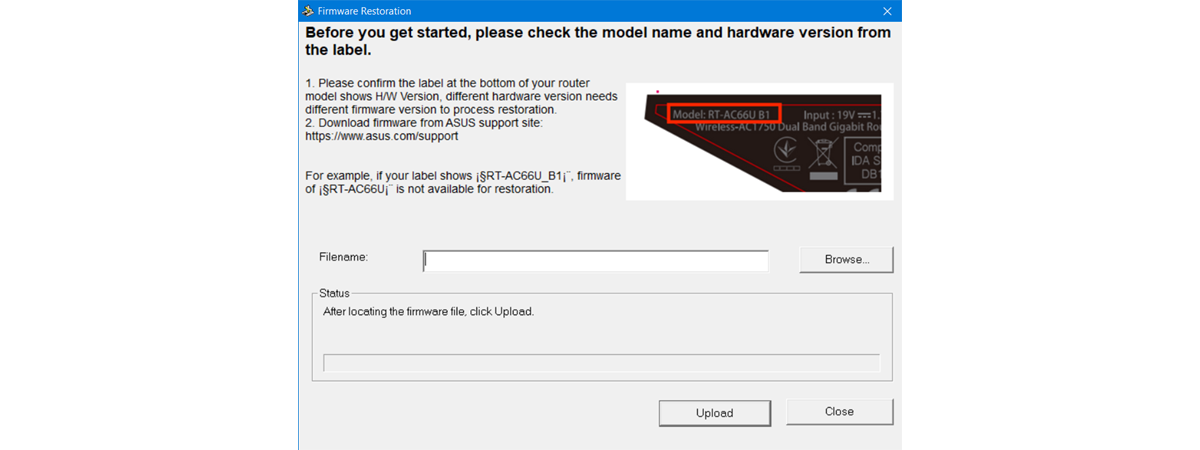
tutorial How to do a firmware update for any kind of device

How to do a firmware update for any kind of device

Firmware is essential for many types of devices. It's that "built-in software" (microcode) that's responsible for making our devices do their jobs, or more precisely, make them power on and function. Firmware, like any other programming, can be improved over time. Whether it's for repairing bugs or adding new functions to a device, firmware updates can make everything better. Do you know how to
tutorial How to add and use a VPN in Windows 10 (all you need to know)

How to add and use a VPN in Windows 10 (all you need to know)

VPNs, or Virtual Private Networks, have become widely used tools that help people securely access a private network and share sensitive data through public networks. The main idea is that VPNs can generate virtual P2P (point-to-point) connections, or so-called encrypted tunnels, that allow you to use the internet as a medium for transporting data that is hard to intercept and access by third parties.

How to do a Windows System Restore from boot, without reaching the desktop

System Restore is a great tool that allows you to revert Windows and its settings to a previous working state. This is useful when you encounter problems with drivers that destabilize the system or software that malfunctions. However, at times, some of the changes you make may affect your system so badly, that you can no longer log into Windows. What can you do to make Windows work again? You

About InPrivate and Incognito. What's private browsing? Which browser is the best?

When you want to hide something you do online, you use a private browsing mode like Incognito, Private Browsing, or InPrivate. However, do you know how private you actually are when you use this way of browsing the web? Can others still see what you are doing online? Also, do you know which browser is best at protecting your privacy? We tested the latest versions of Google Chrome, Mozilla Firefox,

How to edit the list of allowed apps in Windows Defender Firewall (and block others)

In Windows 10, the old Windows Firewall has been rebranded by Microsoft to Windows Defender Firewall. It is a security feature built into the operating system that helps block unauthorized access to your computer, while permitting authorized communications. This tool can filter both inbound and outbound traffic or set rules and exceptions, depending on the type of network to which you're connected. In this article, we're going to show you

How to manage BitLocker on a USB memory stick or flash drive

If you've taken the time to protect your data using BitLocker To Go, you might want to understand the options you have for managing your encrypted USB memory stick or flash drive. Basic usage includes nothing more than entering your password, but you need to know more for special circumstances. Perhaps you want to change the password, add a smart card as a second unlock method, or reprint your recovery

How to customize the Android Quick Settings menu

As implied by their name, the Android Quick Settings provide fast access to different features on your smartphone or tablet. Instead of wasting time digging through settings and menus, you can use the switches in the Quick Settings menu to toggle features like Bluetooth, Wi-Fi, or the Flashlight on your Android device. And there are so many Android Quick Settings available that you rarely have to open the Settings app

How to configure System Restore in Windows 10

While having the ability to restore your system from a restore point is one of Windows' most useful features, it may be that some people will want to turn it off for all or some of their partitions. Others may wish to change how much space is used for System Restore and assign more or less. To help you out, this guide shows you how to configure System Restore in

What is System Restore and 4 ways to use it

System Restore is one of those Windows apps that can be categorized as being an "oldie but goldie." If something suddenly stops working as it should or if your Windows 10 PC breaks down without notice, you'll want to know about System Restore and how to use it. This system recovery tool can be a lifesaver and a fast one at that, as it can revert your PC to a

How to remove BitLocker To Go from a USB drive

BitLocker To Go is useful when you want to protect the data on your removable drives (USB memory sticks, external hard disks, etc.). Though it can be helpful, it may not appeal to all users, because it asks you for a password each time you want to use the encrypted drive. If you have encrypted a flash drive, an external hard disk, or another removable drive with BitLocker To Go,

3 ways to create a restore point in Windows 10

When your Windows 10 machine breaks and refuses to work, System Restore is one of those lifesaving tools that makes you thankful they exist. That's because you can use it to repair your PC if you've created a system restore point before it started to misbehave. Did you create a system restore point? If you didn't, would you like to learn how to create a restore point in Windows 10?

How to encrypt a system partition with BitLocker in Windows 10

BitLocker Drive Encryption is one of the most used encryption solutions for Windows. It's a security tool found in Windows 10 Pro and Enterprise editions that helps protect your data from unauthorized access. It does that by allowing you to encrypt system partitions, as well as other partitions you may have on your drives. In this tutorial, we're going to guide you through the process of encrypting system partitions with

2 ways to enable System Restore in Windows 10

System Restore is an old feature that has been present in Windows operating systems for a long time. However, it's still useful today on modern Windows 10 operating systems. It's one of those tools that can save you a lot of time and headaches when your PC crashes, or if something on it no longer wants to work, and you can't even boot properly. System Restore is a tool designed

Get access to a BitLocker-encrypted USB drive when you forget its password

You've encrypted your flash drive using BitLocker To Go, and now your data is safe from prying eyes. To anyone without your password, your files are garbled beyond comprehension. Unfortunately, if you lose your BitLocker password, your data stays just as indecipherable to you as it is to others. Luckily, if you saved the recovery key during the initial BitLocker configuration, you should have no trouble unlocking the drive and