UP

Recommended

The articles we recommend reading. The list includes some of the best gadgets we’ve reviewed, useful tutorials, detailed benchmarks and comparisons, and much more.

tutorial How to switch to a Windows 11 local account from a Microsoft one

How to switch to a Windows 11 local account from a Microsoft one

Windows 11, just like Windows 10, wants you to use a Microsoft account on your computers and devices. It’s true that such accounts come with certain advantages like synchronization and built-in support for a wide range of Microsoft services. However, it also means that you might be worried about giving access to some personal information to Microsoft. Fortunately, you can switch to a local

How to make a Windows 11 hotspot

Do you have a Windows 11 laptop, tablet, or maybe even a desktop computer that’s connected to the internet, and you want to share its connection with other wireless devices like your smartphones? In other words, would you like to use your Windows 11 PC as a mobile hotspot? If you do, the good news is that you can, and this operating system makes the whole process easy. So, without
review Xiaomi 11T review: Ticking the right boxes!

Xiaomi 11T review: Ticking the right boxes!

With Huawei out of the Android market for a while now, Xiaomi has quickly stepped up and filled the market with smartphones and tablets that are increasingly interesting. The latest smartphone in the Xiaomi 11 range, the Xiaomi 11T, is a mid-range phone with promising specs, set to debut at a competitive price compared to the likes of Samsung A52 and OnePlus Nord 2
tutorial How to remove Windows display languages

How to remove Windows display languages

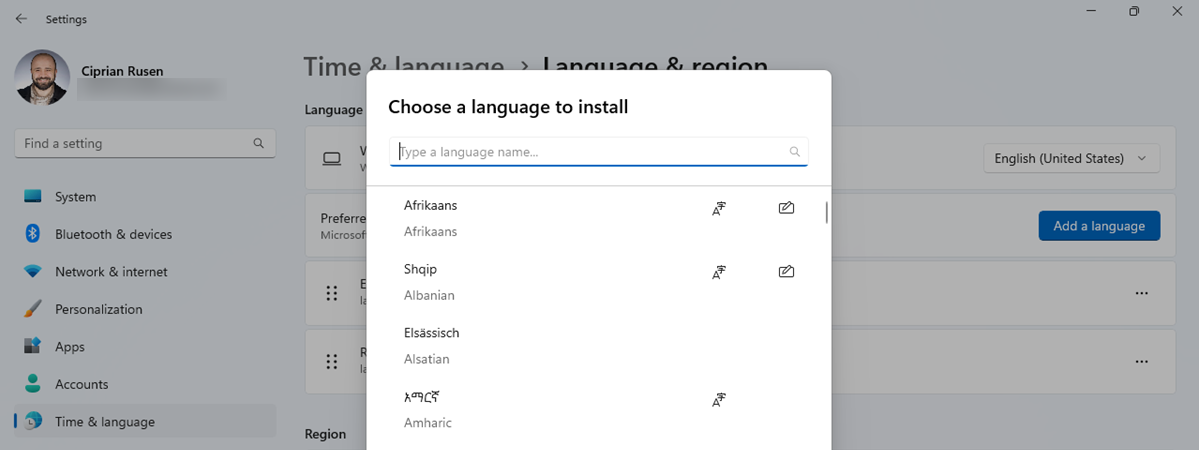
Both Windows 11 and Windows 10 are operating systems that allow you to use them in various languages, depending on what you prefer. It’s easy to add a new language pack and get yourself the Windows display language you like and understand. However, sometimes, you might want the opposite: delete a display language that you no longer need. Theoretically, that’s easy to do, as
tutorial 3 ways to connect to hidden Wi-Fi networks in Windows 11

3 ways to connect to hidden Wi-Fi networks in Windows 11

Connecting to hidden Wi-Fi networks in Windows 11 is not an easy task. In this tutorial, we explain when it is useful to use a hidden network, what information is required in order to access a hidden Wi-Fi, and how to connect to hidden networks on laptops, tablets, and other devices with Windows 11. Let’s start by answering a simple question: what’s a hidden
tutorial 2 ways to change the default speakers in Windows 11

2 ways to change the default speakers in Windows 11

Many computers and laptops out there have not one but two or even more audio output devices. For example, some PCs can have a set of desk speakers connected to them while also having audio outputs to their monitors’ built-in speakers or even Bluetooth speakers scattered across the room. All that can become unnerving when someone or something changes the default speakers used by
article What is the Windows Terminal?

What is the Windows Terminal?

The Windows Terminal is a relatively new app that command-line enthusiasts are probably going to like a lot. Although it’s been developed and improved by Microsoft for several years now, and you could already use it in Windows 10, it only made the headlines with the announcement of Windows 11. Are you curious to know more about the Windows Terminal, what it is and
article Download the largest collection of Windows desktop shortcuts for free!

Download the largest collection of Windows desktop shortcuts for free!

We've created what we believe to be the most extensive library of Windows 11 and Windows 10 shortcuts. It includes 228 shortcuts for settings, tools, and system apps common to Windows 11 and Windows 10. They are created in such a way that they should all work on each and every Windows computer. Do you want to get all the Windows desktop shortcuts we
tutorial How to pin to Start Menu in Windows 11

How to pin to Start Menu in Windows 11

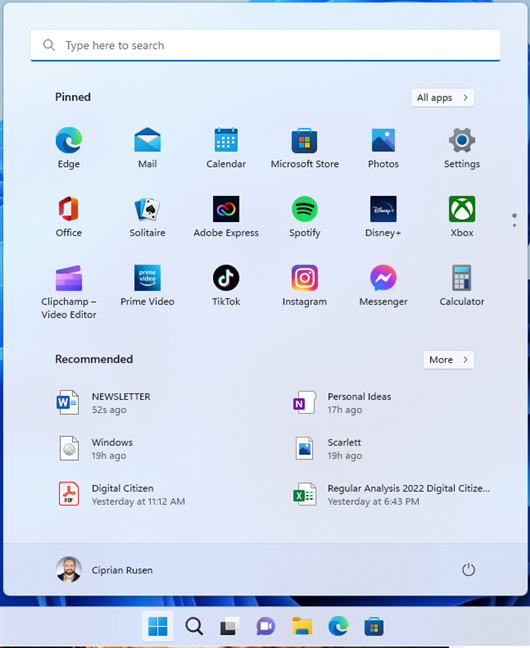
Are you curious how to pin to Start in Windows 11? Even if it uses icons instead of live tiles, you can still pin apps to the Start Menu in Windows 11, as well as files, folders, email accounts, or your favorite locations. As you’re about to see, when it comes to pinning to Start Menu, things haven’t changed much in Windows 11. So,
tutorial How to turn on Dark Mode in Windows 11

How to turn on Dark Mode in Windows 11

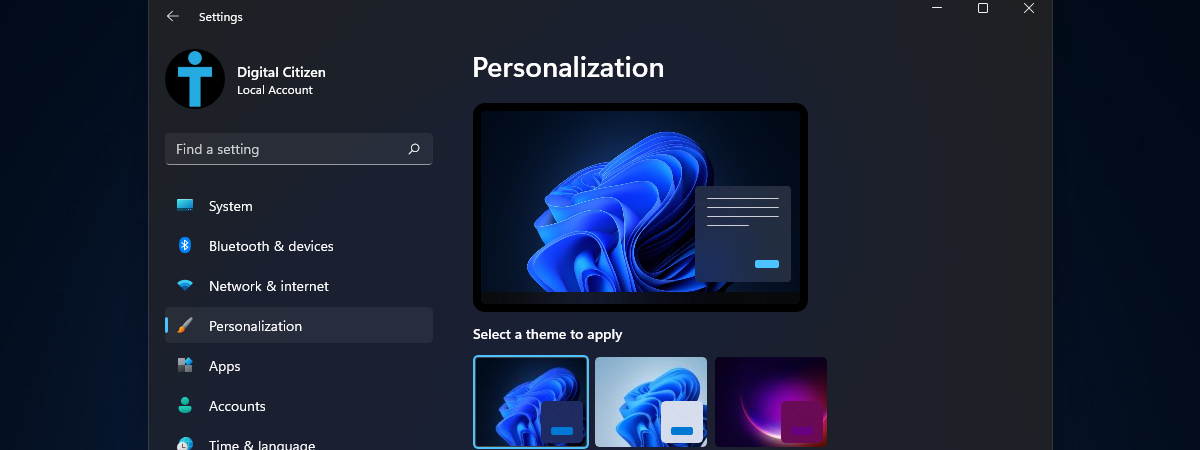
Windows 11 has a lot of improvements over its predecessor, both in terms of functionality and design. If you want to personalize your Windows 11 experience and you are a fan of Dark Mode on your devices and apps, we have good news: there is a Dark Mode for Windows 11 too. You can change between Light Mode and Dark Mode with just a
tutorial God Mode in Windows 11 vs. Windows 10 vs. Windows 7

God Mode in Windows 11 vs. Windows 10 vs. Windows 7

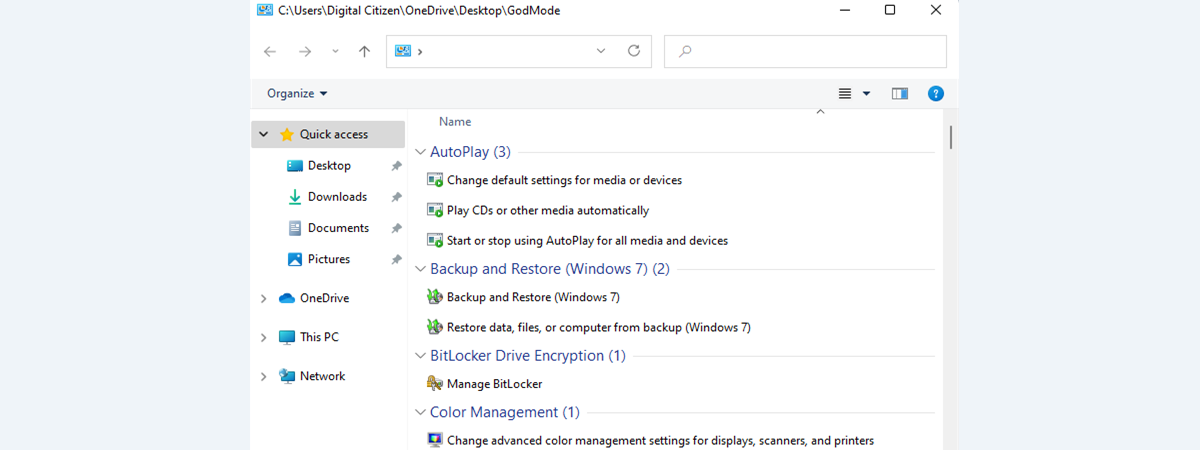
Have you ever heard of God Mode in Windows? Do you know what the God Mode is and its purpose? Would you like to enable God Mode in Windows 11 or Windows 10? Or maybe discover whether there are any differences between God Mode in Windows 11 vs. Windows 10 vs. Windows 7? For answers to all that, and more, read on: What
tutorial How to switch between CMD and PowerShell in Windows Terminal

How to switch between CMD and PowerShell in Windows Terminal

When starting Windows Terminal, the default shell that opens is Windows PowerShell. However, Windows Terminal supports many applications that have a command-line interface, including the venerable Command Prompt (CMD). If you want to switch to CMD in Windows Terminal, or if you want to make CMD the default shell for Windows Terminal, here’s how to do it: NOTE: This tutorial applies both to
tutorial How to shut down Windows 11 (9 ways)

How to shut down Windows 11 (9 ways)

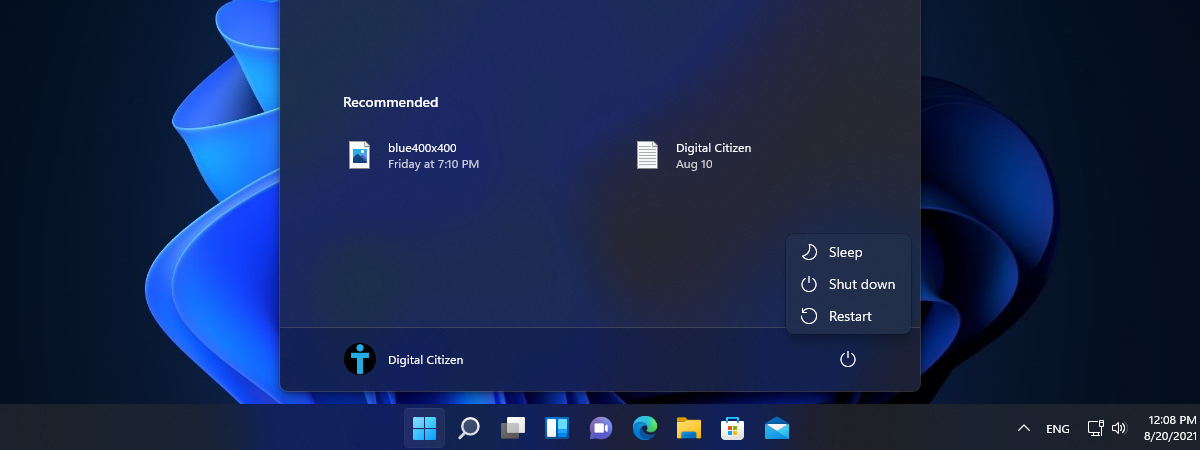
Are you wondering how to shut down Windows 11? Whether you just finished work, school, or a raid with your guild, turning off your device can help with its longevity. Furthermore, when you shut down Windows 11 regularly, you should also notice the difference in your electricity bills. Read this guide to find out how to turn off a laptop, computer, or tablet with
tutorial How do I move the Windows 11 Start Menu to the left?

How do I move the Windows 11 Start Menu to the left?

Windows 11 introduces many changes to the user interface, and one of the most important features is the Start Menu. Gone are the tiles from Windows 10, and back are the old-school shortcuts from Windows 7. Also, the Windows 11 Start Menu has new sections, and it is also placed in the middle of the desktop. If you want it back on the left
tutorial How to use the Night Light in Windows 11

How to use the Night Light in Windows 11

Most modern handheld devices and computers have a feature that can reduce the blue light emitted by their screens. On devices with Windows, this blue light filter is called Night light. The feature made its first appearance in Windows 10 and now Windows 11 supports it as well. Read on to find out how to enable and configure Night light in Windows 11:
review ASUS TUF-AX5400 review: a Wi-Fi 6 router for gamers!

ASUS TUF-AX5400 review: a Wi-Fi 6 router for gamers!

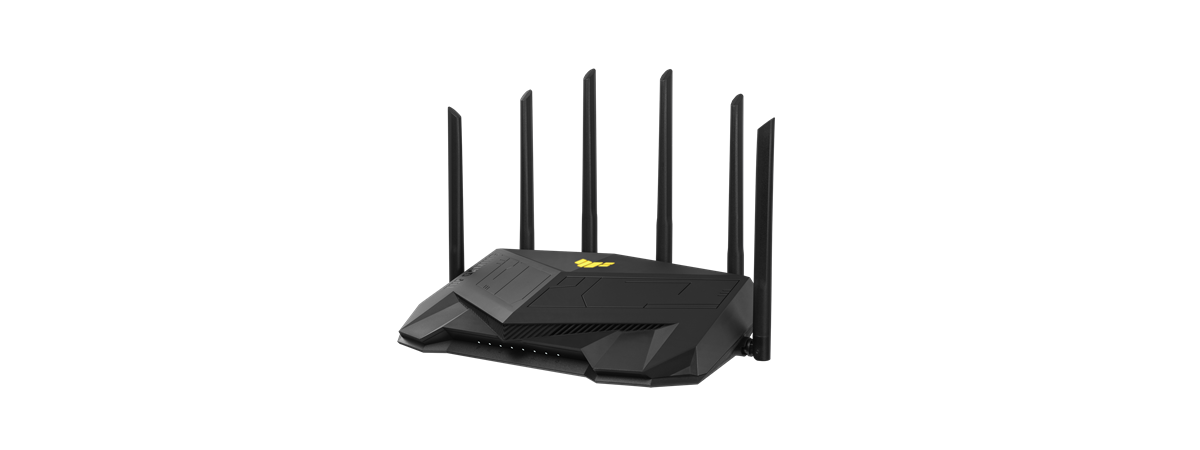
ASUS is investing a great deal into manufacturing wireless routers for gamers. One of their latest additions is the new ASUS TUF-AX5400, a Wi-Fi 6 router with an aggressive design, an impressive list of features, and powerful hardware. If you want to improve the Wi-Fi in your home or small office, this model is worth a look. To learn about the real-world performance of
tutorial How to connect to Wi-Fi in Windows 11

How to connect to Wi-Fi in Windows 11

One of the most common things every laptop or tablet user does is connect to wireless networks. It’s something Windows 11 users need to know how to do also. Although many people know that manually connecting to Wi-Fi in Windows 11 or any other version requires selecting the network and entering its password, some may wonder where to find everything. That’s why we decided
tutorial How to change the language on Windows 11

How to change the language on Windows 11

Knowing how to change the language on Windows 11 comes in handy, especially if you have a new computer or device. The first step to change the Windows display language is to get the language pack you need from Microsoft’s vast collection. You only have to do this once for every language you want to use because switching between languages becomes easier afterward. This