Best online ringtone makers: convert songs & create custom ringtones Over the past two decades, smartphones have become an essential part of our lives, and customizing them is something we all love.… Radu Tyrsina · Oct 9, 2025
How to snap windows side by side and split screen on Windows 10 The split screen feature in Windows 10 is perfect for multitasking, especially on a large display. It allows you to view apps… Radu Tyrsina · Oct 7, 2025
How to open and use the clipboard in Windows 11 Whether you’re a casual user or a seasoned professional, the clipboard in Windows 11 can significantly boost your productivity. In this guide,… Radu Tyrsina · Oct 7, 2025
What are haptics on iPhones? How do you turn vibrations off or on? Have you heard of haptics? Do you know what haptic feedback is or whether your iPhone has it? This subtle yet impactful… Radu Tyrsina · Oct 11, 2025
Presence Sensing: Why the screen turns off when you walk away If you have a Windows 11 laptop or mini PC with a modern AI-powered processor, your computer knows when you walk away,… Radu Tyrsina · Oct 10, 2025
How to see Wi-Fi passwords on Android If you’re wondering how to see the Wi-Fi password on Android, the answer couldn’t be simpler. Most Android smartphones and tablets automatically… Radu Tyrsina · Oct 7, 2025
How to enable or turn off clipboard history and syncing in Windows 10 The clipboard on your Windows 10 computer can not only store copied items but also sync them across all your devices. This… Radu Tyrsina · Oct 7, 2025
Samsung Galaxy Z Flip6 vs. Galaxy Z Flip5: What’s new? (Quick Hands-on) Samsung has just unveiled its latest generation of foldable smartphones, including the Samsung Galaxy Z Flip6. The new model is slimmer, tougher,… Radu Tyrsina · Oct 10, 2025
ASUS Vivobook S 15 review: Is Windows ready for ARM-based laptops? Microsoft and Qualcomm have introduced a new generation of ARM-based laptops running Windows, and among the initial offerings is the ASUS Vivobook… Radu Tyrsina · Oct 10, 2025
How to set a custom ringtone on an iPhone (2 ways) Custom ringtones are a great way to give your iPhone a personal touch and make it stand out from the crowd. So,… Radu Tyrsina · Oct 9, 2025
How to add or remove optional features in Windows Sometimes, you might find that your computer has some features you don’t really need, or maybe you’re missing something that could make… Radu Tyrsina · Oct 11, 2025
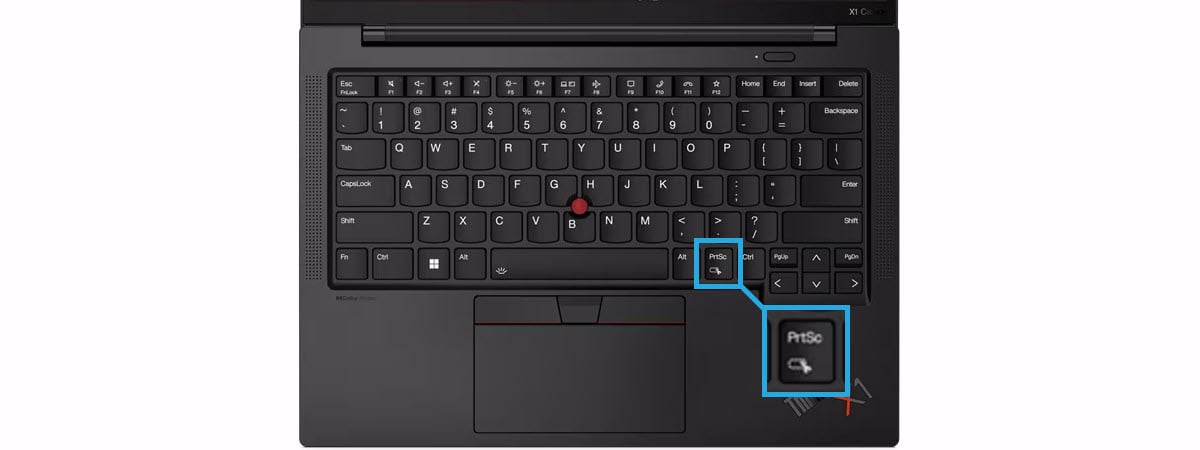
How to screenshot on Windows Do you use Windows 10 or Windows 11, and do you need to quickly take a screenshot? Do you have trouble finding… Radu Tyrsina · Oct 10, 2025
How to open Google Assistant's settings on Android Do you want to change the way Google Assistant works on your Android device? Whether you’re looking to fine-tune how it responds… Radu Tyrsina · Oct 9, 2025
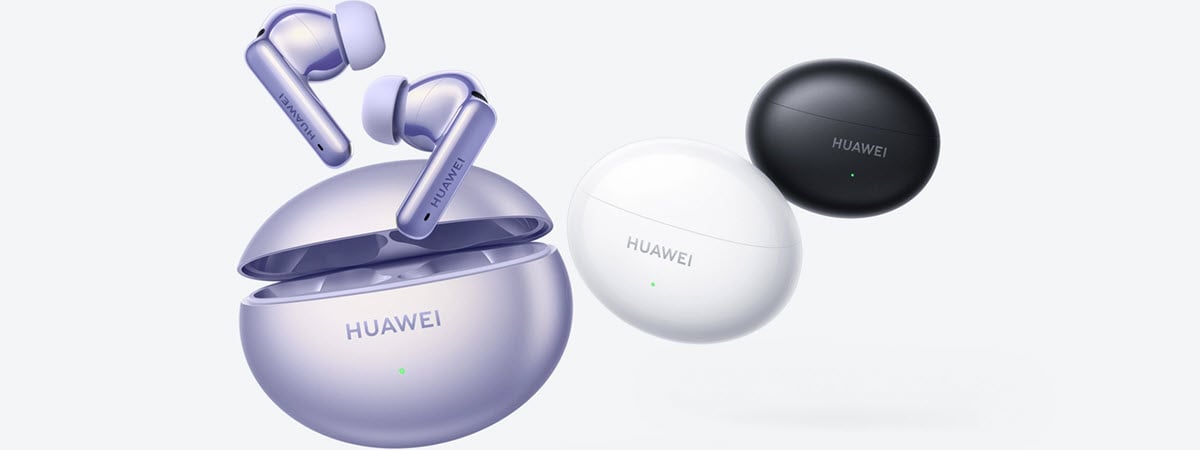
HUAWEI FreeBuds 6i review: Excellent active noise cancellation for a fair price The world is filled with a variety of earbuds, so many in fact that you can’t keep up with their numbers and… Radu Tyrsina · Oct 9, 2025
How to sync Microsoft Edge across devices (Windows, Android, iPhone) Microsoft Edge has become one of the best web browsers available today. Among its many features, one that stands out as especially… Radu Tyrsina · Oct 10, 2025
How to change the ringtone on an iPhone Ever wonder how to change your ringtone on an iPhone? Maybe you’re bored with the current one or looking for a distinct… Radu Tyrsina · Oct 11, 2025
How to split screen on multiple monitors Do you want to learn how to split your screen across two monitors in Windows? The Snap feature can enhance your productivity… Radu Tyrsina · Oct 7, 2025
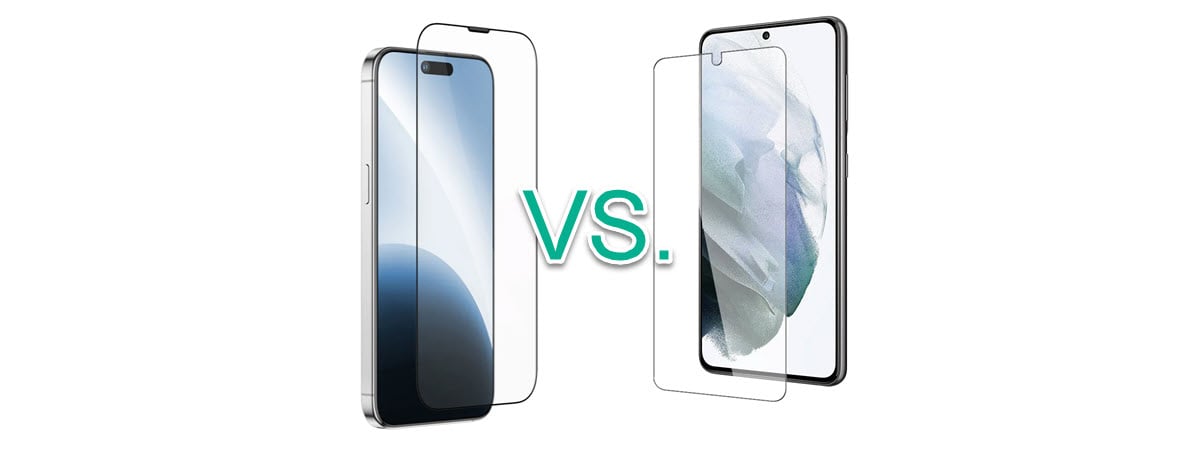
Smartphone glass: Gorilla Glass, Ceramic Shield, and others If you’ve ever used a smartphone, you’ve encountered the term Gorilla Glass. You might know it as a special glass used in… Radu Tyrsina · Oct 7, 2025
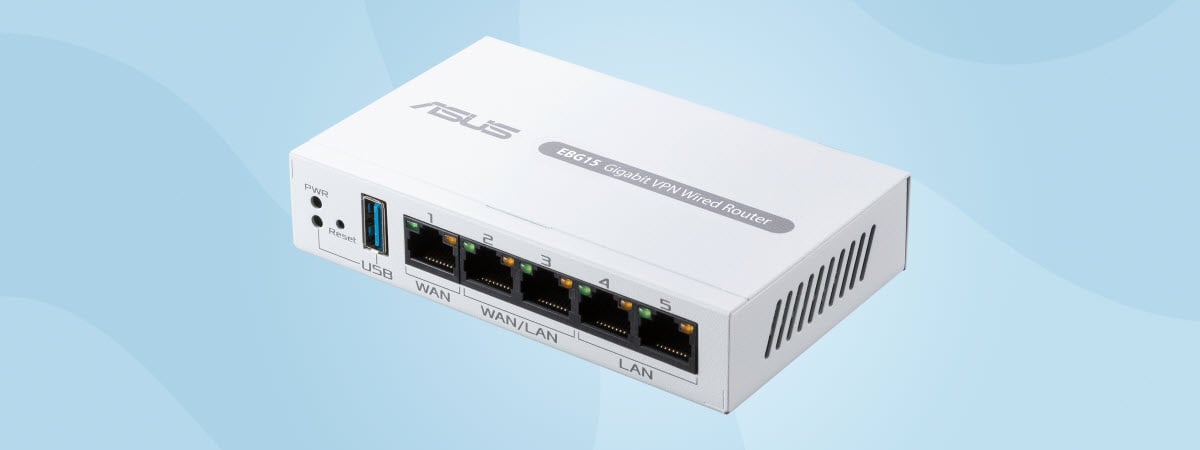
How to install your ASUS ExpertWiFi networking equipment The ASUS ExpertWiFi business lineup offers a wide range of devices, from wireless routers and mesh WiFi systems similar to those in… Radu Tyrsina · Oct 8, 2025
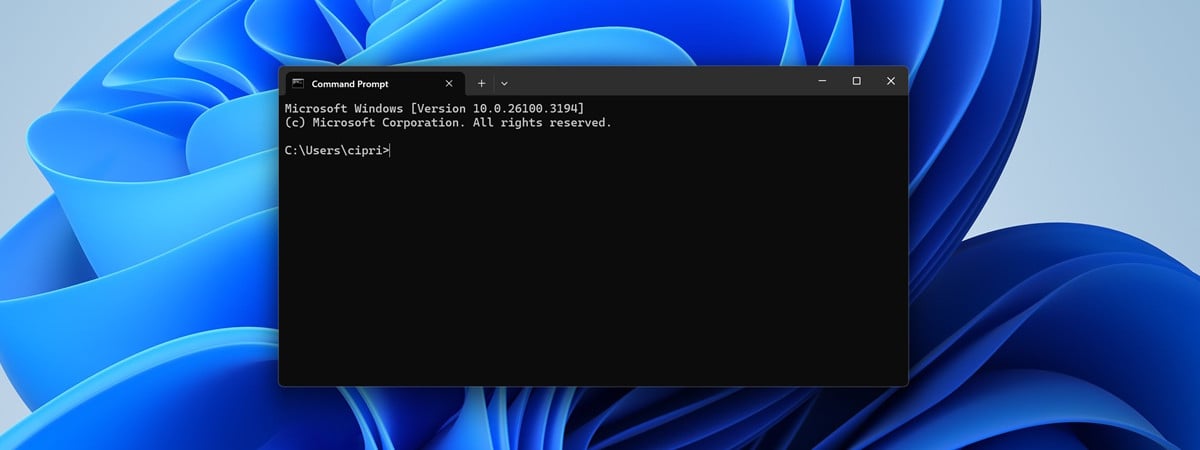
How to get system info, view, and kill processes in CMD You can easily view information about your computer using Windows graphical tools like Task Manager or System Information. However, some users prefer… Radu Tyrsina · Oct 11, 2025