UP

Productivity

What does it mean to use technology productively? Which apps and gadgets make your work easier? How to personalize the computers and other gadgets you’re using?

article Where are screenshots saved on Windows, Mac, Android, and iOS?

Where are screenshots saved on Windows, Mac, Android, and iOS?

Where do screenshots go on Mac? Where does Android store screenshots? What about your iPhone or iPad? Where do my screenshots go on Windows 11 or Windows 10? Answering these questions is not always easy, especially if you’re new to screenshots or using an unfamiliar device or system. Since a picture is worth a thousand words, screenshots are a convenient way of quickly saving
tutorial How to list all the users on a Windows computer (7 ways)

How to list all the users on a Windows computer (7 ways)

Sometimes, you may need to extract a list of all the user accounts on a Windows computer. What if you want to see all the hidden user accounts that exist alongside your user account? Can you use graphical tools in Windows to learn all that? Can you list all users with Windows’ CMD? Moreover, which Windows PowerShell CLI command can be used to list
article Windows 11’s best features: 10 great things about it

Windows 11’s best features: 10 great things about it

Microsoft’s latest operating system, Windows 11, has been available for quite a while now, and many of us have had all the time in the world to see what it’s like using it and decide whether we like it or not. On top of a user interface and overall appearance that many people find elegant, Windows 11 also brings a lot of other great
review Microtech e-tab Pro 4 review: Affordable and underpowered

Microtech e-tab Pro 4 review: Affordable and underpowered

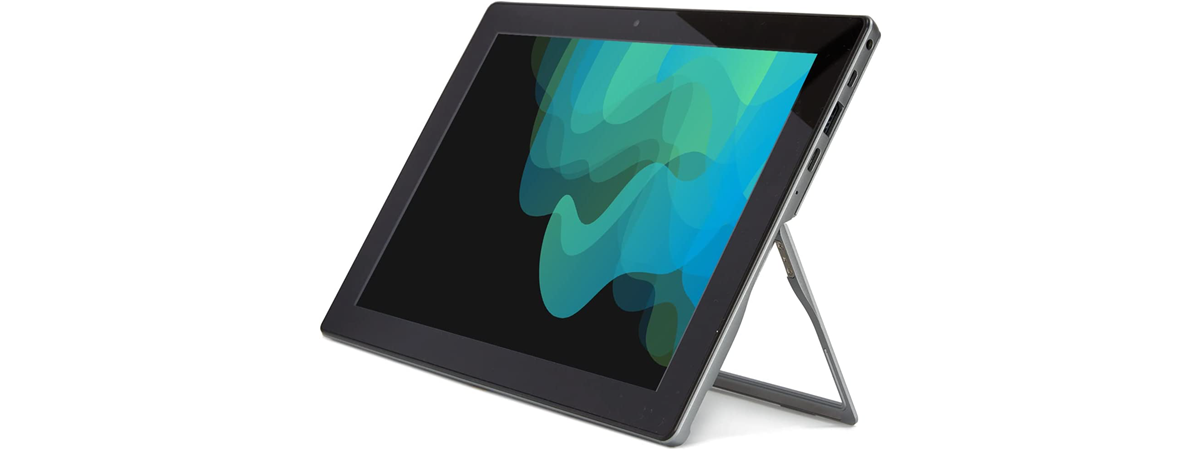
Tablets are no longer what they used to be a couple of years ago. Most manufacturers refrain from designing and creating as many models as they used to, but some are still keeping the market alive. Not too long ago, I received in testing a reasonably affordable tablet running on Windows 11, made by an Italian company called Microtech. As it’s been a while
review Kingston Fury Beast White RGB 32GB DDR5-6000 review

Kingston Fury Beast White RGB 32GB DDR5-6000 review

If you have a desktop processor from Intel’s 12th or 13th generations, or an AMD Ryzen 7000, you might want or have to pair it with DDR5 memory. Fortunately, as time passes by, prices are lowering, and new memory modules are surfacing on the market. One of the most active manufacturers in this area is Kingston, and one of its most popular RAM series
tutorial How to set default apps in Windows 11 (file associations)

How to set default apps in Windows 11 (file associations)

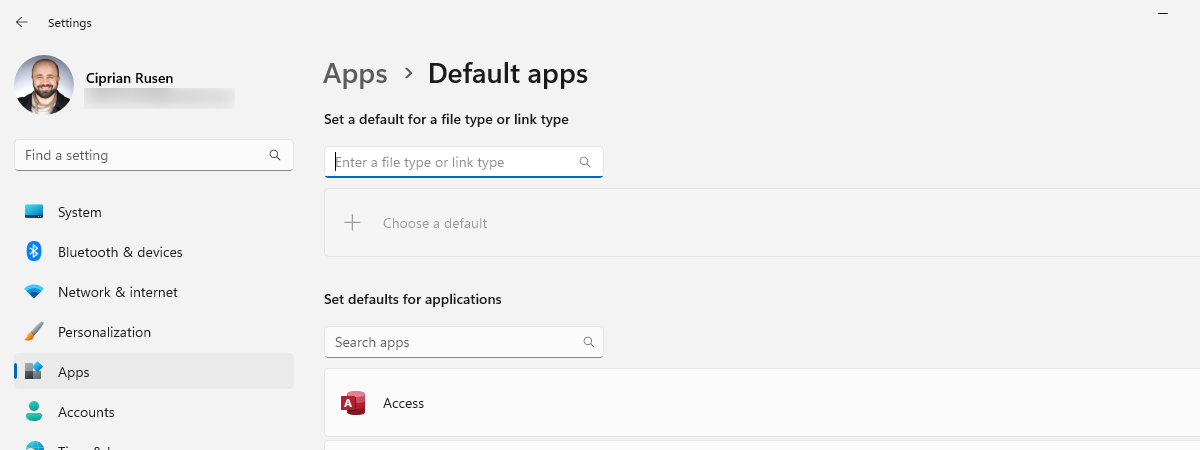
There are hundreds of different kinds of files on your computer, including images, videos, music, text documents, and executable applications. Each file stores different information differently and can only be opened by certain programs. Windows takes the potential confusion out of this system by associating certain programs with certain file types right out of the box. While your default associations will work for most
tutorial How to use the Snipping Tool in Windows 11

How to use the Snipping Tool in Windows 11

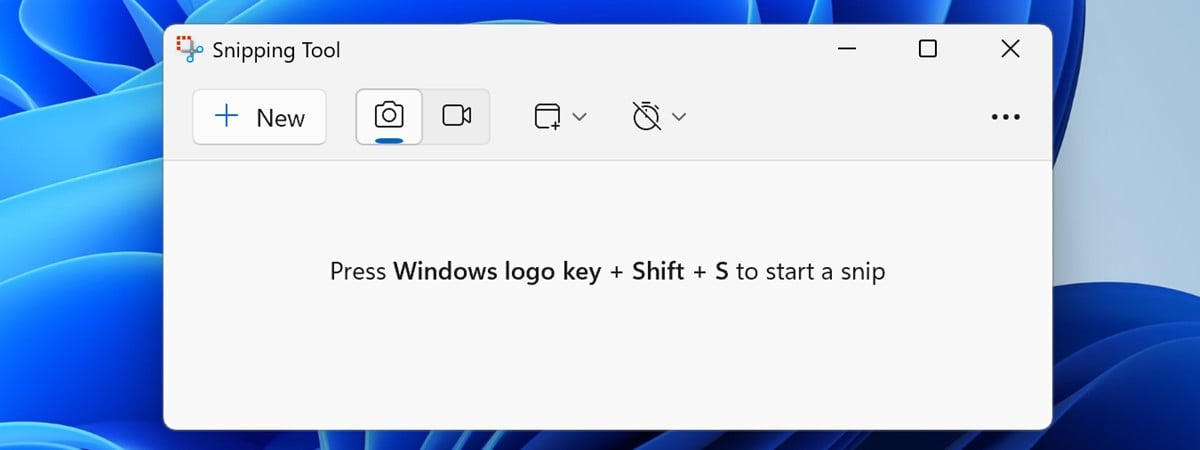
In Windows 11, Microsoft offers an improved Snipping Tool app that promises to be better than previous versions. It’s a simple application that many people are familiar with already, yet some of its new features are worth looking into. That’s why, in this tutorial, I decided to show you how to screenshot on Windows 11, as well as record your screen with the Snipping
article Windows 11 sucks: Reasons why you may not like it

Windows 11 sucks: Reasons why you may not like it

Hello, fellow Windows users! In today’s article, I will rant about Windows 11 and what I hate about it. Yes, that’s right. Because while Windows 11 aims to be a great operating system, it’s definitely not a masterpiece. There are many reasons why you may like it, but there are also reasons why Windows 11 sucks. Things that are missing and we had in
review ViewSonic VG2756V-2K review: The monitor for business users!

ViewSonic VG2756V-2K review: The monitor for business users!

If you are a business user, always carrying your laptop around, you need a monitor that helps you become more productive and reduce the number of cables you have to plug in when you work at your desk. ViewSonic VG2756V-2K is such a monitor with some interesting features: it can be used as a docking station that charges your laptop, and it has built-in
review Topdon TC001 review: A brilliant thermal imaging camera

Topdon TC001 review: A brilliant thermal imaging camera

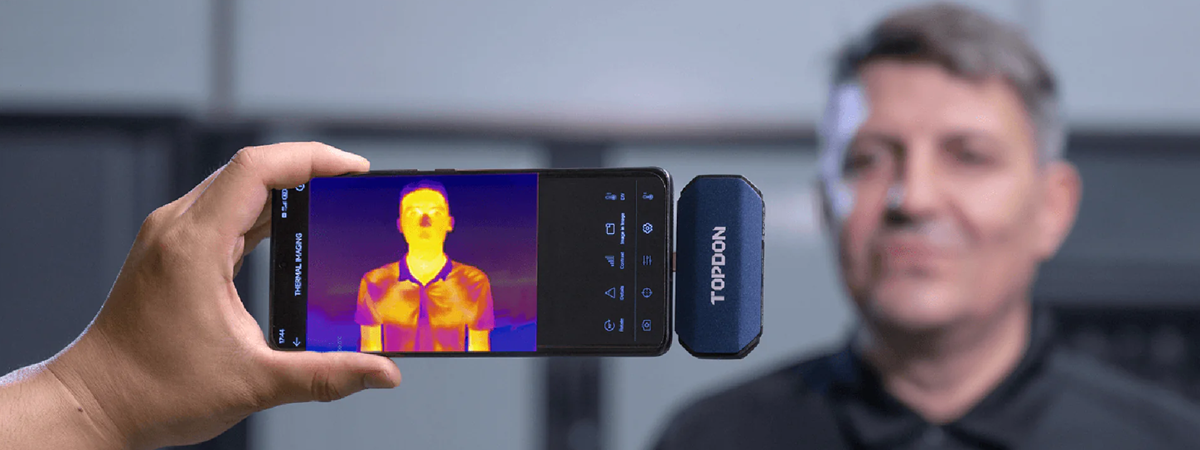
Thermal imaging cameras can detect infrared radiation and translate it into visible images. Such devices can be useful in a wide range of applications, such as inspecting electrical systems, finding heat or water leaks, or detecting fire hazards. In this review, I’m testing the performance and features of the Topdon TC001 thermal imaging camera. Does it meet the manufacturer’s claims of offering high resolution
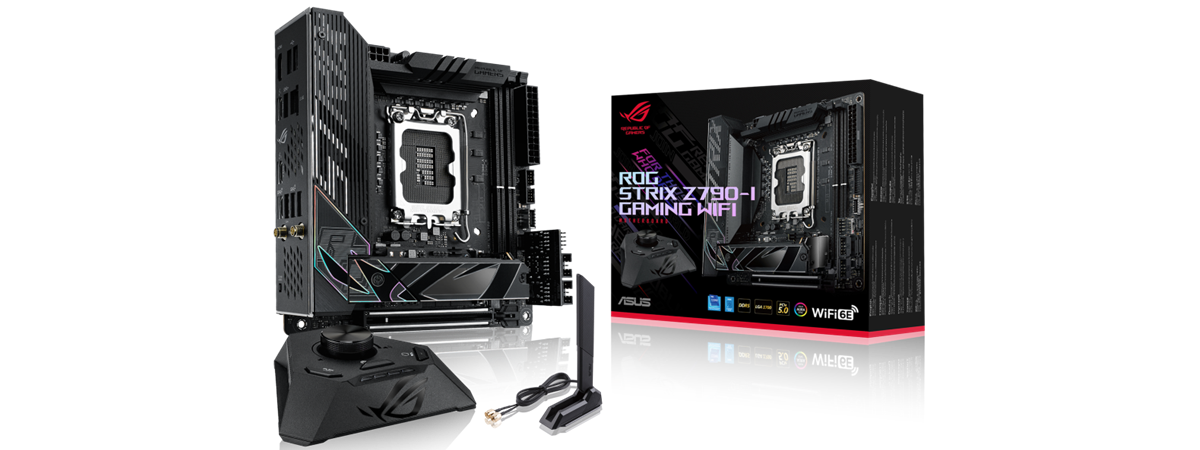
review ASUS ROG STRIX Z790-I Gaming WiFi review: Small yet powerful

ASUS ROG STRIX Z790-I Gaming WiFi review: Small yet powerful

The ASUS ROG Strix Z790-I Gaming WiFi is a small motherboard designed for Intel’s latest processors from the 13th and 12th generations. Although mini-ITX motherboards such as this one usually have to let go of many features and ports simply because they’re too small to accommodate everything, the ROG Strix Z790-I Gaming WiFi doesn’t want to do that. Instead, it uses some clever design
review ASUS ROG Strix XG32UQ review: A fast 4K IPS gaming monitor

ASUS ROG Strix XG32UQ review: A fast 4K IPS gaming monitor

I recently decided to change my main monitor and replace it with a new one with a 4K resolution. As I also wanted something that offers excellent performance in gaming, I chose to try the ASUS ROG Strix XG32UQ. Featuring a 4K IPS panel with a 32-inch diagonal, 1 ms response time, and a fast 160 Hz refresh rate, it promised to tick all
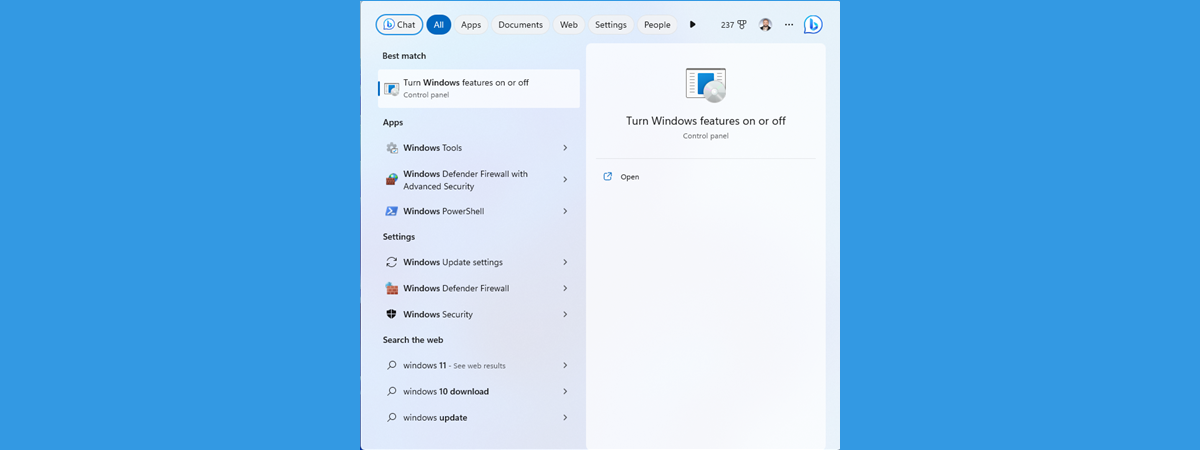
tutorial How to use Windows 11’s Search

How to use Windows 11’s Search

Windows Search is a feature that has been around for more than 15 years, starting with the ancient Windows Vista. It has evolved and matured over the years, and in the latest iteration of Windows 11, it is (theoretically) simpler, faster, and more efficient than in previous versions. Furthermore, after the Moment 2 Update for Windows 11, Search now also offers us access to
article AMD EXPO vs. Intel XMP: How are they different? Which is better?

AMD EXPO vs. Intel XMP: How are they different? Which is better?

Along with releasing their latest Ryzen 7000 processors, AMD also revealed information regarding AMD EXPO. If you’ve been looking at DDR5 RAM options, you probably noticed that some of them are compatible with Intel XMP, while others are certified for AMD EXPO. What do these acronyms mean, and why does it matter what kind of RAM you’ll buy? Moreover, what’s the real-life difference between
article Windows 11 Moment 2 update is here: 7 essential enhancements!

Windows 11 Moment 2 update is here: 7 essential enhancements!

While Microsoft releases a major Windows 11 feature update every year, some people find this rhythm too slow. So, to keep the momentum going, Microsoft also launches smaller updates called Moments in the form of cumulative updates, which bring new features to Windows 11 users. We had a Moment 1 update for Windows 11 released in October 2022, and on February 28th, 2023, Microsoft
review Intel Core i7-13700K review: High performance, balanced pricing

Intel Core i7-13700K review: High performance, balanced pricing

Starting with the 12th Gen and continuing with the 13th Generation Raptor Lake architecture, Intel has some of the best desktop processors. One of the most attractive models is the Intel Core i7-13700K, a CPU that can reach 5.40 GHz in boost mode, with 16 cores, 24 threads, and excellent pricing. But what else does it bring to the table, and how does it
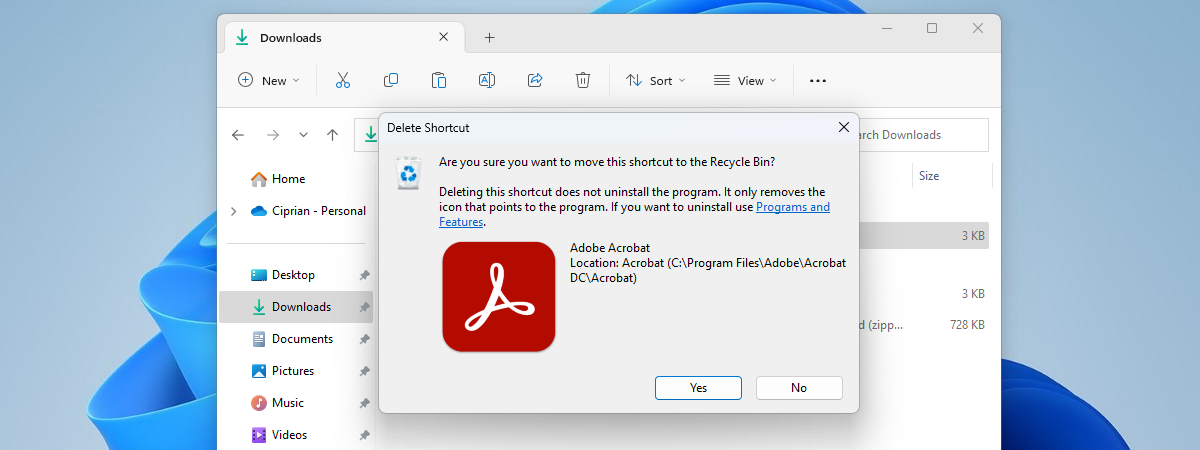
tutorial How to create Windows shortcuts with parameters

How to create Windows shortcuts with parameters

Did you know that both Windows 10 and Windows 11 allow you to change shortcuts by adding command-line parameters to them? Or that you can also make new shortcuts with arguments, having them open their target applications with some of their features turned on or off automatically? If you want to learn how to add launch options to executables using their shortcuts, read on:
article What is AMD EXPO, and should you enable it for your DDR5 RAM?

What is AMD EXPO, and should you enable it for your DDR5 RAM?

With the launch of their latest Ryzen 7000 processors, AMD also shared details about AMD EXPO. If you’ve followed AMD’s announcements or if you’ve been looking to buy DDR5 memory, you might have an idea of what AMD EXPO is and what it does. However, there’s also a chance that this might be the first time you have heard of it. If you want
tutorial What happens to deleted files? Can you recover a deleted file?

What happens to deleted files? Can you recover a deleted file?

Some people say that after you have deleted a file, you can never recover it again, so you should be careful what you delete. The last part is very good advice, but the rest is not necessarily true. You’ve probably heard that there are ways to recover files you accidentally deleted or lost. On the internet, you can find many specialized apps designed just
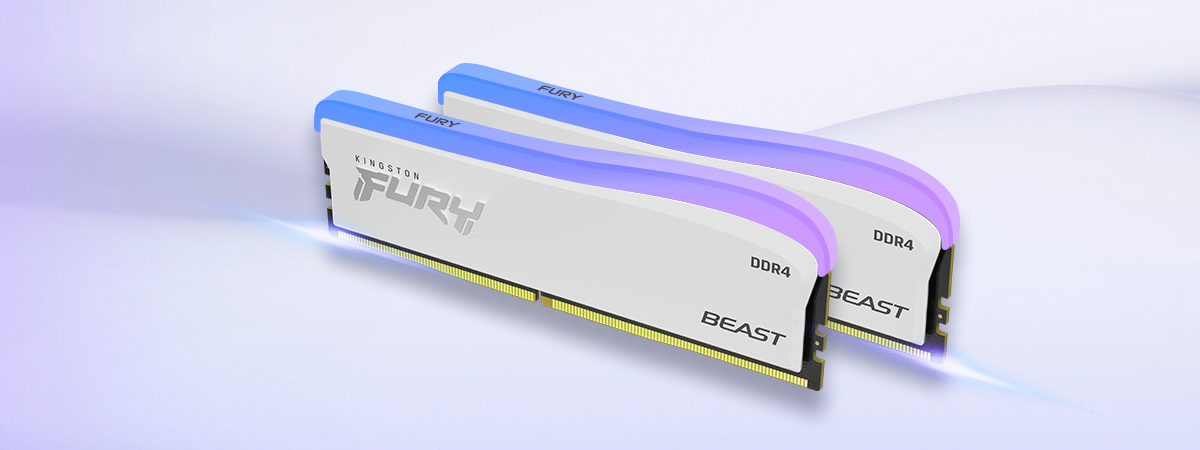
review Kingston FURY Beast DDR4 RGB Special Edition review

Kingston FURY Beast DDR4 RGB Special Edition review

Although DDR5 memory is slowly but surely increasing its adoption rate and lowering its price, DDR4 memory is still a choice for many. While raw data transfer speeds offered by DDR4 can’t match DDR5, the advantage of tighter timings (lower latencies) and the costs are still important aspects to consider in favor of DDR4. If you’re looking for the best DDR4 memory for your