UP

Productivity

What does it mean to use technology productively? Which apps and gadgets make your work easier? How to personalize the computers and other gadgets you’re using?

tutorial How to add or remove icons or apps from the Windows 11 taskbar

How to add or remove icons or apps from the Windows 11 taskbar

The Windows 11 taskbar looks good but may not include the icons you want. You may need to pin to the taskbar the apps you use frequently or remove icons for apps or Windows features you don’t use. For example, some people do not like the Widgets from Windows 11 and want them removed from the taskbar. To help you out, here’s everything you
tutorial How to open any program (or app) with a keyboard shortcut in Windows

How to open any program (or app) with a keyboard shortcut in Windows

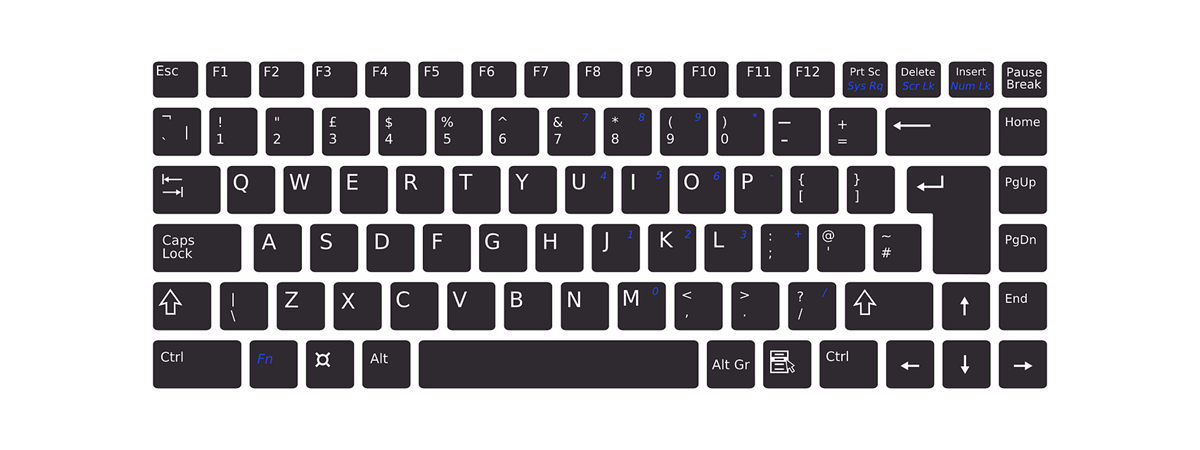
Do you need to open an app or more using a keyboard shortcut? Luckily, Windows 10 and Windows 11 allow you to set a shortcut key to open any application you want, just like older versions of Windows. There are two methods to do this without installing third-party apps or running scripts. If you’re curious, here’s how to create a keyboard shortcut to open
tutorial How to edit, clear, and delete environment variables in Windows

How to edit, clear, and delete environment variables in Windows

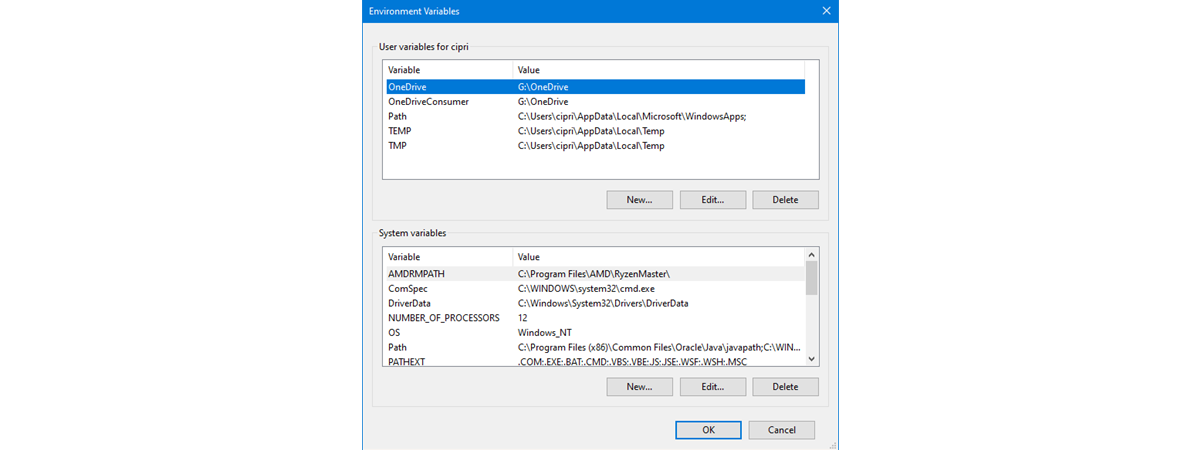
Environment variables are special settings that store information about the system and the programs installed on it. They can be used to customize the behavior of applications, scripts, and commands. But can environment variables be deleted? The answer is yes, and that’s a good thing, as sometimes, you may need to modify or remove an environment variable. For example, to change a configuration option
tutorial How to see how much space an app or game takes up on Windows

How to see how much space an app or game takes up on Windows

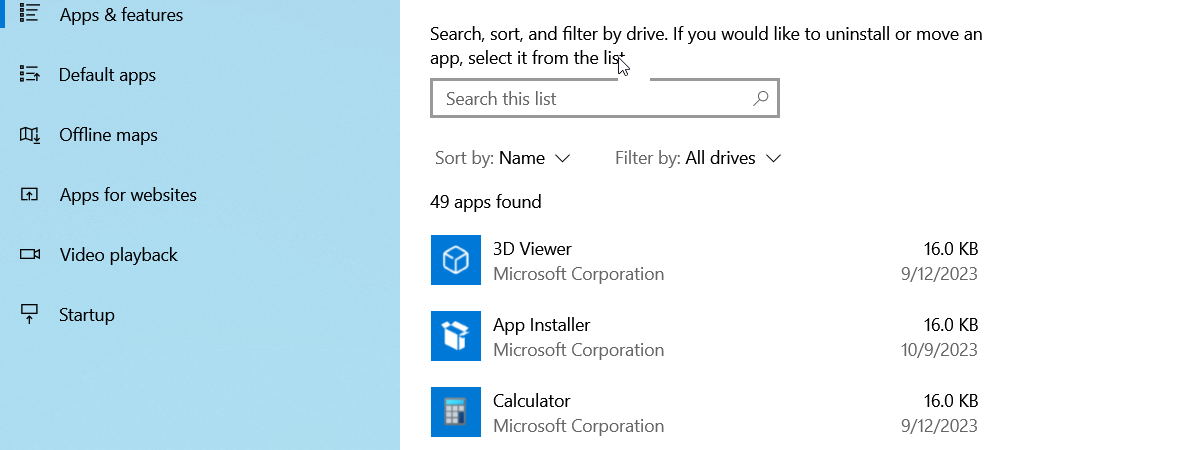
There are times when you need to free up some storage space, or you want to find out how much space each app or game installed on your Windows computer is using. If you are looking for this information, there are no obvious ways to find it. You might be tempted to search for programs that help with this task, but there is no
tutorial How to format and check the health of an SD card in Windows

How to format and check the health of an SD card in Windows

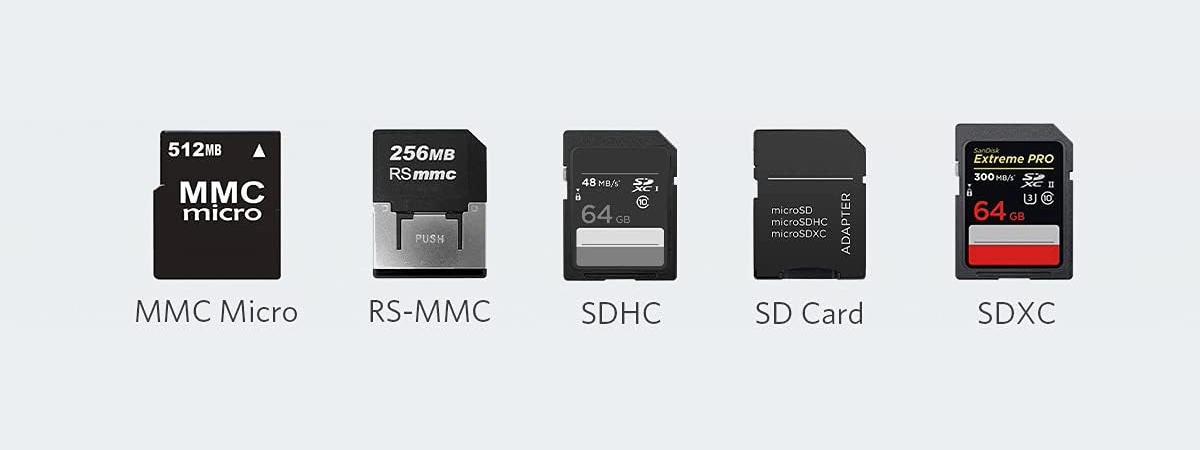
SD cards are more popular than ever as they’re used in various devices for storing data. To give you a few examples, we have them inside our smartphones to increase storage capacity, inside digital cameras, surveillance cameras, laptops, and even tablets. If you want to eliminate all the data on an SD card, it is a good idea to format it, and the same
review Kingston XS1000 review: A fast and affordable SSD

Kingston XS1000 review: A fast and affordable SSD

External SSDs are becoming more popular and accessible, and Kingston is a leading brand in this field. The company has recently introduced a new model, the XS1000, which claims to deliver high data transfer speeds of 1000 MB/s and more. With a compact and light design, the XS1000 is also quite an affordable option. How well does it perform in real-world scenarios and benchmarks?
article What’s new in Windows 11 2023 Update (Moment 4 & 23H2)?

What’s new in Windows 11 2023 Update (Moment 4 & 23H2)?

On September 26th, Microsoft began delivering new features for Windows 11. These include things like Copilot, AI-enhanced tools in Paint, Snipping Tool, and Photos, an improved interface for File Explorer and the Settings app, a new backup tool, and built-in RGB lighting controls. While they should have been part of the next major operating system release, Windows 11 version 23H2, Microsoft decided not to
tutorial How to create user and system environment variables in Windows

How to create user and system environment variables in Windows

Environment variables are user variables or Windows system variables that describe the environment in which apps run. They can tell your apps things like the name of the computer, the name of the user account, the current working directory, etc. Do you want to know more about how to use environment user variables and Windows system variables? If you do, read this tutorial and
tutorial How to calibrate your monitor in Windows

How to calibrate your monitor in Windows

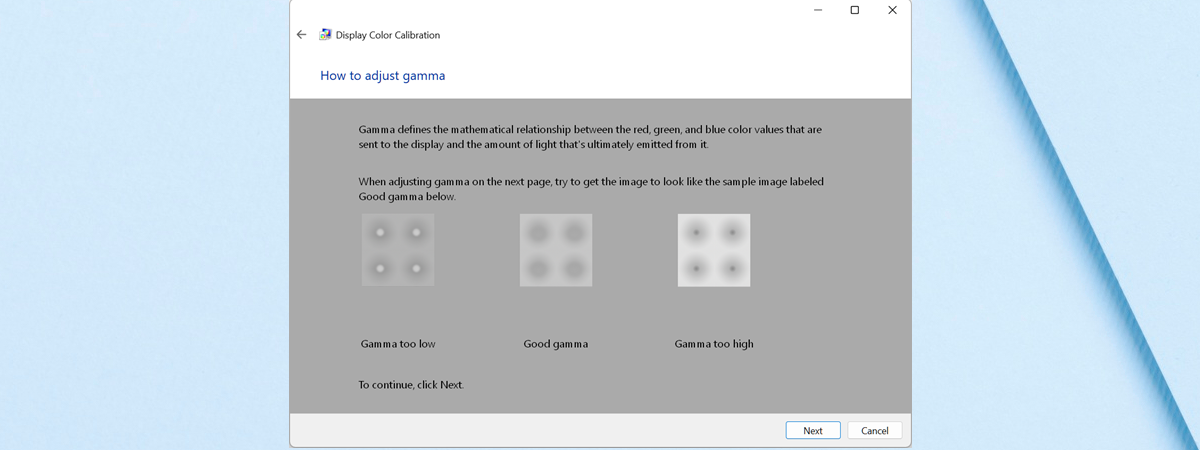
If you feel that the blacks and the other colors on your monitor don’t look the way they should, you may be right. Just like any imaging device, computer monitors also have to be calibrated to produce the best image they can. Fortunately, both Windows 11 and Windows 10 include a “Display Color Calibration” wizard that can help you calibrate your monitor for the
tutorial How to improve text quality in Windows with ClearType

How to improve text quality in Windows with ClearType

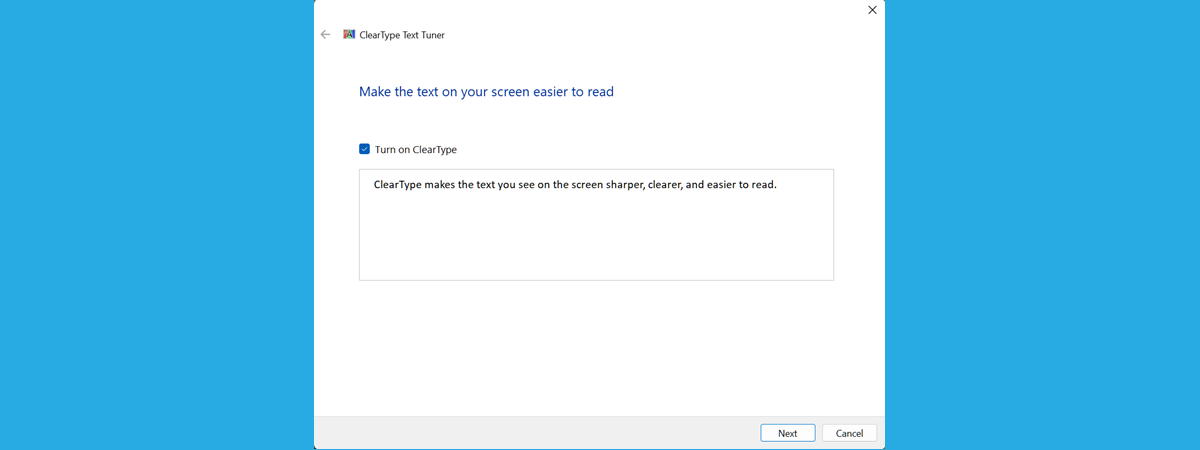
If you’re having trouble reading text on your Windows computer’s display, or you can see it reasonably well, but your eyes tire quickly, then you can use the ClearType Text Tuner to improve the readability of the text shown on your screen. The ClearType Text Tuner can be used to turn on ClearType or turn it off, a technology developed by Microsoft to increase
review Logitech G Pro X TKL Lightspeed review: Gaming in warp speed

Logitech G Pro X TKL Lightspeed review: Gaming in warp speed

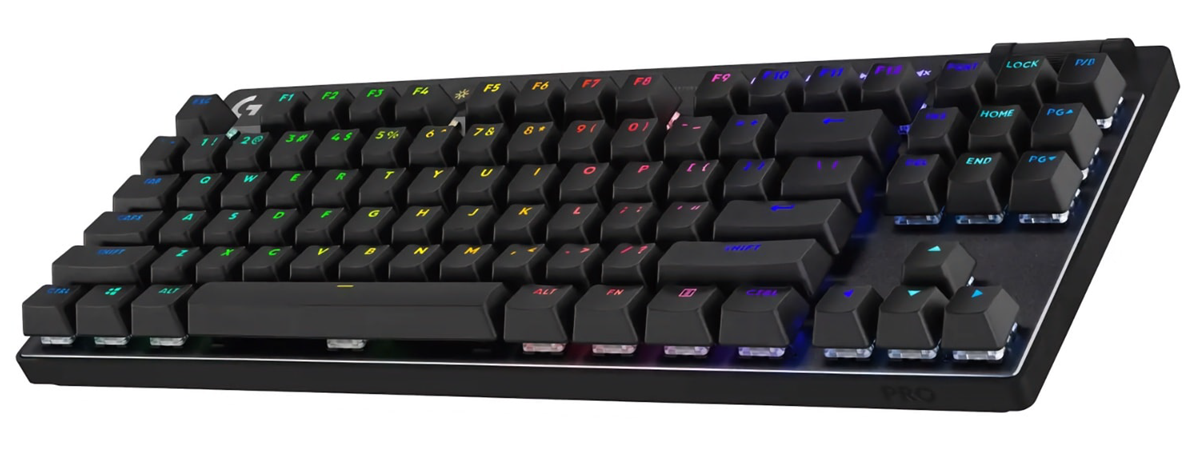
Logitech just announced the launch of a few new products designed for gamers. One of them is the Logitech G Pro X TKL Lightspeed, a wireless tenkeyless keyboard that follows in the footsteps of the Logitech G Pro. Promising performance, speed, and reliability, this keyboard targets both competitive and esports gamers. Thanks to Logitech, I tested it before the official release, and now I’m
article What are environment variables in Windows?

What are environment variables in Windows?

Have you ever wondered about Windows environment variables? Maybe some IT admin or computer geek was mentioning them. Did some programs start malfunctioning and returning errors referring to environment variables? Or did you just have an exam, and the only item you didn’t know how to answer was what an environment variable is in Windows? No matter your reasons for wanting to learn more
tutorial What is an ICM file? How to install an ICM profile

What is an ICM file? How to install an ICM profile

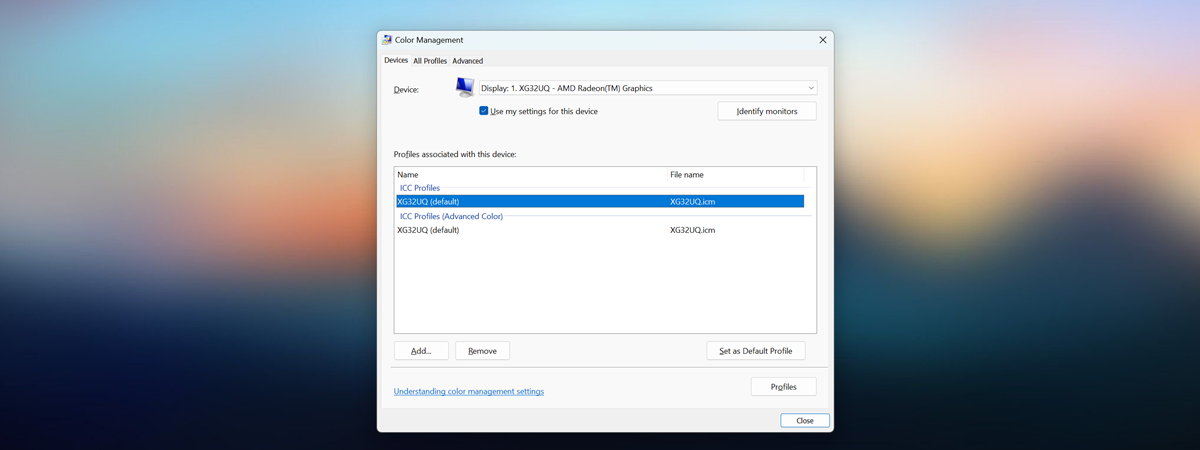
Color is one of the critical elements when working with images and videos. Every computer monitor has a different color profile, rendering it slightly different from other displays. It’s important to make sure that the colors your monitor displays are as close to reality as possible. That’s why you should always install a color profile suited for your display. In this tutorial, I’ll explain
article What do 720p, 1080p, 1440p, 2K, 4K, and other resolutions mean?

What do 720p, 1080p, 1440p, 2K, 4K, and other resolutions mean?

In the old days of technology, screen resolution was not much of an issue. Windows came with a few preset options, and to get higher resolution, more colors, or both, you would install a driver for your graphics card. As time passed, you could also choose better video cards and monitors. Today, we have many options regarding displays, their quality, and the supported resolutions.
tutorial How to use Paint in Windows 11

How to use Paint in Windows 11

One of the oldest and most popular graphic editors, Paint has been available in Windows from the beginning. Although for a long time, it remained pretty much the same, over the years, Paint has undergone several changes. Probably the most significant ones in the last decade or so are found in the latest version of Paint that comes with Windows 11. In this article,
tutorial How to restore files and folders from a Windows backup

How to restore files and folders from a Windows backup

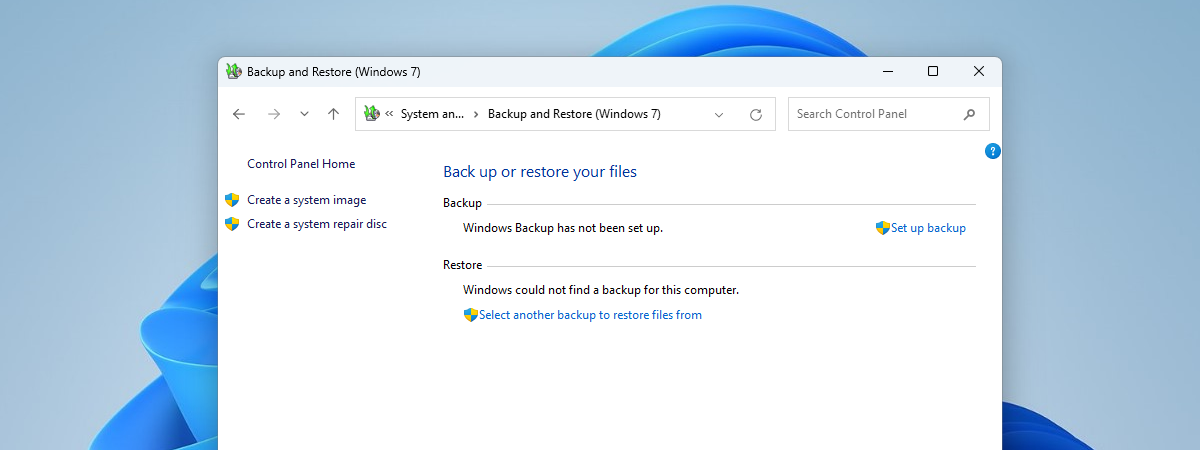
Did you create a backup image of your Windows 11 or Windows 10 computer using the built-in Backup and Restore (Windows 7) tool? If your PC broke down, you may have difficulties accessing your files and folders because data loss or corruption occurred. So now, you may wonder how to recover files and folders from that backup image you made a while ago. In
tutorial How to check the screen resolution in Windows

How to check the screen resolution in Windows

Whether you have a PC, a laptop, or any other device that runs on Windows, it probably has a screen attached to it. It can be a monitor, a laptop or tablet display, or even a TV screen. Have you wondered what your screen’s resolution is? Do you want to know how to find what resolution your display uses? If you did, read this
tutorial How to change the refresh rate in Windows 11

How to change the refresh rate in Windows 11

A display’s refresh rate is the number of times per second the image refreshes on the screen. Windows 11 allows you to change the refresh rate manually or enable Dynamic Refresh Rate (DRR) if your hardware supports it. But where do you find the Windows 11 refresh rate? Moreover, what steps do you need to take to set a lower or enable a higher
tutorial How to recover Windows from a backup with System Image Recovery

How to recover Windows from a backup with System Image Recovery

If you’ve used the Backup and Restore feature to create a backup of your operating system’s files and settings on Windows 11 or Windows 10, you might wonder how to restore them in case of a system failure or data loss. In this tutorial, I’ll show you how to restore a Windows backup image with System Image Recovery. Hopefully, by the end of it,
tutorial How to change the screen resolution in Windows 11

How to change the screen resolution in Windows 11

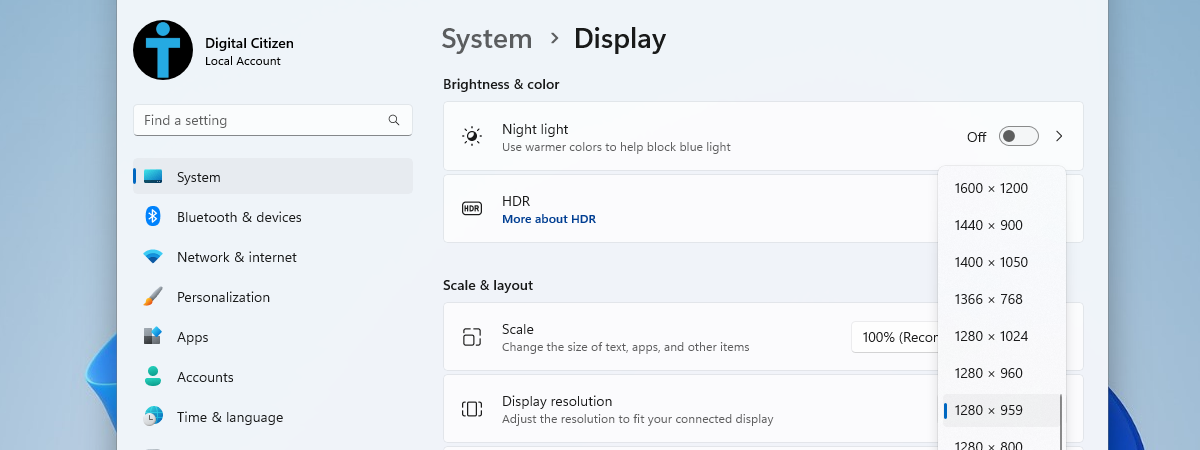
If you want to adjust the size and clarity of the items on your screen, you can change the screen resolution in Windows 11. The screen resolution is the number of pixels your monitor can display horizontally and vertically. A higher resolution means more pixels and details but can also make the items smaller and harder to read. A lower resolution means fewer pixels