UP

Productivity

What does it mean to use technology productively? Which apps and gadgets make your work easier? How to personalize the computers and other gadgets you’re using?

tutorial How to downgrade Windows 11 and revert back to Windows 10

How to downgrade Windows 11 and revert back to Windows 10

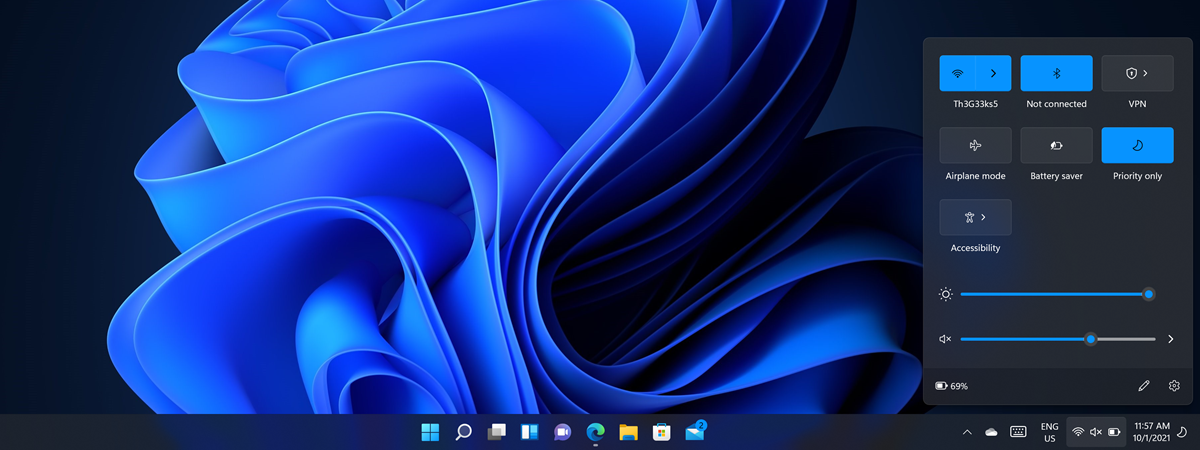
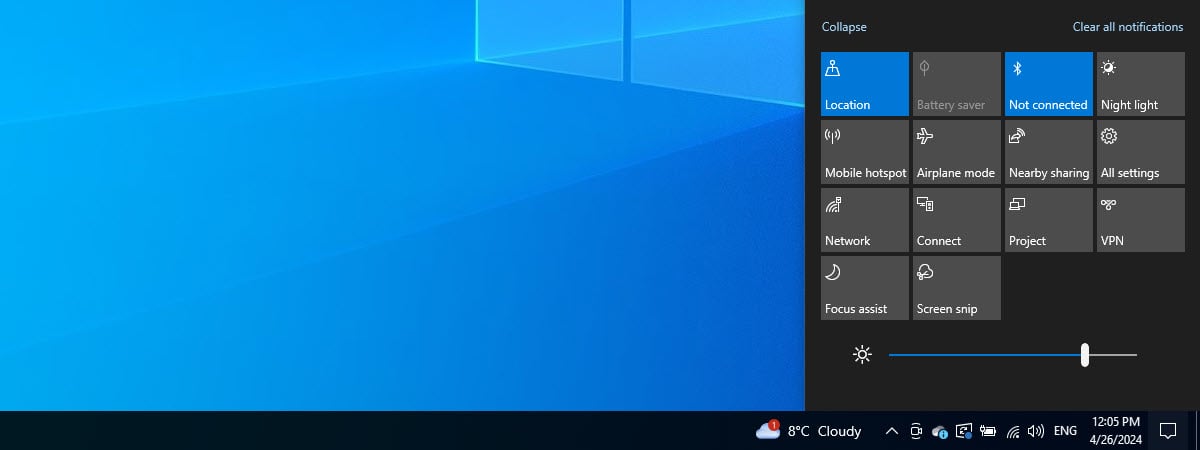
Some people decide to take Microsoft’s advice and upgrade from Windows 10 to Windows 11 using Windows Update or the Windows 11 Installation Assistant. Then, after a couple of days, they might discover they don’t like the new user interface and have trouble adapting, or they need some of the Windows 10 features that were removed from Windows 11. Others may buy a new
tutorial How to check scheduled tasks in Windows

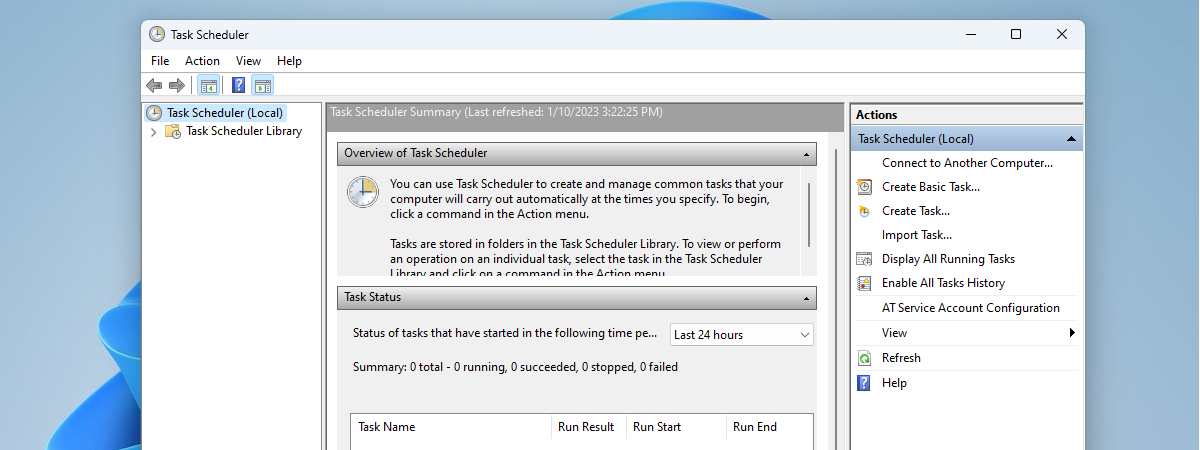
How to check scheduled tasks in Windows

The Task Scheduler is a Windows tool that’s been around for over 20 years. Its main job is to plan when certain tasks should happen on your computer, like running programs or scripts at specific times or in response to certain events. In this guide, I’ll show you how to view the scheduled tasks set up on your computer in order to understand what
tutorial How to upgrade from Windows 10 to Windows 11 for free

How to upgrade from Windows 10 to Windows 11 for free

Microsoft's support for Windows 10 will end on October 14th, 2025. After that date, you have to pay a lot of money to get security updates, and you can do so only for the first three years. Therefore, if you want to avoid paying for updates, your only solution is to upgrade from Windows 10 to Windows 11. And the easiest way to do
tutorial 7 ways to switch the user in Windows 11

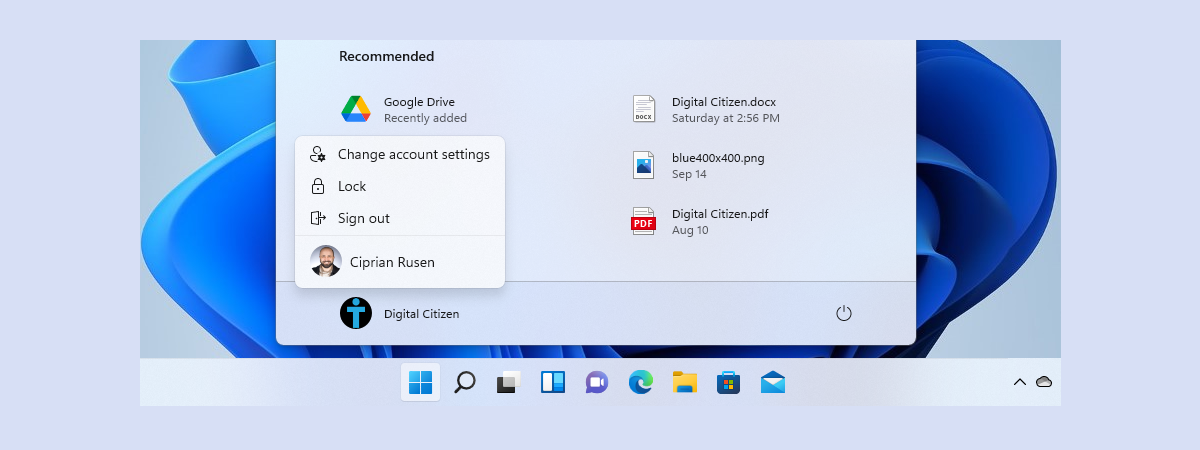
7 ways to switch the user in Windows 11

Having multiple users on a Windows 11 computer is a great way to ensure each person who uses it has a pleasant experience and keeps their files, settings, and apps separate from others. However, this leads to a problem: not everyone knows how to switch the user when it’s their turn to sign in to Windows 11, which can cause data loss and, sometimes,
tutorial Windows 10 Media Creation Tool: Create Windows 10 installation media

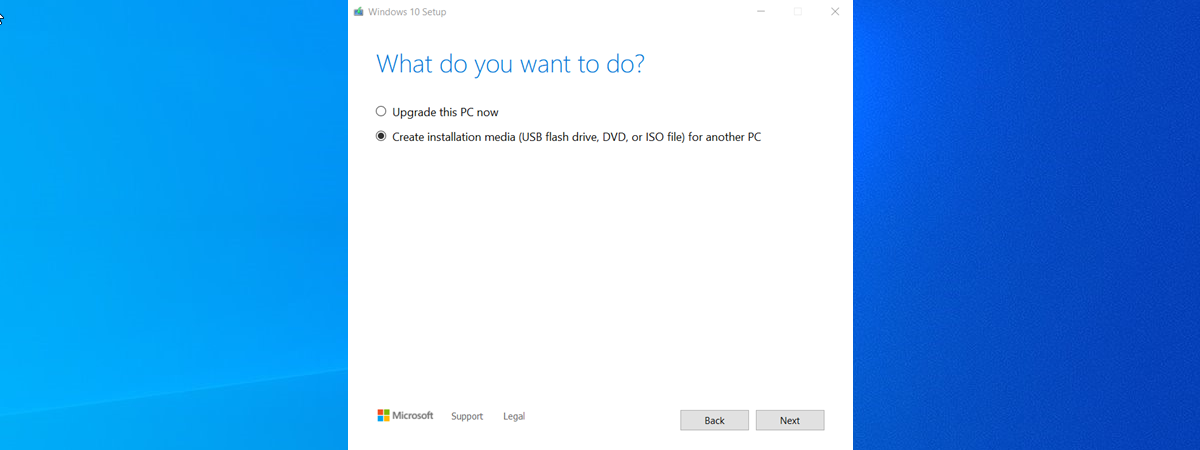
Windows 10 Media Creation Tool: Create Windows 10 installation media

If you want to install or reinstall Windows 10 on any device, you must create installation media, such as a bootable USB flash drive, a DVD, or an ISO file containing the Windows 10 setup. While there are various tools available for this purpose, Microsoft recommends using the Media Creation Tool. In this guide, I'll explain what the Windows 10 Media Creation Tool is,
tutorial 8 ways to switch the user in Windows 10

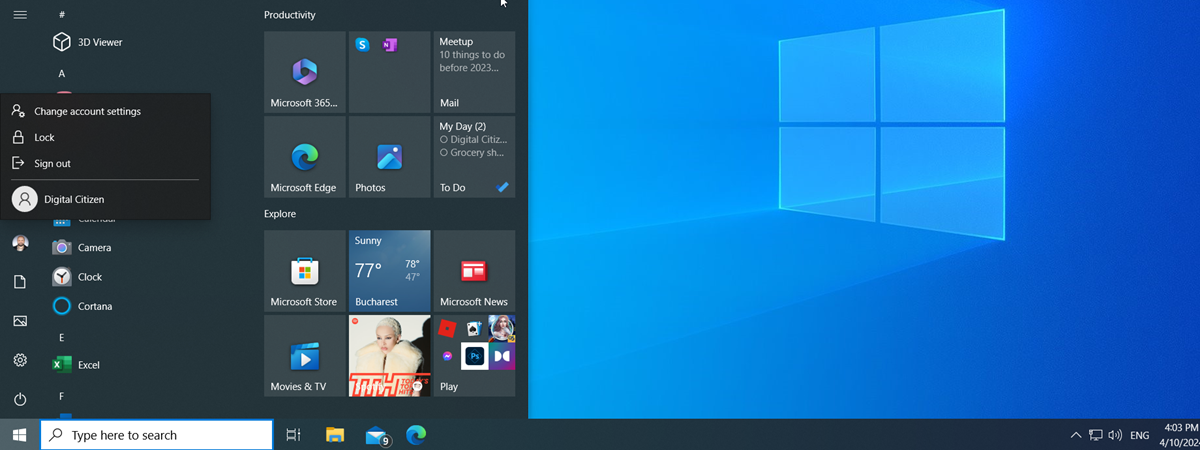
8 ways to switch the user in Windows 10

People often share their computers and devices with others. Whether your little brother or sister or one of your grandparents wants to experience the world of technology, they could cause problems with your PC or your important data because they are unfamiliar with using Windows. That is why Windows 10 allows you to create separate accounts for every user, each with their own files,
tutorial How to show the desktop on a Windows 11 computer

How to show the desktop on a Windows 11 computer

Are you tackling a long to-do list that translates into countless windows and apps open on your Windows 11 computer? Whether it’s to locate a file, place a shortcut, or simply take a breather, at some point, you may find yourself needing to access the desktop quickly. In this tutorial, I’ll walk you through five methods and shortcuts to show the desktop in Windows
review Samsung Galaxy Tab A9+ review: The tablet for budget users!

Samsung Galaxy Tab A9+ review: The tablet for budget users!

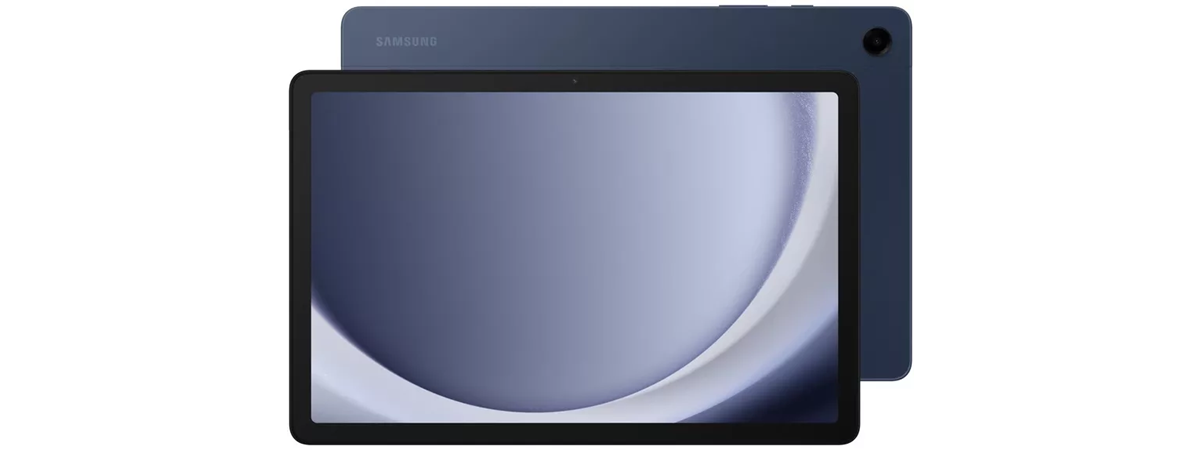
Buying a good tablet is difficult if you don’t have a generous budget. Luckily, in recent months, some new tablets have been launched, including the Samsung Galaxy Tab A9+, which aims to upgrade the user experience in several key areas and offer things like 5G mobile connectivity, good software support, unexpected productivity tools, as well as apps that are useful to families with children.
article Windows 10 in 2024: Reliable and still relevant

Windows 10 in 2024: Reliable and still relevant

Although Windows 11 continues to gain attention and slowly but steadily improve its adoption rate, Windows 10 remains widespread in 2024. The reasons for that are simple but important, and even Microsoft seems to have noticed that many people like this operating system more than its newer one. Therefore, the company keeps improving the user experience and ensuring strong security for Windows 10 users.
tutorial How to start Windows 11's Safe Mode with Command Prompt

How to start Windows 11's Safe Mode with Command Prompt

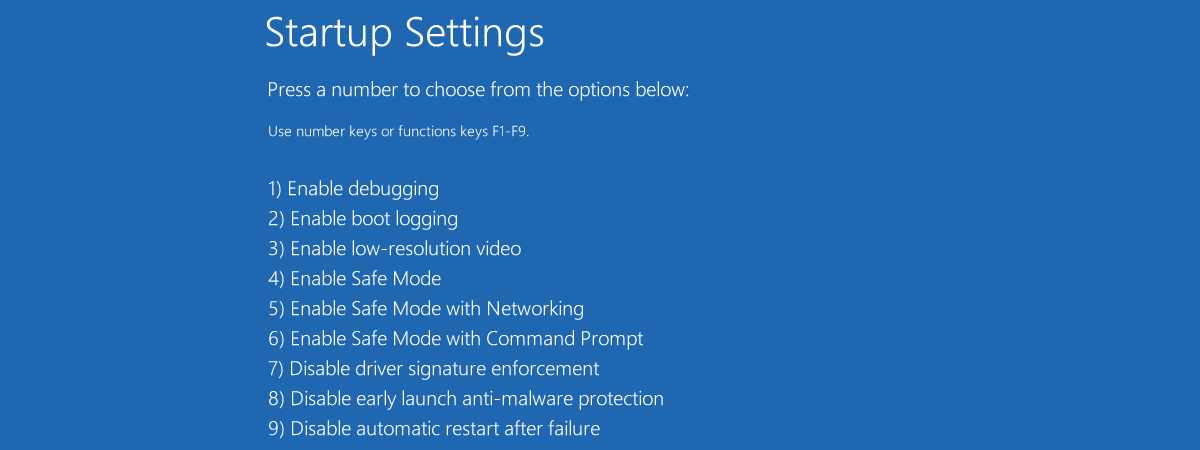
Being able to work in Safe Mode is essential when you have no other option for troubleshooting Windows 11 issues or boot failures. As Safe Mode loads only the most basic components required for the operating system to start, it can help you a lot in finding and resolving problems on your computer. Moreover, if you suspect some graphical user interface issues affect the

How to open File Explorer in Windows (12 ways)

File Explorer is one of the most used apps in Windows 10 and Windows 11. Whether you need to open, copy, delete, or move files, there is always one thing you have to do first: open the File Explorer. So, I thought it would be an excellent idea to write this roundup article, showing all the ways to open File Explorer in Windows 10 and Windows 11. They involve everything
tutorial How to create a Windows recovery USB drive

How to create a Windows recovery USB drive

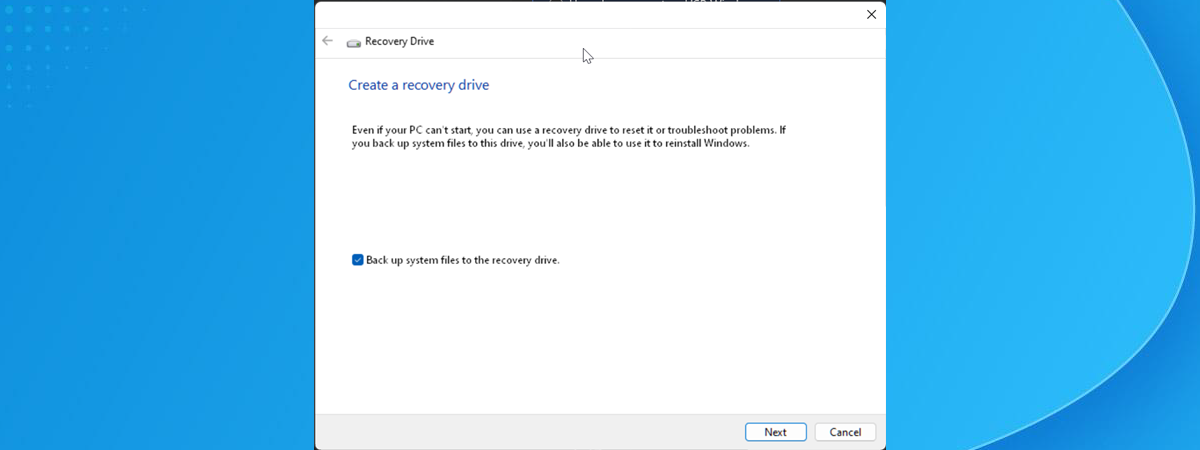
When Windows crashes because of a faulty update or when it doesn’t boot correctly, you can try fixing it with a recovery USB drive. Creating a recovery drive involves plugging a USB memory stick into a working Windows computer and running the Recovery Media Creator wizard. Here’s how it all works and how to create a recovery USB drive that works on any PC
tutorial How to show the desktop on a Windows 10 computer

How to show the desktop on a Windows 10 computer

The desktop is the home base for many Windows 10 users, and there are several ways to access it. Even if you don’t store files and folders on it, you can switch to the desktop to quickly hide your screen’s contents. All your app windows are minimized when you do that, and the desktop is shown instead. In this tutorial, I’ll tell you six
tutorial Windows 10 Update Assistant: Upgrade Windows 10 to the latest version!

Windows 10 Update Assistant: Upgrade Windows 10 to the latest version!

After ending support for the 21H2 Home and Pro editions of Windows 10 back in January 2023, Microsoft has announced that support for Windows 10 21H2 Enterprise and Education will run out on June 10th, 2024. If, for any reason, you haven’t upgraded to the latest 22H2 version of Windows 10, which was released way back in October 2022, your only choice is to
tutorial Windows 8.1 settings: How to open PC Settings

Windows 8.1 settings: How to open PC Settings

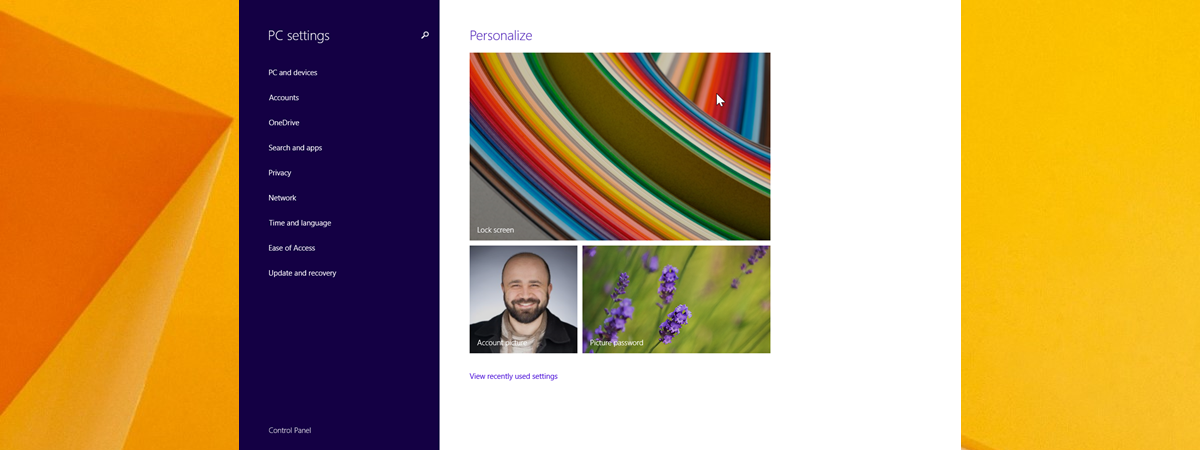
Windows 8.1 has reached its end of support on January 10th, 2023. However, this doesn’t mean all laptops and devices with this operating system are gone. Many people are still using them, and those that do often ask themselves: How do I get to my PC Settings? To help them out, we decided to update this 10-year-old guide, and provide people with the most
article What is Safe Mode on a Windows computer?

What is Safe Mode on a Windows computer?

You may be familiar with the term Safe Mode in Windows, but do you know what it means and what it does? Do you want to learn more about it and how it differs from regular Windows? What about the differences between the three Safe Modes available on Windows operating systems? To get answers to all these questions, read this article: What is
tutorial How to get Gmail as a desktop app for Windows

How to get Gmail as a desktop app for Windows

Google doesn’t offer an official Gmail desktop app for managing emails on Windows computers. However, with just a few clicks or taps, you can get your own Gmail app for Windows 10 or Windows 11. You’ll need to use a web browser like Google Chrome or Microsoft Edge, but it will give you a native app-like experience for accessing Gmail on your computer. Here’s
tutorial How to install Windows 10 from a USB drive, DVD, or ISO

How to install Windows 10 from a USB drive, DVD, or ISO

Windows 10 is used on over a billion computers and devices, and many users want to install it independently. One way is to use a USB memory stick with the Windows 10 setup, a disc (like a DVD or CD), or an ISO file with the installation. The installation process is the same regardless of the source you use. This guide shows you how