UP

Productivity

What does it mean to use technology productively? Which apps and gadgets make your work easier? How to personalize the computers and other gadgets you’re using?

article What is Safe Mode on a Windows computer?

What is Safe Mode on a Windows computer?

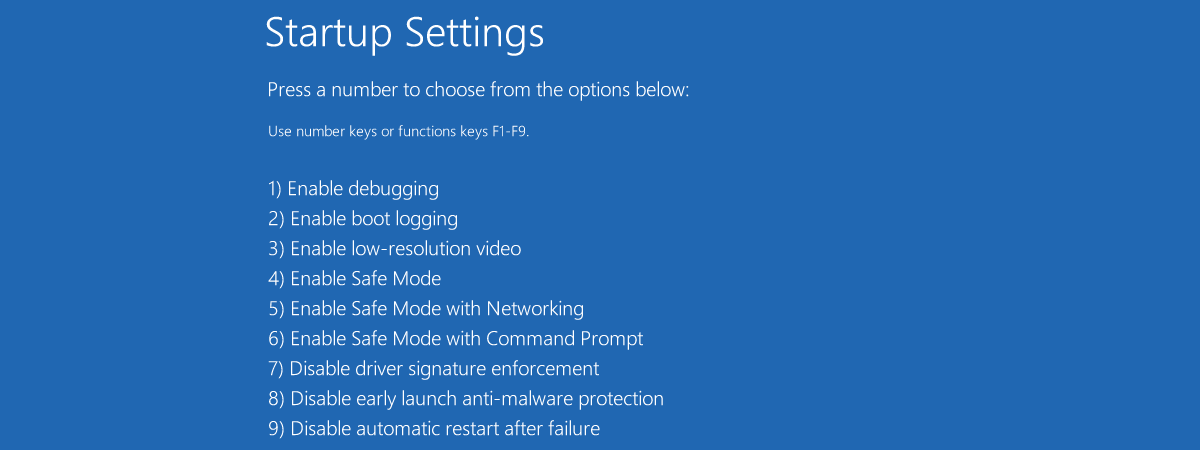
You may be familiar with the term Safe Mode in Windows, but do you know what it means and what it does? Do you want to learn more about it and how it differs from regular Windows? What about the differences between the three Safe Modes available on Windows operating systems? To get answers to all these questions, read this article: What is
tutorial How to get Gmail as a desktop app for Windows

How to get Gmail as a desktop app for Windows

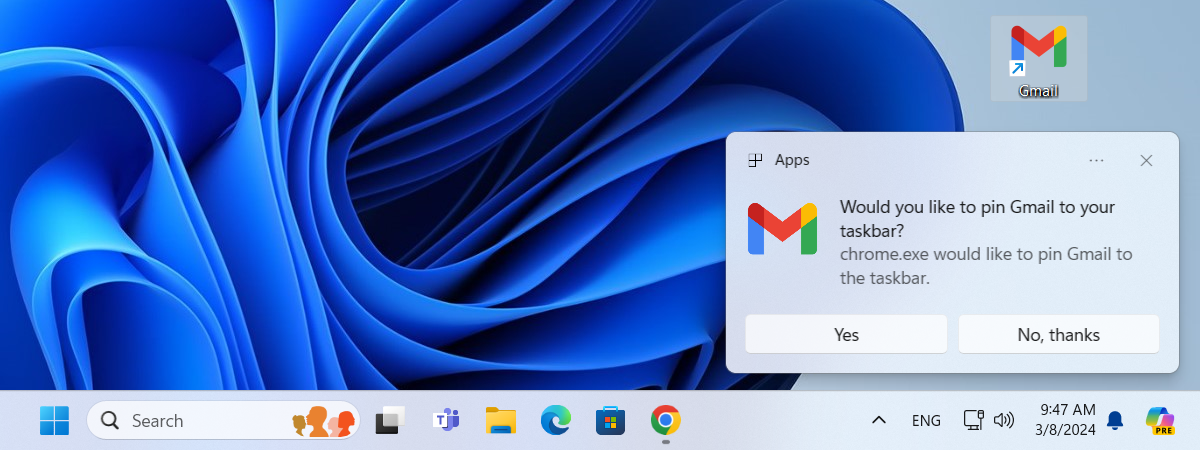
Google doesn’t offer an official Gmail desktop app for managing emails on Windows computers. However, with just a few clicks or taps, you can get your own Gmail app for Windows 10 or Windows 11. You’ll need to use a web browser like Google Chrome or Microsoft Edge, but it will give you a native app-like experience for accessing Gmail on your computer. Here’s
tutorial How to install Windows 10 from a USB drive, DVD, or ISO

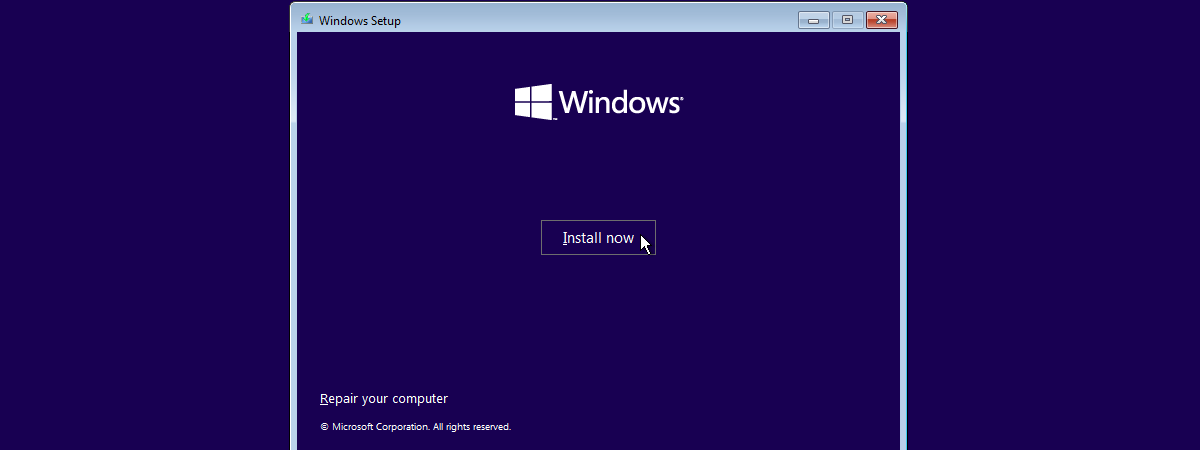
How to install Windows 10 from a USB drive, DVD, or ISO

Windows 10 is used on over a billion computers and devices, and many users want to install it independently. One way is to use a USB memory stick with the Windows 10 setup, a disc (like a DVD or CD), or an ISO file with the installation. The installation process is the same regardless of the source you use. This guide shows you how
tutorial How to turn off Safe Mode in Windows

How to turn off Safe Mode in Windows

Windows Safe Mode is a great way to troubleshoot your computer or device. You can use it to uninstall problematic drivers or programs and to remove stubborn malware. Once you have fixed your Windows problems, you can exit Safe Mode and boot normally into the Windows operating system... or can you? Read this article to learn four methods of turning off Safe Mode in
tutorial How to open Settings in Windows 10 (on a laptop, PC, or tablet)

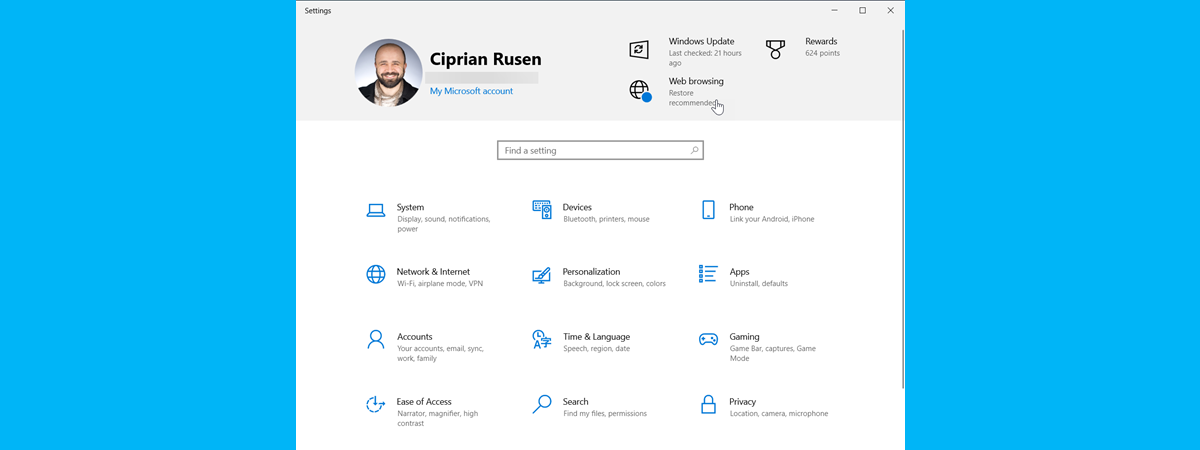
How to open Settings in Windows 10 (on a laptop, PC, or tablet)

The Settings app in Windows 10 is the modern replacement for the dated Control Panel that we’ve been accustomed to since the good old days of Windows XP. Its purpose is to help us configure how the operating system works on our machines. Therefore, if you have a Windows 10 laptop, PC, or tablet, you must know how to open Settings. Maybe you want
tutorial What is the Device Manager and what is it used for?

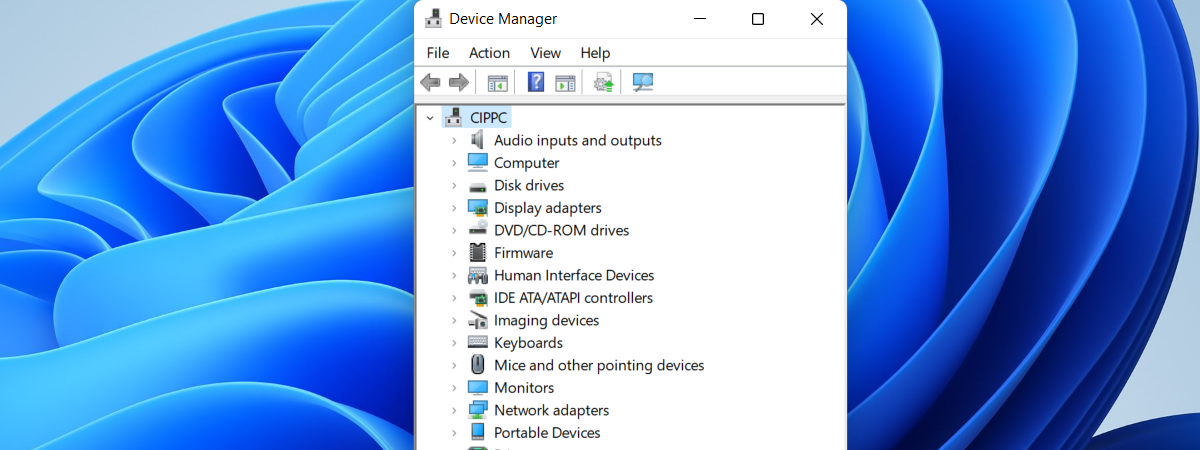
What is the Device Manager and what is it used for?

Did you hear about the Device Manager? Do you know what it is and what it’s used for in Windows operating systems? With just a few clicks or taps, Device Manager lets you see and manage all the hardware installed on your Windows PC or device, view the devices for which you did not install appropriate drivers, and also see and manage “hidden” devices.
tutorial How to open Microsoft Edge in Windows (10 ways)

How to open Microsoft Edge in Windows (10 ways)

Both Windows 10 and Windows 11 come with Microsoft Edge as their default web browser. If you’re already using it as your main browser or if you’re trying out Microsoft Edge, it’s essential to know the most convenient ways to open it. Though launching Edge is easy and intuitive, there are situations when you can’t find its shortcut or when using the one at
tutorial How to remove the background from a picture with Paint in Windows 11

How to remove the background from a picture with Paint in Windows 11

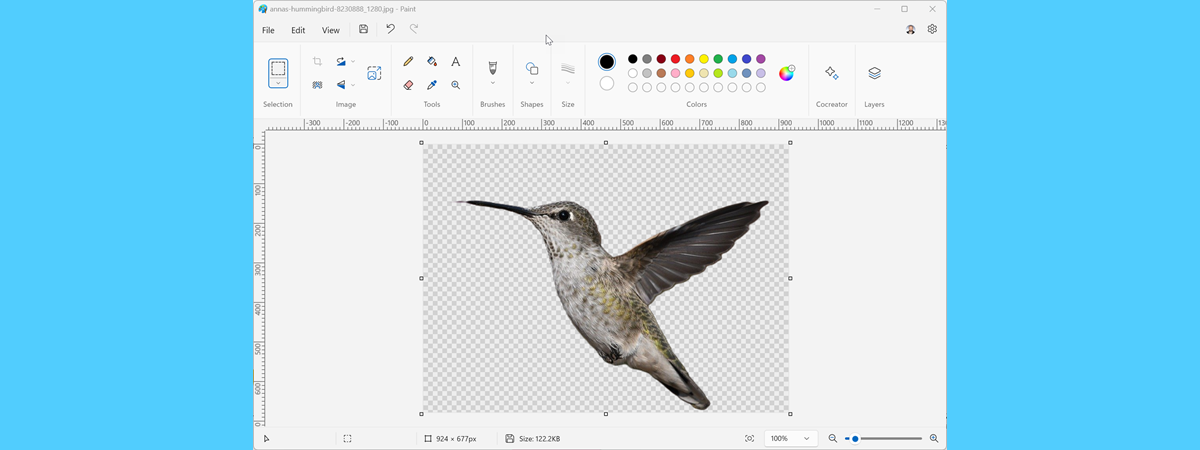
At the end of 2023, Microsoft updated Paint in Windows 11 to include all kinds of useful features, like support for layers and an AI tool for removing a picture’s background so that it becomes transparent. Therefore, if you need a quick way to make the background transparent in a picture, you can do that with Microsoft Paint in just a few clicks. I
tutorial How to check the Windows 11 version and edition

How to check the Windows 11 version and edition

Although the adoption rate of Windows 11 is slower than what Microsoft would like, millions of people use it at home or work. Microsoft improves this operating system by releasing yearly minor and major updates to make it more appealing. The Windows 11 build number changes with each new update, and sometimes the version number changes too. If you need to know the Windows
tutorial How to use Windows 10’s Math Input Panel to recognize math expressions

How to use Windows 10’s Math Input Panel to recognize math expressions

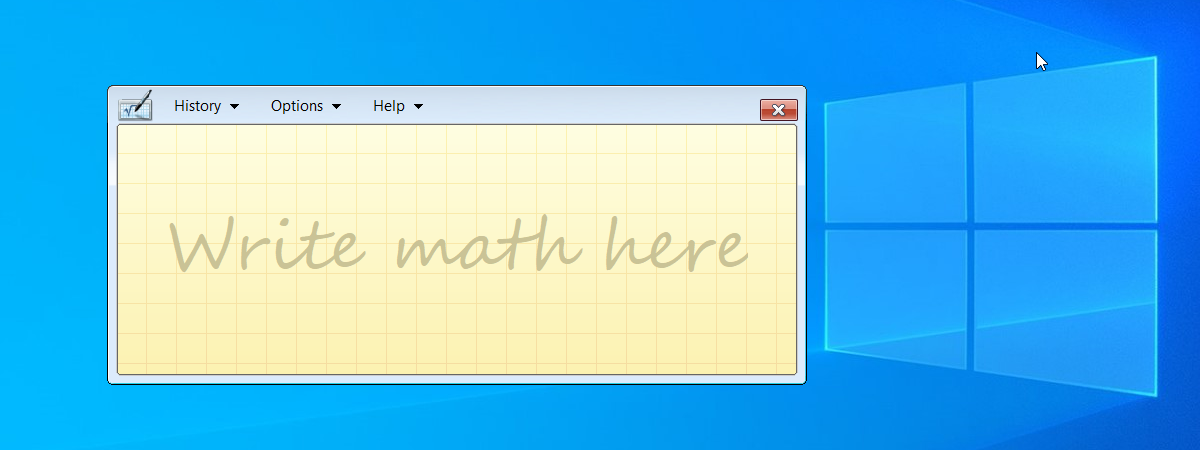
Do you need to write equations in a document but find it challenging to use the tools available in your favorite text editor or presentation app? Have you heard about the Math Input Panel? It’s a neat small app available in Windows 10 that allows you to write down your math just like on paper, making it easier to create well-formatted mathematical expressions. In
article What's new in Windows 11 Moment 5 Update (February 2024 Moment)

What's new in Windows 11 Moment 5 Update (February 2024 Moment)

Microsoft is in the final stages of testing their upcoming Moment 5 Update for Windows 11. This update will be made available at the end of February 2024 and then rolled out slowly to all Windows 11 users, including those using Windows 11 versions 22H2 and 23H2. Moment 5 is not a big update, but it does include some welcome improvements to features like
tutorial How to add and edit pictures and shapes in Microsoft Word

How to add and edit pictures and shapes in Microsoft Word

If you want to make your Word documents more attractive, you can use pictures and shapes. They can make a document look more professional, describe the content, and illustrate ideas better. It all sounds simple, right? However, there are many tools available in Microsoft Word for working with pictures and shapes, which means there’s a lot of ground to cover. So, without further ado,
tutorial How to download Windows 11 for free

How to download Windows 11 for free

You never know when you’re going to need a copy of the Windows 11 setup on a USB flash drive, a DVD, or as an ISO file. It may be useful for reinstalling Windows 11 on your computer or laptop, assisting a friend, or even upgrading a Windows device. And that’s why you may want to know how to get Windows 11. This is
tutorial How to start Windows 10 in Safe Mode with Command Prompt

How to start Windows 10 in Safe Mode with Command Prompt

One way to troubleshoot Windows 10 problems or fix boot failures is to start the system in Safe Mode. Safe Mode only loads the essential components, which helps you isolate and solve the issues. However, some problems are so severe that they interfere with the graphical user interface, making Safe Mode with Command Prompt a better option, as it doesn’t run the Explorer shell.
review Samsung T9 portable SSD review: Tough and lightning-fast

Samsung T9 portable SSD review: Tough and lightning-fast

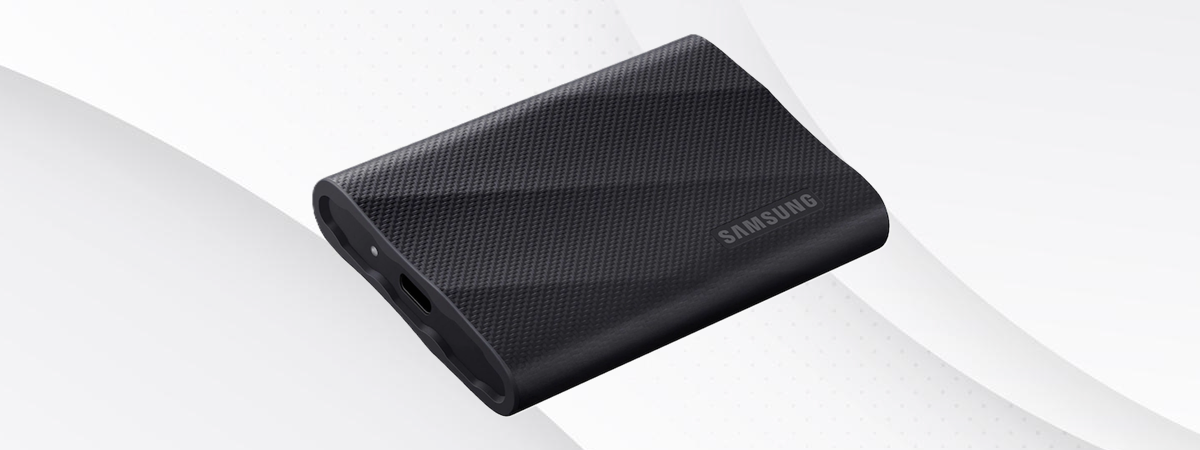
Portable solid-state drives are more popular and affordable than ever, and Samsung is a leading brand in this market One of their latest products is the T9, a fast 20 Gbps external SSD that works on the USB 3.2 Gen 2x2 interface, with support for hardware encryption and protection against accidental falls. While its specifications sound good, the most important questions are: How does
tutorial How to change what the power button does on a Windows PC

How to change what the power button does on a Windows PC

A well-known way to turn off a Windows computer or laptop is to press the physical power button on the device rather than using the Shut down option in the Start Menu. If you like the idea of using the hardware buttons on your PC to do things, the good news is you can change the power button settings to perform other tasks than
tutorial How to change the layout of a document in Microsoft Word

How to change the layout of a document in Microsoft Word

Microsoft Word is one of the most powerful text processors of all time, allowing you to create various types of documents. However, creating documents is not just about entering text and stuffing information in them. It’s also about making everything look the way you want it. And, if you want to have a neatly looking document, you will want to set up its layout
tutorial How to download Windows 10 for free

How to download Windows 10 for free

Windows 10 is the most widely used PC operating system in the world right now. Obviously, it’s a good idea to keep a USB memory stick, a DVD, or an ISO file with the Windows 10 setup handy. You may need it for various reasons, whether it’s reinstalling Windows 10 on your laptop or assisting friends in trouble, when their computers malfunction. Or, why
tutorial How to start Windows 11 in Safe Mode with Networking

How to start Windows 11 in Safe Mode with Networking

If your Windows 11 system is having issues or failing to start, booting into Safe Mode can be a lifesaving step for troubleshooting. Safe Mode is a specialized startup mode that loads only essential components, allowing you to identify problems and potentially resolve them. More often than not, you also need internet connectivity for that, which makes Safe Mode with Networking indispensable. In this