How to add a direct dial widget on Android To speed dial on Android or to send someone a message without wasting time going through your contacts, you must first create… Radu Tyrsina · Oct 6, 2025
How do I make Sticky Notes stay open on startup? Sticky Notes is one of the most straightforward and useful tools in Windows. It is the digital equivalent of the paper post-it… Radu Tyrsina · Oct 4, 2025
How to configure Windows Sandbox, share folders, run apps/scripts Windows Sandbox is a virtualized environment similar to a virtual machine that’s available in the Pro, Enterprise, and Education editions of Windows… Radu Tyrsina · Oct 4, 2025
How to change the keyboard language shortcut in Windows 11 If you’re a multilingual person and need to chat or write in several languages on your Windows 11 computer, you might want… Radu Tyrsina · Oct 9, 2025
Sony WH-CH520 review: Attractive on-ear headphones If you’re looking for a pair of wireless headphones that don’t require you to break your piggy bank, you might want to… Radu Tyrsina · Oct 10, 2025
How to make Chrome the default browser in Windows 11 In the early days of Windows 11, you couldn’t simply click on a setting to instantly change your default web browser from… Radu Tyrsina · Oct 10, 2025
Where are screenshots saved in Windows? Change their location To answer questions like “Where do screenshots go on Windows 10?” or “Where are screenshots saved in Windows 11?”, you must first… Radu Tyrsina · Oct 10, 2025
How to change the screen timeout on iPhone It’s important to learn how to change the screen timeout on iPhone. Maybe your hands are full while following instructions on your… Radu Tyrsina · Oct 11, 2025
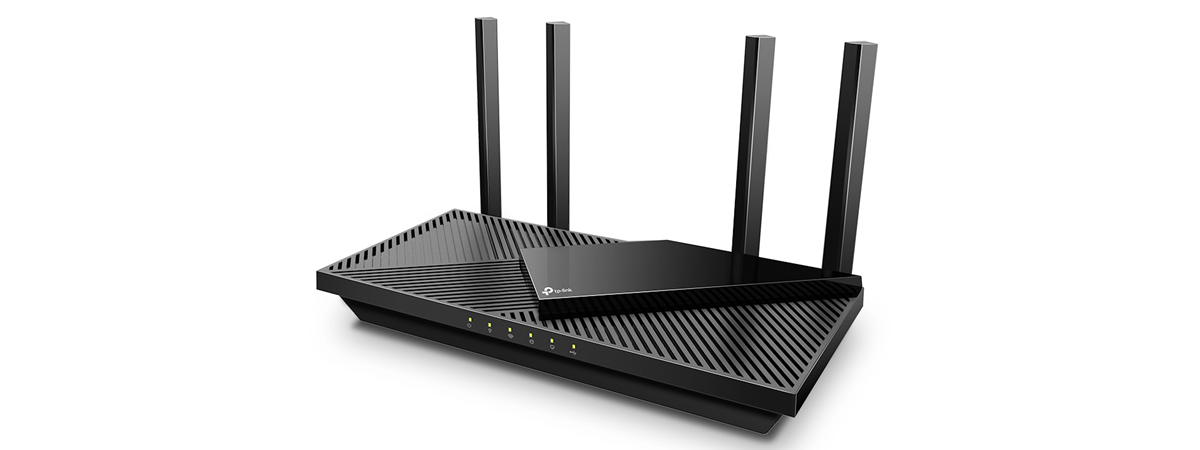
TP-Link Archer AX55 review: A popular choice! Routers around the 100 USD mark are very popular, and for a good reason: they offer the features most people need, solid… Radu Tyrsina · Oct 11, 2025
What is the latest version of PowerPoint? What version do I have? If you need to create presentations regularly, you probably use PowerPoint, an app part of the Microsoft Office productivity suite and the… Radu Tyrsina · Oct 4, 2025
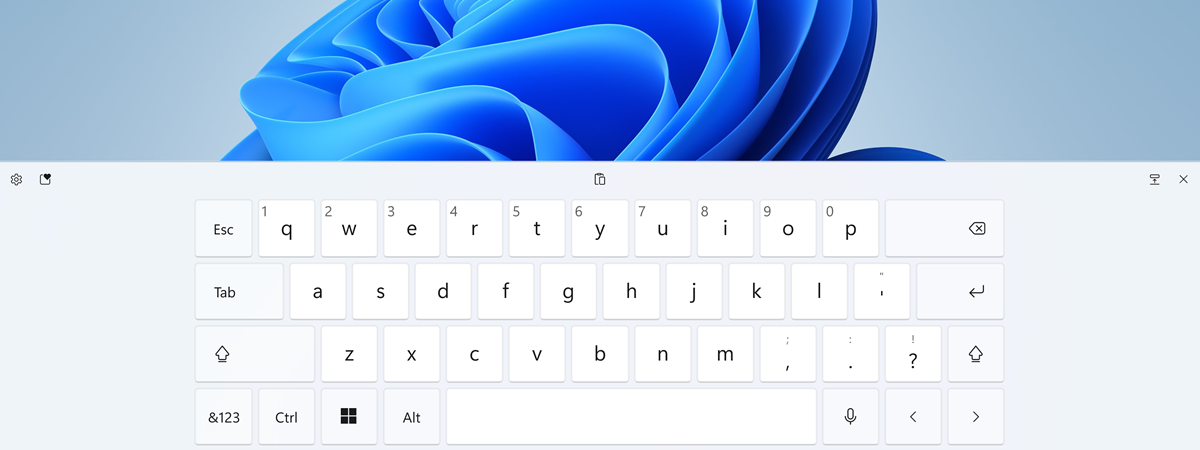
How to enable or disable the touch keyboard in Windows 11 If you’re using a device with a touchscreen, like a tablet, convertible, or laptop with Windows 11, the touch keyboard can help… Radu Tyrsina · Oct 8, 2025
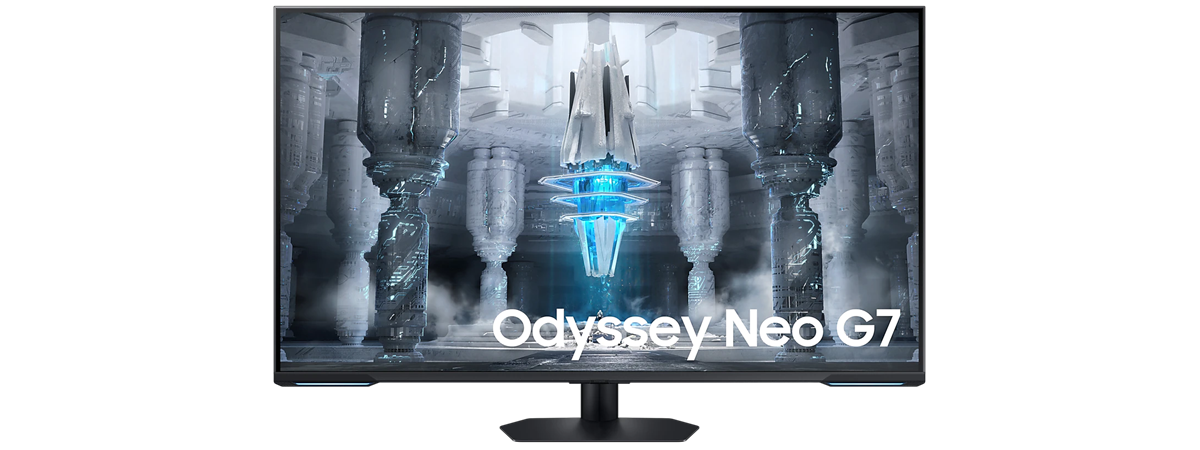
Samsung Odyssey Neo G7 43″ review: Impress(ive) in many ways! Samsung is investing a lot in Mini-LED technology. They’ve recently launched their first flat Mini-LED smart gaming monitor, with an impressive size… Radu Tyrsina · Oct 12, 2025
Where are screenshots saved on Windows, Mac, Android, and iOS? Where do screenshots go on Mac? Where does Android store screenshots? What about your iPhone or iPad? Where do my screenshots go… Radu Tyrsina · Oct 10, 2025
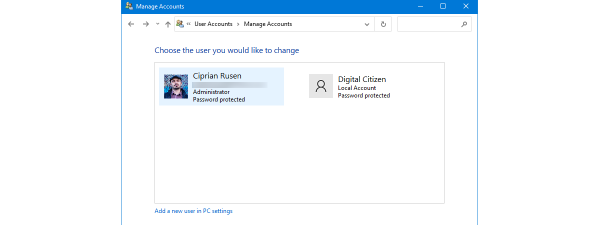
How to list all the users on a Windows computer (7 ways) Sometimes, you may need to extract a list of all the user accounts on a Windows computer. What if you want to… Radu Tyrsina · Oct 4, 2025
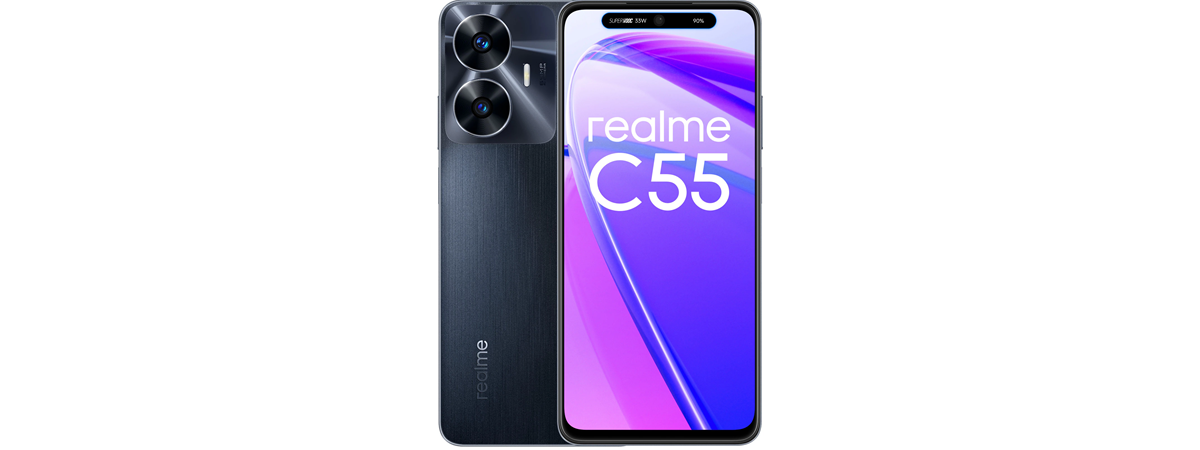
Realme C55 review: A smartphone for people on a budget! Realme benefits from less brand awareness than many of its competitors. However, the company has been on an upward trajectory for quite… Radu Tyrsina · Oct 5, 2025
Windows 11’s best features: 10 great things about it Microsoft’s latest operating system, Windows 11, has been available for quite a while now, and many of us have had all the… Radu Tyrsina · Oct 6, 2025
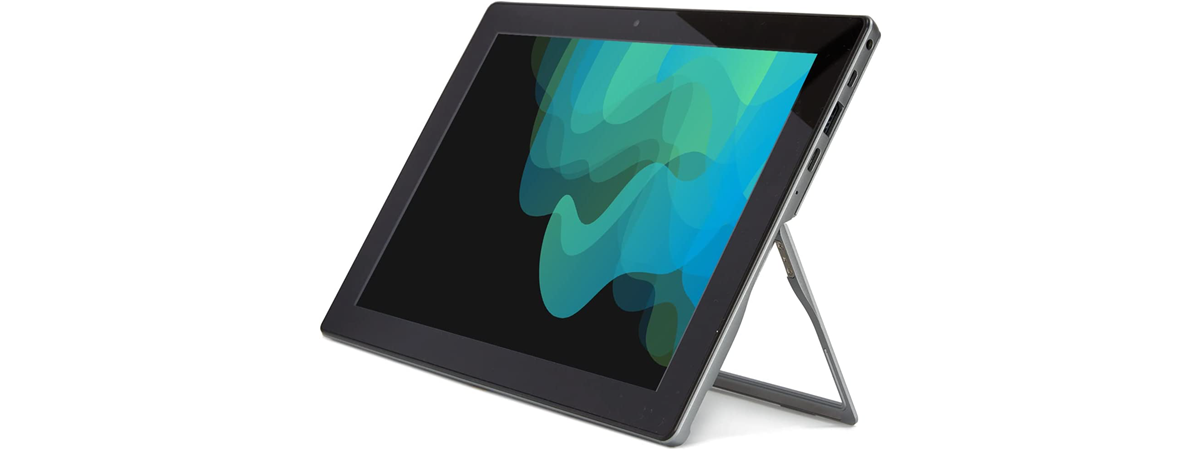
Microtech e-tab Pro 4 review: Affordable and underpowered Tablets are no longer what they used to be a couple of years ago. Most manufacturers refrain from designing and creating as… Radu Tyrsina · Oct 6, 2025
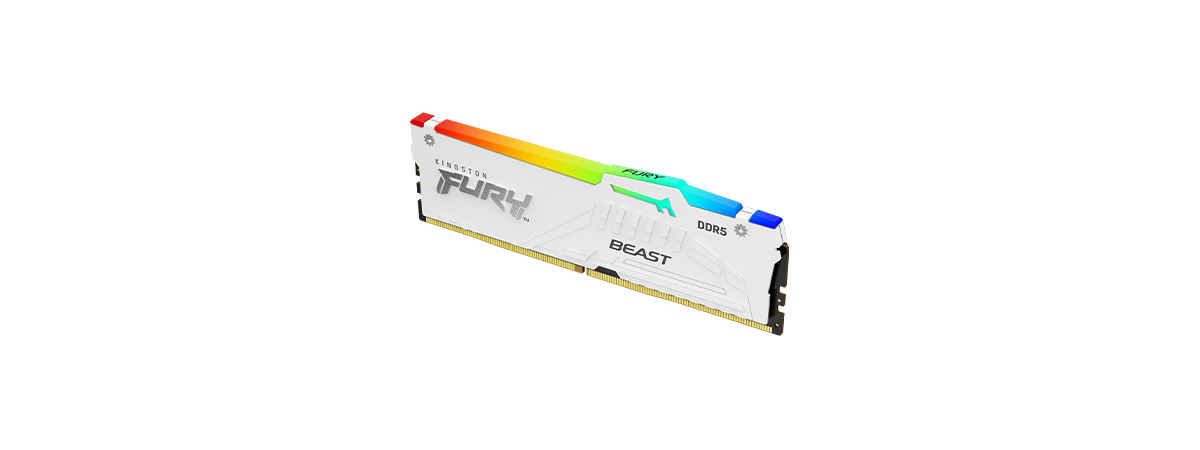
Kingston Fury Beast White RGB 32GB DDR5-6000 review If you have a desktop processor from Intel’s 12th or 13th generations, or an AMD Ryzen 7000, you might want or have… Radu Tyrsina · Oct 10, 2025
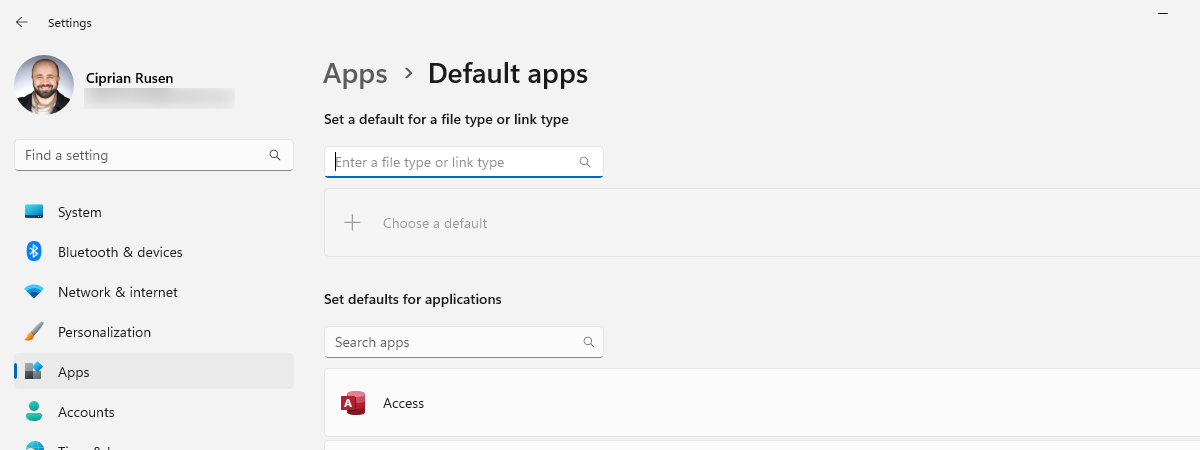
How to set default apps in Windows 11 (file associations) There are hundreds of different kinds of files on your computer, including images, videos, music, text documents, and executable applications. Each file… Radu Tyrsina · Oct 10, 2025
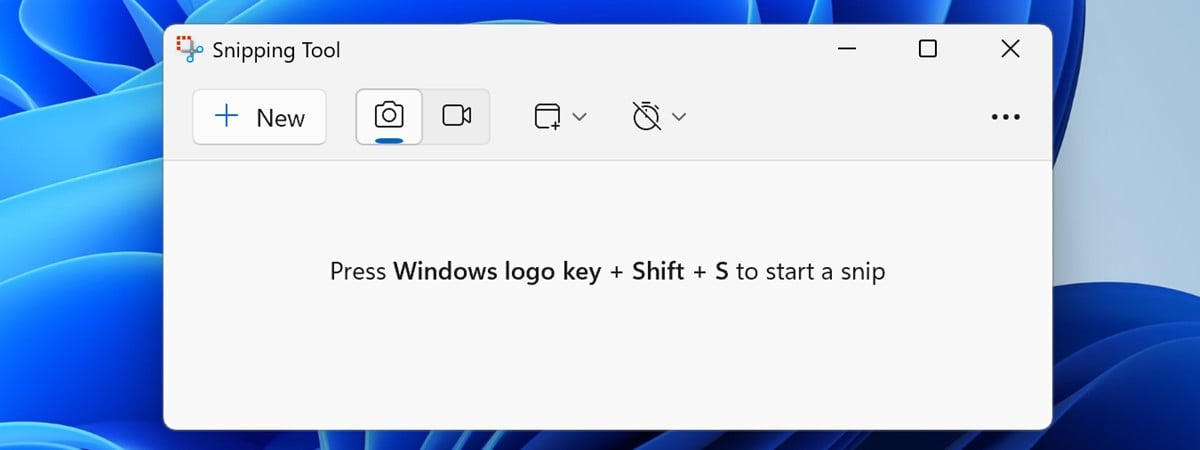
How to use the Snipping Tool in Windows 11 In Windows 11, Microsoft offers an improved Snipping Tool app that promises to be better than previous versions. It’s a simple application… Radu Tyrsina · Oct 11, 2025