



College Football Revamped is a popular fan-made mod that brings modern visuals, updated rosters, and new uniforms to NCAA Football 14. Whether you’re playing on PC, PlayStation 3, or Xbox 360, this guide will show you how to safely download and install the latest version of the mod.
1) System requirements and what you’ll need
Before starting, make sure you have the following:
- A legal copy of NCAA Football 14 (disc or digital)
- A compatible platform (PC, PS3, or Xbox 360)
- Reliable internet connection
- 7-Zip or WinRAR for file extraction
- At least 10 GB of free storage space
2) Download College Football Revamped on PC (RPCS3 Emulator)
You must legally own the game to use the mod. Rip your disc into an ISO file or folder using your console and transfer it to your PC. Avoid any unauthorized downloads, as they may violate copyright laws.
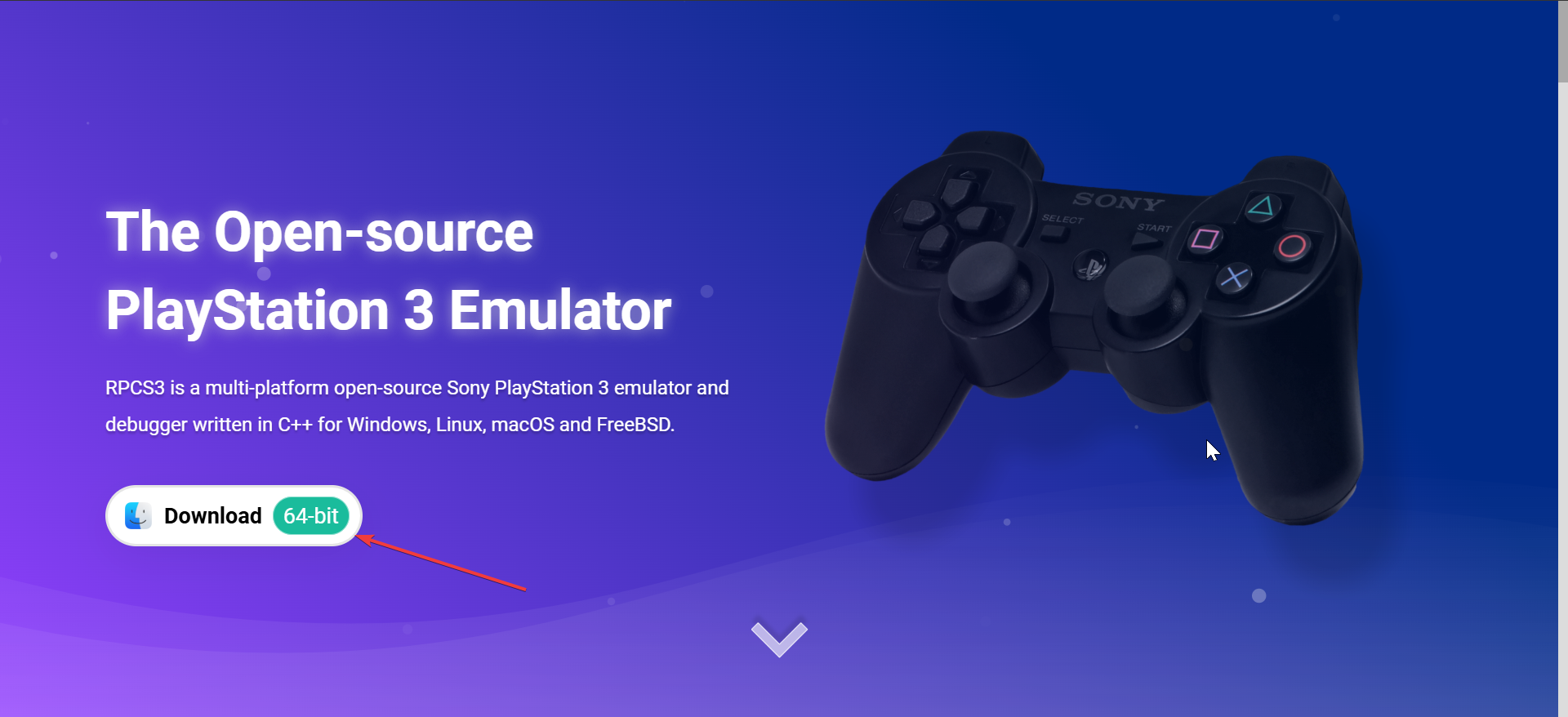
When you have this, download the RPCS3 emulator for Windows. Extract the files, open the program, and install the official PlayStation 3 firmware. Once done, add your NCAA Football 14 game directory under File > Add Games.
Next, get the latest version of the CFBR Easy Installer from the project’s main repository. The installer includes all prior updates and simplifies the patching process for PC users.
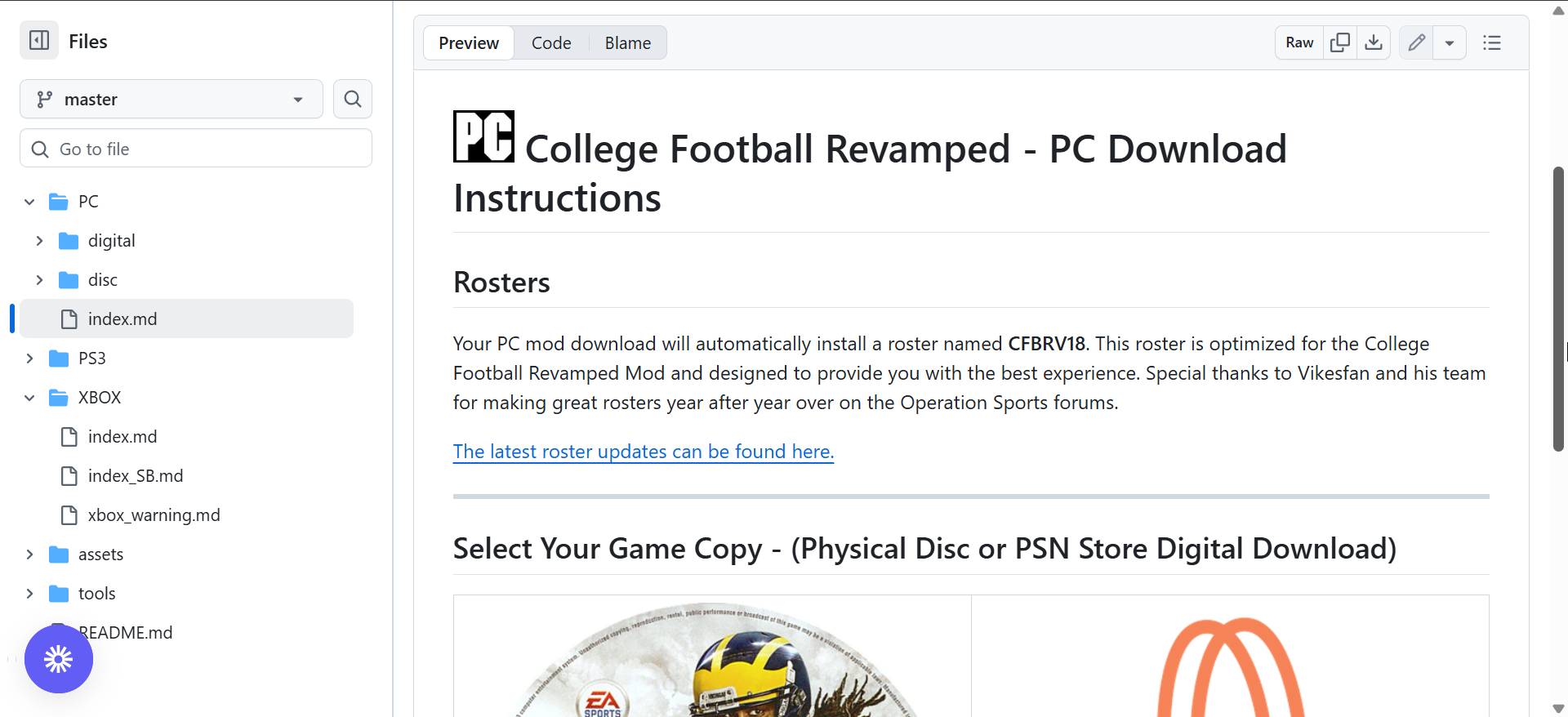
Now, launch the installer and point it to your NCAA Football 14 folder. Choose the correct platform (PC) and confirm installation. Wait for the tool to copy all mod files into your game directory.
After installation, open the game through RPCS3. If the mod loaded correctly, you’ll see the College Football Revamped splash screen before the main menu appears.
3) Download College Football Revamped on PS3
Before downloading, ensure your PlayStation 3 runs custom firmware (CFW) or HEN. Stock systems can’t install third-party mods. If you’re not sure, check your firmware version in the console settings.
To get started, format a USB drive to FAT32 and create a folder labeled PS3. This will hold the installer files you’ll transfer to your console. Next, download the PS3 version of the CFBR mod and move it onto your USB drive. Safely eject the drive and plug it into your console’s front port.
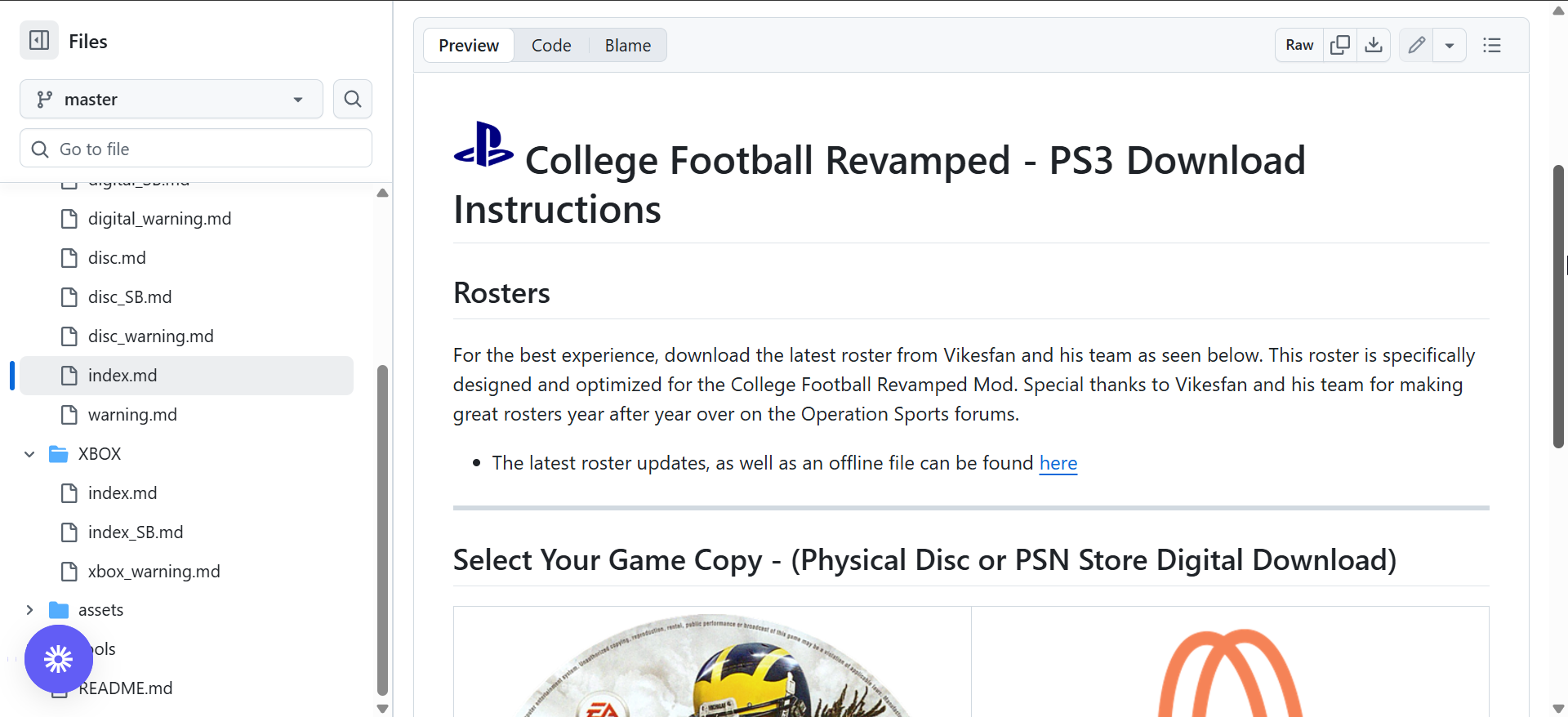
Finally, use Multiman or another file manager to transfer the mod files to your system’s game directory. Once copied, restart the console and verify the modded splash screen appears when launching the game.
4) Download College Football Revamped on Xbox 360
Only JTAG or RGH-modified Xbox 360 systems can run College Football Revamped. Confirm your system is modded before proceeding. Once confirmed, get the latest Xbox patch of the mod and transfer it via USB or FTP. Follow the correct directory structure shown in the mod’s release notes.
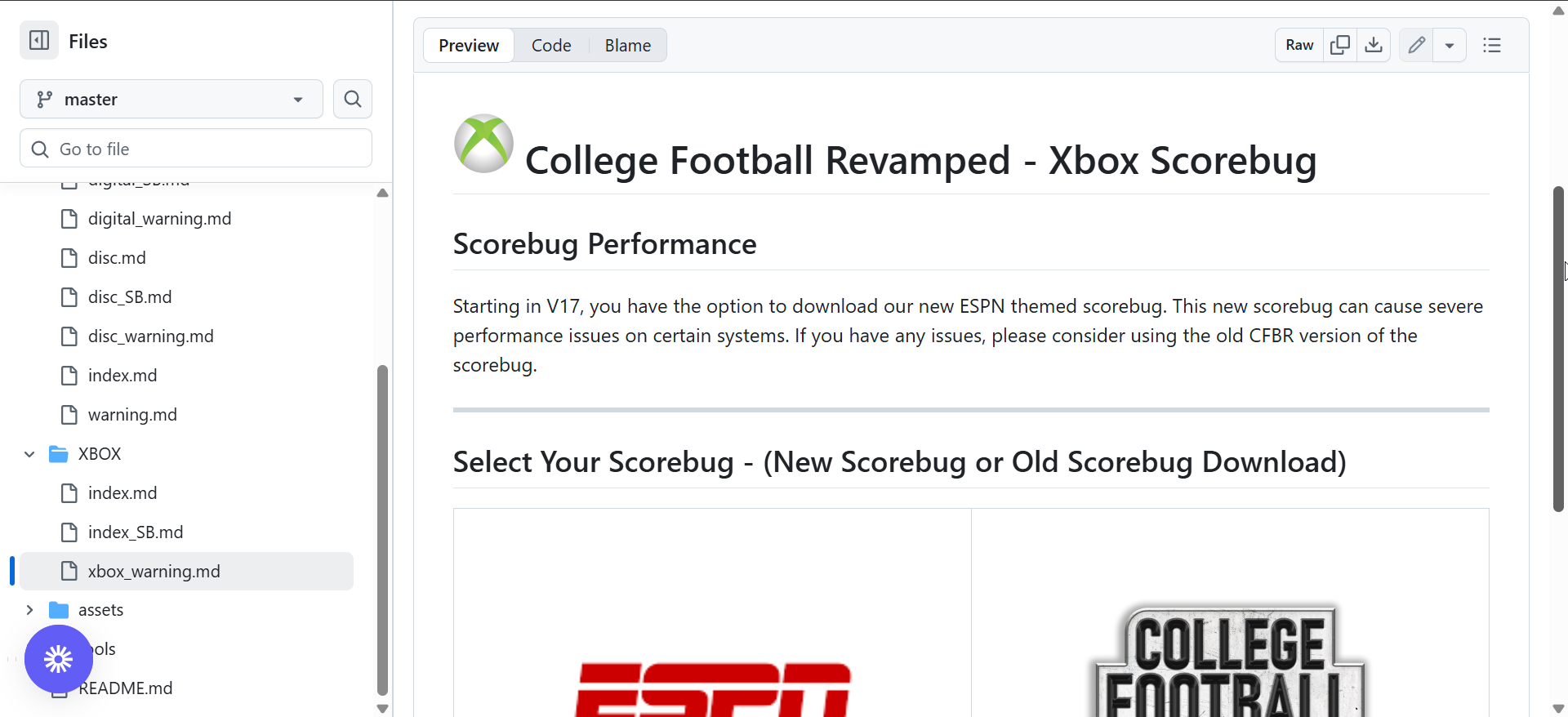
Lastly, copy the modded files into your game folder. Launch NCAA Football 14 and check that the main menu and team uniforms reflect the updated visuals.
5) How to Update College Football Revamped
Updates are released regularly with new rosters and patches. To update, download the newest Easy Installer or console patch and install it over your current version. This will automatically replace outdated files while keeping your saves intact.
6) Troubleshooting common installation problems
- RPCS3 doesn’t detect the game: Recheck the directory path in the emulator. If missing, re-add your game folder under File > Add Games or re-dump the ISO.
- Game crashes or freezes: Delete your shader cache under RPCS3 > Manage > Clear Cache and update your graphics drivers. Restart the emulator before launching again.
- Missing uniforms or textures: Ensure you have the latest patch version and that the mod was applied to the correct game folder. Reinstall the Easy Installer if needed.
Tips for Better Gameplay Performance
- Set RPCS3’s frame limit to 60 FPS
- Enable VSync, and increase resolution scaling if your GPU allows
- Close background apps to reduce lag and stutter.
FAQs
Is College Football Revamped Legal? The mod is completely free and legal to download. However, you must own a legitimate copy of NCAA Football 14 to use it. Sharing or downloading pirated copies of the game remains illegal.
Where can I get support and updates? To stay updated with new patches and version releases, join the official mod community or follow its repository. You’ll also find troubleshooting tips, installation help, and version changelogs there.
Summary
- Verify your platform and confirm you own NCAA Football 14.
- Install the RPCS3 emulator or prepare your console.
- Download the latest CFBR Easy Installer or console patch.
- Run the installer and follow the setup prompts.
- Launch the game and enjoy the revamped NCAA experience.
Conclusion
Installing College Football Revamped is the best way to breathe new life into NCAA Football 14. With enhanced visuals, updated rosters, and smoother gameplay, it delivers the college football experience fans have wanted for years. Whether you’re playing on PC, PS3, or Xbox 360, following the steps above ensures a clean installation and stable performance.
Discussion (0)
Be the first to comment.