




Robotics kits are a fun way to learn coding, electronics, and problem-solving through hands-on builds. Whether you’re shopping for a child, student, or hobbyist, these top-rated kits deliver strong educational value and hours of engagement. We’ve ranked the best options for every age and experience level based on build quality, expandability, and learning potential.
Methodology: What matters and why
We reviewed dozens of robotics kits across education and hobby markets to identify the most effective learning tools. Our focus was on five key criteria: build quality, ease of setup, programming flexibility, expandability, and long-term educational value. Kits that offered a smooth transition from visual to text-based coding, strong community support, and quality hardware earned top rankings.
1) LEGO Education SPIKE Prime (Best overall)
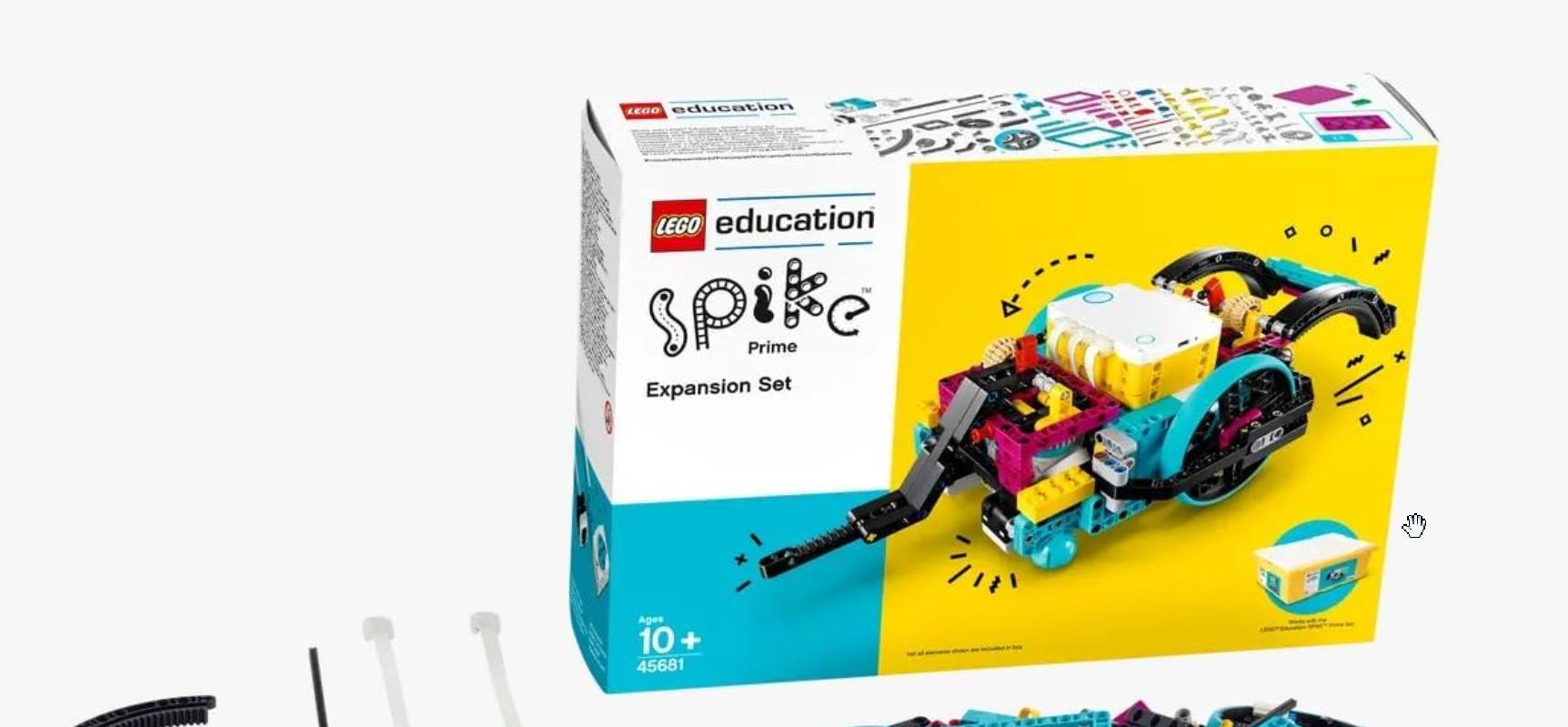
LEGO Education SPIKE Prime combines the creativity of LEGO bricks with programmable robotics for structured learning. It’s designed for middle school classrooms and supports teamwork, problem-solving, and hands-on exploration. With colorful pieces, intuitive software, and ready-made lesson plans, it’s the perfect entry point for STEM education.
- Standout feature: Intuitive LEGO-based builds with Bluetooth connectivity and a guided coding curriculum.
- Ideal user: Students and educators aged 9–14 learning robotics fundamentals.
- Limitation: Premium pricing compared to similar entry-level kits.
2) Makeblock mBot Neo (Best for beginners)
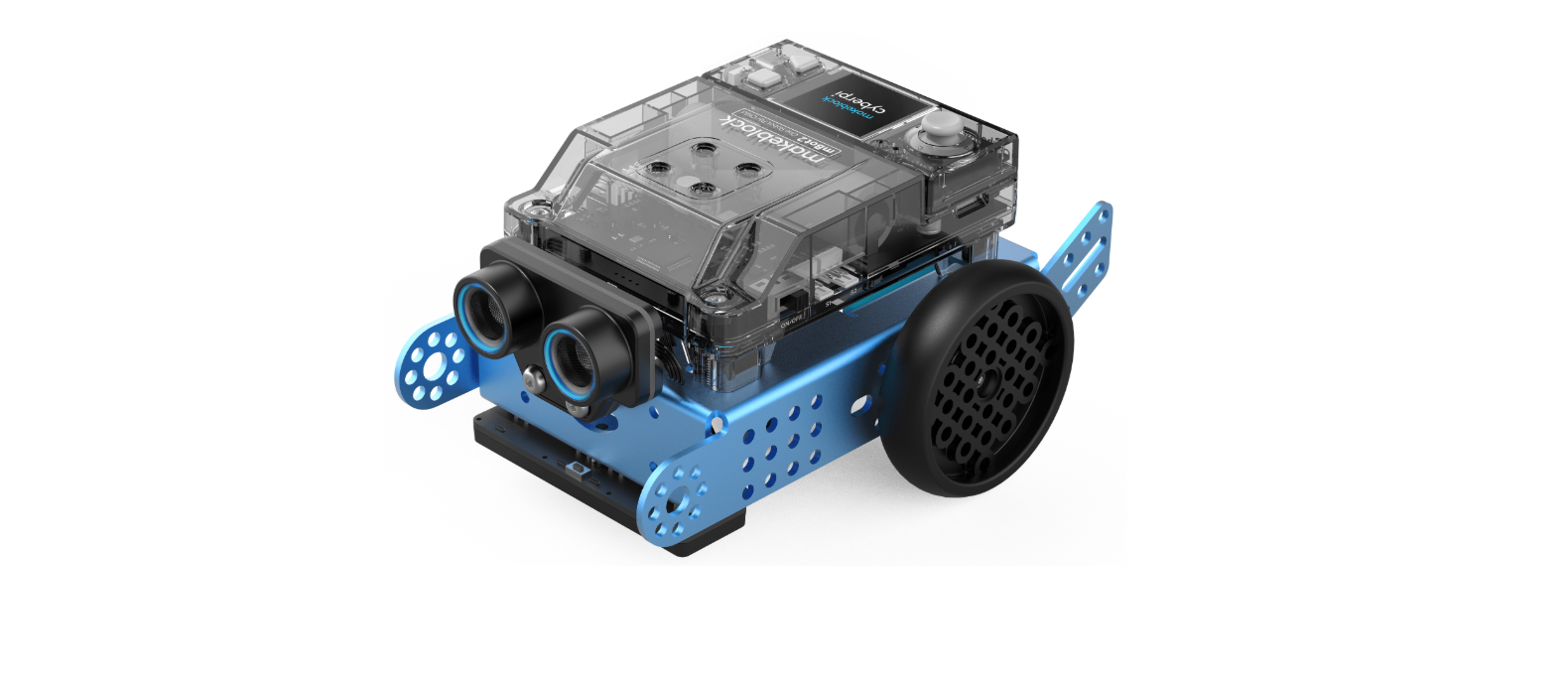
The Makeblock mBot Neo is a compact, beginner-friendly robotics kit that blends fun with fundamental coding. It allows kids to build robots that can move, detect obstacles, and follow lines using block-based or Python programming. The kit promotes logical thinking and hands-on creativity without requiring prior technical knowledge.
- Standout feature: Easy drag-and-drop coding that transitions smoothly into Python.
- Ideal user: Kids ages 8–12 who want to learn coding through play.
- Limitation: Limited expandability compared to open-source kits.
3) VEX IQ 2.0 (Best for classrooms)
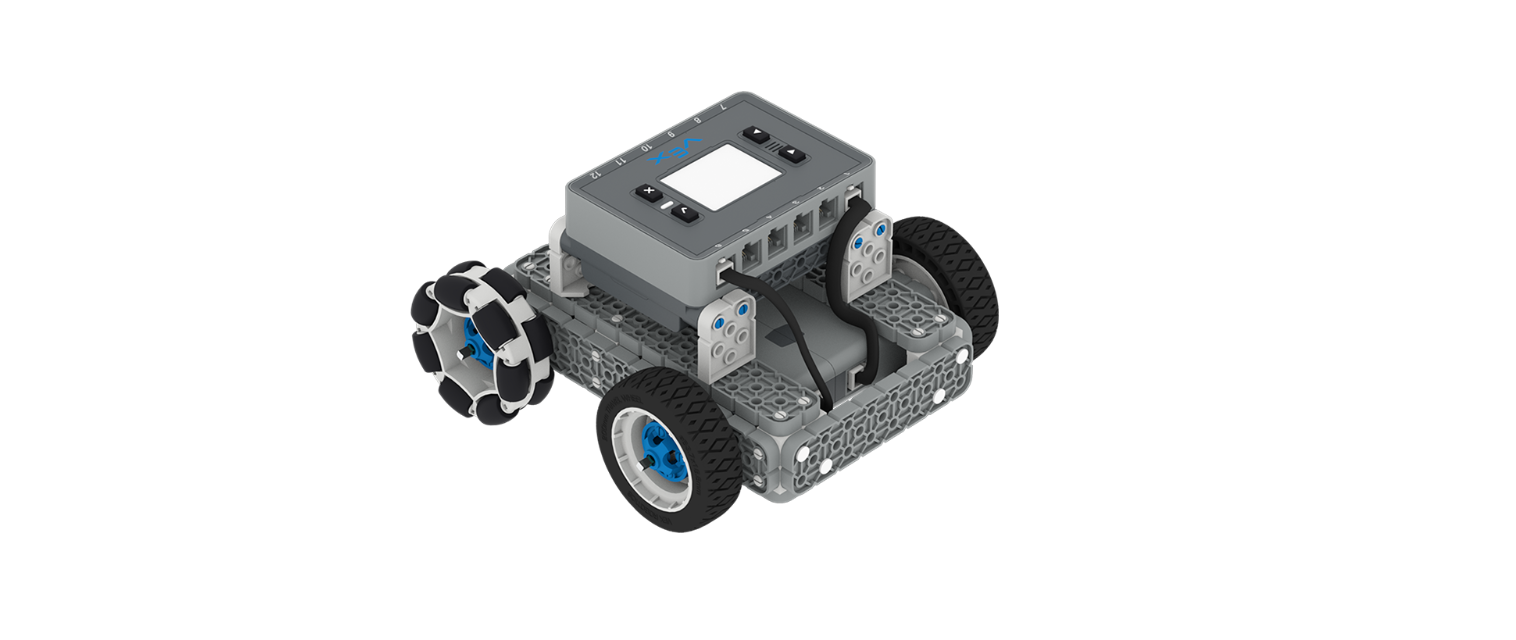
VEX IQ 2.0 is an educational robotics system designed to introduce students to engineering and programming through team-based learning. It uses snap-together components and supports both block and text coding, making it ideal for classroom environments. Many schools also use VEX kits for competitions, where students design, build, and program robots collaboratively.
- Standout feature: Modular system with competitive robotics compatibility and structured curriculum.
- Ideal user: STEM educators and students participating in group robotics projects.
- Limitation: Steeper learning curve for absolute beginners.
4) Arduino Starter Kit (Best open-source kit)
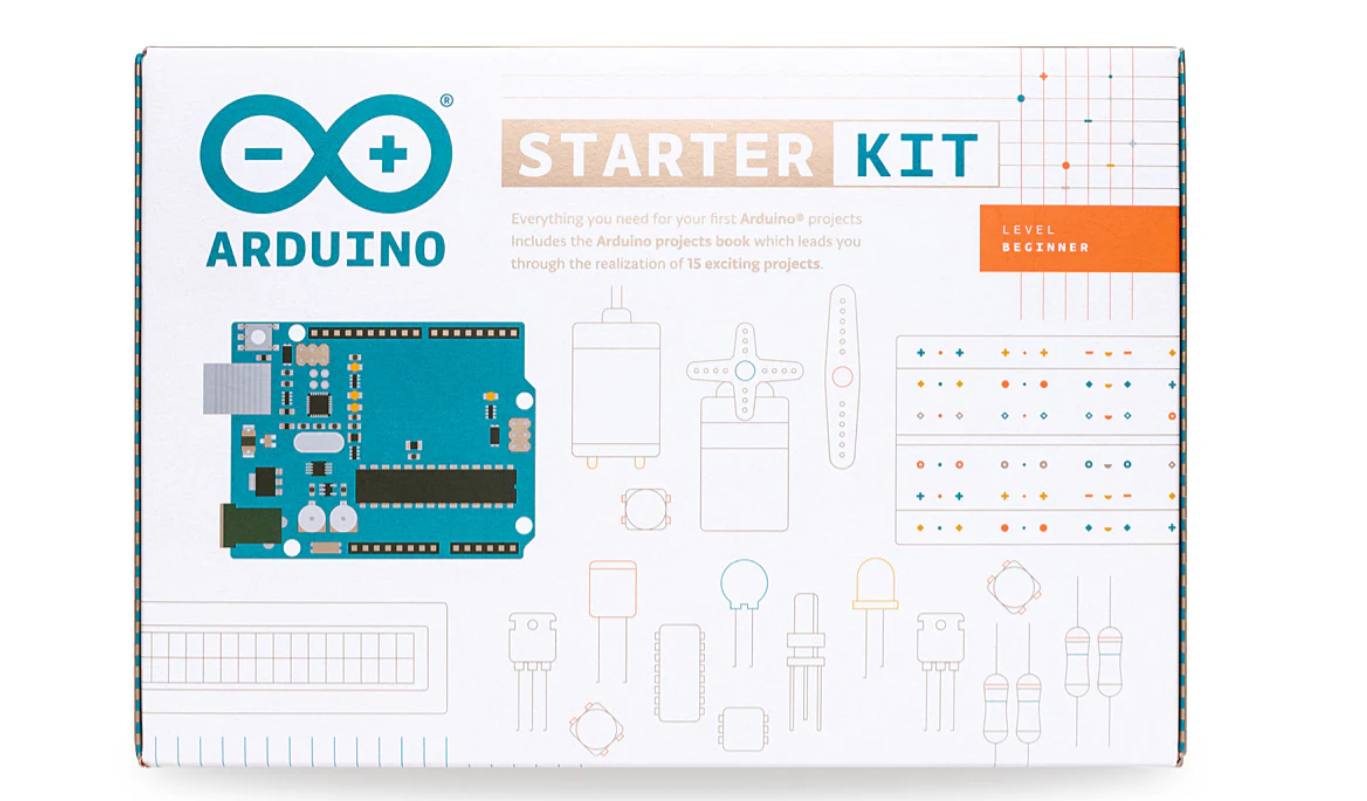
The Arduino Starter Kit is a versatile set for learning electronics and coding from the ground up. It provides all the components needed to build circuits, control sensors, and power motors using C++ programming. As an open-source platform, it offers limitless project possibilities and strong community support for hobbyists and students alike.
- Standout feature: Access to a wide range of sensors, motors, and open-source code examples.
- Ideal user: Teens and adults looking to learn real-world electronics and automation.
- Limitation: Requires patience and some understanding of basic circuitry.
5) Petoi Bittle Robot Dog (Best for AI & motion)
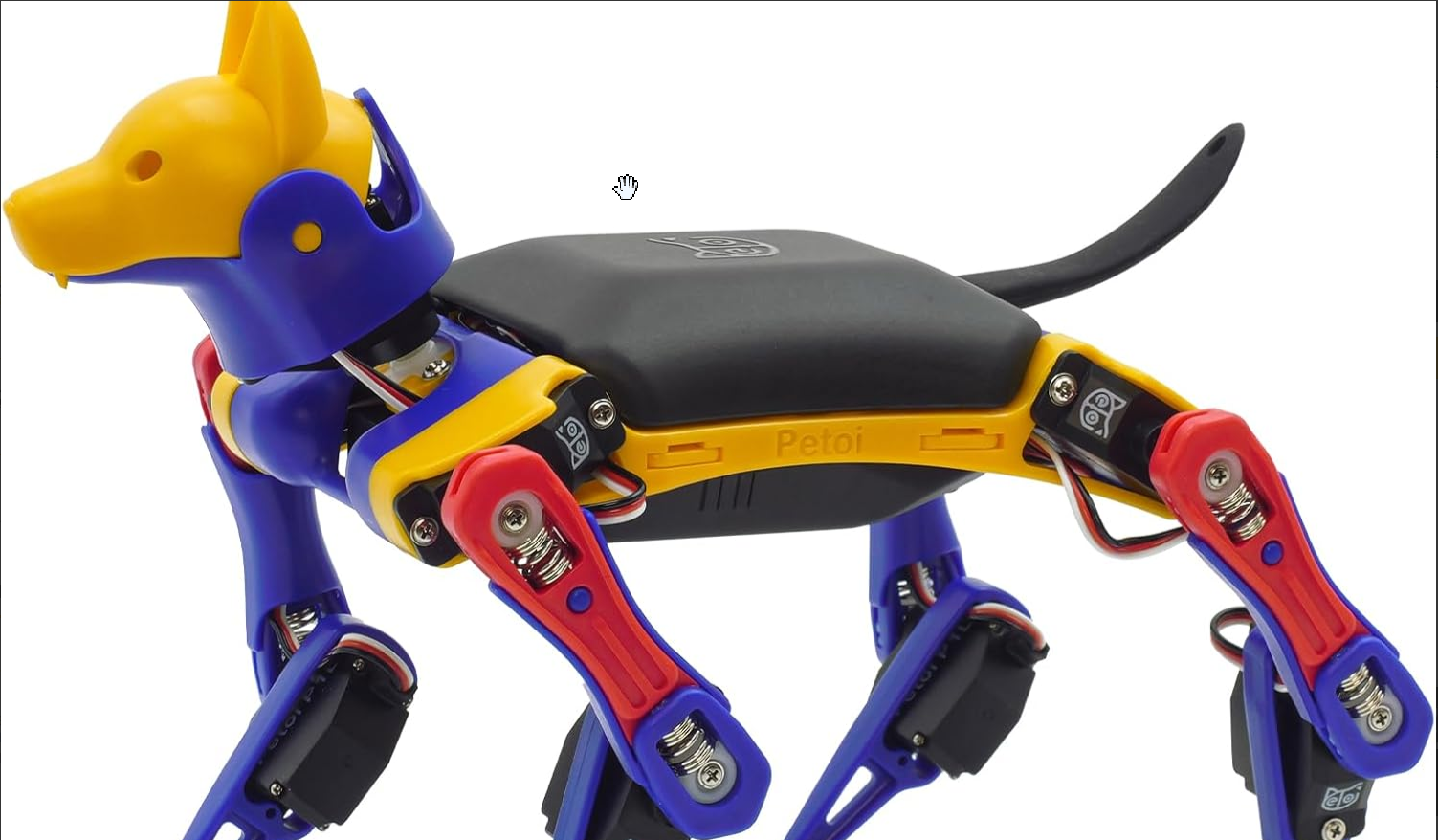
Petoi Bittle is a small but sophisticated robotic dog that mimics realistic animal movement using servos and advanced coding. It’s fully programmable with Arduino and Python, allowing users to explore motion dynamics and AI behavior. Ideal for intermediate learners, it bridges the gap between fun experimentation and serious robotics education.
- Standout feature: Lifelike motion control with open-source AI programming capabilities.
- Ideal user: Hobbyists or students experimenting with advanced robotics and motion control.
- Limitation: Compact build not suited for classroom-scale activities.
6) Elegoo Smart Robot Car V4 (Best for hobbyists)
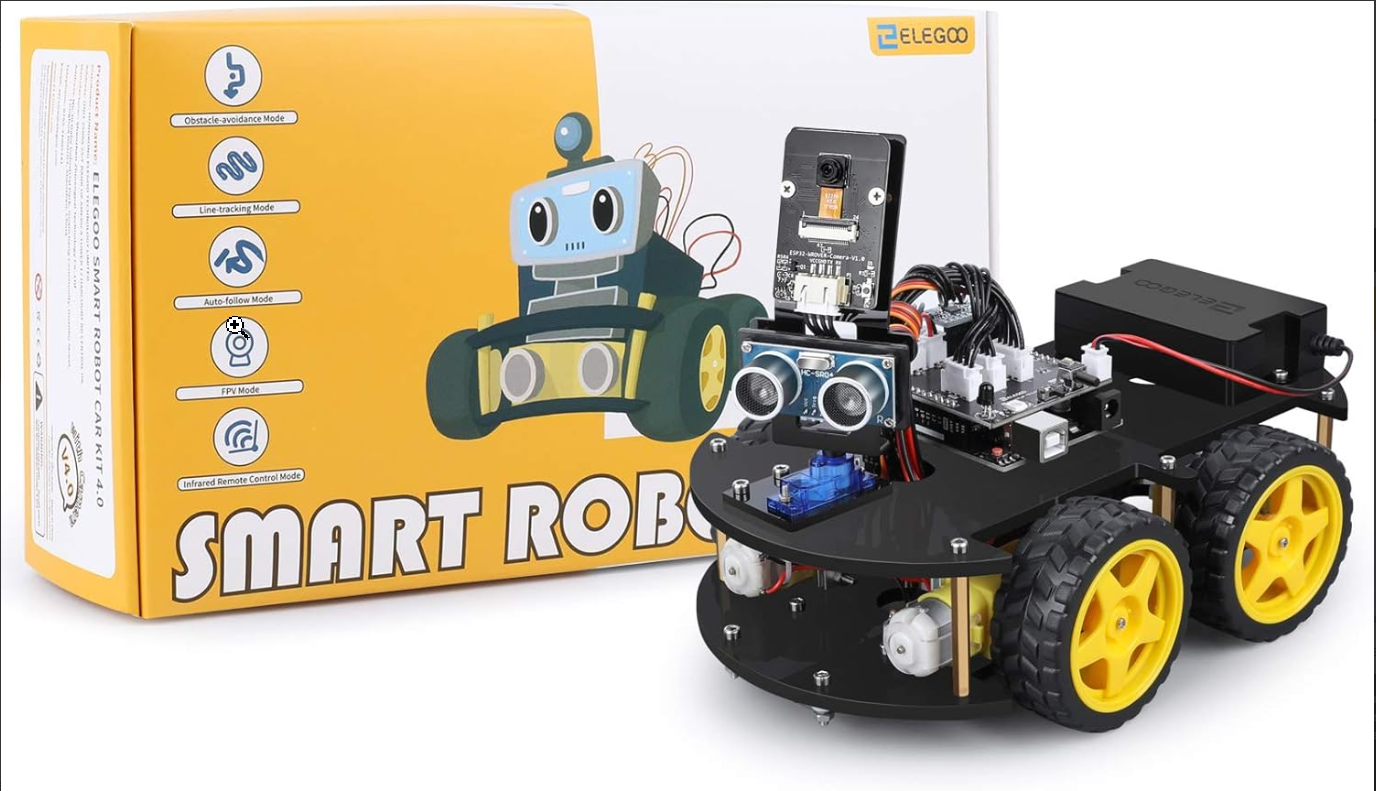
The Elegoo Smart Robot Car V4 is a DIY robotics kit that combines mechanical assembly, electronics, and Arduino coding. It features multiple sensors for obstacle avoidance, line tracking, and remote control. This kit is perfect for users who want to experiment with automation, IoT, or even small-scale AI projects.
- Standout feature: Arduino-powered smart vehicle with rich sensor integration.
- Ideal user: Adults and advanced learners seeking hands-on coding challenges.
- Limitation: Assembly and coding may be complex for younger users.
Comparison table: Features at a glance
| Kit | Age Range | Programming | Expandability | Build Time |
|---|---|---|---|---|
| LEGO SPIKE Prime | 9-14 | Scratch | High | 30-60 min |
| Makeblock mBot Neo | 10+ | Python/Blockly | Medium | 45 min |
| VEX IQ 2.0 | 12-18 | C/Blocks | High | 90 min |
| Arduino Starter Kit | 14+ | C++ | Very High | 60-120 min |
| Petoi Bittle | 13+ | Python/Arduino | Medium | 2-3 hours |
| Elegoo Smart Car V4 | 16+ | Arduino IDE | High | 2-3 hrs |
How we test
We built and programmed each robotics kit following the manufacturer’s instructions to measure setup time, learning curve, and overall engagement. Our testing process included beginner and intermediate users to assess how easily each kit teaches key robotics principles. We also evaluated long-term value by testing modularity, coding depth, and support materials.
By applying consistent scoring across build quality, coding experience, and upgrade potential, we ensure our recommendations are reliable for learners and educators alike.
Tips to get the most out of a robotics kit
- Start with guided builds: Begin with the included tutorials to learn how components connect and interact. Once comfortable, try modifying basic programs for new results.
- Experiment with add-ons: Expand your kit by adding sensors or extra servos. Many platforms support upgrades that unlock more complex projects without needing a new kit.
- Join an online community: Forums and maker groups are great places to share builds and troubleshoot issues. You’ll find code samples, mods, and project ideas from experienced builders.
FAQs about robotics kits
Are robotics kits good for learning coding? Yes. Robotics kits teach logic, sequencing, and debugging through visual and text-based coding environments, making coding more intuitive and fun.
Can adults learn robotics from beginner kits? Absolutely. Many beginner kits include scalable projects and open-source platforms, so adults can continue learning more advanced concepts without switching kits.
What’s the best age to start robotics? Kids can begin around age eight with visual programming. Teens and adults can jump straight into text-based platforms like Arduino or Raspberry Pi.
Conclusion
Each robotics kit in this list offers a unique way to learn programming, mechanics, and creative problem-solving. LEGO SPIKE Prime remains the most balanced choice for structured learning and classroom use, while Makeblock mBot Neo is perfect for younger beginners who want instant results. VEX IQ 2.0 and Arduino Starter Kit appeal to students ready for more advanced coding and customization, and Petoi Bittle or Elegoo Smart Car V4 cater to hobbyists eager to explore AI and automation.
Whatever your skill level or budget, each of these robotics kits helps you build real-world skills in coding, electronics, and engineering while keeping learning engaging and hands-on.
Discussion (0)
Be the first to comment.