What to expect from an entry-level gaming PC Powered by ASUS I recently had the opportunity to test a gaming computer Powered by ASUS. It is an entry-level system that aims to be… Radu Tyrsina · Oct 12, 2025
Windows 11 All-in-One For Dummies, 2nd Edition: Discover what’s new! Many of you know me as an editor at Digital Citizen, but there's another side to my professional life: I'm also a… Ciprian Adrian Rusen · Aug 13, 2025
Germany's new Hunter supercomputer doubles performance using 80% less energy When most people think of supercomputers, they picture massive machines in cold rooms, eating up incredible amounts of electricity. But in Stuttgart,… Radu Tyrsina · Oct 12, 2025
How to change the wallpaper on your Android smartphone (3 ways) The Home screen and Lock screen on your Android or Samsung Galaxy device are the first things you see every time you… Radu Tyrsina · Oct 11, 2025
Hands-on with the Samsung Galaxy S25, S25+, and S25 Ultra: What’s new? Samsung's latest Galaxy S25 series has arrived, and while the hardware updates might appear subtle, these new flagship smartphones pack a powerful… Radu Tyrsina · Oct 11, 2025
ASUS Zenbook S 14 review: Mastering elegance and battery life The ASUS Zenbook S 14 is one of those rare laptops that challenge our expectations for an ultraportable device. While traditional Windows… Ciprian Adrian Rusen · Aug 13, 2025
9 things you can do with Copilot on Windows Using AI technology similar to ChatGPT, but specifically tailored by Microsoft for its users, the Copilot is more than just an assistant.… Radu Tyrsina · Oct 11, 2025
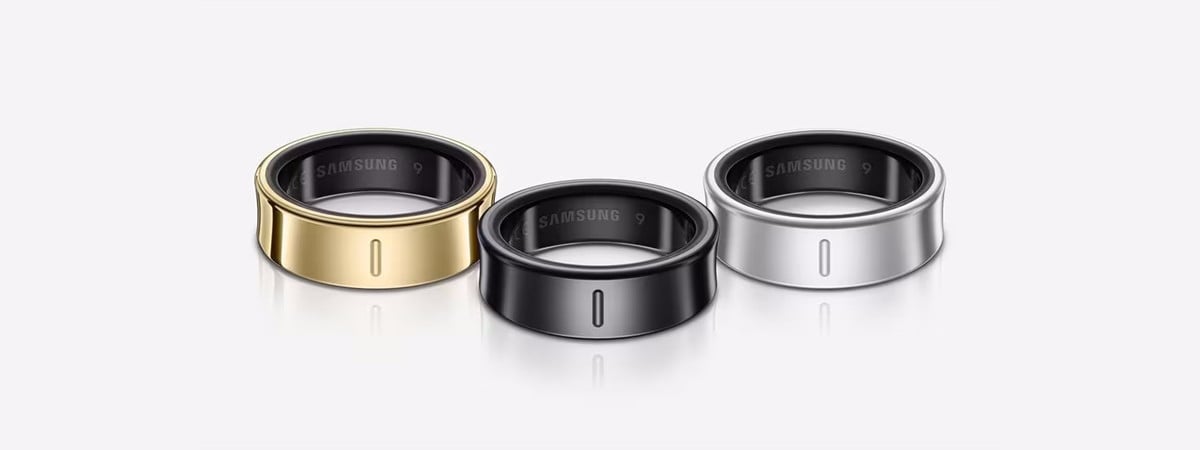
Samsung Galaxy Ring review: The smart ring for Samsung fans The Galaxy Ring represents Samsung’s first venture into the smart ring market, offering a titanium-crafted wearable that promises to track health metrics… Ciprian Adrian Rusen · Aug 20, 2025
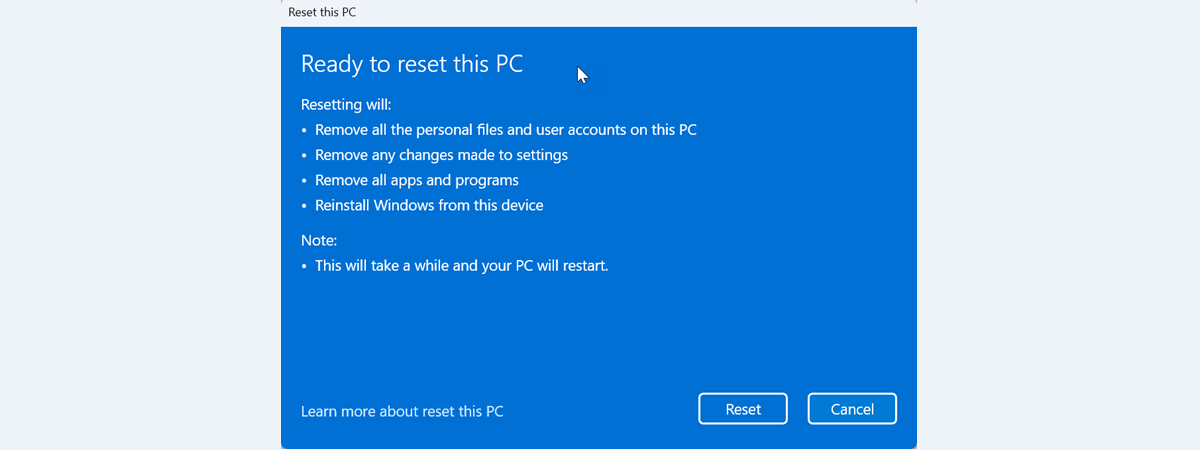
How to factory reset Windows 11 and remove everything Do you want to know how to factory reset Windows 11 and delete everything on your PC? Are you looking for the… Radu Tyrsina · Oct 11, 2025
How to scan a QR code on an iPhone (5 ways) Knowing how to scan a QR code with an iPhone can be useful in various situations, as these barcodes have become an… Radu Tyrsina · Oct 11, 2025
Enable Copilot in Windows 11 & Open in 10 Ways Windows Copilot is a smart AI assistant built into your computer to help you with tasks, answer questions, and make things easier… Codrut Neagu · Aug 9, 2025
Lexar NM1090 SSD review: PCIe 5 speed without the premium price tag! When discussing SSDs, Lexar is a brand recognized for delivering good performance at excellent price points. The NM1090 is the company’s entry… Codrut Neagu · Aug 13, 2025
Which is the best browser for battery life in Windows? Your laptop's battery is almost empty, you haven’t finished your work, and you're nowhere near a power outlet. We've all been there… Radu Tyrsina · Oct 11, 2025
DLSS 3.5 vs. FSR 3: Which one gets you more performance? If you’re a gamer, you’ve certainly heard that NVIDIA announced version 4.0 of its Deep Learning Super Sampling (DLSS) technology alongside its… Radu Tyrsina · Oct 12, 2025
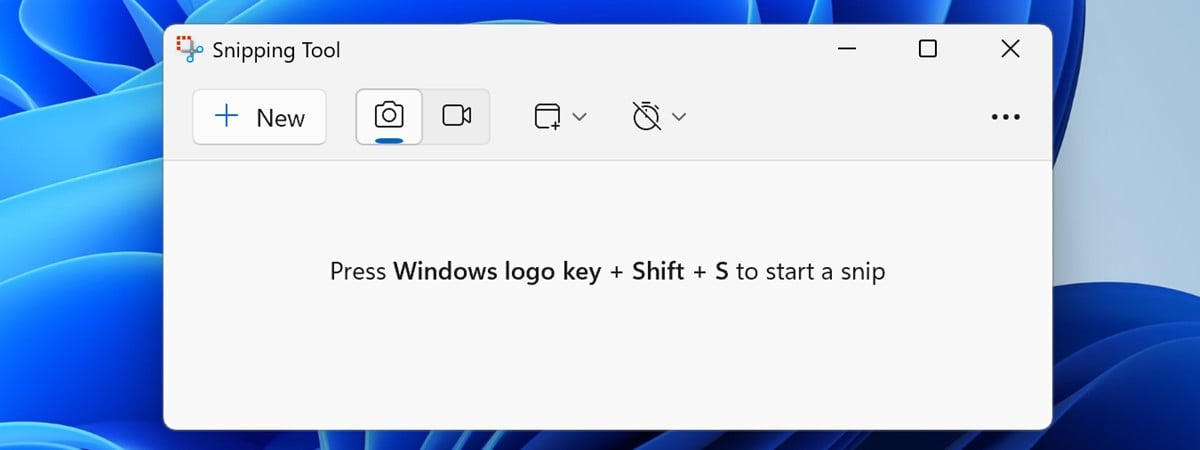
9 ways to open the Snipping Tool in Windows 10 and Windows 11 One of the most useful tools included in Windows is the Snipping Tool. This app allows you to capture any part of… Radu Tyrsina · Oct 11, 2025
Microsoft Edge Efficiency mode: What does it do & How to turn it On or Off One of the reasons why Microsoft Edge does a good job at being friendly with your laptop’s battery life is a feature… Radu Tyrsina · Oct 11, 2025
ESET HOME Security Ultimate review: Comprehensive PC protection If you spend hours every day working and browsing online, the importance of solid PC security can’t be overstated. With cyber threats… Codrut Neagu · Aug 13, 2025
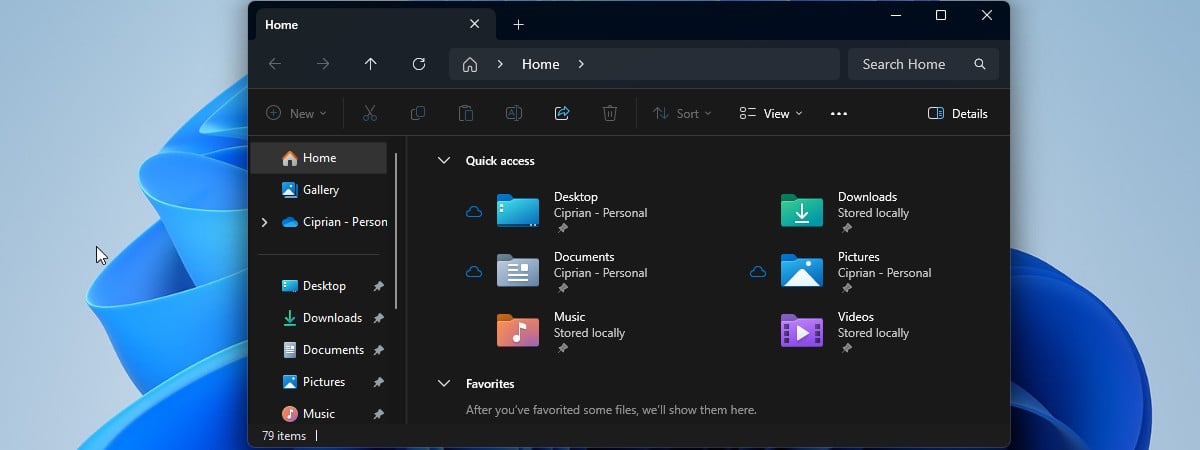
Turn on or turn off Dark Mode for Windows apps (File Explorer, Outlook, Paint, etc.) Enabling or disabling Dark Mode in Windows 10 and Windows 11 is straightforward. With a single setting, you can control the appearance… Radu Tyrsina · Oct 11, 2025
Which is better at FSR: AMD or NVIDIA? If you’re a gamer, you probably know about the technology called AMD FidelityFX Super Resolution (FSR). It boosts graphics performance and works… Radu Tyrsina · Oct 11, 2025
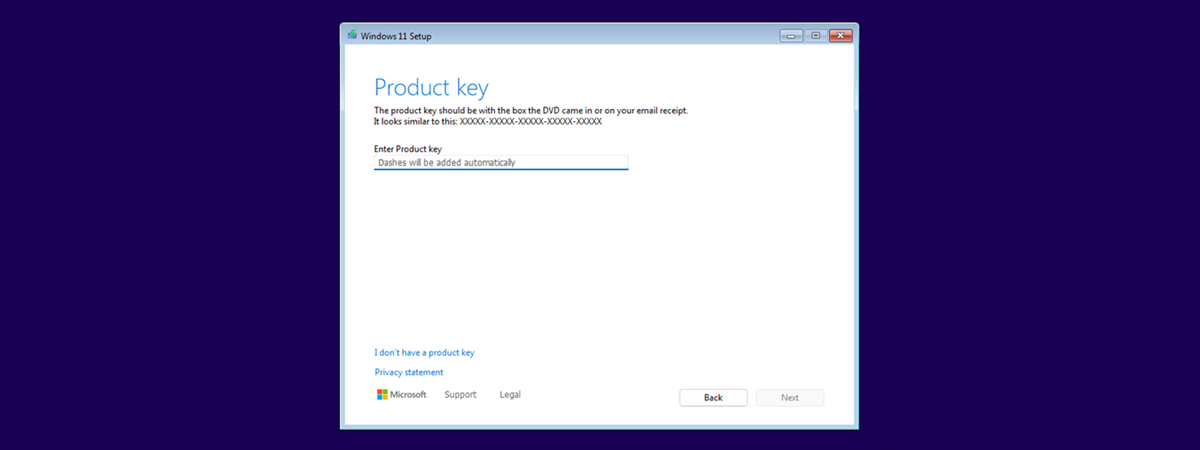
How to find the product key on your Windows 10 or Windows 11 PC A Windows product key is a 25-character code that proves your copy of Windows is genuine and not pirated. You might need… Radu Tyrsina · Oct 11, 2025