




Finding the best PS2 emulator helps you bring classic PlayStation 2 games back with better graphics and smoother performance. Modern emulators run games at higher resolutions and add features the original hardware never offered.
Many users still turn to emulators because physical PS2 consoles feel harder to maintain. Good emulators let you load your own game backups, customize controls, and run titles on desktops or phones. In this guide, we have gathered the best of them out there for different devices to ensure you can always play your PS2 classics.
1) PCSX2
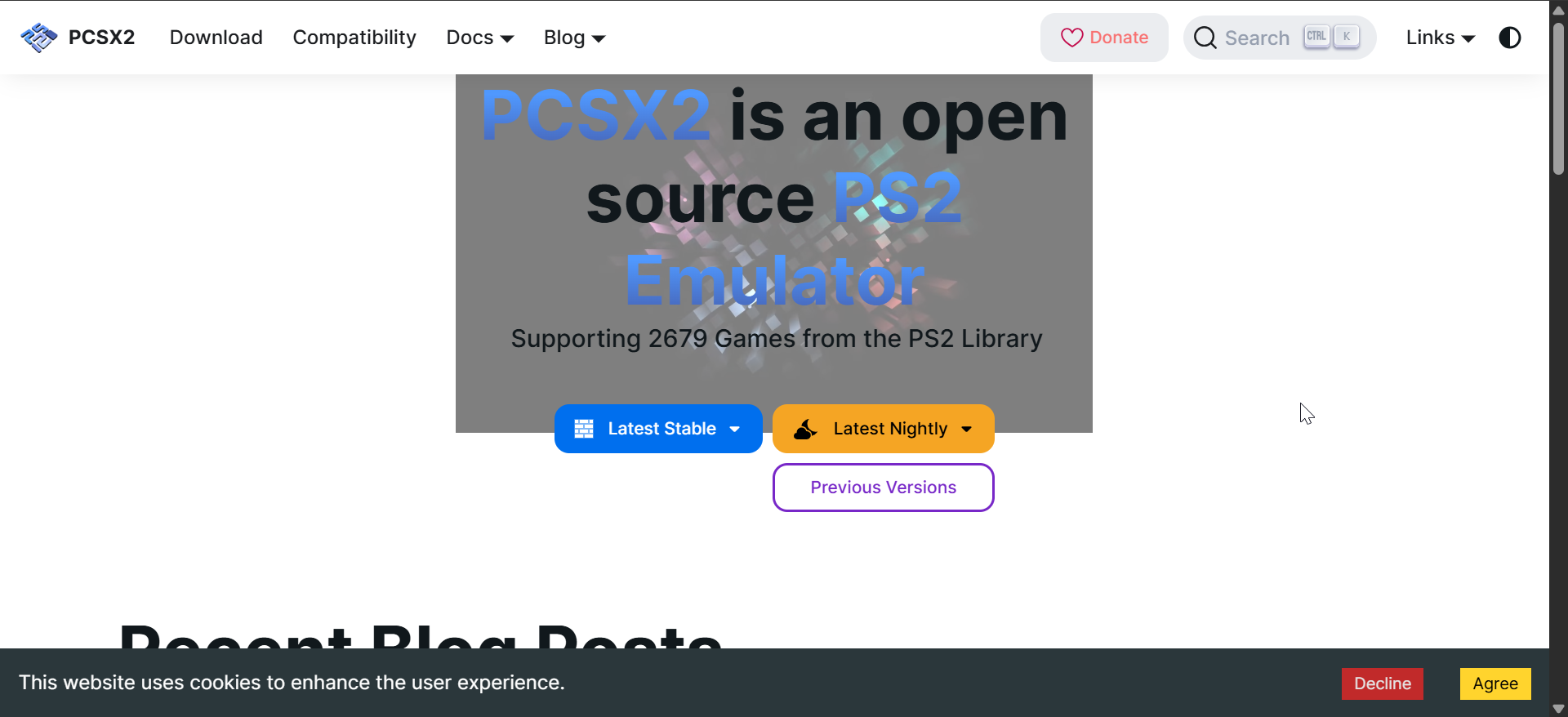
PCSX2 delivers the highest overall compatibility with the PS2 library on Windows, Linux, and macOS. It handles many demanding titles well when you pair it with a modern CPU and GPU.
The emulator supports HD rendering, texture filtering, and widescreen patches for sharper visuals. You can tune internal resolution and graphics backends to balance quality and frame rate on your system.
PCSX2 suits users who want deep control over settings and do not mind a learning curve. It works best if you already own a PS2 to provide a legal BIOS and game backups. You just need to get the BIOS ready, and you can easily download PS2 games for PCSX2 and play them on your PC.
2) AetherSX2

AetherSX2 focuses on Android devices and delivers fast performance on modern phones and tablets. It uses hardware acceleration to push smooth frame rates when your device has a strong chipset.
The emulator supports Bluetooth controllers, on-screen controls, and multiple rendering backends. You can adjust resolution, anisotropic filtering, and scaling to match your phone’s power and screen size.
AetherSX2 works well for users who want PS2 games on the go without a laptop. You should choose it if you own a recent Android device and prefer playing with a gamepad on the couch or while traveling.
3) Play!
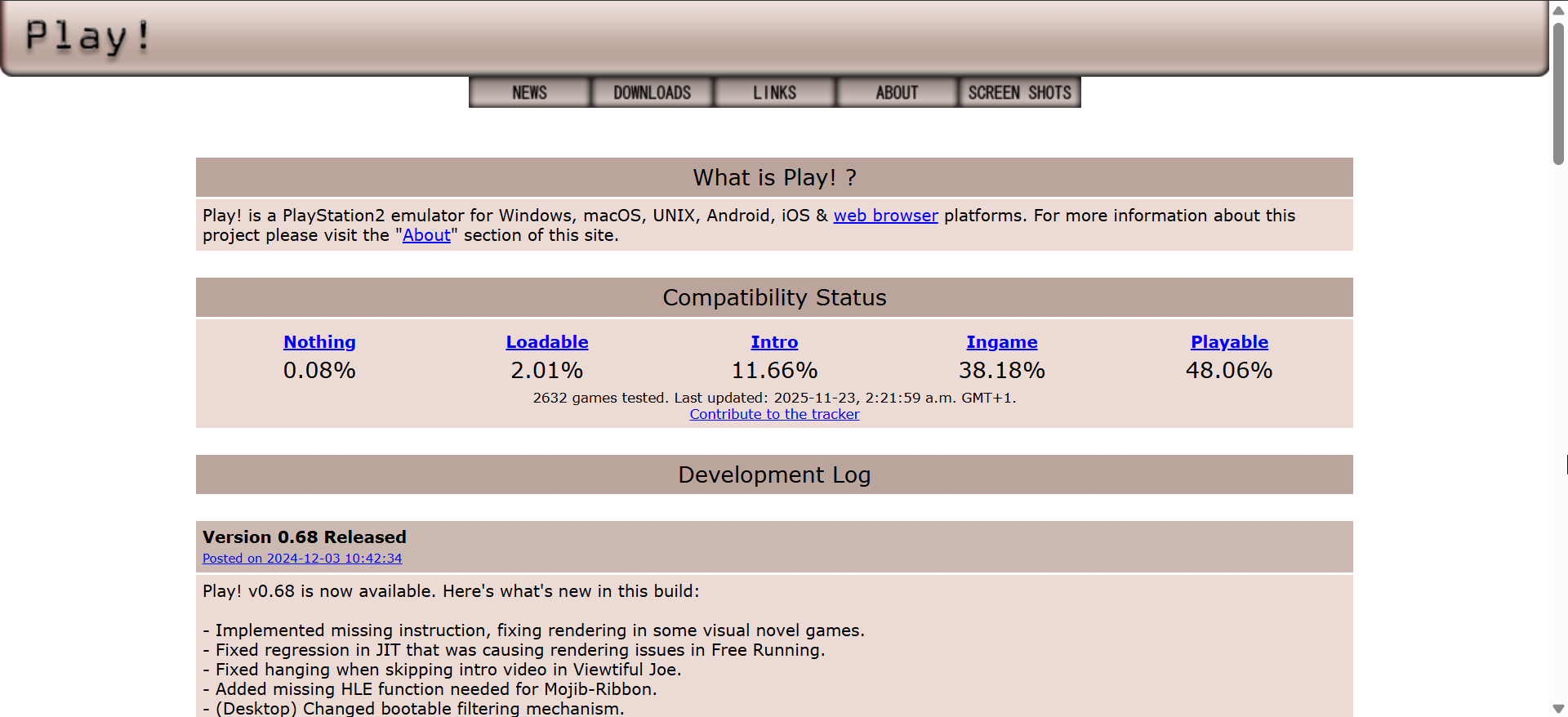
Play! emphasizes convenience and keeps configuration simple on Windows, macOS, Linux, and Android. You usually load an ISO, tweak a few options, and start playing without long setup steps.
The emulator runs lighter than many alternatives, so older systems often handle it better. It skips some advanced features in favor of a cleaner interface and quicker startup.
Play! fits users with low-end or older hardware who value ease of use more than full compatibility. You should consider it if you mainly play a handful of supported titles and dislike complex menus.
4) RetroArch (PCSX2 core)

RetroArch provides a unified frontend where you manage many console emulators in one interface. You can load a PS2 core such as PCSX2 and control everything through a consistent menu system.
The platform supports shaders, overlays, and advanced input mapping that apply across multiple systems. Save states, rewind, and netplay features extend beyond PS2 and make your whole retro library feel cohesive.
RetroArch works best for power users who already emulate several consoles and want one hub. You should pick this route if you enjoy fine-tuning cores and do not mind extra configuration effort.
5) DamonPS2

DamonPS2 targets Android phones and aims to run many PS2 titles with a simple interface. It takes advantage of mobile GPUs to push higher resolutions on powerful devices.
The emulator supports physical controllers and customizable on-screen buttons for different games. You can change rendering options, frame skip, and resolution size to stabilize performance.
DamonPS2 suits users who want quick PS2 access on mid-range or high-end Android hardware. You should review its feature set and policies carefully, then decide if its mix of performance and monetization matches your needs.
6) PPSS22 PS2 emulator

PPSS22 offers a clean Android interface aimed at users who want straightforward PS2 emulation. It allows you to organize games, manage save states, and launch titles with only a few taps.
The emulator supports zipped ROMs and multiple storage locations, which helps when games occupy large space. Controller support and custom mapping give you flexible input options for each title.
PPSS22 works well if you prefer an easy download from the Google Play Store and simple setup. It suits users who own a reasonably recent Android device and want a tidy, app-like experience.
7) NetherSX2

NetherSX2 builds on the AetherSX2 codebase and tunes performance for newer Android chipsets. It offers multiple rendering backends, including hardware acceleration options that push higher frame rates.
The emulator lets you tweak internal resolution, frame pacing, and speedhacks to match your phone. You can also map buttons and create per-game profiles for more precise control.
NetherSX2 fits users with flagship or upper mid-range Android devices who want maximum flexibility. Choose it if you feel comfortable testing different settings to squeeze every bit of performance from your hardware.
8) DamonSX2 Pro

DamonSX2 Pro provides a premium-focused PS2 experience on Android with extra tuning options. It aims to deliver better stability and visuals when you pair it with strong mobile hardware.
The emulator offers adjustable rendering resolution, frame skip, and advanced configuration menus. It also supports external controllers and lets you fine-tune input layouts for each game.
DamonSX2 Pro serves users who want deeper control than typical free apps provide. You should consider it if you already play many PS2 games on Android and want more serious, console-like performance.
Best PS2 emulator for Windows
PCSX2 stands out as the best option for Windows because it supports a huge portion of the PS2 library. It handles demanding games well when you combine it with a modern CPU and GPU.
The emulator offers powerful graphics options and many compatibility fixes. Windows users gain the most from its frequent updates and large community support base.
Best PS2 emulator for Android
AetherSX2 and NetherSX2 remain the strongest mobile choices for most users. Their performance depends heavily on your phone’s chipset, but both handle many popular games with minimal lag.
Bluetooth controller support makes gameplay feel close to the original console. Mobile players who prefer sofa gaming or portable setups benefit most from these apps.
BIOS requirements: What you should know
Some emulators require a PS2 BIOS file to boot and run games properly. You should extract this BIOS from your own console to stay on the safe side legally.
Understanding which apps need BIOS support helps you plan your setup. It also guides your choice if you prefer an emulator that minimizes extra files.
Graphics enhancements and upscaling
Many emulators upscale PS2 games to HD or higher to improve clarity. You can enable anisotropic filtering, widescreen patches, and shader effects for a more modern look.
These enhancements make older games feel closer to current-gen remasters. They also help text, UI elements, and character models look sharper on large screens.
FAQs
Do I need a PS2 BIOS file? Most PC emulators require a BIOS file to boot games correctly. Some mobile apps may work without it, but often trade accuracy for convenience.
Which PS2 emulator has the highest compatibility? PCSX2 currently covers the widest library and delivers the best performance on desktop hardware. It also receives frequent updates that fix bugs and add optimizations.
Can I use a PS2 controller on an emulator? Yes, you can use a PS2 controller with a USB adapter. Many users also prefer Xbox or modern PlayStation controllers for easier driver support.
Summary
- PCSX2 offers the best compatibility and features for Windows users.
- AetherSX2 and NetherSX2 excel on modern Android phones and tablets.
- Play! supports users with older PCs and minimal setup needs.
- Mobile players benefit from apps with strong controller mapping and flexible rendering.
- Graphics enhancements and upscaling make classic PS2 games look sharper and more modern.
Conclusion
The best PS2 emulator for your needs depends on your device and patience with configuration. PC users get the strongest results from PCSX2, which combines wide compatibility with powerful graphics options.
Android users see excellent performance from AetherSX2 or NetherSX2 when they own capable hardware. Low-end systems run well on lighter emulators like Play!, which reduce complexity and resource usage.


Discussion (0)
Be the first to comment.