UP

Uncategorized

article NordVPN Dark Web Monitor: What It Actually Does and Whether It’s Worth Using

NordVPN Dark Web Monitor: What It Actually Does and Whether It’s Worth Using

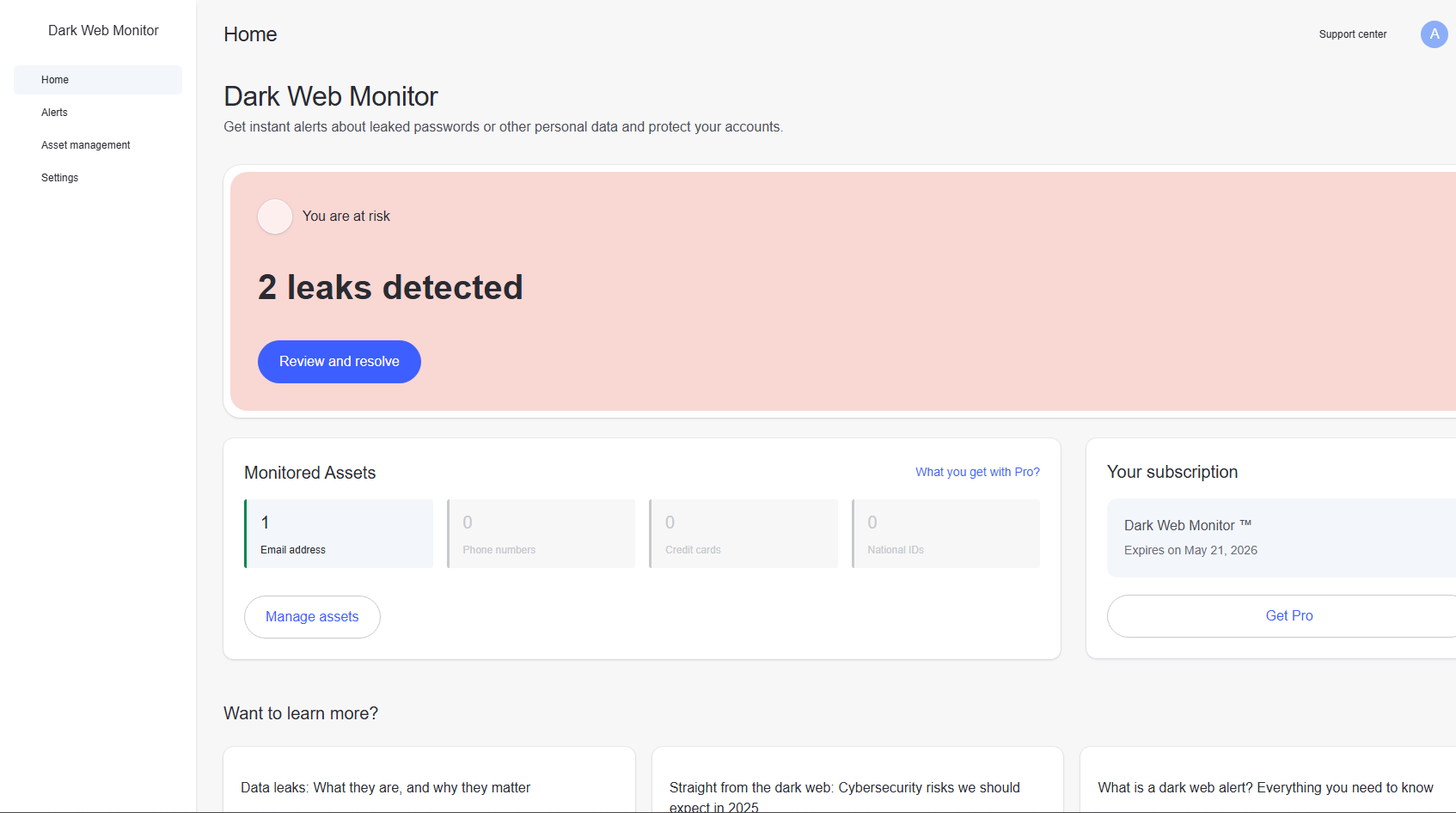
Most people don’t think about the dark web unless something has already gone wrong. Data leaks, stolen credentials, breached accounts, all of it usually surfaces too late. That’s the gap NordVPN tries to address with its Dark Web Monitor feature. But like most security tools, the name sounds more powerful than the reality. It’s useful, but only if you understand what it actually does.
article NordVPN Anti-Malware on PC: A Practical Look at What It Actually Does

NordVPN Anti-Malware on PC: A Practical Look at What It Actually Does

NordVPN has quietly evolved from being just a VPN into something broader. If you open its settings today, especially under Threat Protection, you’ll notice a dedicated Anti-malware section with options like a malware scanner and a vulnerability scanner. At first glance, it looks like a full security suite. But to understand its real value, you need to look past the labels and focus on
article UAC for Built-in Administrator in Windows 11: What It Does and Whether You Should Disable It

UAC for Built-in Administrator in Windows 11: What It Does and Whether You Should Disable It

If you’ve ever worked with the built-in Administrator account in Windows 11, you may have noticed something unusual. Some systems run without User Account Control prompts, while others behave like a standard admin account. That difference comes down to one setting: whether UAC is enabled for the built-in Administrator. This is not a setting most users should touch casually. But if you understand what
article How to Manage Virtual Memory (Paging File) in Windows 11 Without Overthinking It

How to Manage Virtual Memory (Paging File) in Windows 11 Without Overthinking It

Virtual memory is one of those things in Windows 11 that most people hear about but rarely understand clearly. You’ll often see advice like “increase your paging file for performance” or “disable it if you have enough RAM.” Both are incomplete, and sometimes misleading. The reality is simpler. Windows already manages this well. You only need to step in when there’s a clear reason.
tutorial USB Selective Suspend in Windows 11: What It Does and When You Should Turn It Off

USB Selective Suspend in Windows 11: What It Does and When You Should Turn It Off

There’s a setting buried in the power options of Windows 11 that most people never touch, but it can quietly affect how your USB devices behave: USB Selective Suspend. If you’ve ever had a USB device randomly stop responding, disconnect briefly, or behave inconsistently after being idle, this setting is often part of the story. The tricky part is that it’s not inherently good
tutorial How to Share Wi-Fi Password with a QR Code in Windows 11 (The Cleanest Way to Do It)

How to Share Wi-Fi Password with a QR Code in Windows 11 (The Cleanest Way to Do It)

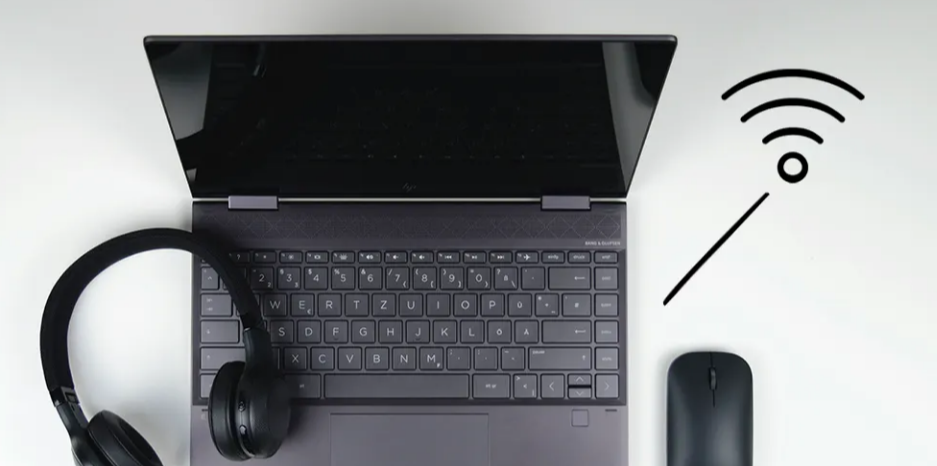
Sharing your Wi-Fi password sounds simple until you actually have to do it. Long passwords, mixed characters, and repeated typing make it unnecessarily tedious. In Windows 11, you can turn your Wi-Fi credentials into a QR code, so anyone can connect instantly by scanning it. It’s one of those small features that feels trivial until you start using it regularly. What This Feature Actually
tutorial What Is U-APSD Support in Wi-Fi Settings (And Should You Care?)

What Is U-APSD Support in Wi-Fi Settings (And Should You Care?)

If you’ve ever opened advanced Wi-Fi adapter settings in Windows 11, you’ve probably seen something called U-APSD support. It’s one of those settings that looks technical enough to ignore, and for most users, that’s exactly what happens. But it does have a real purpose, especially when it comes to power efficiency and wireless behavior. What U-APSD Actually Is U-APSD stands for Unscheduled Automatic Power
article Wi-Fi Roaming Aggressiveness in Windows 11: What It Actually Does and How to Set It Right

Wi-Fi Roaming Aggressiveness in Windows 11: What It Actually Does and How to Set It Right

There’s a setting in Windows 11 that almost no one touches, yet it quietly affects how stable your Wi-Fi feels: Roaming Aggressiveness. If you’ve ever noticed your connection jumping between networks, or holding onto a weak signal longer than it should, this setting is often the reason. The problem is not that it’s complicated. It’s that it’s poorly explained. What “Roaming Aggressiveness” Actually Means
tutorial External Fingerprint Login in Windows 11: Is It Worth It and How to Set It Up Properly

External Fingerprint Login in Windows 11: Is It Worth It and How to Set It Up Properly

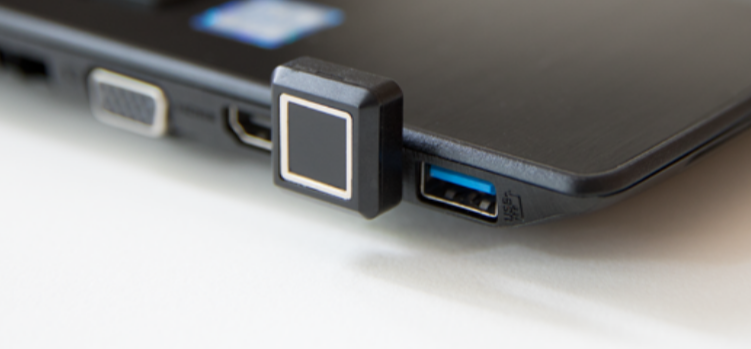
Typing passwords every time you unlock your PC feels outdated, especially when faster and more secure options exist. Fingerprint login is one of the simplest upgrades you can make, and it’s not limited to laptops with built-in sensors. With an external fingerprint reader, you can bring the same convenience to almost any desktop or older laptop running Windows 11. But before you buy one
article Windows Subsystem for Android (WSA) 2306 Preview Update: What Actually Improved and What Still Hasn’t

Windows Subsystem for Android (WSA) 2306 Preview Update: What Actually Improved and What Still Hasn’t

The Windows Subsystem for Android has always been an interesting idea inside Windows 11. Running Android apps natively on a PC sounds powerful, but in practice, it has been a gradual work in progress. The 2306 preview update sits right in that transition phase. It doesn’t try to redefine WSA. Instead, it focuses on improving how usable it feels day to day. And that
tutorial How to Change “Turn Off Hard Disk After” Idle Time in Windows 11 (And When It Actually Matters)

How to Change “Turn Off Hard Disk After” Idle Time in Windows 11 (And When It Actually Matters)

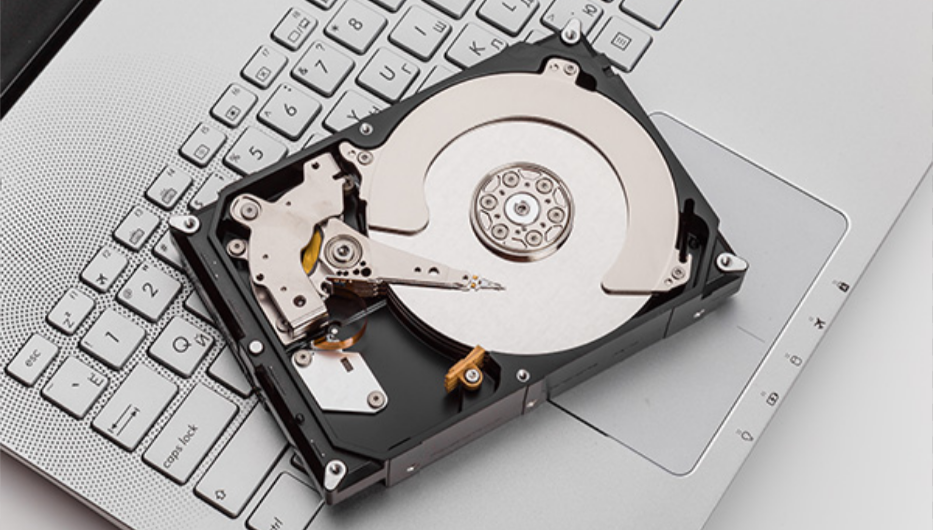
Power settings in Windows 11 are often left untouched, which is fine until something feels off. Maybe your system pauses for a second when accessing files, or you notice your drive spinning up after being idle. That behavior is controlled by a setting most people never look at: “Turn off hard disk after.” It sounds simple, but understanding when to change it makes a
tutorial How to Restore Legacy Folder Options in Windows 11 (And Why You Might Want To)

How to Restore Legacy Folder Options in Windows 11 (And Why You Might Want To)

File Explorer in Windows 11 has changed more than most people realize. On the surface, it looks cleaner. Underneath, a lot of familiar controls have been simplified, hidden, or moved. For many users, especially those used to older versions of Windows, the newer interface feels less efficient. That’s where restoring the legacy Folder Options experience becomes relevant. This isn’t about nostalgia. It’s about control.
tutorial How to Check Device Encryption Status in Windows 11 Home (Local Account)

How to Check Device Encryption Status in Windows 11 Home (Local Account)

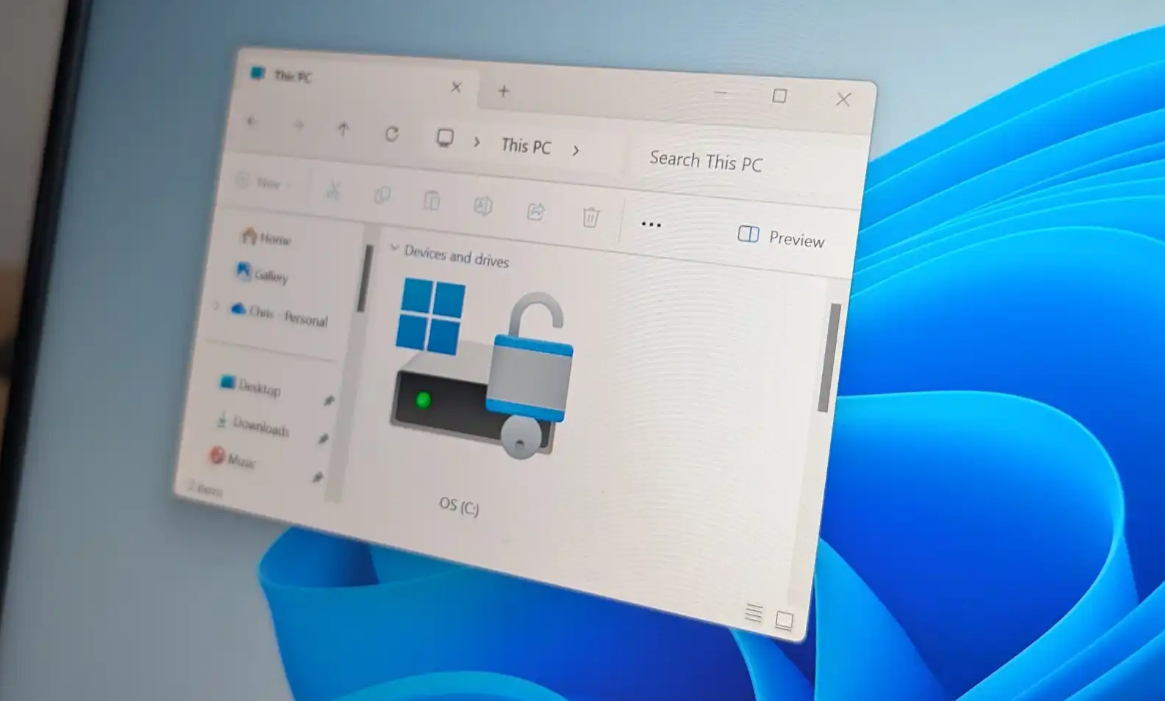
Device encryption in Windows 11 is one of those features that quietly works in the background. If it’s enabled, your data is protected. If it’s not, most users don’t even realize it. The confusion gets worse on Windows 11 Home with a local account, where encryption behaves differently compared to Microsoft account setups. This guide focuses on one thing: how to actually check whether
tutorial How to Change Product Key in Windows 11 (Without Breaking Anything)

How to Change Product Key in Windows 11 (Without Breaking Anything)

Changing a product key in Windows 11 sounds like something you should only do if you really know what you’re doing. In reality, it’s simple and safe. What trips people up is not the process. It’s understanding when it actually makes sense to change the key and what will happen after you do. Once that’s clear, the rest is straightforward. What Changing the Product
tutorial How to Change the Default Save Location for Snipping Tool Screen Recordings in Windows 11

How to Change the Default Save Location for Snipping Tool Screen Recordings in Windows 11

The Snipping Tool in Windows 11 has quietly become a capable screen recording tool. It’s simple, quick to access, and good enough for everyday use. But one limitation becomes obvious the moment you start using it regularly: all recordings are saved to a fixed default folder. If you work with multiple projects, store files on another drive, or simply want better organization, changing that
article IPv4 vs IPv6 in Windows: What’s the Difference and Does It Matter?

IPv4 vs IPv6 in Windows: What’s the Difference and Does It Matter?

If you’ve ever checked your network details in Windows 11, you’ve likely seen both IPv4 and IPv6 listed side by side. For most people, they’re just labels. The internet works, pages load, and there’s no obvious reason to think about them. But behind the scenes, these two protocols define how your device connects to everything online. The important part is not memorizing differences. It’s