



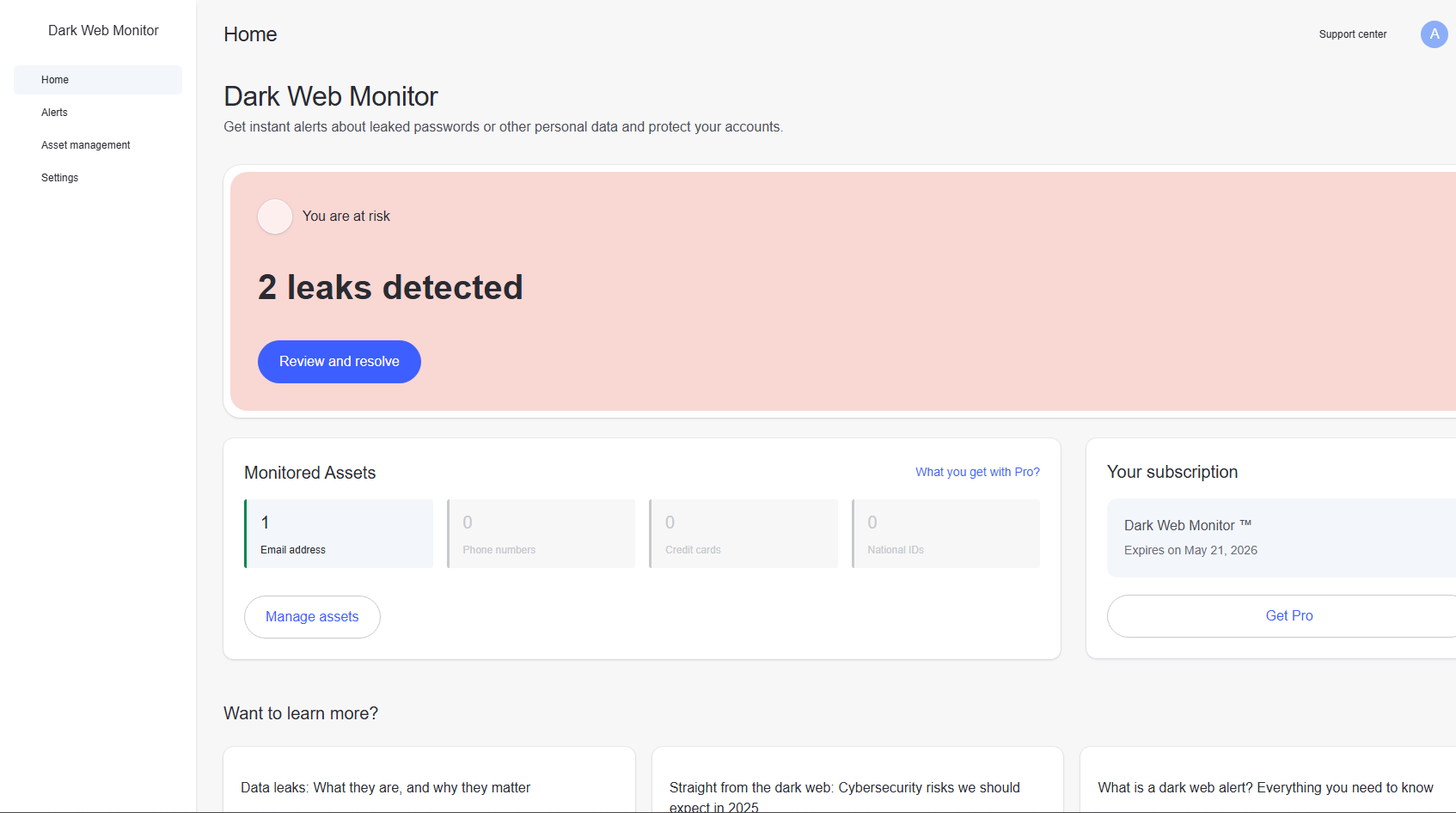
Most people don’t think about the dark web unless something has already gone wrong. Data leaks, stolen credentials, breached accounts, all of it usually surfaces too late.
That’s the gap NordVPN tries to address with its Dark Web Monitor feature.
But like most security tools, the name sounds more powerful than the reality. It’s useful, but only if you understand what it actually does.
What NordVPN Dark Web Monitor Actually Is
Dark Web Monitor is a credential exposure alert system.
It scans known breach databases and dark web sources to check whether:
- Your email address
- Associated credentials
have appeared in leaked data.
If it finds a match, it alerts you.
That’s the core function. It’s not scanning your device. It’s scanning external breach data tied to your identity.
How It Works Behind the Scenes
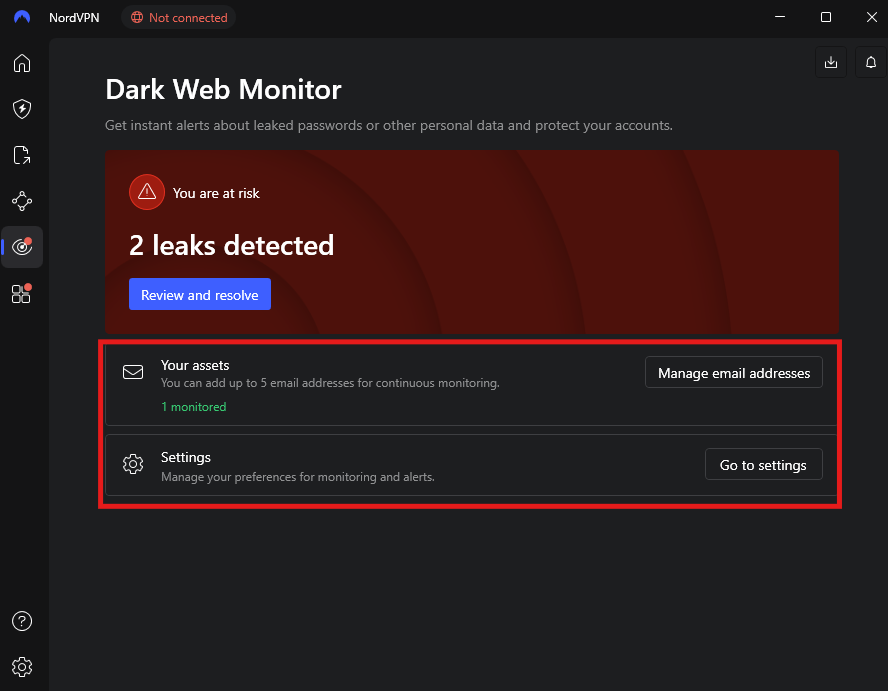
Once enabled in NordVPN:
- You add your email address
- NordVPN continuously checks breach sources
- If your data appears in a leak, you get notified
It does not:
- Access your accounts
- Monitor your activity
- Scan your system
It operates entirely outside your device.
What You Actually Get When It Detects Something
If your email shows up in a breach:
- You receive a notification
- It tells you which service was compromised (if known)
- You’re prompted to take action
Usually, that means:
- Changing your password
- Enabling two-factor authentication
- Reviewing account activity
It’s an alert system, not a fix.
What It Does Well
This feature is useful in a very specific way.
Early Awareness
Most people find out about breaches:
- Weeks later
- Or not at all
Dark Web Monitor shortens that gap.
Low Effort, Passive Protection
- No configuration beyond adding your email
- No ongoing interaction required
It just runs in the background.
Focus on Real Risk
It targets one of the most common problems:
- Reused passwords across services
If one account is compromised, others may follow.
What It Does Not Do
This is where expectations need to be realistic.
Dark Web Monitor does not:
- Prevent breaches
- Remove your data from leaks
- Protect accounts directly
- Monitor private or undisclosed leaks
If your data is exposed, the damage has already happened. This feature simply informs you.
How Useful It Is in Real Life
Its usefulness depends on how you respond to it.
If you:
- Act immediately
- Change passwords
- Secure accounts
It can significantly reduce risk.
If you ignore alerts, it does nothing.
Where It Actually Helps
This feature is most valuable if you:
Use the Same Email Across Services
Which most people do.
A single email tied to multiple accounts increases exposure.
Don’t Track Breach News
Most users don’t actively check if their data has been leaked.
This automates that awareness.
Want a Passive Security Layer
No maintenance, no setup beyond the basics.
Where It Falls Short
There are limitations you should be aware of.
- It only detects known breaches
- Some leaks never become public
- Timing depends on when data is discovered
So it’s helpful, but not complete.
Real-World Insight
Dark web monitoring tools often feel underwhelming because they don’t actively “protect” anything.
But that’s not their role.
The real problem they solve is awareness delay.
Without tools like this:
- You may never know your data was exposed
- Or find out too late
With it:
- You at least get a chance to respond early
Is It Better Than Free Alternatives
There are free tools that do similar things.
The difference with NordVPN is:
- Integrated into your existing setup
- Runs automatically
- No need to check manually
So it’s more about convenience than capability.
Should You Use It
Yes, but with the right mindset.
Use it as:
- An early warning system
- A reminder to act quickly
Not as:
- A security solution on its own
The Bigger Picture
Dark Web Monitor only makes sense if you combine it with good habits:
- Use unique passwords
- Enable two-factor authentication
- Use a password manager
Without these, alerts alone don’t add much value.
Final Thoughts
NordVPN’s Dark Web Monitor is a quiet feature that doesn’t try to impress.
It doesn’t block threats or clean up breaches. It simply tells you when something has already gone wrong.
And in real-world security, knowing early is often the difference between a minor issue and a serious problem.
FAQs
What does NordVPN Dark Web Monitor do
It alerts you if your email appears in data breaches.
Can it prevent hacks
No, it only notifies you after exposure.
Is it accurate
It depends on known breach data, so it’s reliable but not complete.
Do I need to pay extra for it
It’s included in certain NordVPN plans.
What should I do if I get an alert
Change your password immediately and enable additional security like 2FA.



Discussion (0)
Be the first to comment.