UP

Productivity

What does it mean to use technology productively? Which apps and gadgets make your work easier? How to personalize the computers and other gadgets you’re using?

tutorial How to work with the Performance Monitor in Windows

How to work with the Performance Monitor in Windows

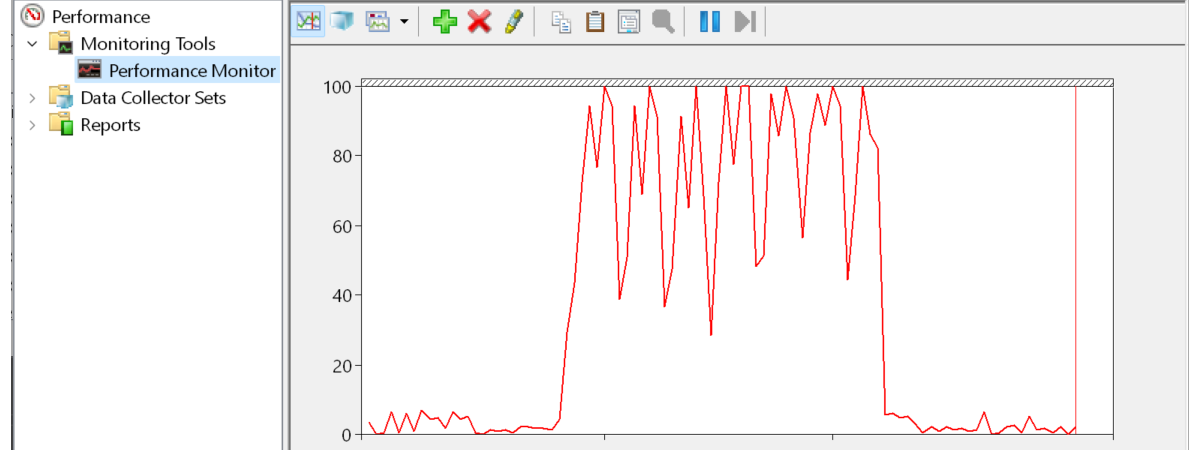
Have you heard about the Performance Monitor, also known as PerfMon.exe or PerfMon.msc? It is a sophisticated tool that can be used to monitor the performance of your Windows computer or device. Using it, you can see how your computer manages its resources. The information it gives you can help you make decisions about software and hardware choices, especially when your computer's performance is

How to delete values from cells but keep your formulas, in Microsoft Excel

One of the blessings of working with spreadsheets in Microsoft Excel is the ability to reuse the formulas and apply them to new situations. In those cases, you want to make sure you do not copy by mistake any of the old entry values that could distort and taint the outcome. When you receive a spreadsheet from someone else or even when you work on one of yours that contains
tutorial 7 things you can do with the existing tasks from Task Scheduler

7 things you can do with the existing tasks from Task Scheduler

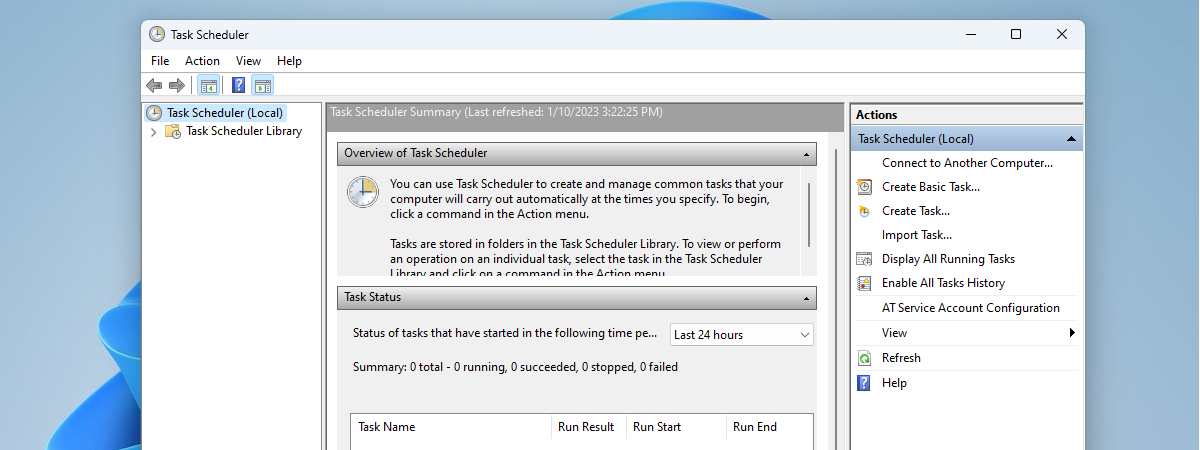
You may know what the Task Scheduler is and what it does. Maybe you also know how to create new scheduled tasks. But what about managing the existing scheduled tasks? Do you know how to run or stop scheduled tasks manually? Do you know how to disable, delete, export or import some scheduled tasks? Read on and find out the essential seven things that

How to see details about your PC's hardware and software, using System Information

Windows has always been able to tell you nearly everything you want to know about your computer: hardware, software, drivers, you name it. System Information puts all the information neatly at your fingertips. Let's take a look at this useful Windows app and what it can show you about your computer, in all modern versions of Windows: [DC-SUMMARY-BREAK] NOTE: This guide applies to Windows 10, Windows 8.1 and Windows 7.

10 ways to start System Information in Windows (all versions)

System Information is a system profiler in Windows provided by Microsoft, which comes in handy when you want to understand the hardware and the drivers found on your Windows computer or device. The tool produces detailed information about all the components of your system. Read this guide to learn how to get System Information started in all versions of Windows: [DC-SUMMARY-BREAK] NOTE: This guide covers Windows 10, Windows 7, and
tutorial How to set the Windows 10 Start Menu to take the whole screen

How to set the Windows 10 Start Menu to take the whole screen

When you use Windows 10 on a tablet or convertible device with a touchscreen, such as a Microsoft Surface Pro, Surface Go, Samsung Galaxy Book, HP Envy or Lenovo Miix, you might want to see the Start Menu in full screen instead of being displayed on the left corner of the screen. This allows you to pin more apps and shortcuts to it, and
article What is Copy, Cut, and Paste? What do they mean? How are they different?

What is Copy, Cut, and Paste? What do they mean? How are they different?

The Copy and Paste commands have been hailed as lifesavers by many computer users, eliminating the tedious work of recreating data that is already available elsewhere. They deal in saved time, and this is a precious commodity in our digital age. Do you understand what Copy, Cut, and Paste do? Do you know how they work? From where do the terms come? Read this
tutorial 7 things you can do with Paint in Windows 10

7 things you can do with Paint in Windows 10

Paint is a nifty little tool that is available for free in Windows 10. Whether you want to make simple adjustments to your holiday pictures or your screen captures, Paint is surprisingly capable for a tool that made its debut in Windows in 1985. Let see how you can use Paint to edit and improve images, in Windows 10: How to work with
article 7 reasons why you should get Windows 10 October 2018 Update

7 reasons why you should get Windows 10 October 2018 Update

Windows 10 is an ever-changing operating system, and Microsoft introduces new features periodically. The latest major update for Windows 10 is called October 2018 Update, and it was launched on October 2nd. Although the new October 2018 Update does not add tons of new features to the operating system, there are a few that are exciting or at least interesting. They are reasons for

Reviewing ASUS Chromebox 3: Chrome OS is fast in a mini PC with lots of options

ASUS Chromebox 3 is a small form factor PC that runs on Chrome OS and offers almost everything the regular computer user might want. The ASUS Chromebox 3 comes in many hardware configurations, for each budget size. Furthermore, it also supports 4K, WiFi using the fast 802.11ac wireless standard, and USB 3.1 Gen 1 Type-C. To make things even better, you can install apps from the Google Play Store on

10 great things about Chrome OS, Chromebooks, and Chromeboxes

Google has offered an alternative to traditional Windows PCs and Macs, for quite a while now. It is called Chrome OS, and it is an operating system built around the Google Chrome web browser. Chrome OS is fast, simple and easy to use. To make it even better, it works well on cheap hardware. We have not used Chrome OS devices in the past, but we recently started doing so,
tutorial How to edit screenshots and images using Snip & Sketch

How to edit screenshots and images using Snip & Sketch

Windows 10 October 2018 Update introduces a new app called Snip & Sketch, meant to replace the Snipping Tool. Snip & Sketch not only lets you take screenshots of your Windows 10 desktop but also includes a built-in image editor that you can use to edit your screenshots and other images. If you want to learn how to edit screenshots and pictures, read this
tutorial Use the Windows Task Scheduler to run apps without UAC prompts, with admin rights

Use the Windows Task Scheduler to run apps without UAC prompts, with admin rights

You may need to frequently run an app that requires administrator permissions, which always triggers a UAC (User Account Control) prompt. You do not want to click Yes or enter the administrator password every time, and you do not want to disable UAC either, because it protects your computer. This is especially annoying when using app updaters, command line tools or game launchers for

How to enable Java in all the major web browsers

Do you need to visit websites and web services that rely on the old Java technology? Did you install Java on your computer but your browser says that Java is not present on your system? Why isn't Java working as it should and how do you make it work in your favorite web browser? These are the questions that we are going to answer in this guide. We show you

How long are millions of keystrokes and clicks, in years?

When you look at the technical specifications for modern gaming keyboards and mice, you notice that manufacturers provide lifespan estimations like "this keyboard will last 80 million keypresses" or "this mouse will last 30 million clicks." What do these metrics mean? Can you use them to estimate how many years these products last? I wanted to answer these questions, and I have performed some experiments, using software that tracks my

Reviewing Kingston A400: SSD storage on a budget!

Do you need to speed up your computer or laptop, without paying much money? A great way to do that is to purchase and install an SSD drive. On Amazon, the Kingston A400 SSD is one of the most popular budget choices you can find and, if you look at the reviews, users love it. Is its popularity well deserved? How fast is this SSD drive? Read this review and
tutorial 5 ways to tell whether a Windows program is 64-bit or 32-bit

5 ways to tell whether a Windows program is 64-bit or 32-bit

Most of the Windows installations today are 64-bit, so most people use 64-bit operating systems and applications. Even popular applications like Chrome, Firefox, Office, and 7-Zip, are using the 64-bit architecture to provide better performance. All this is good but, on a 64-bit operating system, you can run both 32-bit and 64-bit apps. How can you tell whether a program is 64-bit or 32-bit?

Set how the screen behaves and when the PC goes to sleep (on battery vs. plugged in)

One of the great things about Windows is that it allows you to customize almost everything you want. This includes modifying the default power plans found in Windows so that they better suit your needs. That means that you can configure things like when your Windows laptop or tablet dims or turns off its screen (after a period of inactivity), when it goes to sleep after you step away from