UP

Recommended

The articles we recommend reading. The list includes some of the best gadgets we’ve reviewed, useful tutorials, detailed benchmarks and comparisons, and much more.

tutorial Get ransomware protection with Windows 10's Controlled folder access

Get ransomware protection with Windows 10's Controlled folder access

Ransomware is one of the most dangerous forms of malware. It takes control of your files and folders and forces you to pay large amounts of money to get them back. And even then, you cannot be sure that you can get your data back. Microsoft noticed how dangerous these attacks are for their users, and decided to take measures: in Windows 10, the
12 tips on how to search in Windows 10

Search has always been one of the essential features of Windows. Although every version of Windows lets you search for files, folders, apps, and other items, none of them offers such a powerful search experience as Windows 10. Microsoft takes the Search feature to a whole new level in Windows 10, eliminating the need to navigate through your computer or open a browser to find what you need. Furthermore, the

The Android Data Saver and how to enable it

The Android Data Saver ensures that you make the most of your data plan. Most apps run in the background, consuming precious data in an effort to keep you up to date. With the built-in Data Saver on Android, you can decide which apps get unrestricted mobile data access and which are prevented from sending and receiving data in the background. Continue reading to find out more about the Android
tutorial How to check the BIOS version from Windows (8 ways)

How to check the BIOS version from Windows (8 ways)

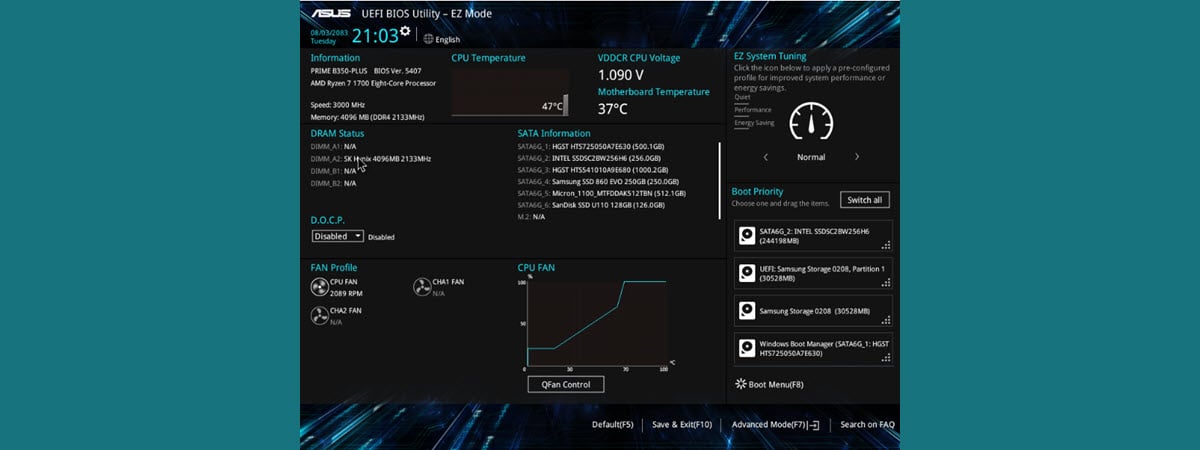
Do you need to know the exact version of the firmware (BIOS or UEFI) installed on your computer's motherboard? Traditionally, this means that you have to restart your computer, manually enter the BIOS and check the version information displayed there. It is one way of doing it, but it's not the fastest, nor the easiest. Without further ado, here's how to find your BIOS
tutorial How to uninstall drivers from Windows, in 5 steps

How to uninstall drivers from Windows, in 5 steps

Drivers are critical because you cannot fully use your computers and devices without them. However, some drivers can be too old and incompatible with your version of Windows or new and insufficiently tested. To get rid of errors, crashes, and Blue Screens of Death, you may need to delete the drivers that are causing problems. Here's how to uninstall drivers from Windows completely:
tutorial How to make a Windows Defender Offline scan

How to make a Windows Defender Offline scan

There are times when your computers and devices may be infected by malware that is difficult to remove with traditional antivirus. On other occasions, the malware blocks the installation of any antivirus, and you cannot remove it manually. In such delicate situations, you need to boot an antivirus in a safe recovery environment, to have it running before the operating system is loaded. This

How to share folders, files, and libraries with the network, in Windows

A lot of people have several computers in their homes and workplaces. If you're one of them, then you may need to share folders, files, and libraries with other users and computers on the same network. Unfortunately, many don't know how to share something on their network, and use other, clunkier methods for sharing, like e-mail. Here is how to use Windows' sharing wizard to share any folder, file, or
tutorial Protect your PC with Windows Security alongside a third-party antivirus

Protect your PC with Windows Security alongside a third-party antivirus

In general, we recommend installing security suites on Windows 10 PCs, from the likes of Bitdefender, ESET, or F-Secure. They usually provide more features and better antivirus protection than the built-in Microsoft Defender Antivirus found in Windows Security. The thing is that, when you install a third-party Windows antivirus, the Microsoft Defender Antivirus gets disabled. This happens because simultaneously running two antiviruses is a
tutorial How to login to Windows 10 with a PIN? How to change the login PIN?

How to login to Windows 10 with a PIN? How to change the login PIN?

People hate passwords because they are long, hard to remember, and preferably unique. To keep your security at a decent level and make it faster for you to sign in, Microsoft has created several authentication methods for Windows 10. One of the fastest is the PIN. In Windows 10, you can create a PIN and use it to login quicker than typing a password.

The Windows 10 Timeline and how to make the most of it

The Windows 10 Timeline is meant to improve your workflow by allowing you to quickly resume tasks previously started on your Microsoft account. The days of searching for those files you edited last week are over, because the Windows Timeline remembers them for you and lets you access them with one click or tap. And you can do that on any device, as long as it's connected to your Microsoft

Samsung Galaxy Tab S6 Lite review: The latest in mid-range tablets!

The Android tablets market is not as hot and contested as it was a few years ago. However, companies do release new models from time to time. Samsung has recently launched the Galaxy Tab S6 Lite - an Android tablet with a reasonable price and a lot to offer, including an S Pen stylus. We used it for about two weeks, and now we'd like to share our opinion about

How to create a screensaver with IrfanView, in Windows

The quest to find good screensavers seems to be quite daunting these days because either you cannot find something you like or the things you find are full of malware. So, let us show you a different direction, in which we help you create a great screensaver with your own photos. In Windows, it is possible to create an SCR file from images (personalized screensaver) with the help of a

How to use multiple desktops in Windows 10: All you need to know

Using multiple virtual desktops in Windows 10 helps you organize your tasks better, allowing you to avoid clutter and distractions while focusing on a specific activity. You can group the apps needed for your current work project on one virtual desktop, have your mail and social media open on another, and plan your upcoming vacation on a third desktop. If you're constantly trying to find your way through too many

What is Task View in Windows 10 and how to use it

Task View brings multitasking to a whole new level in Windows 10. You can use the feature to access and manage open app windows on multiple virtual desktops, compartmentalizing different tasks for better focus. On top of that, Task View's Timeline improves workflow by allowing you to easily resume activities started on your Microsoft account. Continue reading to find out what Task View is and how you can use it

How to use the Windows USB/DVD Download Tool

Do you need to create a bootable USB memory stick or a bootable DVD with the Windows installation kit on it? Do you want to use tools that are compatible with any modern Windows version, such as Windows 10, Windows 7, or Windows 8.1? Luckily, Microsoft offers such free tools for all these Windows versions, and they are easy to use and work great. One of the best is called
article What is a SIM card & What does it do?

What is a SIM card & What does it do?

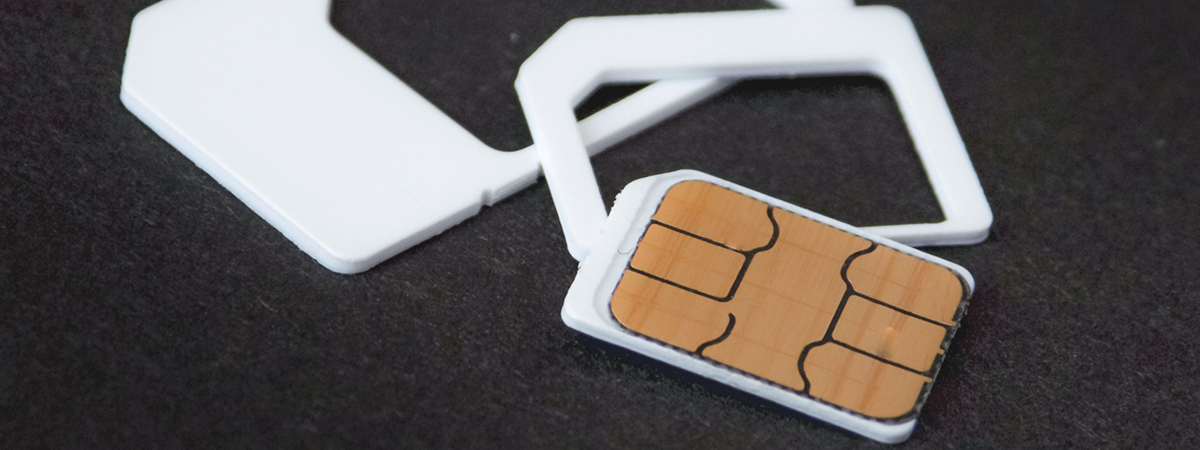
Unless you've never had a phone or a smartphone, it is unlikely that you haven't heard about SIM cards. Without them, you can't use your phone to call or send text messages to people. You might know this, but do you know what a SIM card is and why you need one? Do you have uncertainties regarding what SIM cards are used for, or
tutorial What is Notepad? 9 things you can use it for!

What is Notepad? 9 things you can use it for!

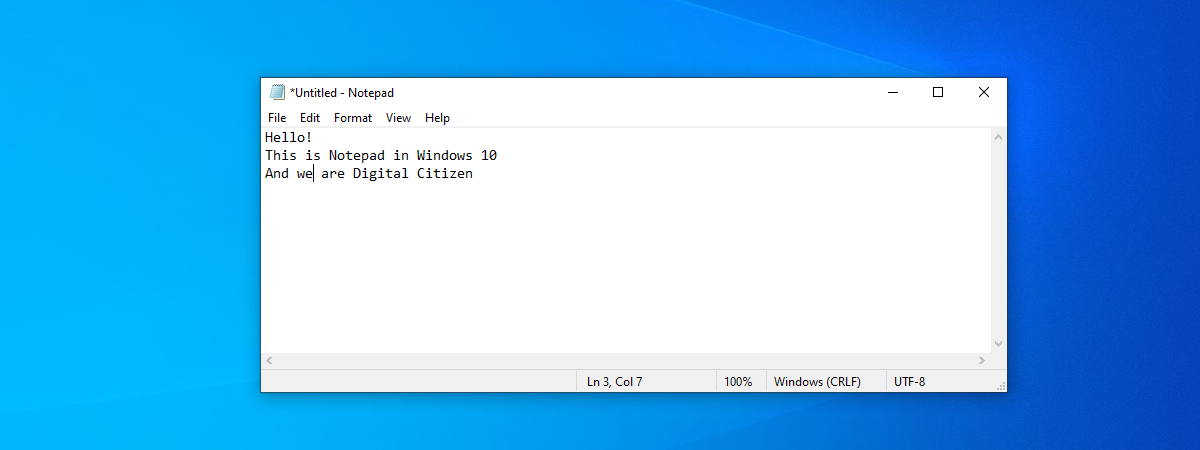
You've probably seen Notepad on your Windows computer or device. Did you wonder about what it is and what it does? This is a very old app that has been present in Windows operating systems for decades. Although it keeps mostly the same appearance in all Windows versions, lately, in Windows 10, it has received more attention from Microsoft. In this article, we're going
tutorial 5 ways to double-click with a single click in Windows

5 ways to double-click with a single click in Windows

Are you tired of opening files and folders in Windows by double-clicking or double-tapping on them? Do you want to open them like you do on your smartphone, with a click or a tap? You can do that if you change a particular setting in Windows. In this guide, we share five ways in which you can make your mouse double click on a
tutorial 5 ways to recover deleted files from the Recycle Bin in Windows 10

5 ways to recover deleted files from the Recycle Bin in Windows 10

In Windows 10, it's easy to recover deleted files from the Recycle Bin and restore them to their original location. If you removed something deliberately or accidentally from your PC and need it back later, there are five ways to recover deleted files from the Recycle Bin in Windows 10. This tutorial illustrates everything you need to access, find, and recover deleted files and

What is HDR? What's different between HDR formats?

HDR is one of the most discussed technologies on the web in the past few years. Whether it's about TVs and movies, or computer monitors and games, HDR is gaining a foothold on many of our devices. Do you want to know what HDR is? Do you know what the different types, standards, and certifications of HDR are? If you want to understand why some screens are better than others