UP

Microsoft Edge

Articles and tutorials about the Microsoft Edge web browser from Microsoft. How to use Microsoft Edge on all platforms where it’s available.

tutorial How to restore tabs in Microsoft Edge on Windows

How to restore tabs in Microsoft Edge on Windows

We’ve all been there: you close a tab in Microsoft Edge by accident, or you shut down the browser too quickly, only to realize you needed those pages. The good news is that Edge offers several ways to bring them back, whether it’s a single tab you closed a moment ago or the entire session from your last browsing spree. In this guide, I’ll
tutorial How to group tabs in Microsoft Edge

How to group tabs in Microsoft Edge

Have you tried the tab groups in Microsoft Edge? They’re Microsoft’s latest attempt at creating a system to organize Edge tabs. And they’re actually useful, especially if you have a lot of open tabs to keep track of, as you can create multiple groups and personalize each one. Use one color for your shopping group, a different one for work, and a third color

How to go incognito in Chrome, Firefox, Edge, and Opera

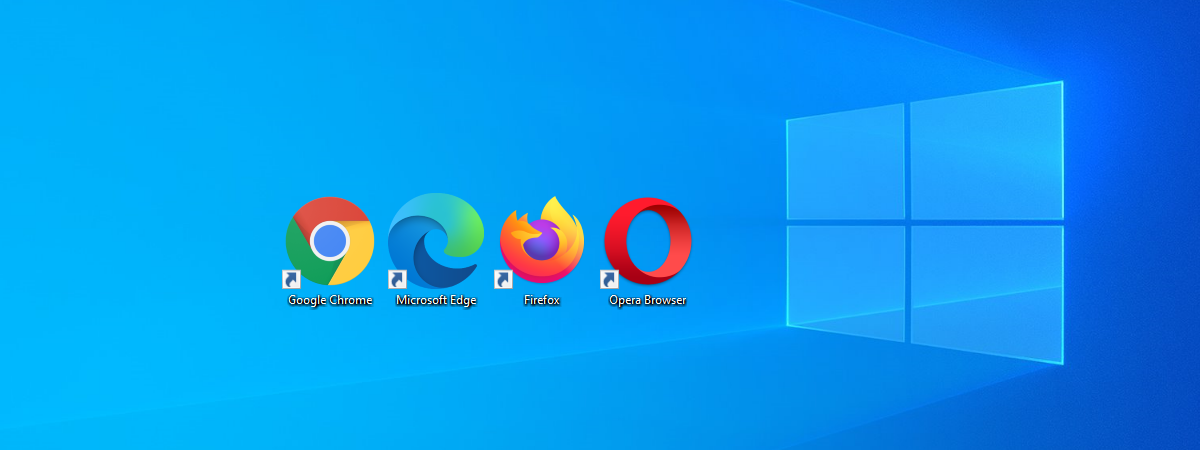
Are you wondering how to go incognito in your web browser and what that means? Incognito Mode is a useful tool that prevents your browser from saving data about you and the websites you visit. While every major browser offers private browsing, the feature comes under different names. It’s named Incognito Mode in Chrome, Microsoft Edge calls it InPrivate, while Opera and Firefox use Private Browsing. This guide explains more
tutorial How to remove Copilot from Microsoft Edge

How to remove Copilot from Microsoft Edge

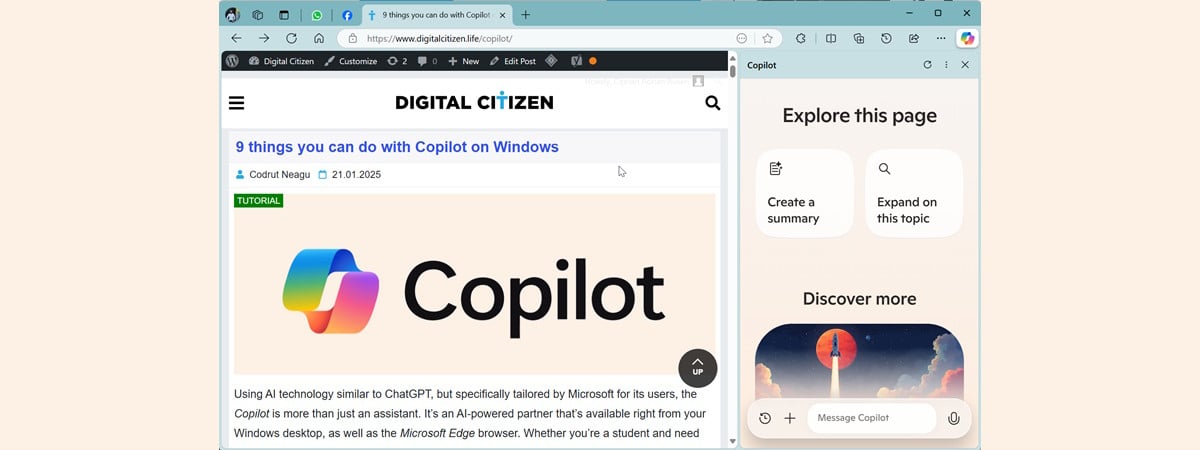
Microsoft is one of the first companies to invest in Artificial Intelligence (AI) and promote it aggressively in all its products. Therefore, it’s not surprising that Copilot, the Microsoft AI assistant, is baked into almost every software created by this company, including Microsoft Edge. If you don’t like Copilot or are simply not interested in using it, you may want to remove it from
tutorial How to change where Microsoft Edge downloads files

How to change where Microsoft Edge downloads files

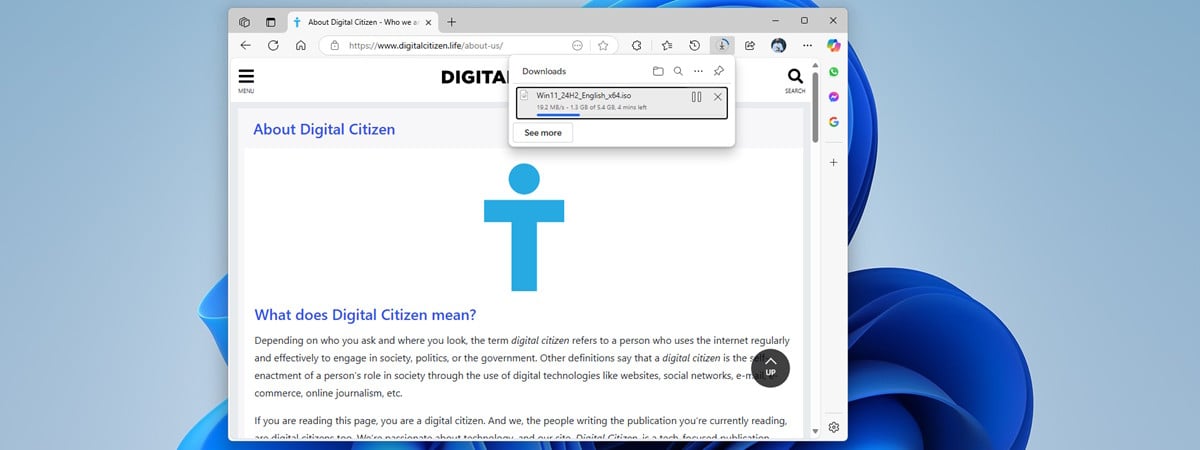
When you download files on your Windows PC, Microsoft Edge saves them by default in a folder called Downloads. However, it’s easy to change the Microsoft Edge download location to another folder of your choosing. Furthermore, you can also enable an option that allows you to save files in specific locations and rename them. Read this guide to learn more about accessing your downloads,
tutorial How to block websites and filter content in Microsoft Edge to keep your child safe

How to block websites and filter content in Microsoft Edge to keep your child safe

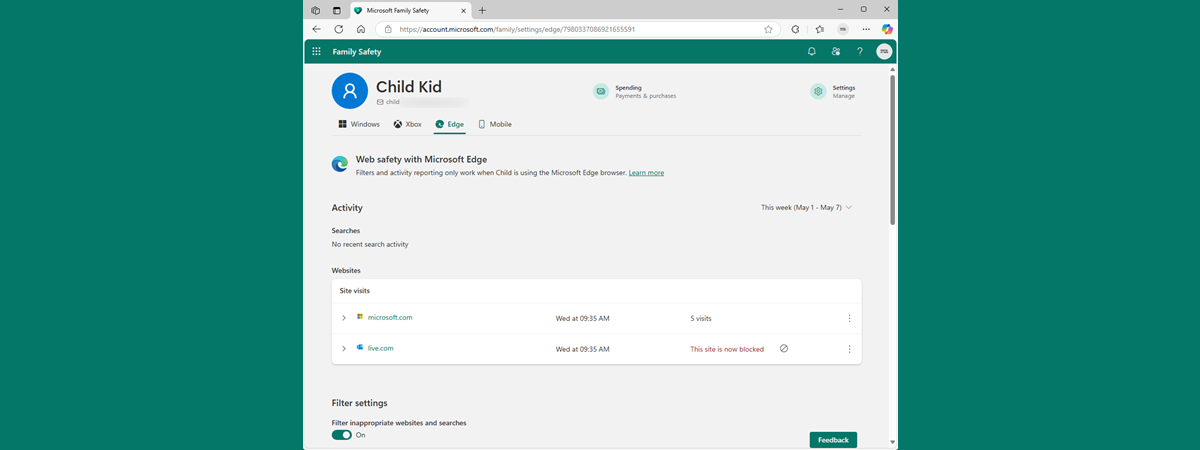
Helping your child navigate the internet safely is an important aspect of modern parenting. With so much content just a few clicks away, you need to have the right tools to filter what children can see. Microsoft Edge, the default browser included with Windows, offers built-in options to block certain websites and filter search results. These features are designed to reduce the risk of
tutorial How to clear cookies in Microsoft Edge (Windows, Android, iOS)

How to clear cookies in Microsoft Edge (Windows, Android, iOS)

Cookies aren’t just sweet treats - they’re also a key part of how the internet works. Browser cookies are small bits of text that websites use to store information about you, like your login status, preferences, or shopping cart contents. These can be helpful for a smoother browsing experience, but they also let sites track your activity for ads and analytics. That’s why you
tutorial How to zoom in and out of a web page in Windows

How to zoom in and out of a web page in Windows

There are several ways to optimize the web browsing experience on your Windows PC. One effective method is zooming in to make text, images, and icons larger on the web pages you want to read. This can be especially helpful if your eyes are tired or your screen resolution isn’t ideal. However, at some point, you may need to zoom out of a web
tutorial How to turn on and off Dark Mode in Microsoft Edge

How to turn on and off Dark Mode in Microsoft Edge

The Microsoft Edge Dark Mode is a cool feature built into the browser that provides a sleek, visually comfortable browsing experience. On top of enhancing aesthetics, the Dark Mode in Microsoft Edge also helps reduce eye strain, especially in low-light environments. Whether you’re browsing at night or simply prefer a darker interface, enabling Dark Mode in Edge is a quick and easy process, and
tutorial What is Copilot? How to use it in Microsoft Edge

What is Copilot? How to use it in Microsoft Edge

ChatGPT is not just an unusual artificial intelligence or a weird chatbot that can explain Quantum Theory to a child. And Copilot is more than just an AI playing the role of a boring digital assistant like Cortana. Yes, Copilot is created based on ChatGPT and, in spite of these catchy headlines, both are powerfulAI-powered assistants that have the potential to change the way
article Which is the best browser for battery life in Windows?

Which is the best browser for battery life in Windows?

Your laptop's battery is almost empty, you haven’t finished your work, and you're nowhere near a power outlet. We've all been there once in a while. With our digital lives taking place mostly in browser tabs, could your choice of a web browser be the culprit behind poor battery life? While Chrome, Edge, and Opera all claim to provide users with battery-saving features, I
tutorial Microsoft Edge Efficiency mode: What does it do & How to turn it On or Off

Microsoft Edge Efficiency mode: What does it do & How to turn it On or Off

One of the reasons why Microsoft Edge does a good job at being friendly with your laptop’s battery life is a feature named Efficiency mode. This mode is built into Microsoft Edge and turned on by default, starting with version 101, back in 2022. According to Microsoft’s initial testing, Efficiency mode can save you an average of 25 minutes of battery, which can be
tutorial How to check the Microsoft Edge version you’re using

How to check the Microsoft Edge version you’re using

In recent years, Microsoft Edge has evolved into a compelling browser, gaining popularity for its innovative features and robust performance. With features like vertical tabs, workspaces, seamless Copilot integration, energy efficiency, and cross-platform compatibility (spanning Windows, Android, and iOS), Edge has become the main web browser for many users. If you are using Microsoft Edge and are unsure whether you have the latest version,
tutorial How to install the YouTube Music app on Windows

How to install the YouTube Music app on Windows

Millions of people use YouTube Music as their streaming service due to its great pricing and generous music portfolio. While Google offers mobile apps for Android and iOS, it doesn’t provide a YouTube Music desktop app like Spotify. This leaves users stuck with streaming their music in their web browser. However, the YouTube Music website is a web app, not just a simple web
tutorial How to set a homepage in Microsoft Edge

How to set a homepage in Microsoft Edge

If you’re using Microsoft Edge and want to personalize your browsing experience, setting your homepage, startup page, or new tab page is a great place to start. Whether you want to open a specific website each time you launch Edge, or simply change the default start page URL, I’ll show you how to do it in this tutorial. I’ll cover everything from setting your
tutorial How to sync Microsoft Edge across devices (Windows, Android, iPhone)

How to sync Microsoft Edge across devices (Windows, Android, iPhone)

Microsoft Edge has become one of the best web browsers available today. Among its many features, one that stands out as especially useful to users who work on multiple computers and devices is its ability to Sync your data across devices. This functionality can simplify your life significantly, allowing you to quickly transition between a Windows computer and browsing the web on an Android
tutorial How to enable third-party cookies in Chrome, Edge, Firefox & Opera

How to enable third-party cookies in Chrome, Edge, Firefox & Opera

Cookies are small pieces of data stored in your browser by the websites you visit. Third-party cookies, on the other hand, originate from websites other than the one you intended to visit. Typically, these cookies are used by advertising services to deliver targeted ads based on your browsing history and online searches. However, there are instances where you might want to enable third-party cookies.
tutorial How to block third-party cookies in Chrome, Edge, Firefox, and Opera

How to block third-party cookies in Chrome, Edge, Firefox, and Opera

The World Wide Web relies on cookies to function properly. There are different types of cookies, such as session and first-party cookies, that are created by the websites you visit. However, there are also third-party cookies that are used for advertising and tracking your activity across websites. Some of them can even be used maliciously. As a result, many people are concerned about the
tutorial How to get Gmail as a desktop app for Windows

How to get Gmail as a desktop app for Windows

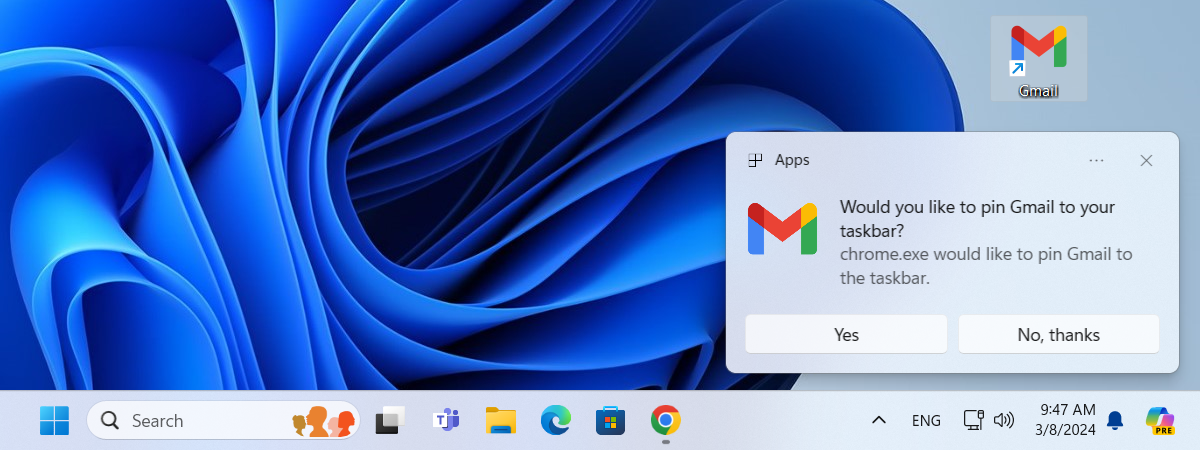
Google doesn’t offer an official Gmail desktop app for managing emails on Windows computers. However, with just a few clicks or taps, you can get your own Gmail app for Windows 10 or Windows 11. You’ll need to use a web browser like Google Chrome or Microsoft Edge, but it will give you a native app-like experience for accessing Gmail on your computer. Here’s